AI Art Generator
Describe what you want to see and name the medium: watercolor, oil, ink, linocut, stained glass, pixel art, flat vector or anime. Every piece on this page came out of Leap, and each one opens in the studio with its prompt.

Real pieces, with their prompts
Pick a style, then make it yours
Each piece came back as you see it, from the prompt under it. Press Make this to open the same model with the prompt in the box, then swap the subject and keep the style.
Watercolor, oil and gouache
Each prompt names the paint and the surface first, then the scene, then what the paint does up close: washes bleeding into each other and bare white paper, visible brushwork and cracked varnish, matte color with dry-brush texture, smooth glazes and long shadows. The still life puts a gas station hot dog in an old Dutch master's light.
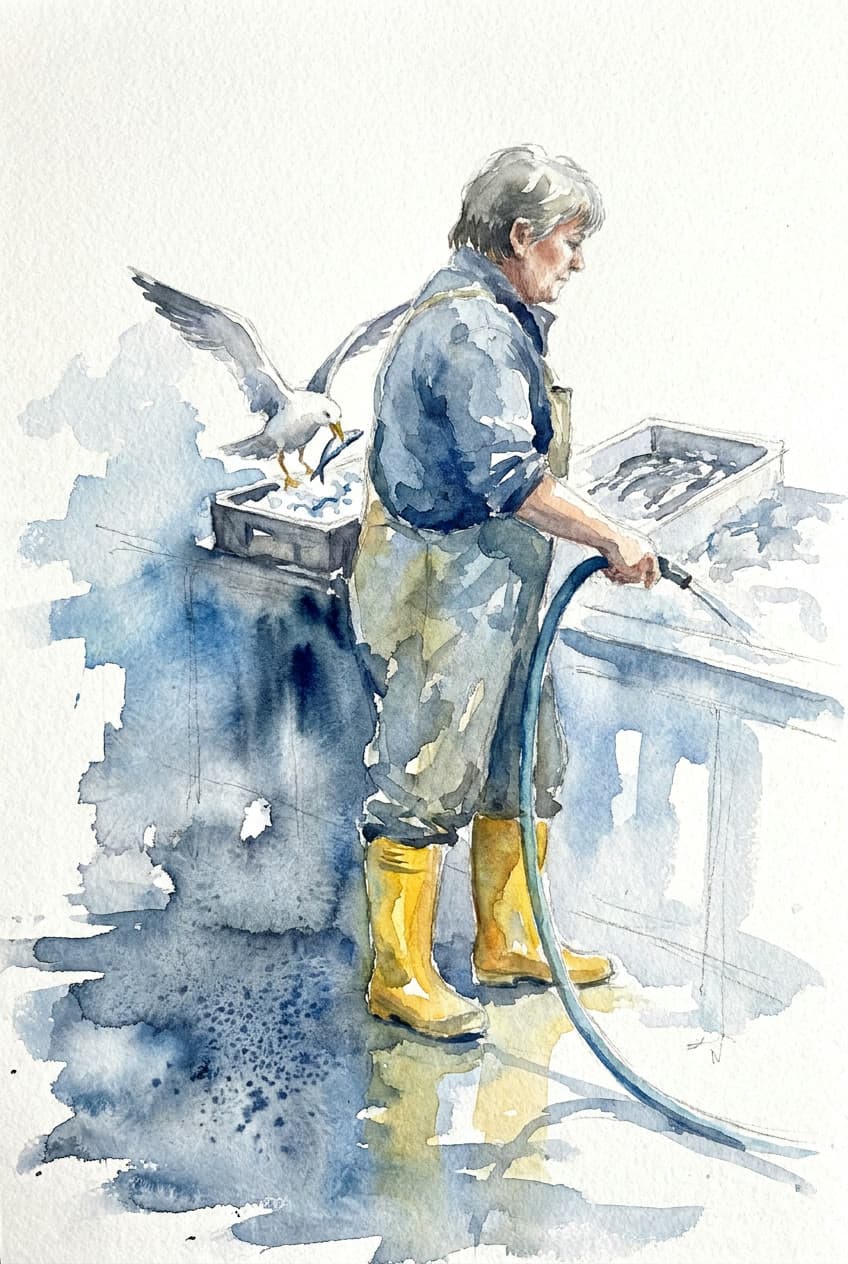
Watercolor: the fishmonger and the gull
Nano Banana Pro$0.1907 for a 1K image on Nano Banana Pro
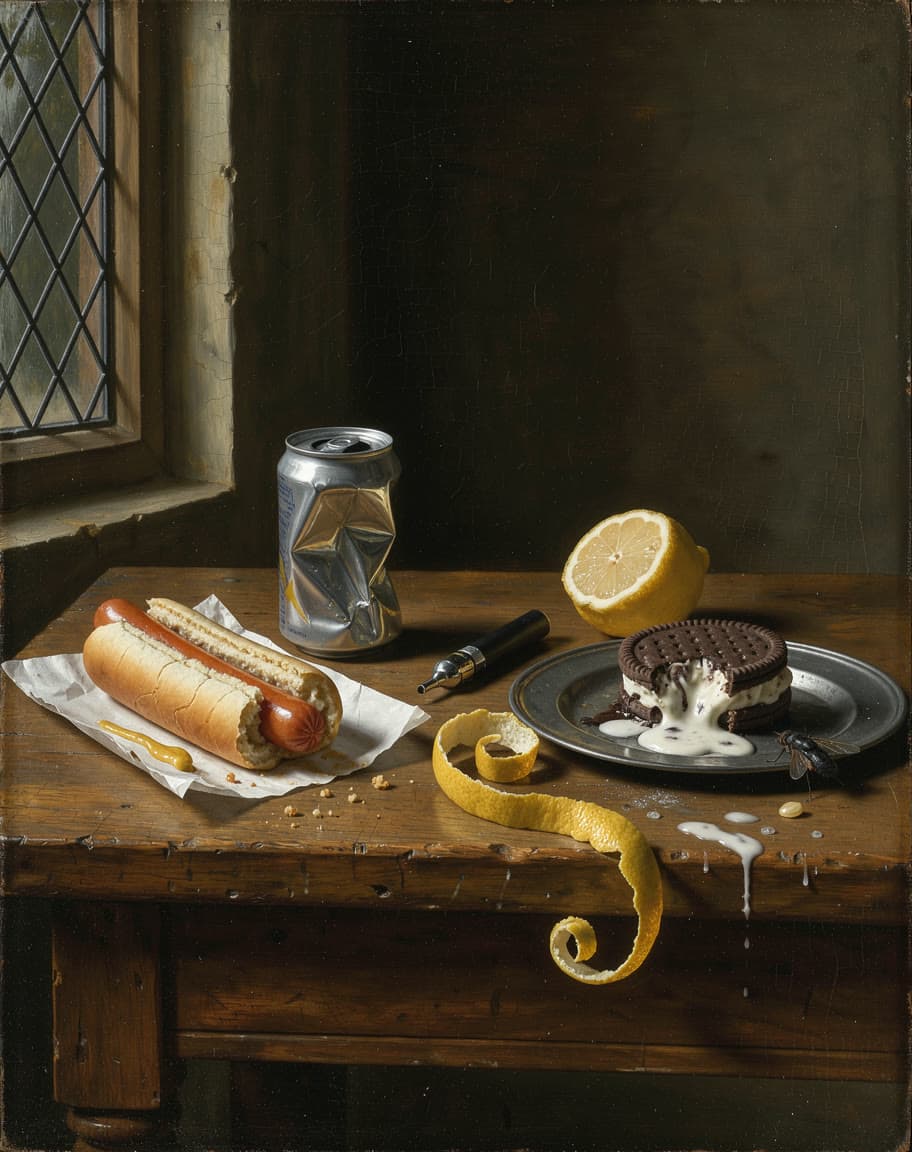
Oil: still life with a gas station hot dog
FLUX 3 Image$0.0264 for a 1K image on FLUX 3 Image
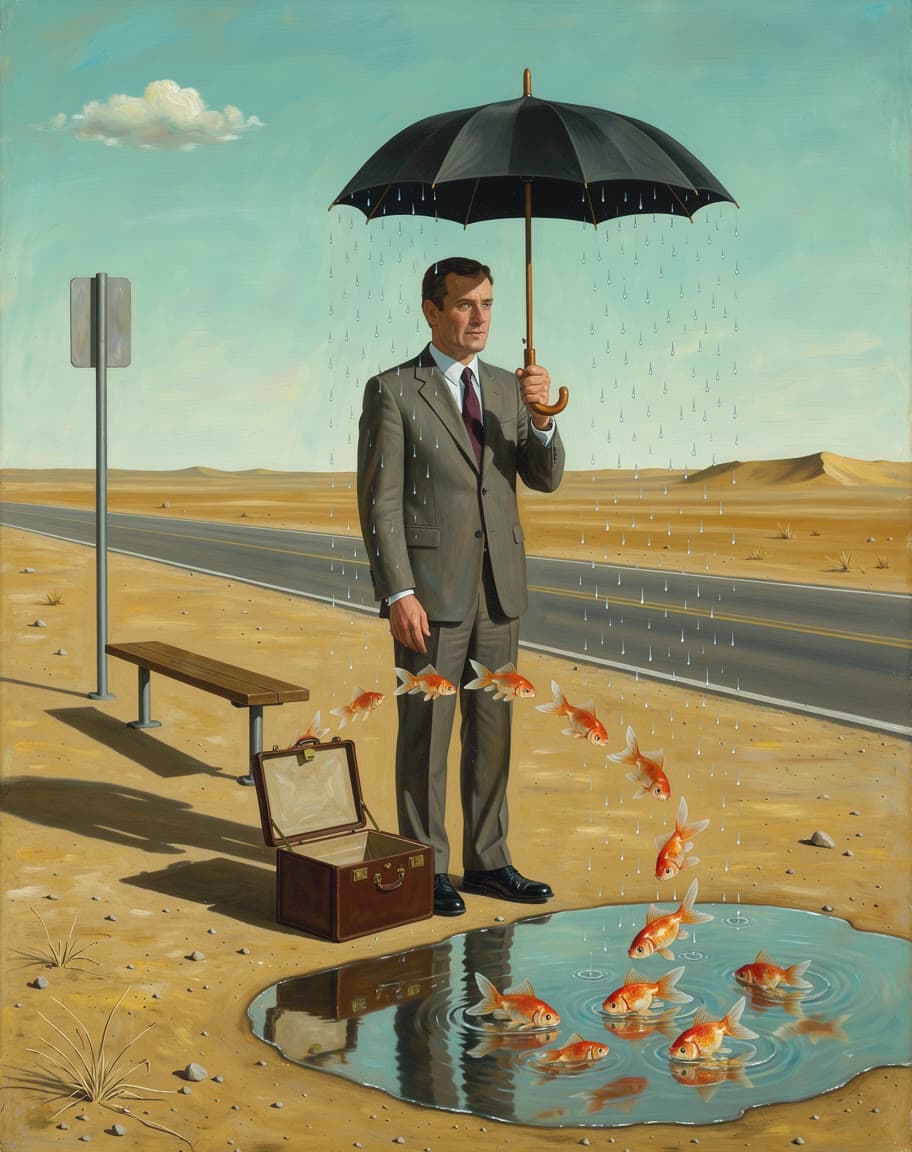
Surrealist oil: the bus stop in the desert
FLUX 3 Image$0.0264 for a 1K image on FLUX 3 Image
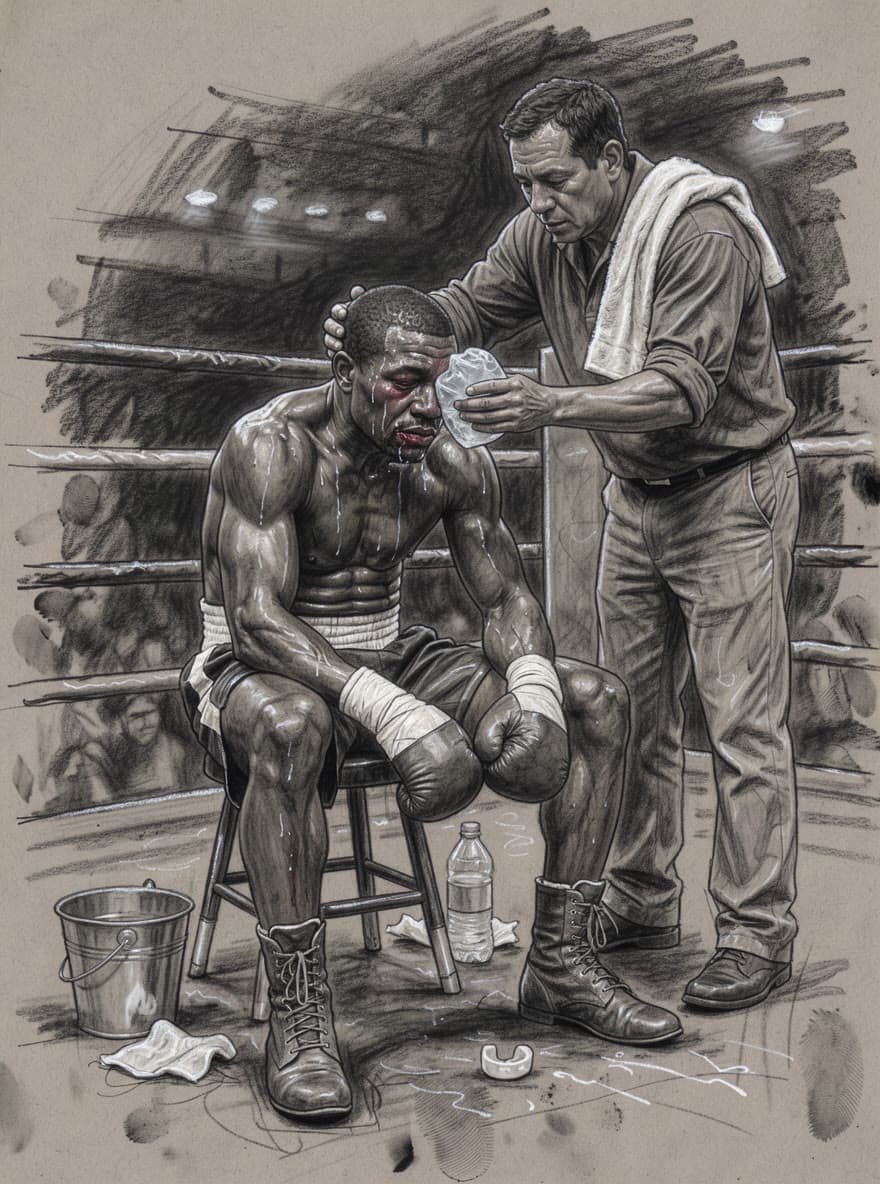
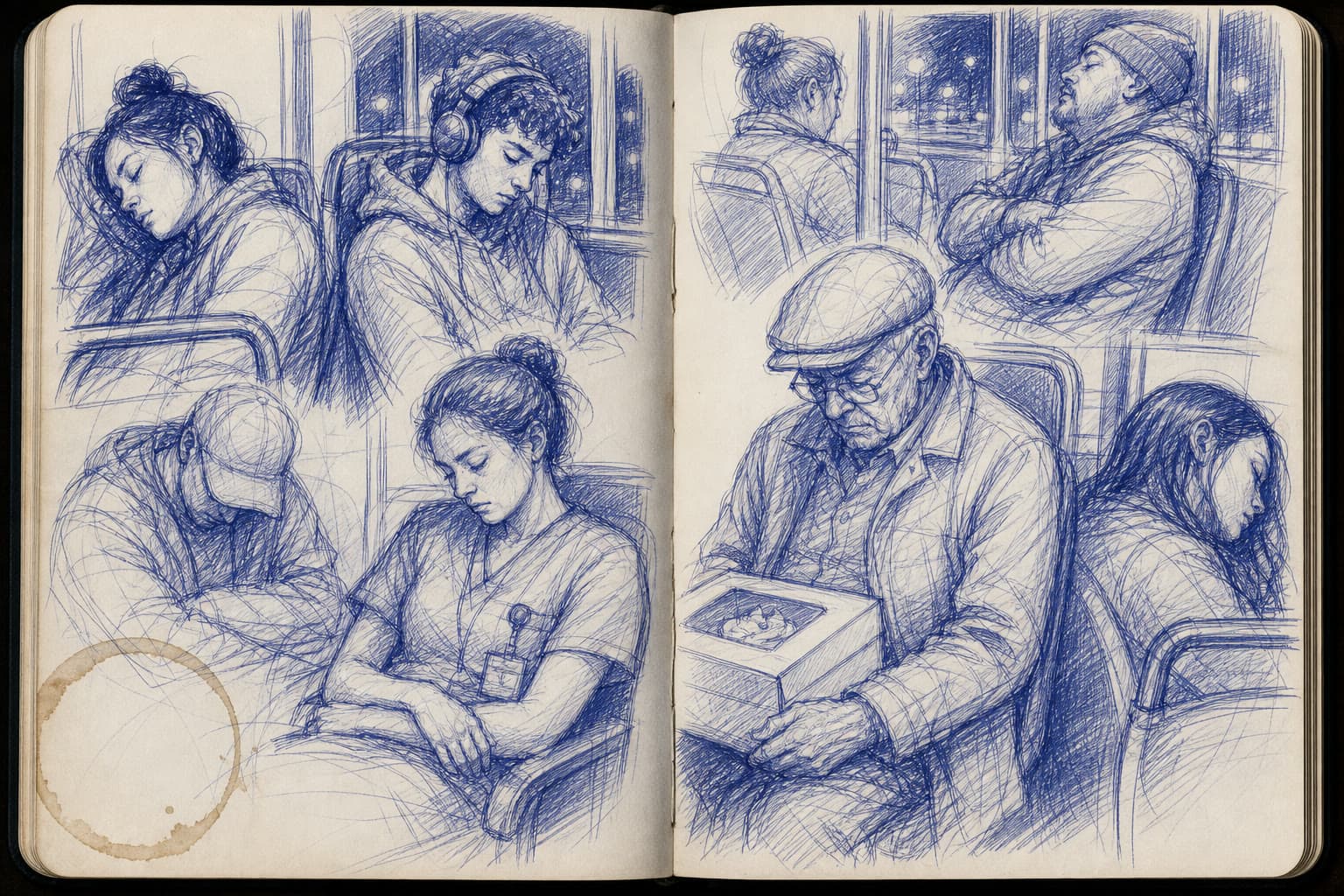
Ink, charcoal and pen
A drawing prompt names the tool and the paper (ink on rice paper, charcoal on toned grey paper, blue ballpoint in a sketchbook) and the marks it leaves: one wet sweep of the brush, smudges and eraser marks, cross-hatching and a coffee ring.
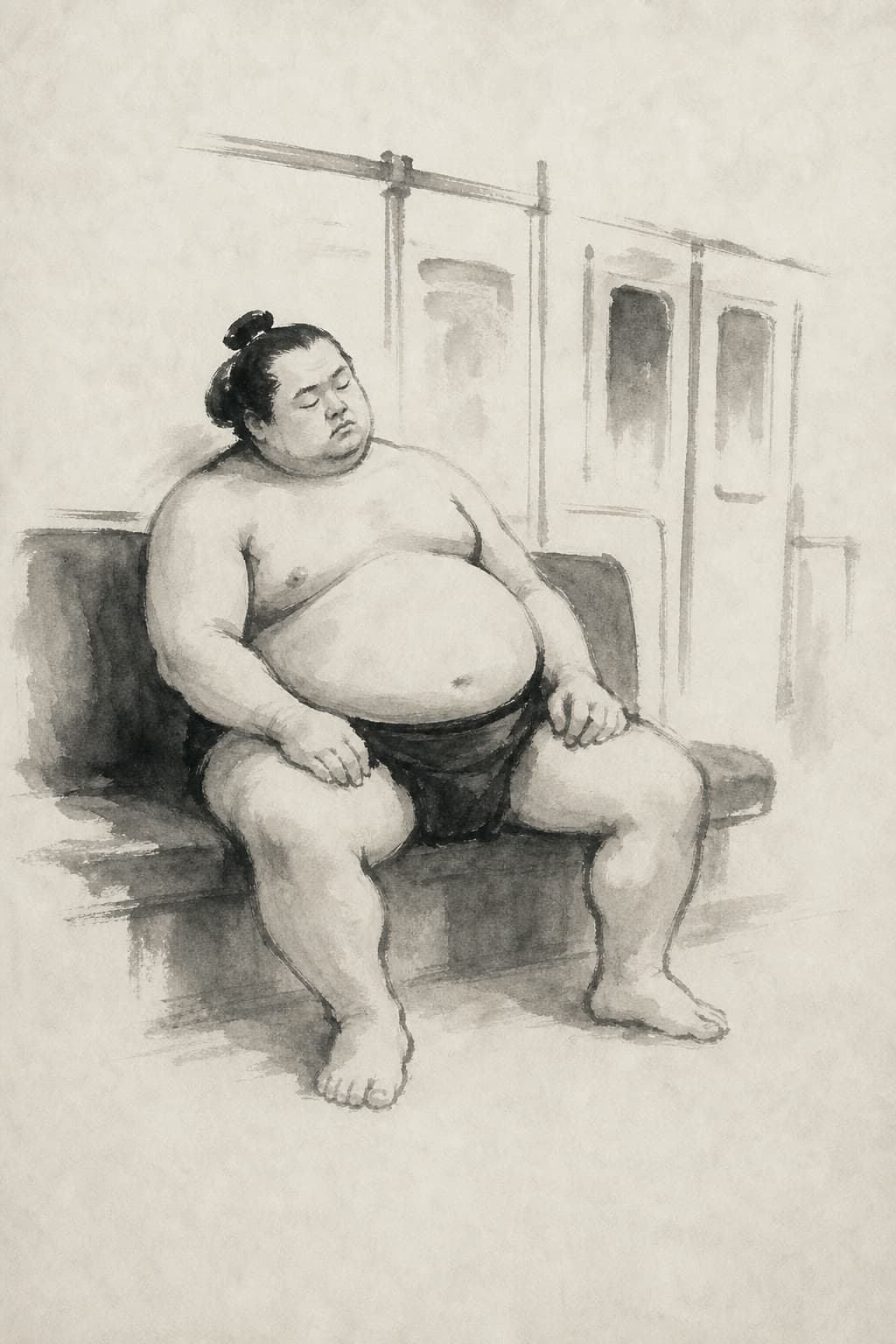
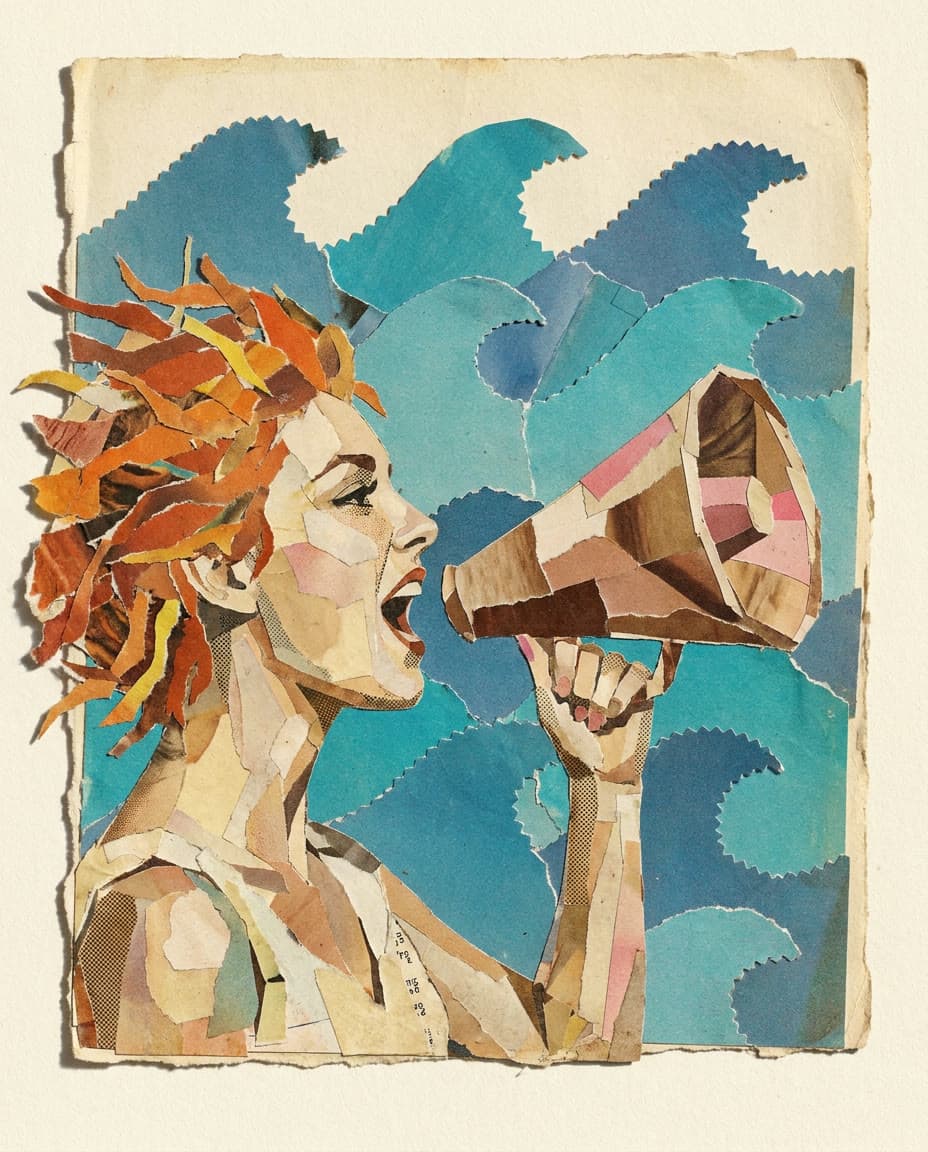
Prints, glass and collage
Say how the piece was made and what that leaves behind: carved gouge marks and uneven ink for a linocut, thick lead lines and sun through colored glass for a window, scissor edges and halftone dots for a collage. Each ends by ruling out lettering, so nothing gets written in.
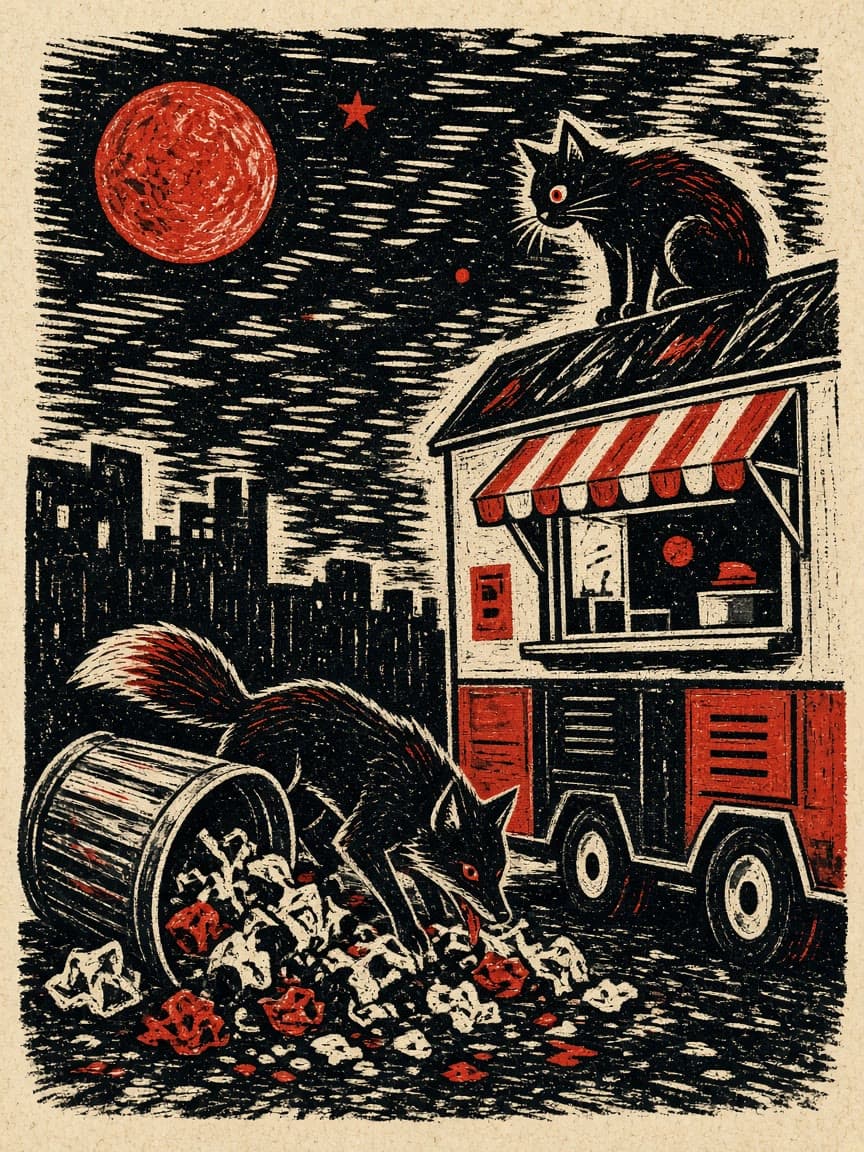
Linocut: the fox and the food truck
Grok Imagine 2.0$0.066 for a 1K image on Grok Imagine 2.0
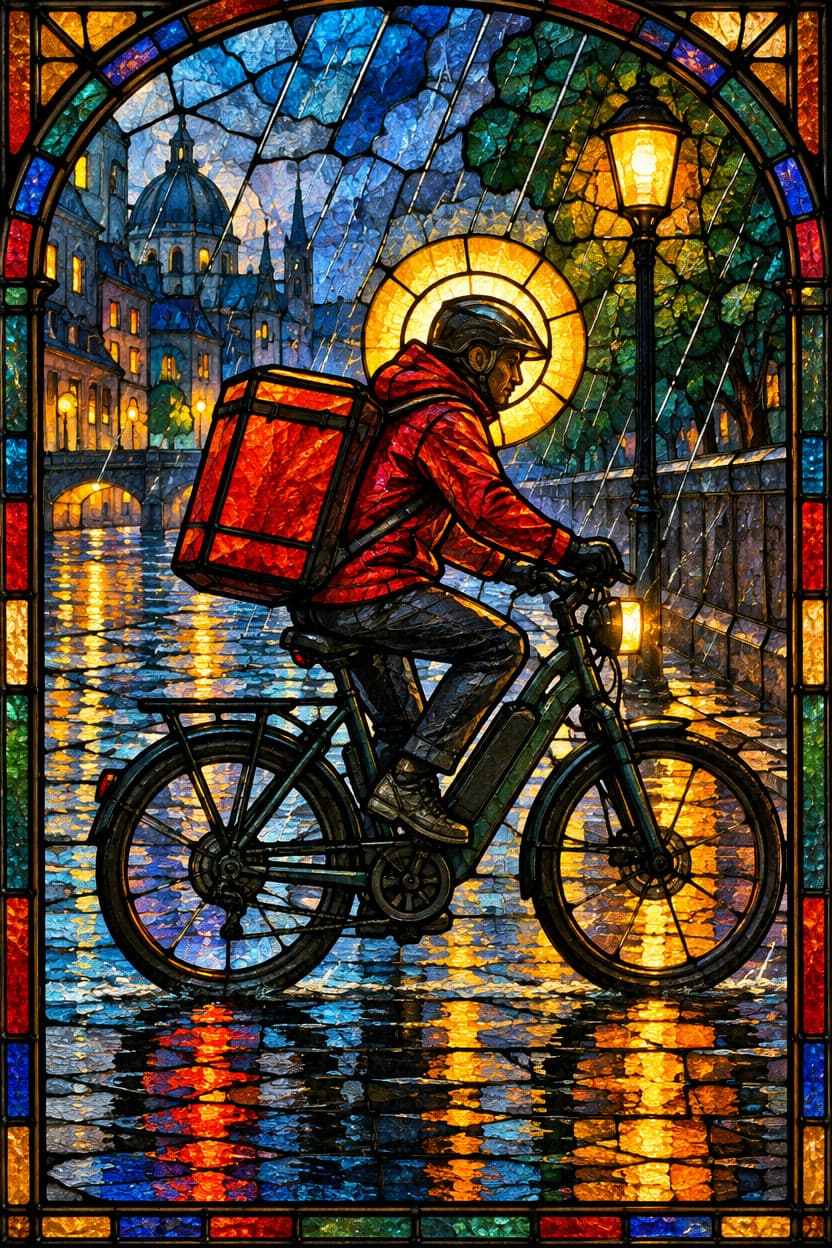
Stained glass: the delivery rider
GPT Image 2.5 Sunburst$0.0858 for an image on GPT Image 2.5 Sunburst
Pixel art, vector and anime
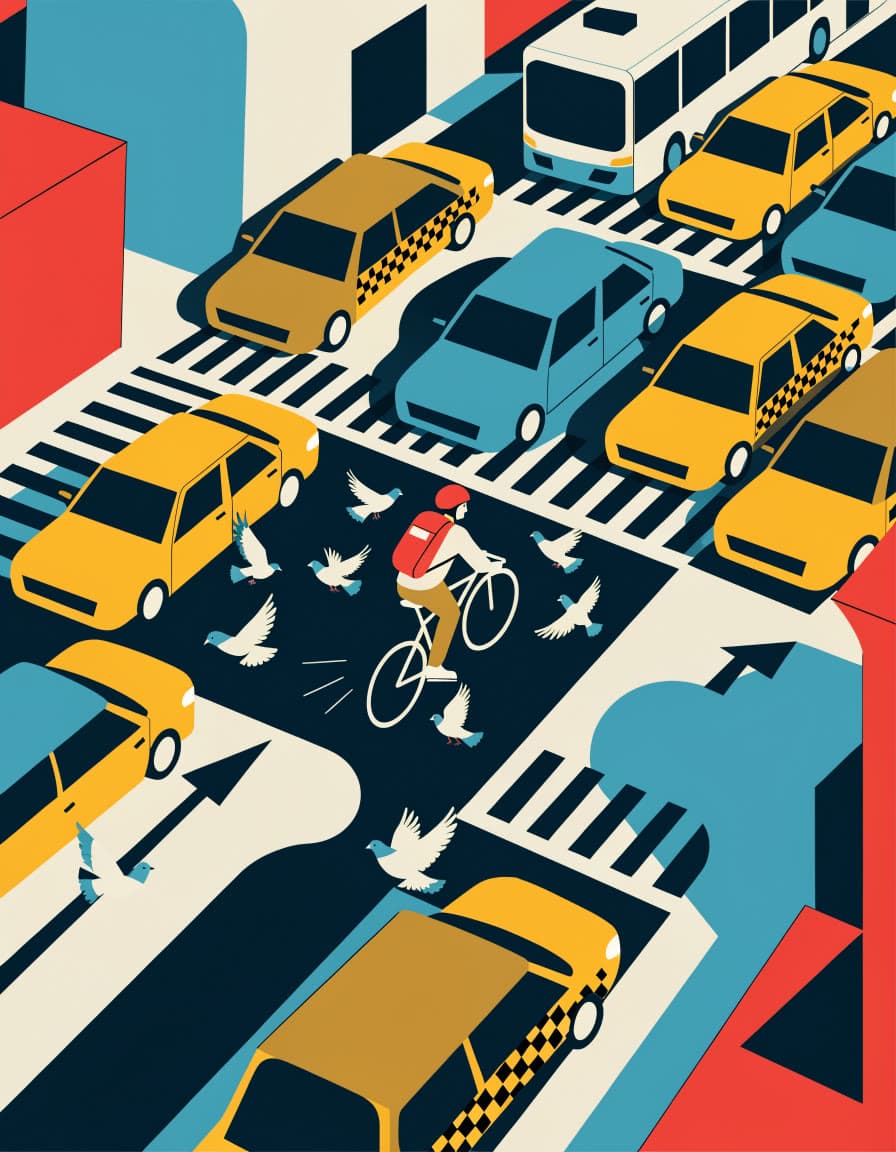
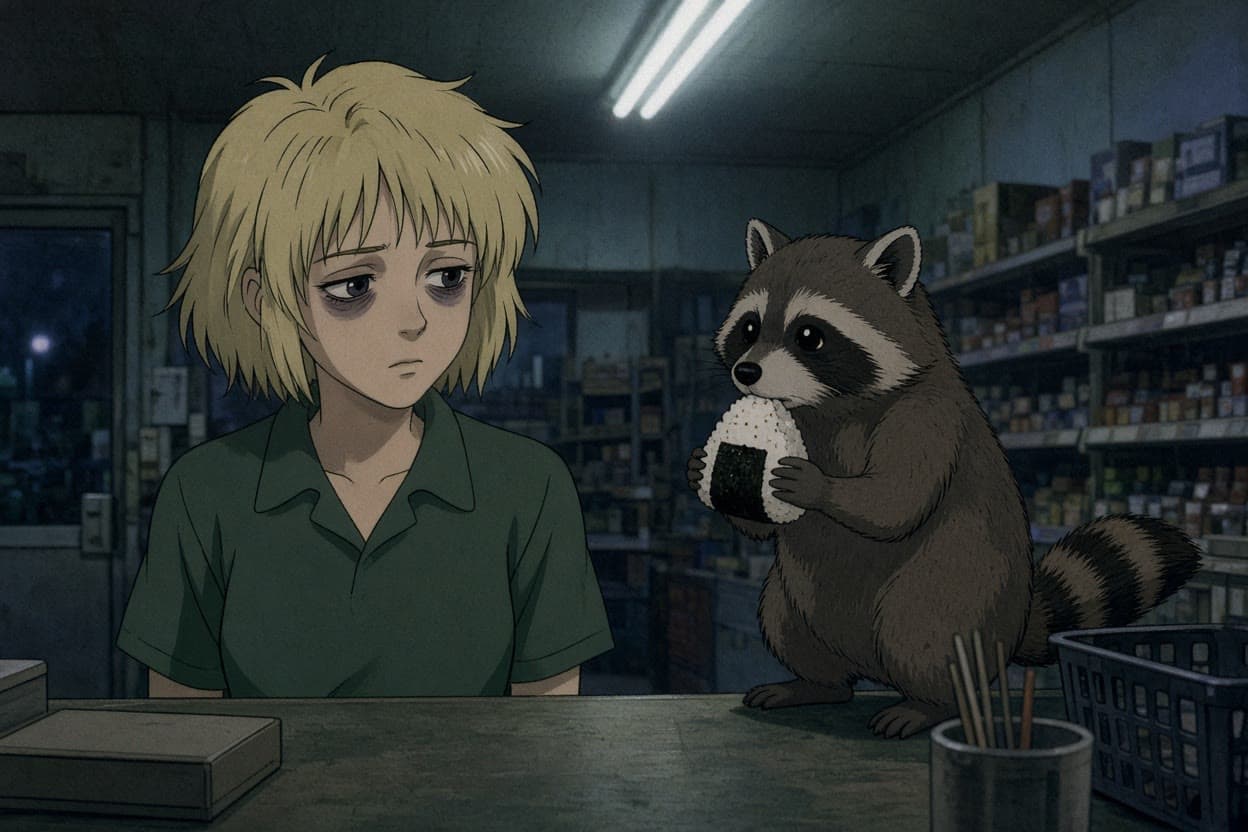
Digital styles need their rules spelled out: a limited palette and crisp square pixels with no blur, flat shapes with no gradients and a short list of colors, or the decade of the anime and the look of its film.
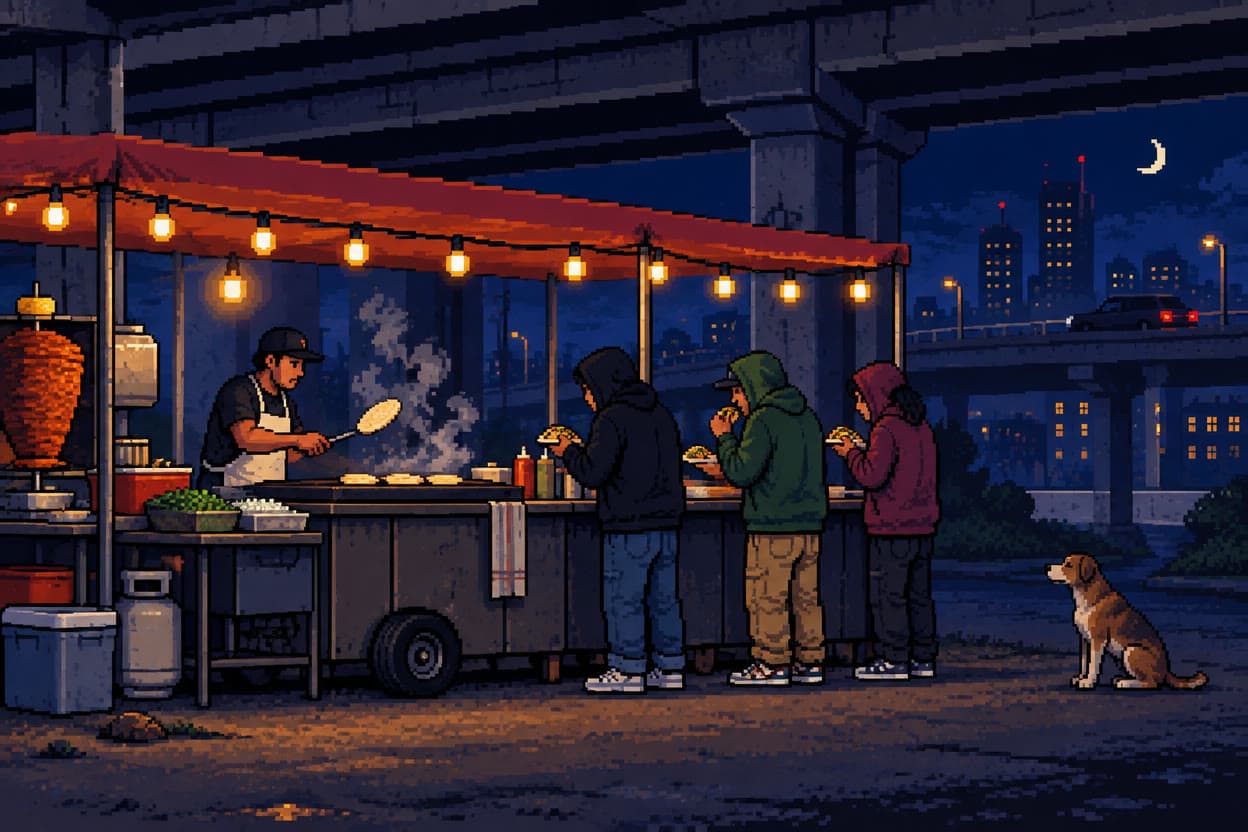
Pixel art: tacos under the overpass
GPT Image 2.5 Flare$0.0858 for an image on GPT Image 2.5 Flare
Pick the model for the medium
Each model has its own hand. One account runs them all, so you can try the same prompt on two or three and keep the one you like.
- Nano Banana Profrom $0.19
Gemini 3 Pro Image: Google's best for legible text, infographics and edits of up to 6 references.
From words, or up to 6 of your photos. By Google.
Make one with Nano Banana Pro - FLUX 3 Imagefrom $0.026
Black Forest Labs' FLUX 3: generation and edits with up to 10 references, up to 4K.
From words, or up to 10 of your photos. By Black Forest Labs.
Make one with FLUX 3 Image - GPT Image 2from $0.056
OpenAI's image model: precise prompt following and text, at medium quality.
From words. By OpenAI.
Make one with GPT Image 2 - GPT Image 2.5 Flarefrom $0.07
The quicker GPT Image 2.5: quality up to max, 4K, and up to 8 references.
From words, or up to 8 of your photos. By OpenAI.
Make one with GPT Image 2.5 Flare - Grok Imagine 2.0from $0.044
xAI's second Grok Imagine, with a 2K option and a cheaper draft quality.
From words. By xAI.
Make one with Grok Imagine 2.0 - Recraft V4.1from $0.039
Design-grade images, and true vector output as SVG.
From words. By Recraft.
Make one with Recraft V4.1 - Seedream 5.0 Profrom $0.039
ByteDance's newest: detailed 2K images and edits of up to 4 reference images.
From words, or up to 4 of your photos. By ByteDance.
Make one with Seedream 5.0 Pro
Questions
Questions people ask
- Is it free?
- You can start free: a new account comes with $2 of credit, and no card is needed. That is about 75 pieces with FLUX 3 Image or 10 with Nano Banana Pro. After that you add credit when you want more and pay per image. There is no subscription, and the welcome credit is one per person.
- Which model should I use for which style?
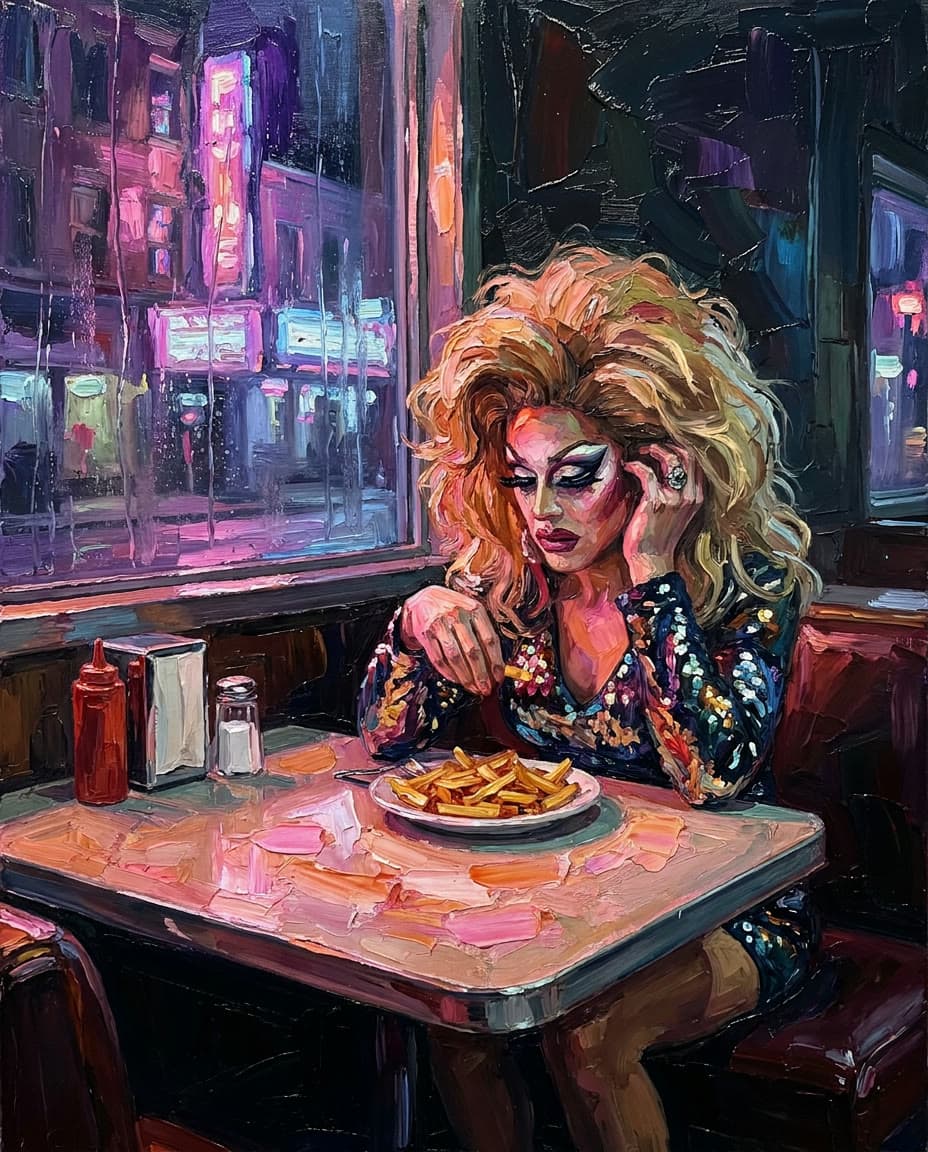
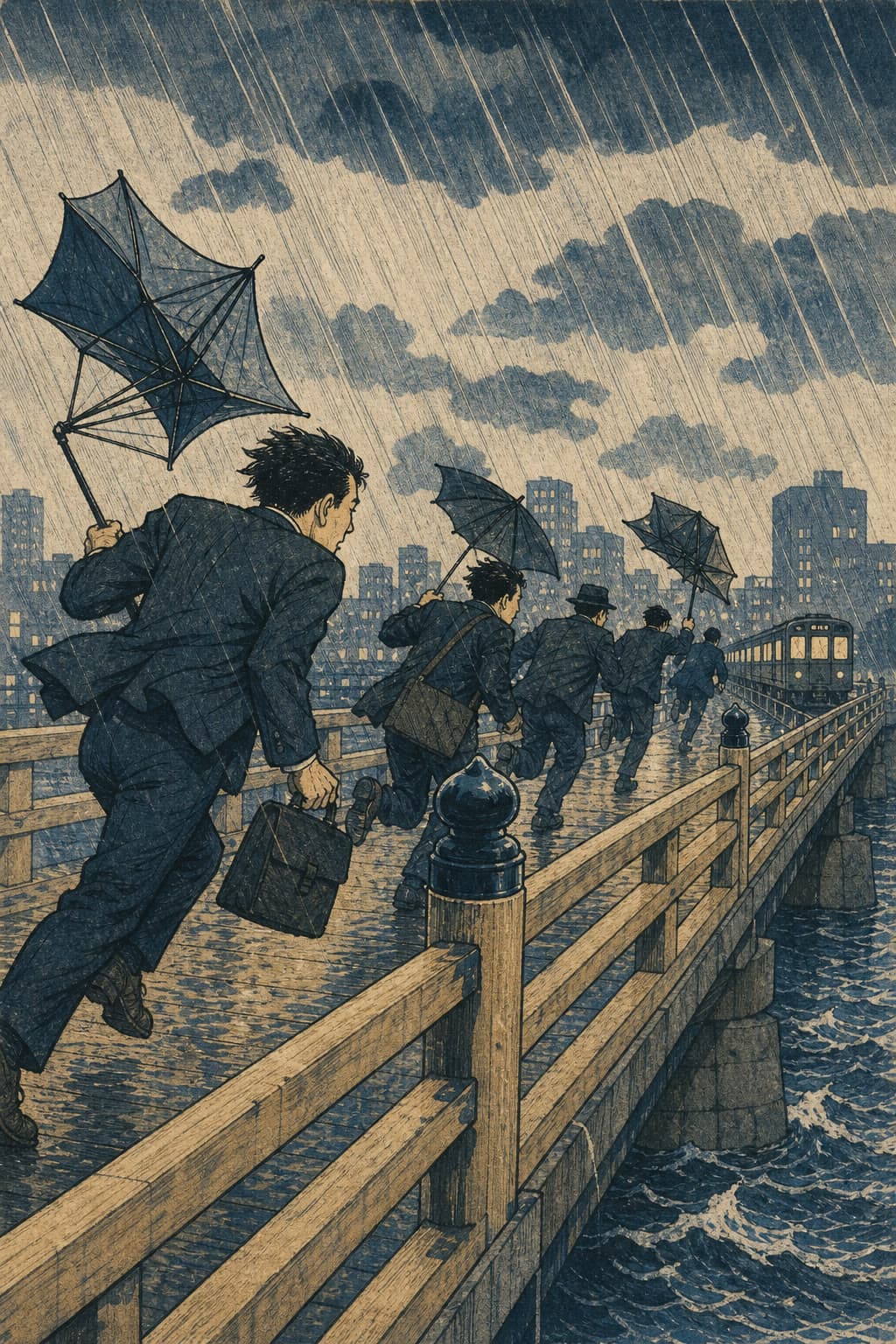
- Each piece on this page names the model that made it, so start from the one closest to what you want. Here Nano Banana Pro painted the watercolor, the impasto diner and the collage, and FLUX 3 Image the still life, the surrealist desert and the charcoal, for a few cents each. GPT Image 2 drew the ink, the ballpoint sketchbook and the woodblock print, GPT Image 2.5 Flare the pixel art, Grok Imagine 2.0 the linocut and the 90s anime, and Recraft V4.1 the flat vector. You can run the same prompt on two or three and keep the best.
- How do I get a particular style?
- Name the medium first, then the scene, then how the medium looks up close: the paper, the brush marks, the ink, the pixels. Press Make this under any piece to open its prompt in the studio, then change the subject and keep the rest.
- Can I make art in a famous artist's style?
- Describe the look instead of naming the artist: the medium, the palette, the brushwork and the era. That gets closer to what you want, and it keeps clear of other people's rights. Leap's Acceptable Use Policy rules out prompting with copyrighted material you don't have the rights to use.
- Can I sell what I make or print it?
- Leap's Terms say that, as between you and Leap, you own the results the studio makes for you, to the extent the law allows, and they set no personal-use-only limit. In some countries AI-made images may not be protected by copyright, so nobody can promise a result is unique. For a large print, pick a model and size made for it: Nano Banana Pro goes up to 4K, and Recraft V4.1 Pro makes four-megapixel images and vectors.
- Can I turn my photo into a painting?
- Yes. Photo to drawing turns a photo into pencil, charcoal, ink, line art, colored pencil, watercolor or oil and keeps the people in it. Photo to cartoon redraws it as a cartoon, and Anime makes you the main character of a scene.
- Do you train AI on my prompts or images?
- No. Leap does not use your prompts, uploads or results to train AI models, and does not use them in its marketing without asking you first.
- What happens if an image fails?
- It costs nothing. Only a run that succeeds is charged, and you see the price on the Generate button before you press it.
Your first piece, from one line.
Start free, no card needed. Every image is priced before you press Generate.
Make art