For agents, landlords and sellers
Virtual stagingAI virtual staging
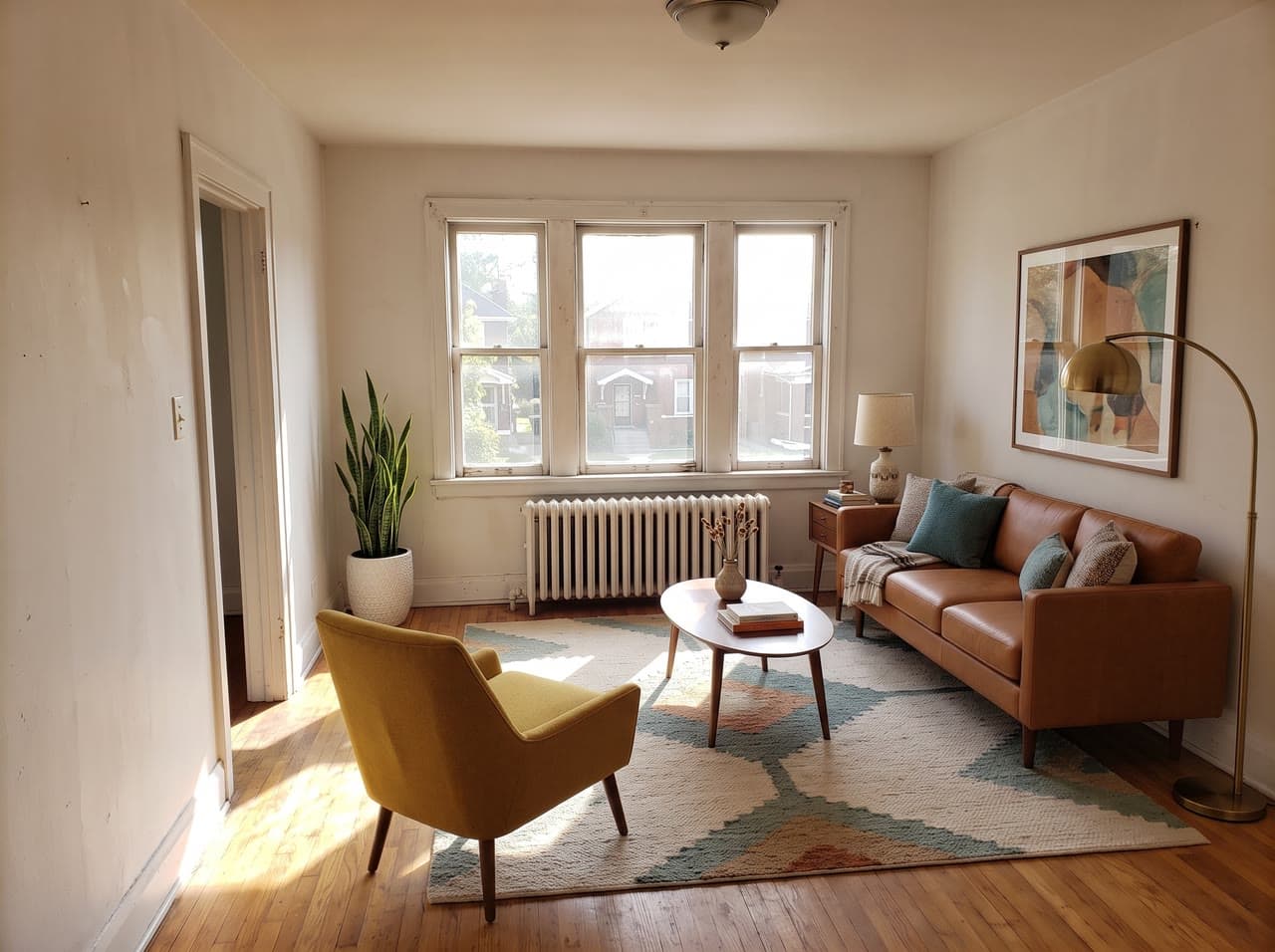
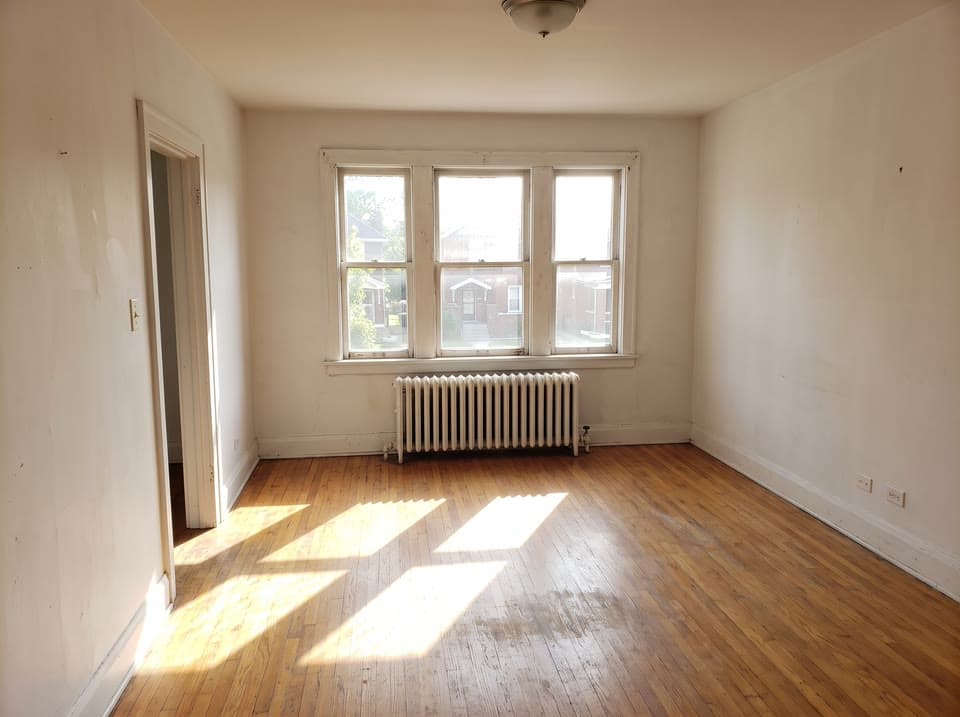
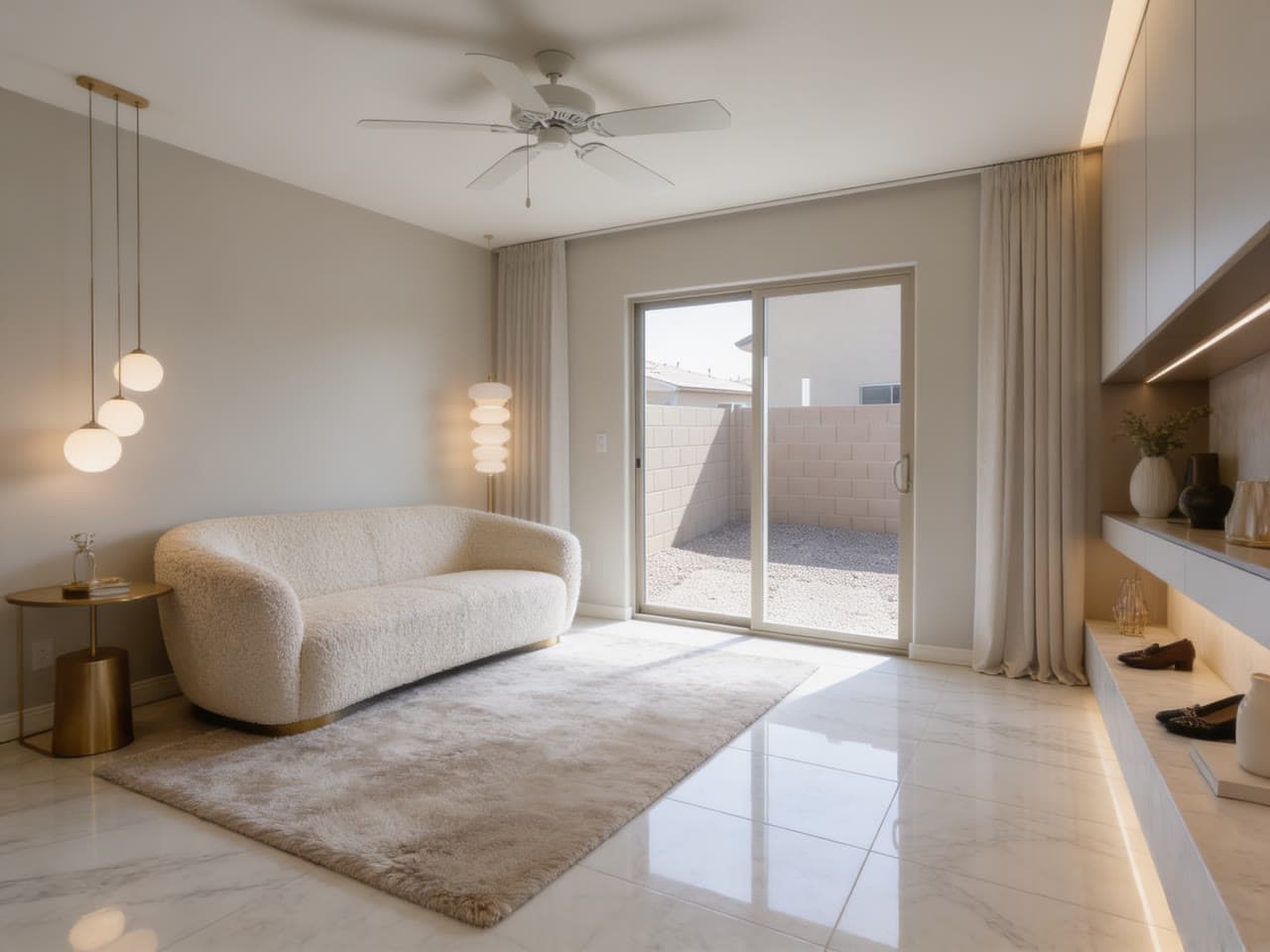
Empty rooms photograph small and cold. Add a photo of the room and get the same photo furnished for the listing, with furniture, rugs, art and lamps at true scale in the room's own light, and the walls, windows, floor and view left as they are.
from $0.50 an imageYour first $2 is on us, enough for about 4 photos. No card needed.
- 01Take a photo of the room from a corner or the doorway.
- 02Pick the room and a style, or let it match the house. If someone's things are still in it, turn on Clear the room first.
- 03Get the same photo, staged, in about 25 seconds.
Real runs
What it has made
Each one came back as you see it, from the photo in its corner where there is one. The rooms are generated photos, not real homes.
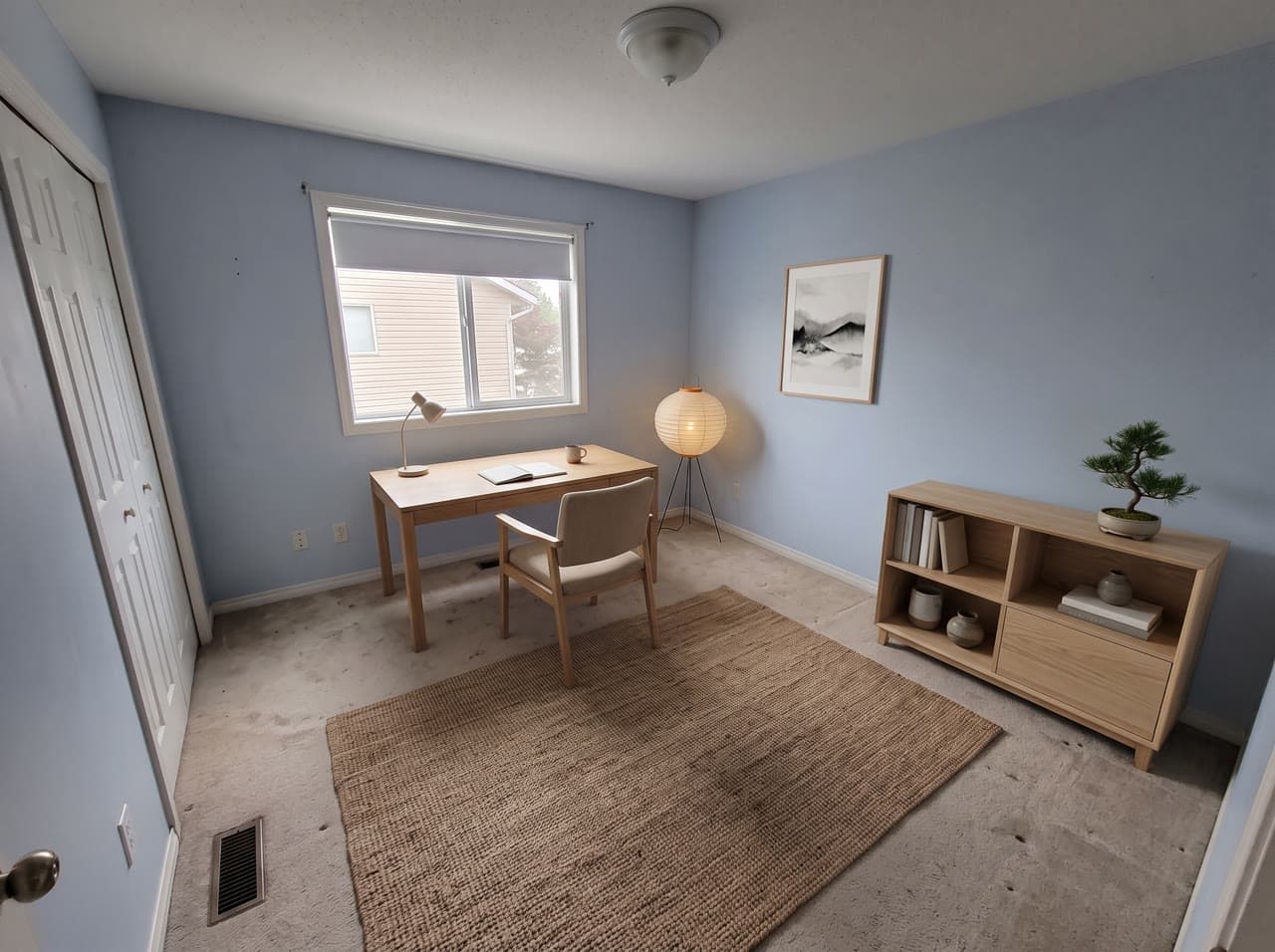
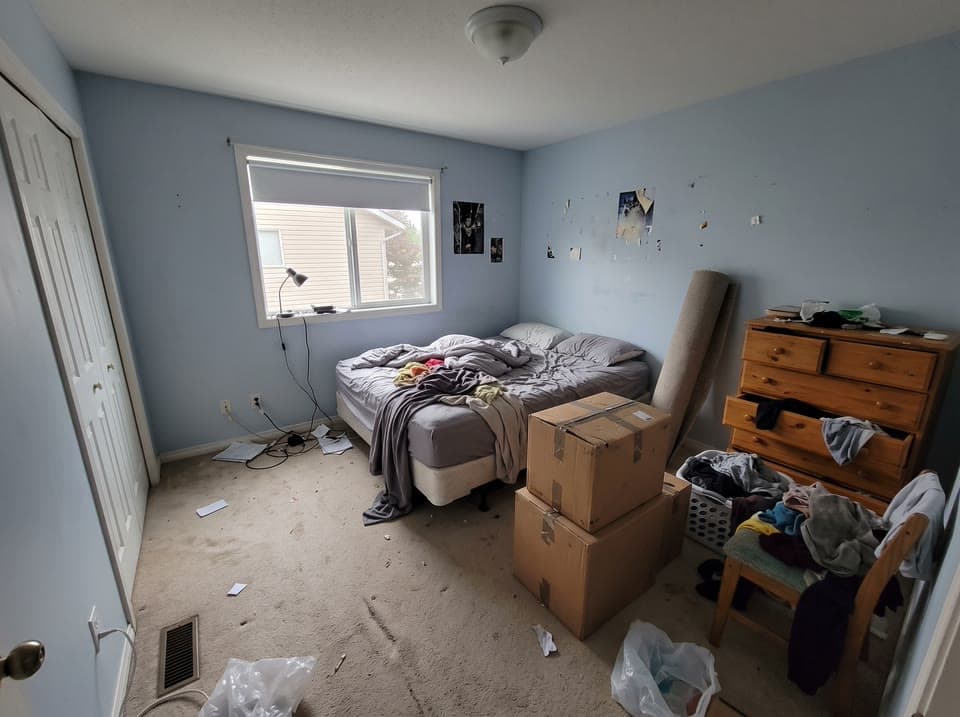
A Japandi office, cleared first
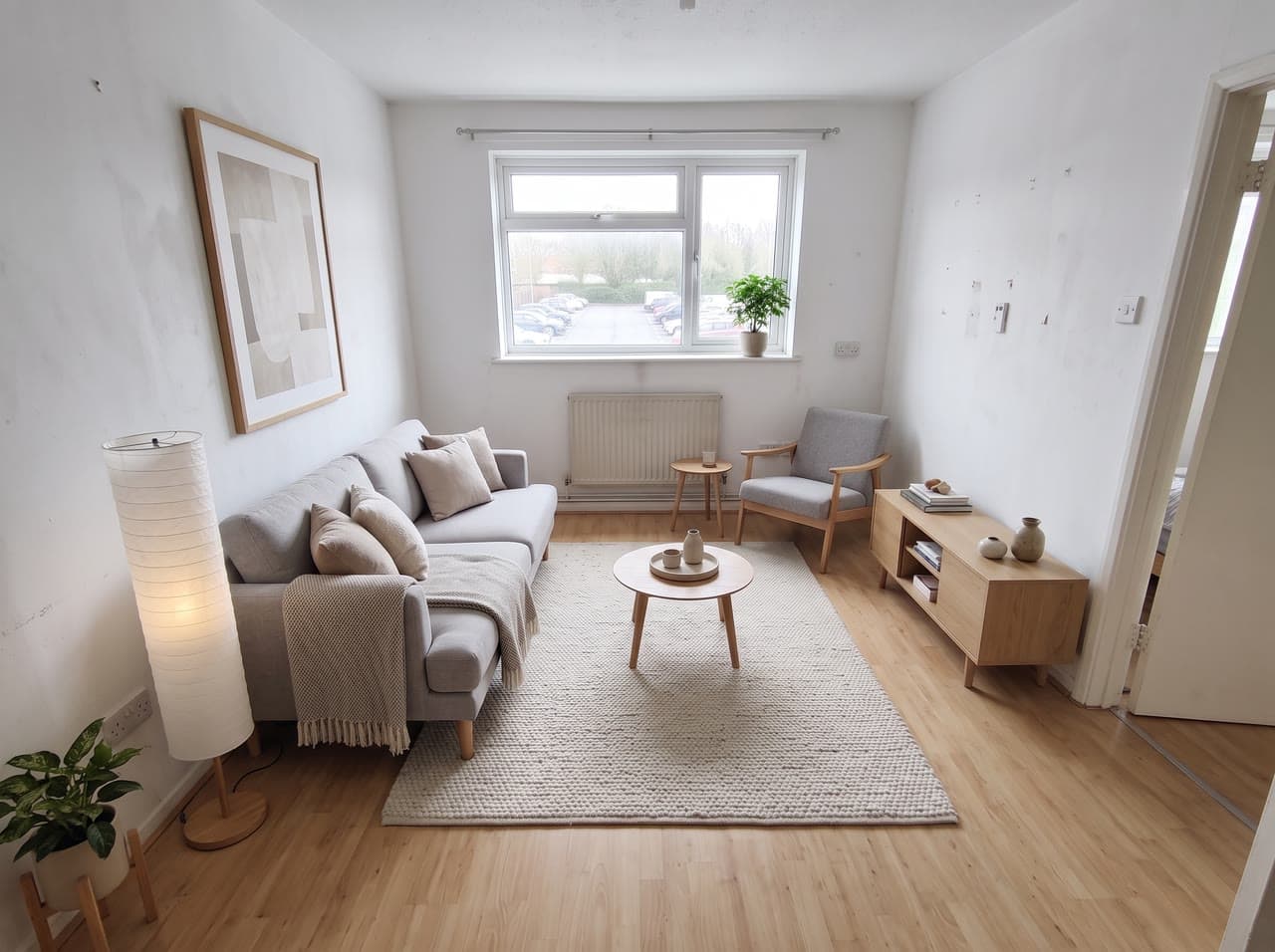
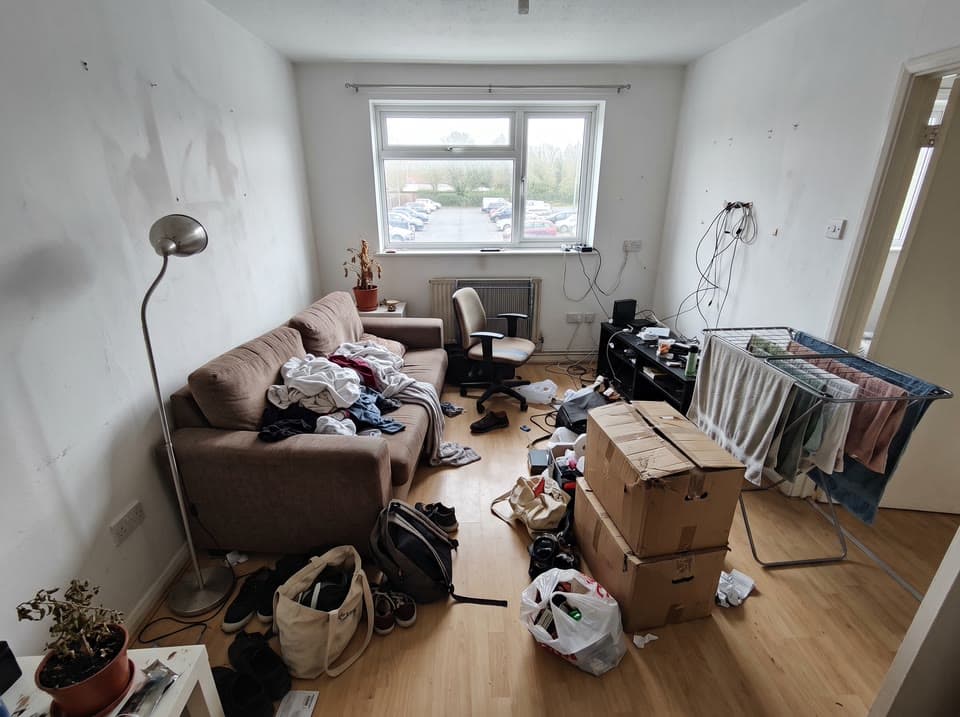
A Scandinavian living room, cleared first
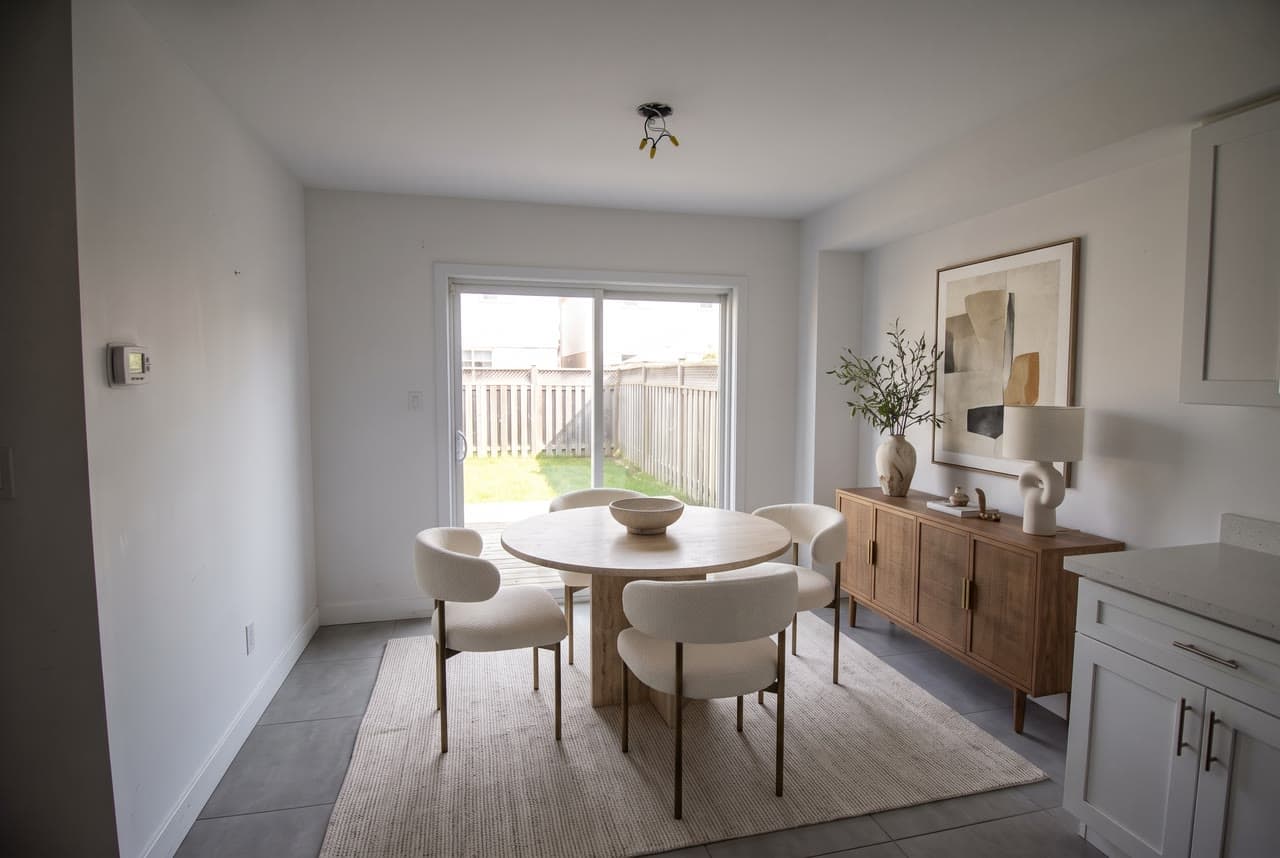
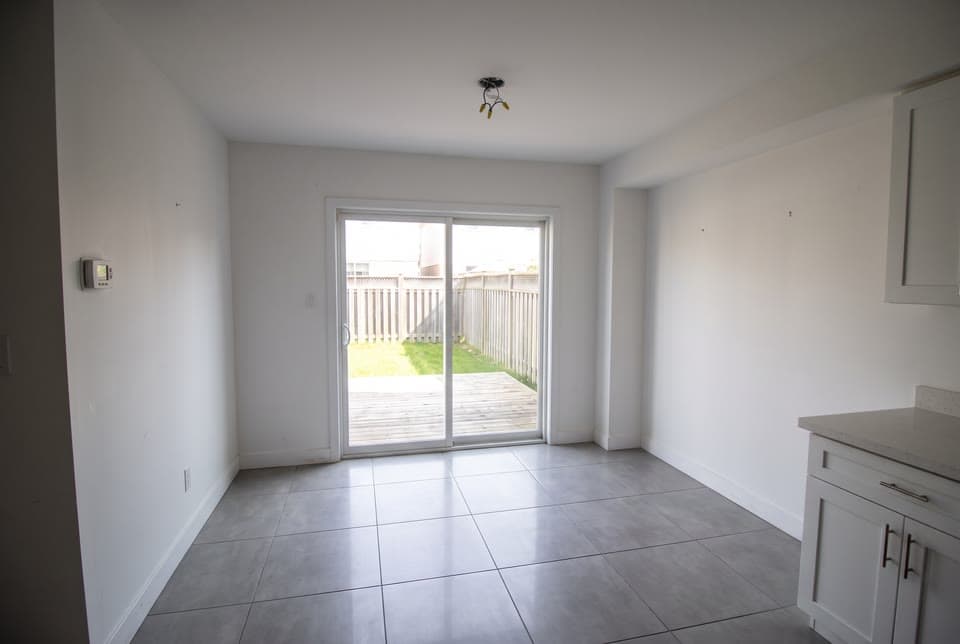
A dining area, luxury
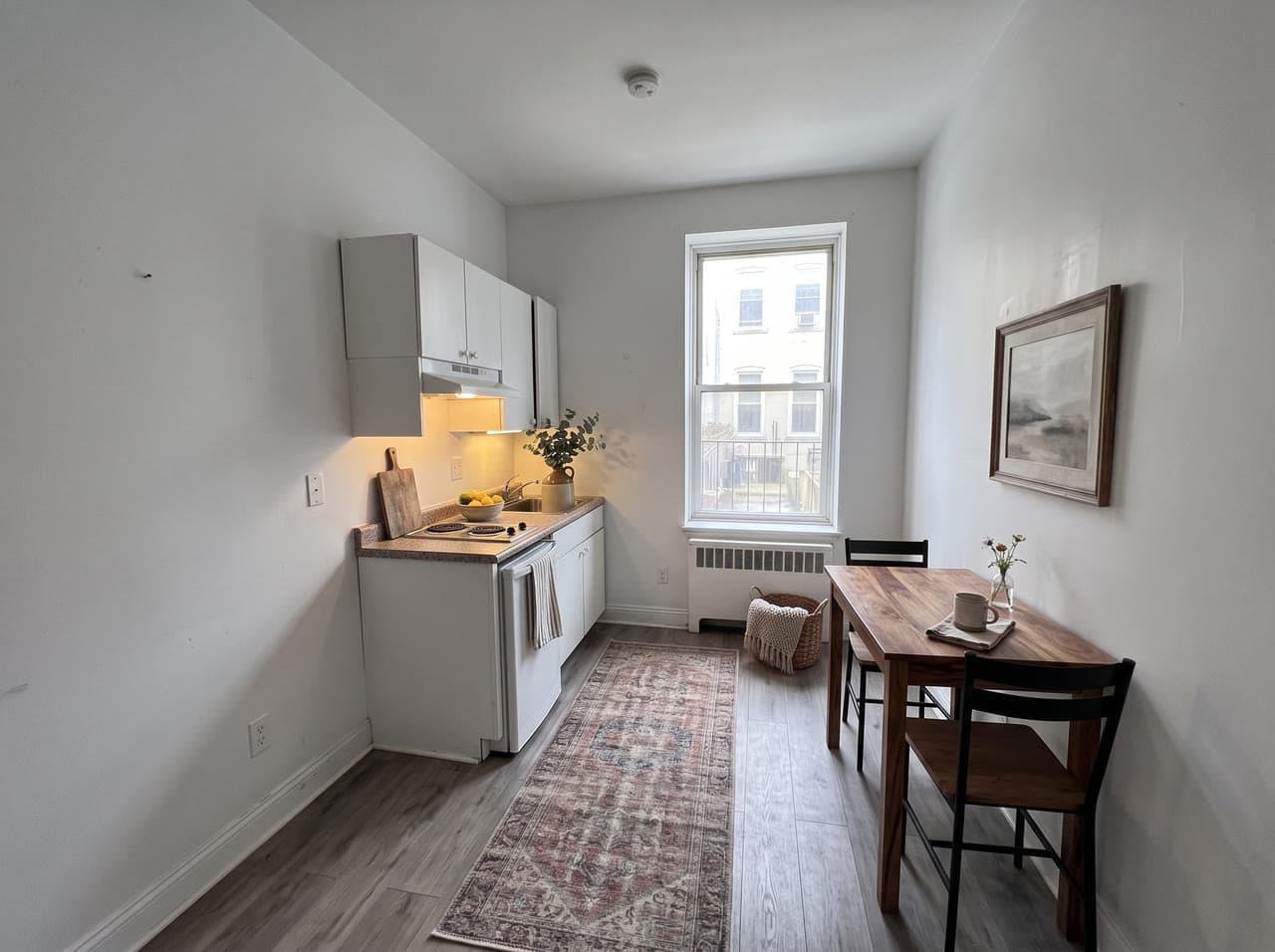
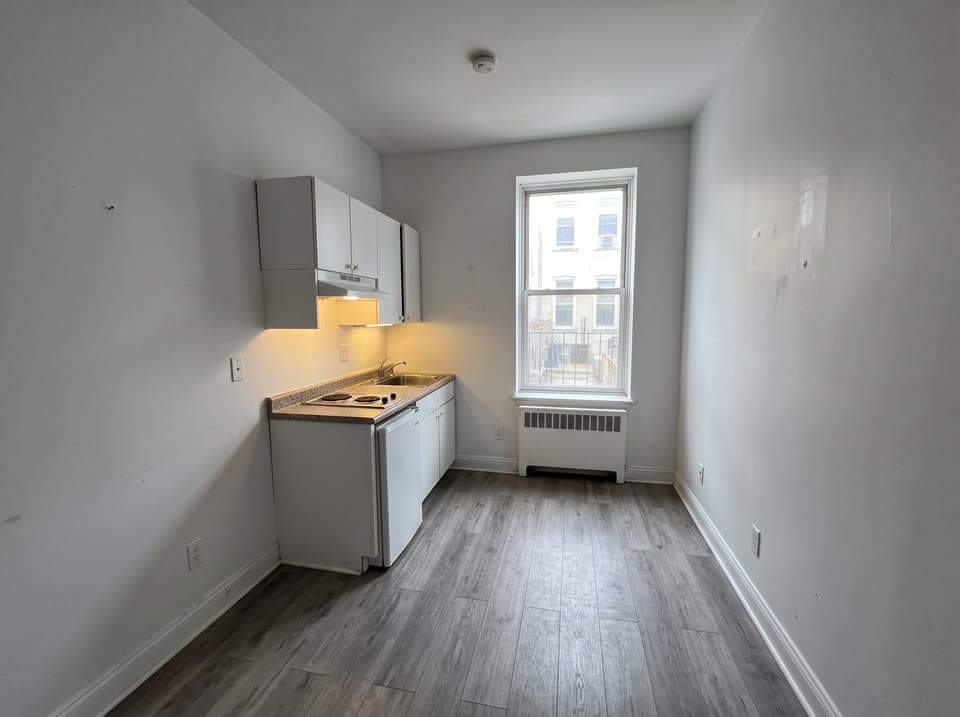
A farmhouse kitchen in a studio
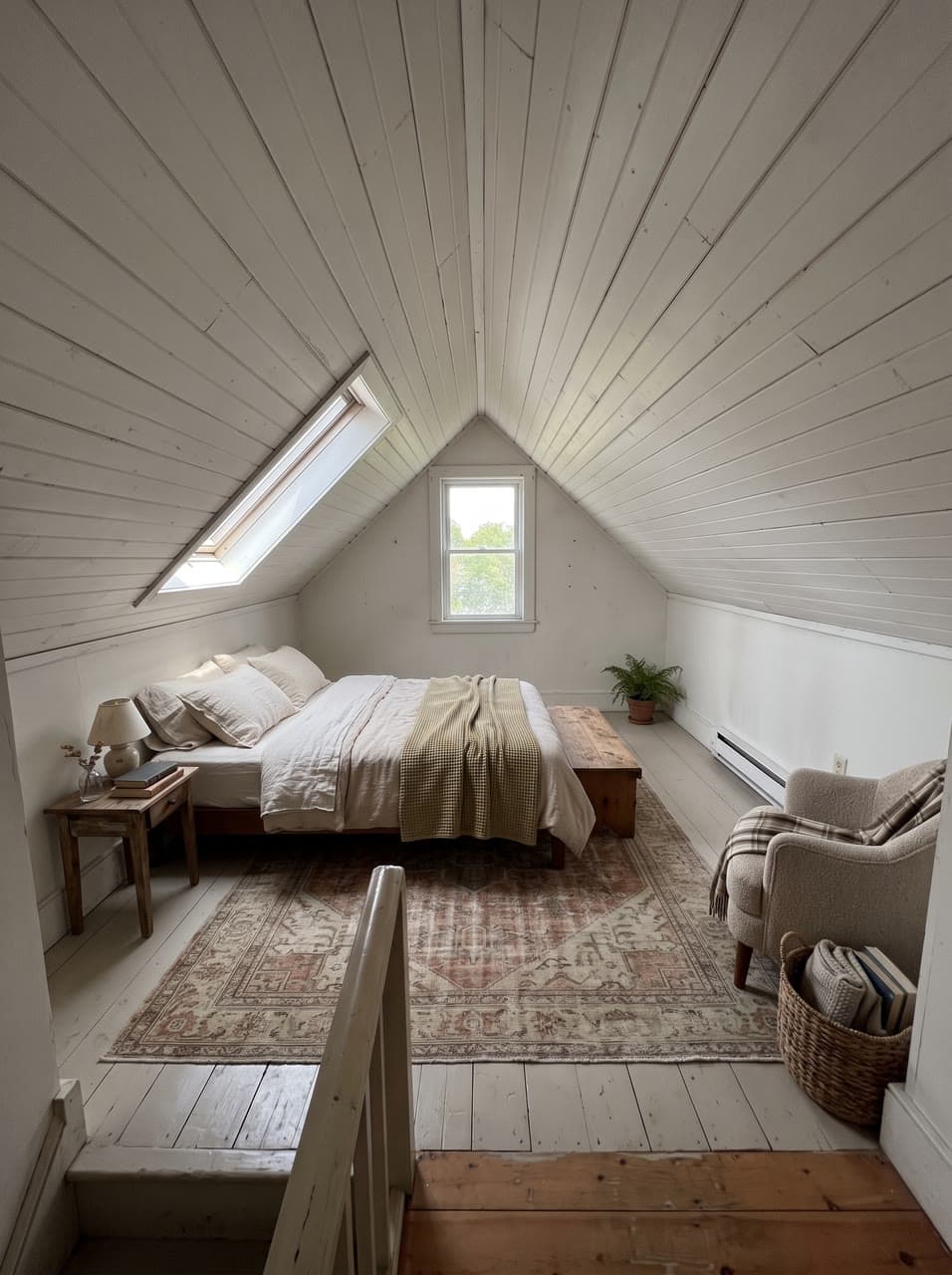
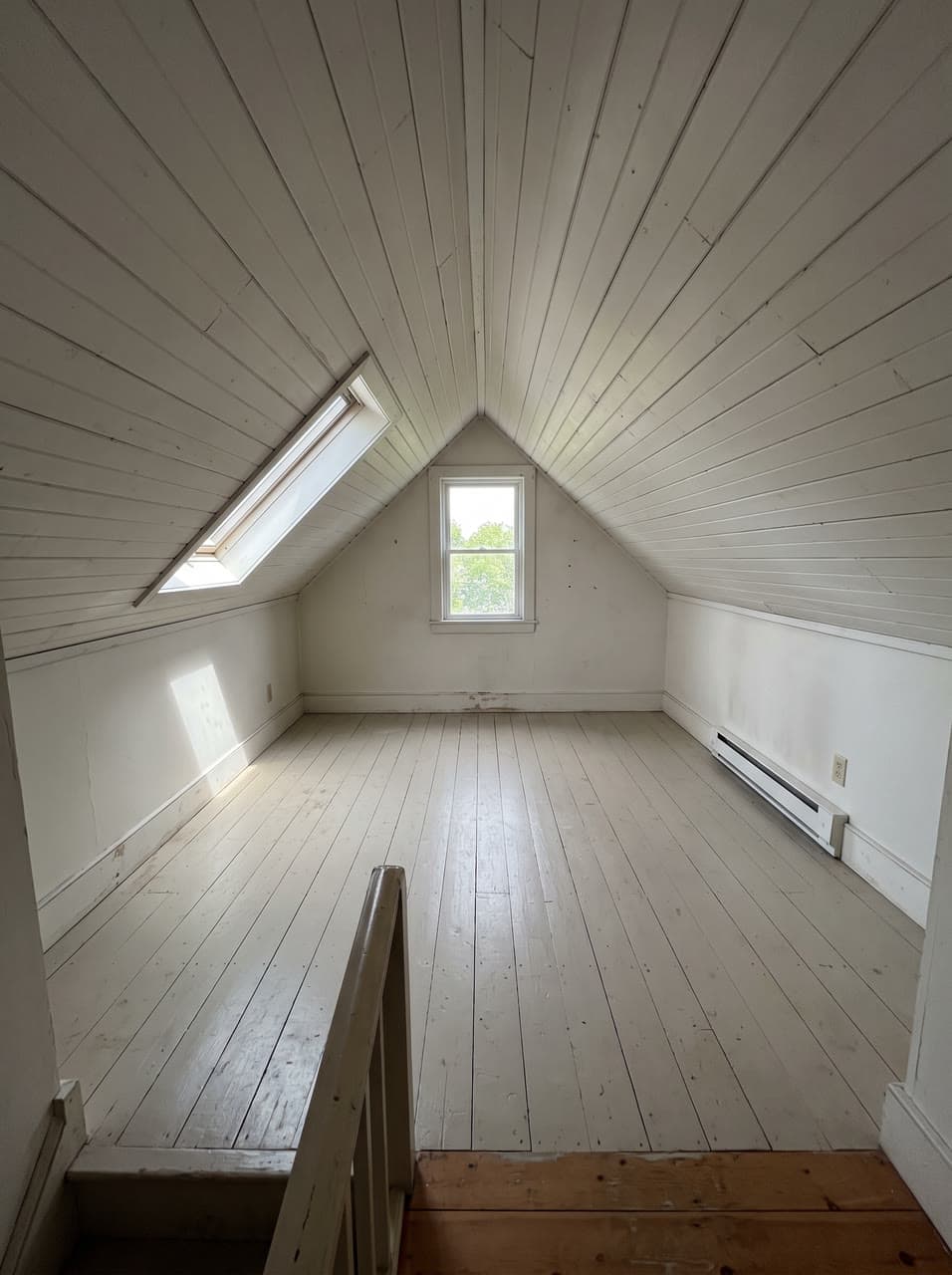
An attic bedroom, matched to the room
Next
Take it further

Questions
Virtual staging, answered
- Will it change the walls or the windows?
- It is built not to: it adds only what moves, and keeps the walls, windows, doors, floor, fixtures and view as photographed. In our runs a radiator, a thermostat, the outlets and even marks on the wall stayed where they were. Compare it with your photo before you list it, and run it again if something moved.
- Do I have to say it is virtually staged?
- Yes. Mark the photo as virtually staged in your listing: the furniture isn't in the house, and most listing services ask you to label it.
- Can it stage a room that still has furniture in it?
- Turn on Clear the room first. In our runs it took out a bed, boxes, laundry, posters and cables before it added a desk, a lamp and a shelf.
- What does Virtual staging make?
- Your empty room furnished for the listing: furniture, rugs, art and lamps at true scale in the room's own light, with the walls, windows and floors exactly as photographed.
- What do I need to bring?
- A photo of the room from a corner or the doorway. The result is virtually staged, so say so in your listing.
- How does it work?
- Take a photo of the room from a corner or the doorway. Pick the room and a style, or let it match the house. If someone's things are still in it, turn on Clear the room first. Get the same photo, staged, in about 25 seconds.
- What can I choose?
- Room: Surprise me, Living room, Bedroom, Dining room, Home office, Kitchen styling or Studio apartment. Style: Match the house, Modern, Scandinavian, Mid-century, Farmhouse, Coastal, Luxury or Minimalist, and 1 more. Leave any of them to Surprise me.
- How much does it cost?
- From $0.50 an image, and you see the exact price before you press go. A run that fails costs nothing, there is no subscription, and you can start free without a card.
- Can I use the result commercially?
- Yes. You own what you make on Leap, so you can use it commercially, and we never train AI on it. The people and brands shown in a result can still have rights in it; the Terms say more.
- Can I run it from code?
- Yes. Developers run it as leap/virtual-staging through the Leap API, at the same price, with the same choices.
It runs on Nano Banana 2.1, with the prompting done for you. Rather write your own? Open a model's page and start from there.
Building an app? Run virtual staging from the API
The empty room, furnished for the listing.
Start with $2 of credit, no card. Every run shows its price before it starts.