Start creating

For shops and brands

Product photoAI product photography

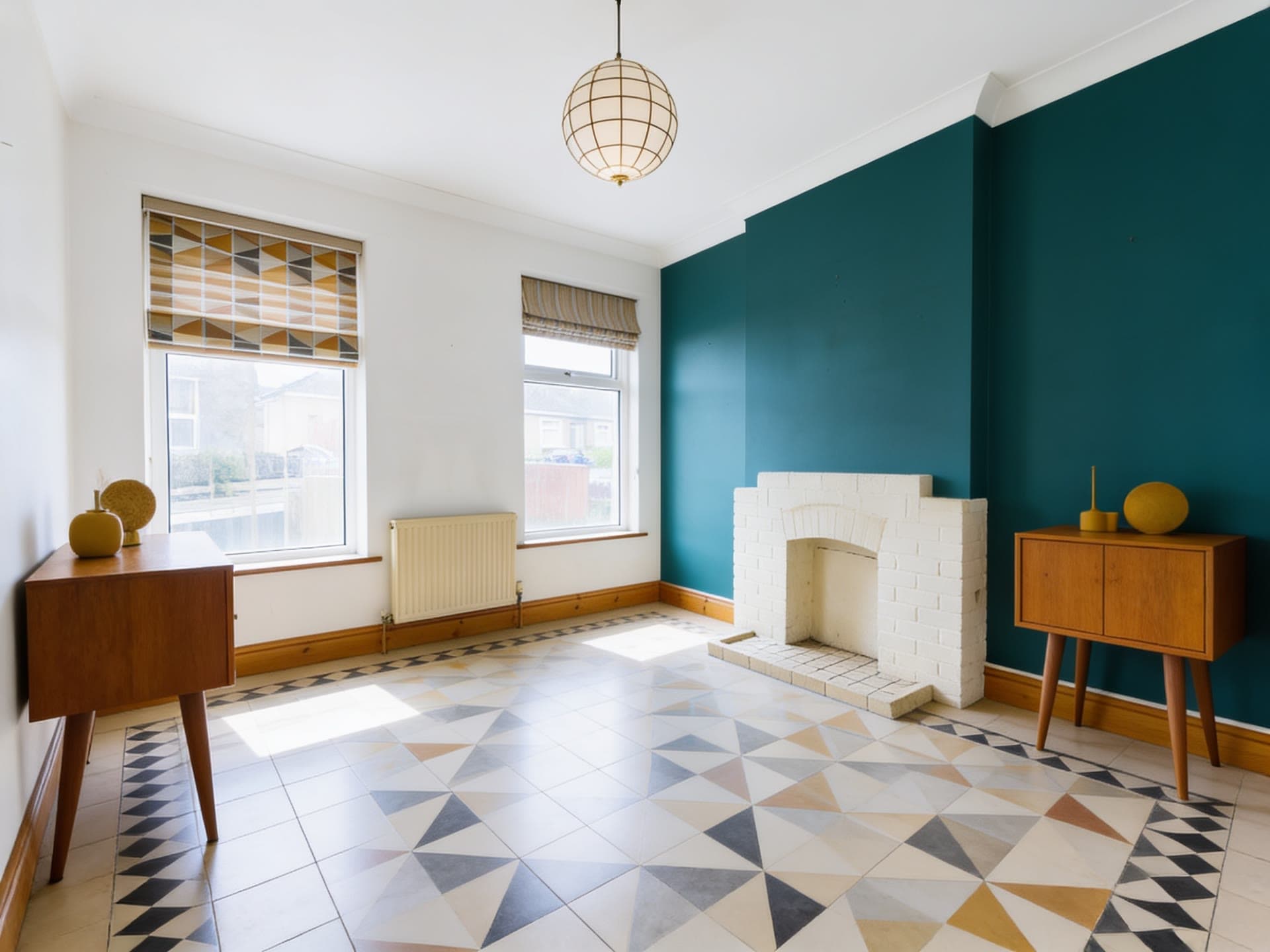
Cobalt lamp on mustard, a real run on Leap
The photo cobalt lamp on mustard started from
Photo inResult
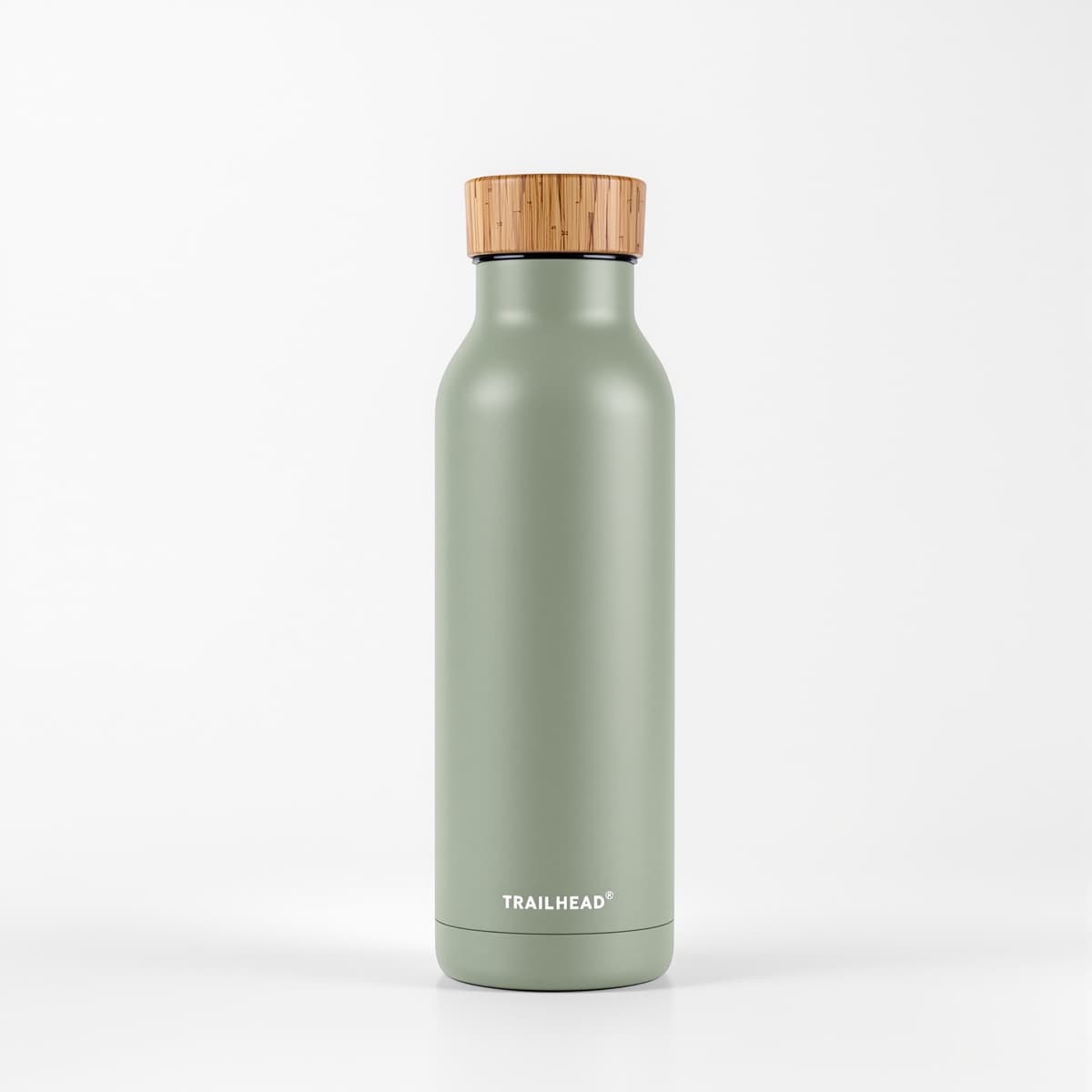
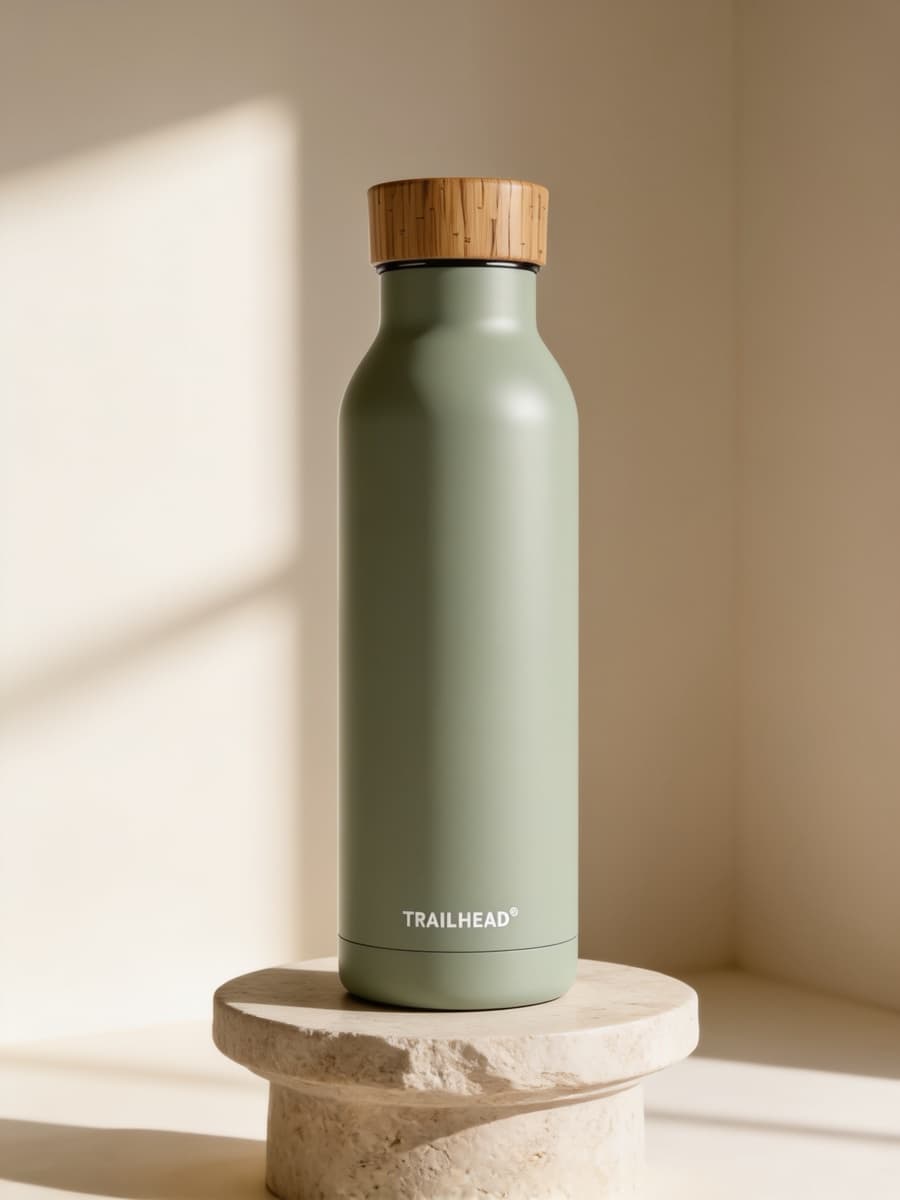
Cobalt lamp on mustard. A real run: drag to compare the photo that went in with what came back.

Send one photo of your product and get it back in a styled scene: a stone pedestal, a kitchen counter, the beach at golden hour. It is made to keep the shape, label and colors you shot, ready for your store and your ads.

from $0.25 an imageA $5 top-up is enough for about 20 photos.

Pick a sceneStone pedestal

Add your product first. It waits while you sign in.

Your first image is free.

Your first image is free.

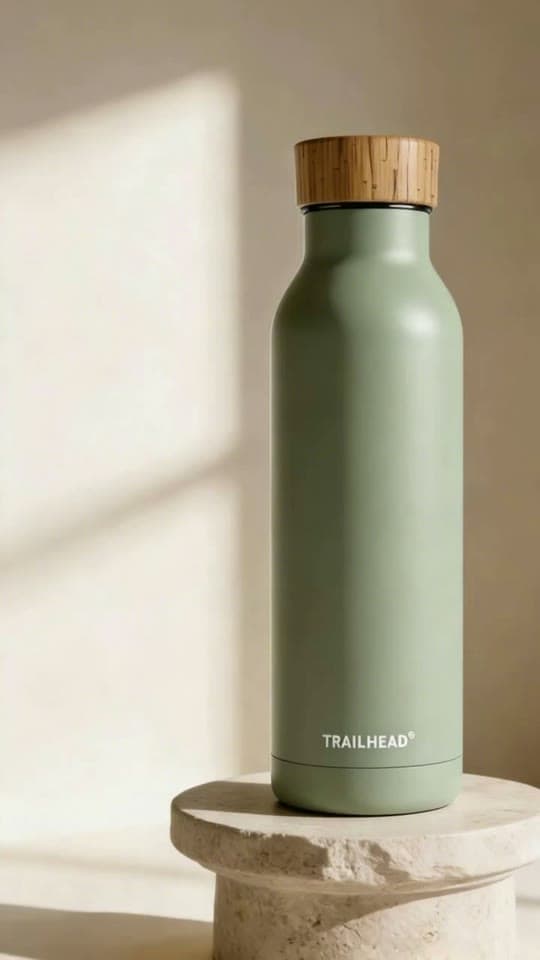
Every scene pictured above is a real run, all from one photo of the green bag.

  1. 01Add a photo of your product.
  2. 02Pick a scene, or let Surprise me choose.
  3. 03Get up to four photos in about 15 seconds.

Real runs

What it has made

Each one came back as you see it, from the photo in its corner where there is one.

  • Night serum on a stone pedestal, a real run on Leap
    The photo night serum on a stone pedestal started from

    Night serum on a stone pedestal

  • Night serum on a color backdrop, a real run on Leap

    Night serum on a color backdrop

  • The stoneware candle in dark luxury, a real run on Leap

    The stoneware candle in dark luxury

Who it's for

Online shops
Product pages, collection banners and social posts from the photo you already have, without booking a shoot.
Brands launching something
A set of scenes for a launch or a season, the same product in each.
Ads and social
Square, portrait, story and banner crops of the same scene, so one run fills every placement.

What you get

1 to 4 photos a run
Each one priced on its own; you see the total before you press Generate.
Eight scenes
Stone pedestal, kitchen counter, moss and stone, color backdrop, dark luxury, beach at golden hour, holiday lights and winter window.
Four shapes
3:4 for product pages, 1:1 for feeds and marketplaces, 9:16 for stories, 16:9 for banners.
Your product as shot
The recipe tells the model to keep its shape, label, text and colors exactly, and to add no other text or logo.

Questions

Product photo, answered

Will it change my product?
It is built not to: every run asks the model to keep the product's shape, label, text and colors exactly as in your photo, and to add no other words or logos. Models still slip now and then, so look at each photo before you use it, and run it again if something moved.
Can I use these on Amazon?
Amazon asks for a plain white background on a listing's main image, so keep your white shot for that one. These scenes suit the other images, your own store, social posts and ads.
What does Product photo make?
Your product in a styled scene, ready for a store page or an ad.
What do I need to bring?
A clear photo of the product, ideally on a plain background.
How does it work?
Add a photo of your product. Pick a scene, or let Surprise me choose. Get up to four photos in about 15 seconds.
What can I choose?
Scene: Stone pedestal, Kitchen counter, Moss and stone, Color backdrop, Dark luxury, Beach at golden hour, Holiday lights or Winter window.
How much does it cost?
From $0.25 an image, and you see the exact price before you press go. A run that fails costs nothing, there is no subscription, and your first top-up has no card fee.
Can I use the result commercially?
Yes. You own what you make on Leap, so you can use it commercially, and we never train AI on it. The people and brands shown in a result can still have rights in it; the Terms say more.
Can I run it from code?
Yes. Developers run it as leap/product-photo through the Leap API, at the same price, with the same choices.

It runs on Seedream 4.5, with the prompting done for you. Rather write your own? Open a model's page and start from there.

Building an app? Run product photo from the API

Your product, in a scene that sells it.

Your first image is free. After that, a $5 top-up is enough for about 20 photos.

Make yours