AI Video Editor
Say what to change in your clip and pick the model: swap an outfit or a product, turn summer to snow, redraw every frame in a new style. The motion and the camera stay as filmed. Every clip on this page is a real run on Leap.
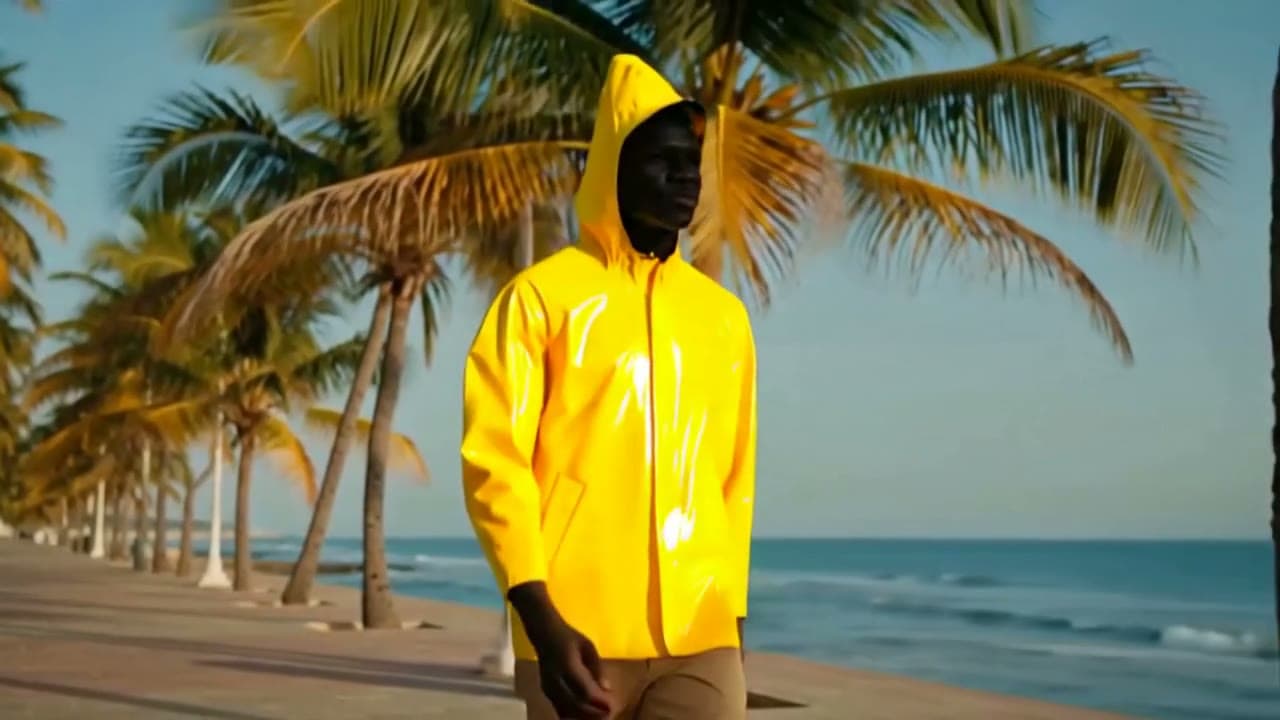
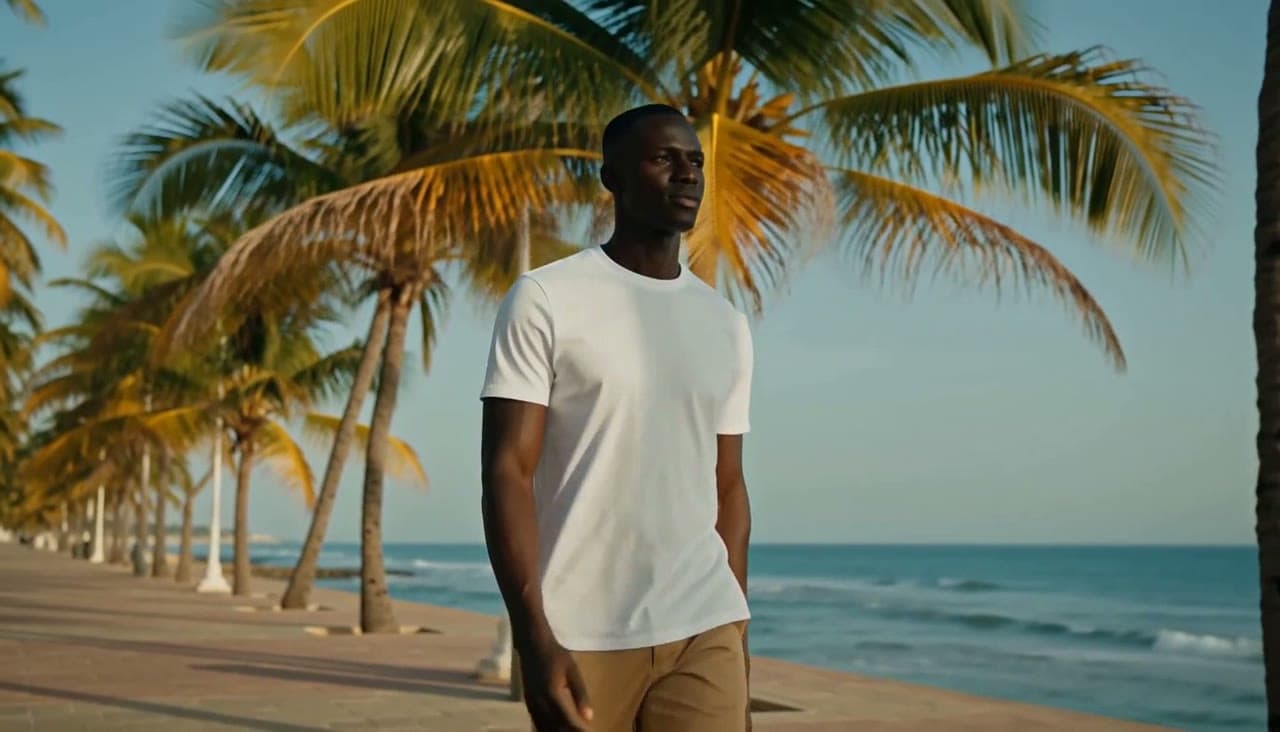
One clip, one sentence
Each started from the clip in its corner, or for the dance, from the photo of her standing still. The caption names the model that made it.
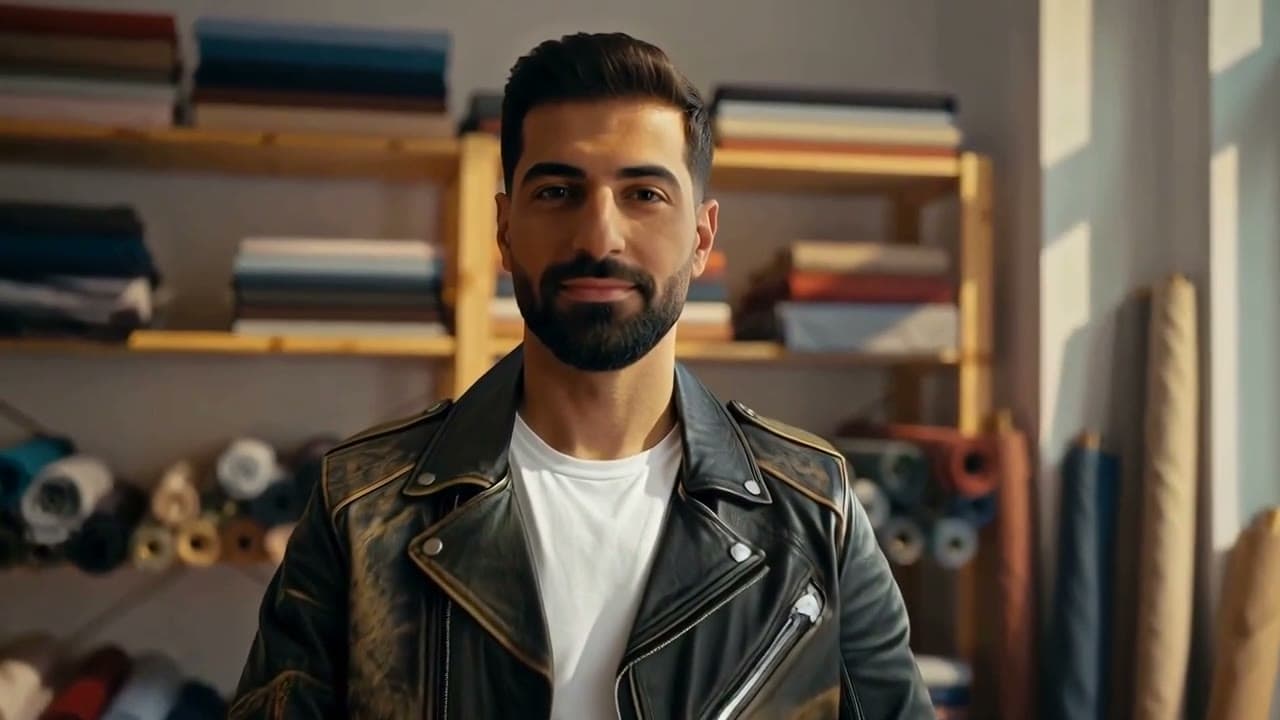
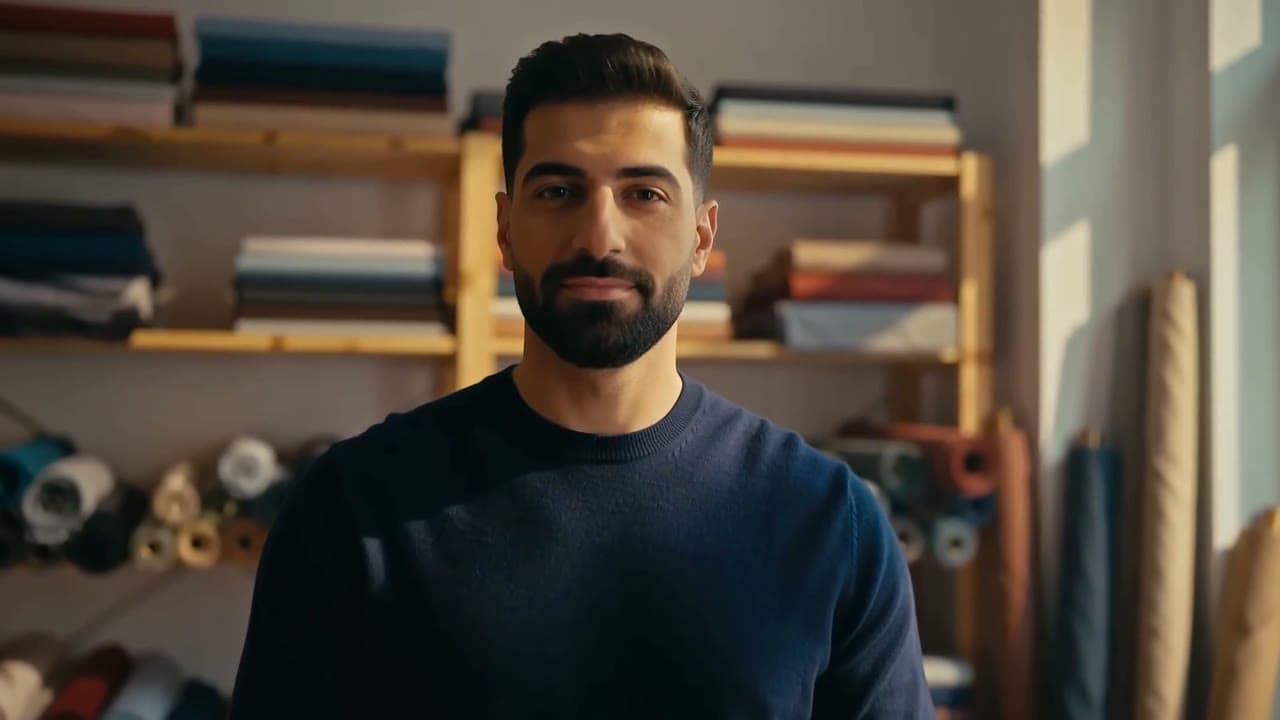
His navy sweater, swapped for a leather jacketKling O1 Video Edit 
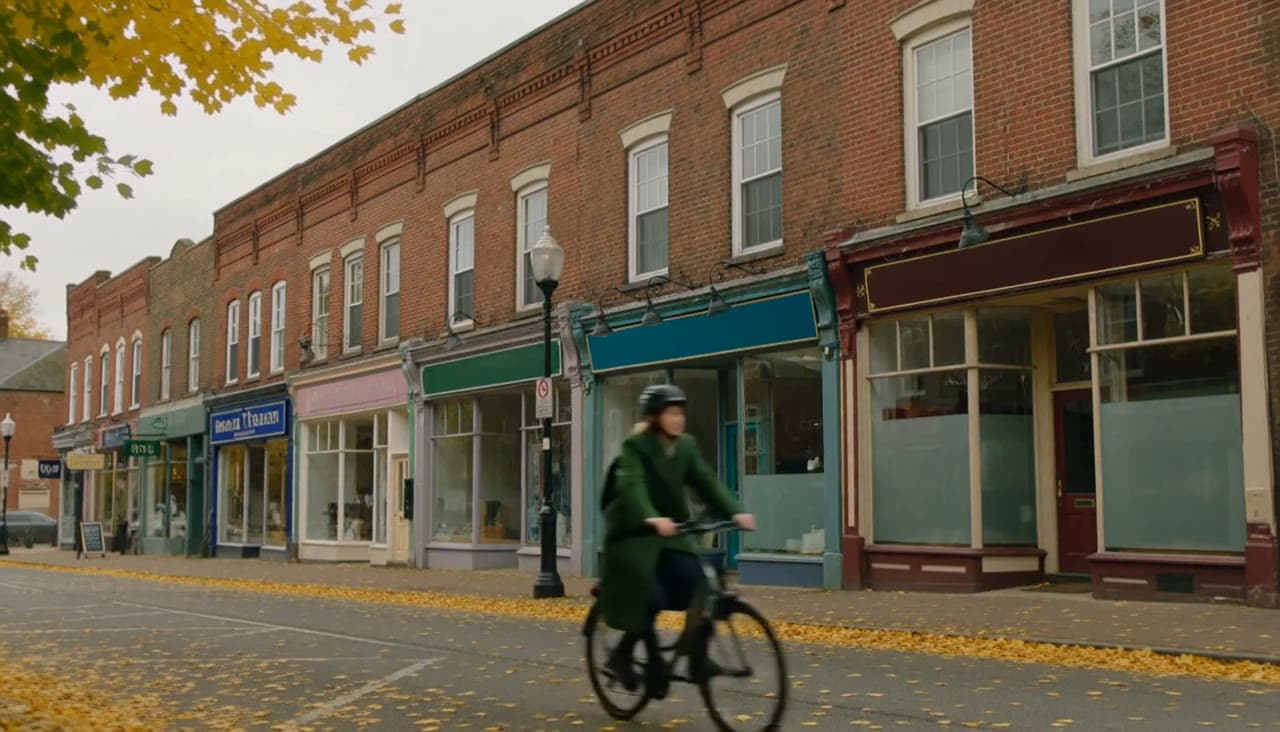
An autumn main street, turned to a snowy nightFLUX.3 Video Edit 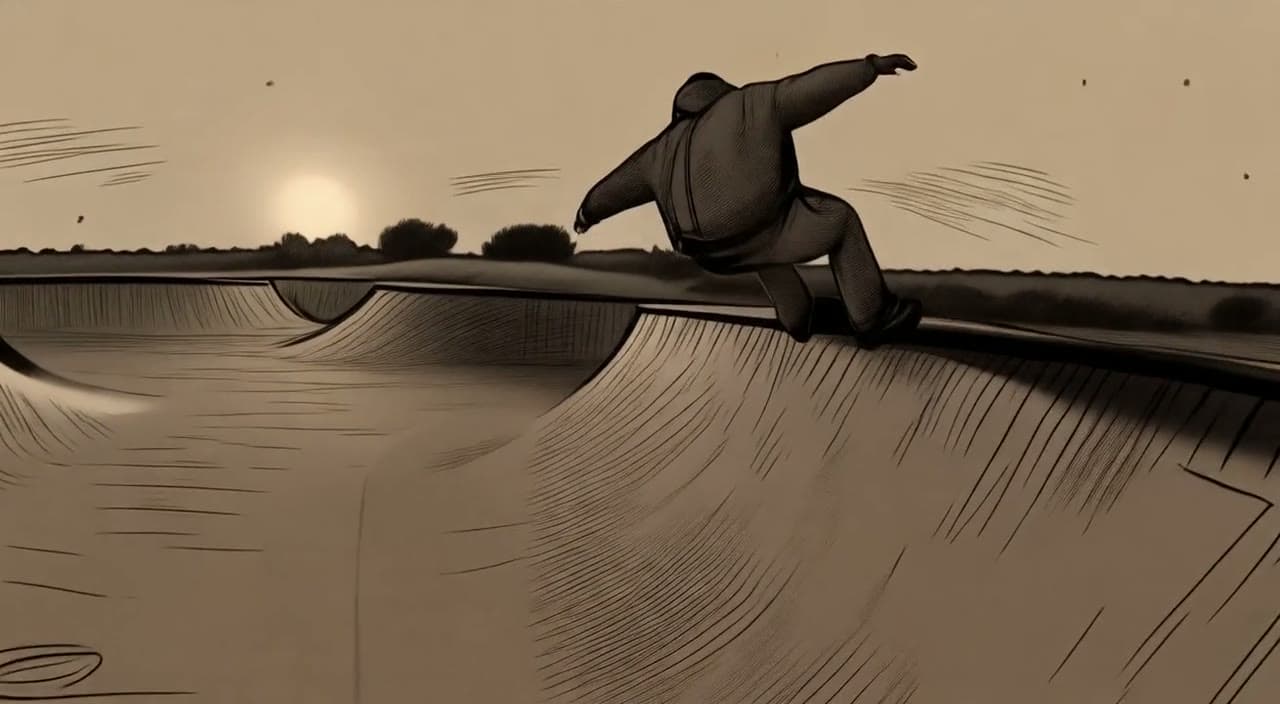
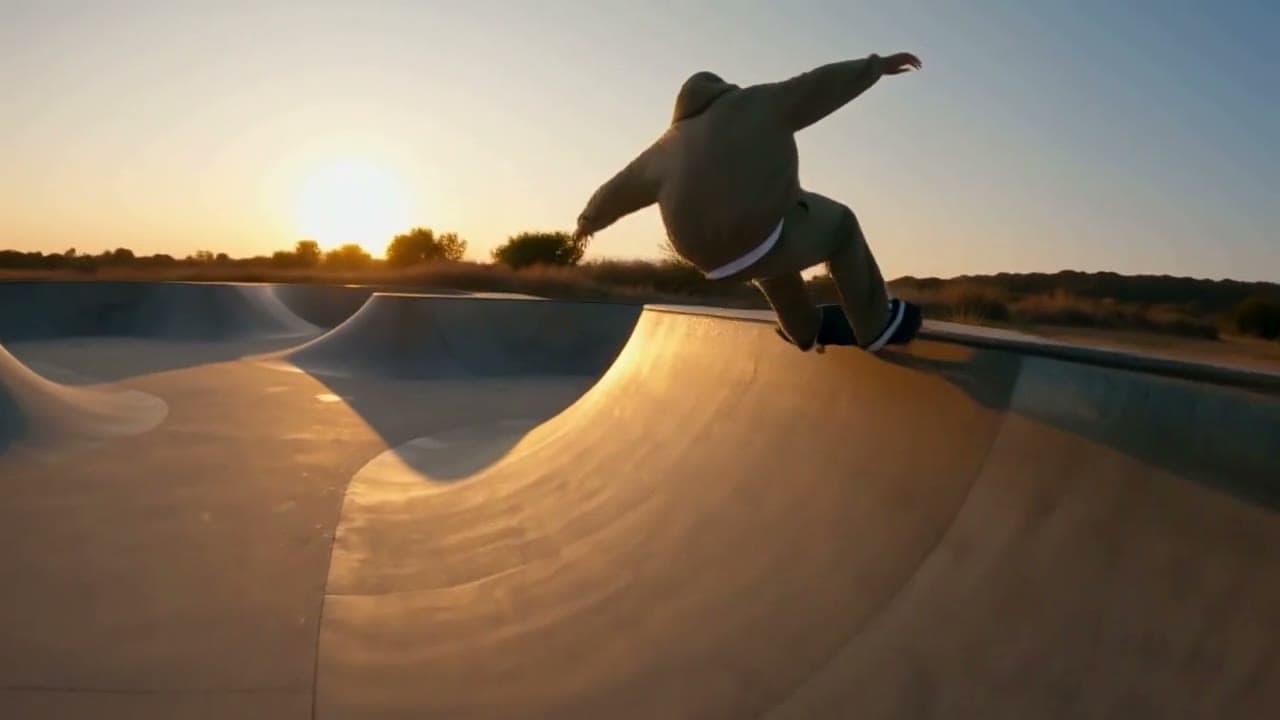
A skate clip, redrawn in charcoalLucy Restyle 

A street pianist, recast from one photoH3 Max Recast 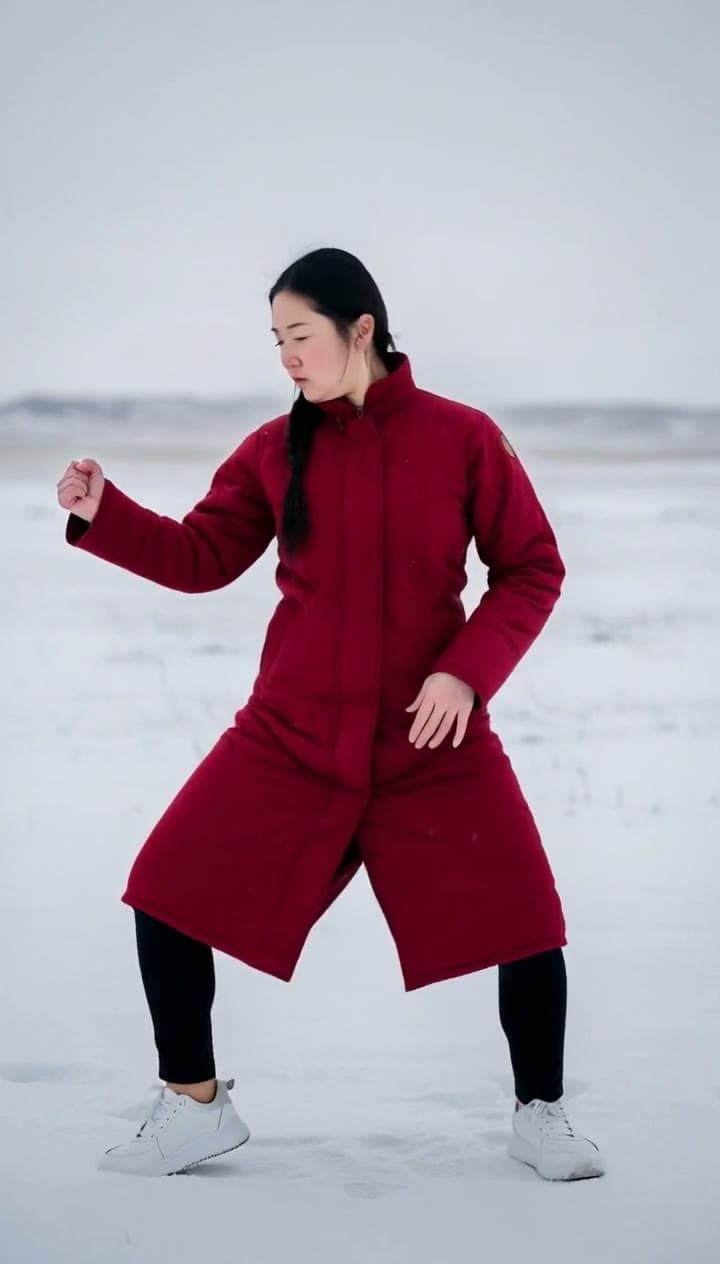
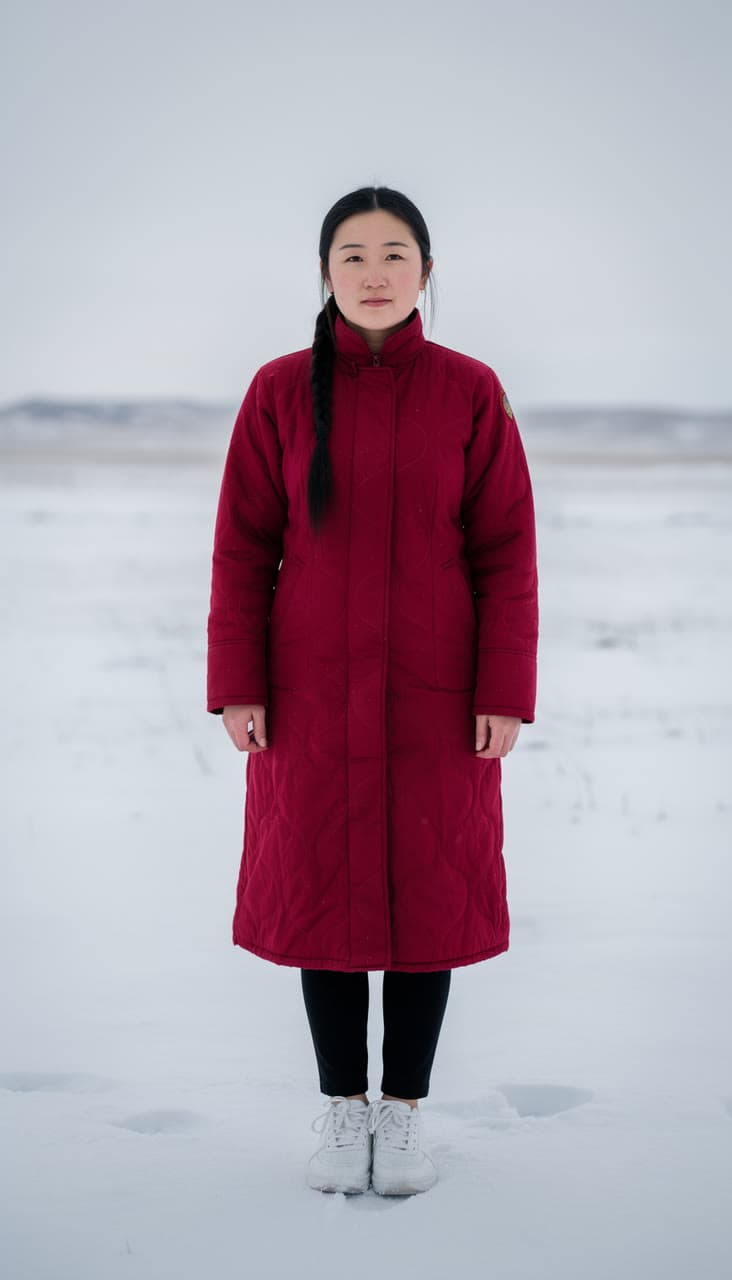
A popping routine, danced on the steppeKling 2.6 Motion Control
Pick the model for the edit
Each model edits its own way: how much of the shot it keeps, how it holds a face, how long a clip it takes. Prices are per second of your clip. One account runs them all, so you can try the same clip on two and keep the better take.
- Lucy Edit Profrom $0.17
Changes one thing in a video from a prompt (an outfit, an object, a product, the background) and keeps the rest as filmed.
From your clip and a sentence. By Decart.
Edit a clip with Lucy Edit Pro - Kling O1 Video Editfrom $0.14
Edits a video from a prompt, with up to four reference images: swap a product, a garment or a character and keep the shot. Takes videos at least 720 pixels wide.
From your clip and a sentence, with up to 4 photos to copy. By Kuaishou.
Edit a clip with Kling O1 Video Edit - Kling O3 Video Editfrom $0.14
Edits a video from a prompt, with up to four reference images: swap a product, a garment or a character and keep the shot. Takes videos of 3 to 15 seconds and 720 to 3,840 pixels. Billed by the length of the video.
From your clip and a sentence, with up to 4 photos to copy. By Kuaishou.
Edit a clip with Kling O3 Video Edit - FLUX.3 Video Editfrom $0.033
Restyles or edits a video from a prompt at 720p, at three cents a second.
From your clip and a sentence. By Black Forest Labs.
Edit a clip with FLUX.3 Video Edit - Gemini Omni Flash 1.1 Editfrom $0.033
Edits a video from a plain instruction and keeps the rest of the scene, from 360p to 4K. Billed by the length of the video.
From your clip and a sentence. By Google.
Edit a clip with Gemini Omni Flash 1.1 Edit - Lucy Restylefrom $0.011
Redraws a whole video in the style you describe while the motion stays as filmed, at a cent a second.
From your clip and a sentence. By Decart.
Edit a clip with Lucy Restyle
Questions
Questions people ask
- Is the AI video editor free?
- You can start free: a new account comes with $2 of credit, and no card is needed. That edits about 181 seconds of video with Lucy Restyle, or 12 with Lucy Edit Pro. After that you add credit when you want more and pay by the second. There is no subscription, and the welcome credit is one per person.
- Can it cut, trim or join clips?
- No. Leap changes what is in a clip, such as the clothes, the season, the style or the person, and keeps its timing: the motion, the camera and any cuts stay as filmed. Trim the clip in your usual editor first, then bring the part you want to change.
- How long can my clip be?
- It depends on the model: up to 10 seconds on Kling O1 Video Edit and Gemini Omni Flash 1.1 Edit, 15 on Kling O3 Video Edit and FLUX.3 Video Edit, 30 on Lucy Edit Pro and 60 on Lucy Restyle. Each model's page in the studio says what it takes.
- How is an edit priced?
- By the second of the clip you bring, at the model's rate, which sits next to its name in the box. The studio shows the exact price once your clip is in, before you press Generate.
- Why do I add my clip after signing in?
- This page doesn't take uploads, so nothing of yours is kept before you have an account. Type what to change, sign in, and add the clip on the model's page in the studio. The words you typed are already in its prompt box.
- Will it keep the person's face?
- Say what must stay as filmed, like the face, the hair and the camera move, as the edits on this page do. AI can still change small details, so watch every result before you use it, and run it again or try another model if something moved.
- Whose face can I put in a clip?
- Your own, or the face of another adult who has clearly agreed to it. Leap's Acceptable Use Policy forbids showing a real person who hasn't agreed, celebrities and public figures included, and anything made to make people believe someone said or did something they didn't.
- Can I use the edited clips commercially?
- Leap's Terms say you keep whatever rights you have in the clips you upload, and that, as between you and Leap, you own the results the studio makes for you, to the extent the law allows. They set no personal-use-only limit. Edit only clips you have the right to use.
- What happens if an edit fails?
- It costs nothing. Only a run that succeeds is charged, and you see the price on the Generate button before you press it.
Your clip, changed in one line.
Start free, no card needed. Every edit is priced before you press Generate.
Edit a clip