AI Book Cover Generator
Say what the cover shows, then give your title and your name in quotes. Every cover on this page came out of Leap with both spelled right, and each one opens in the studio with its prompt, ready for your book.
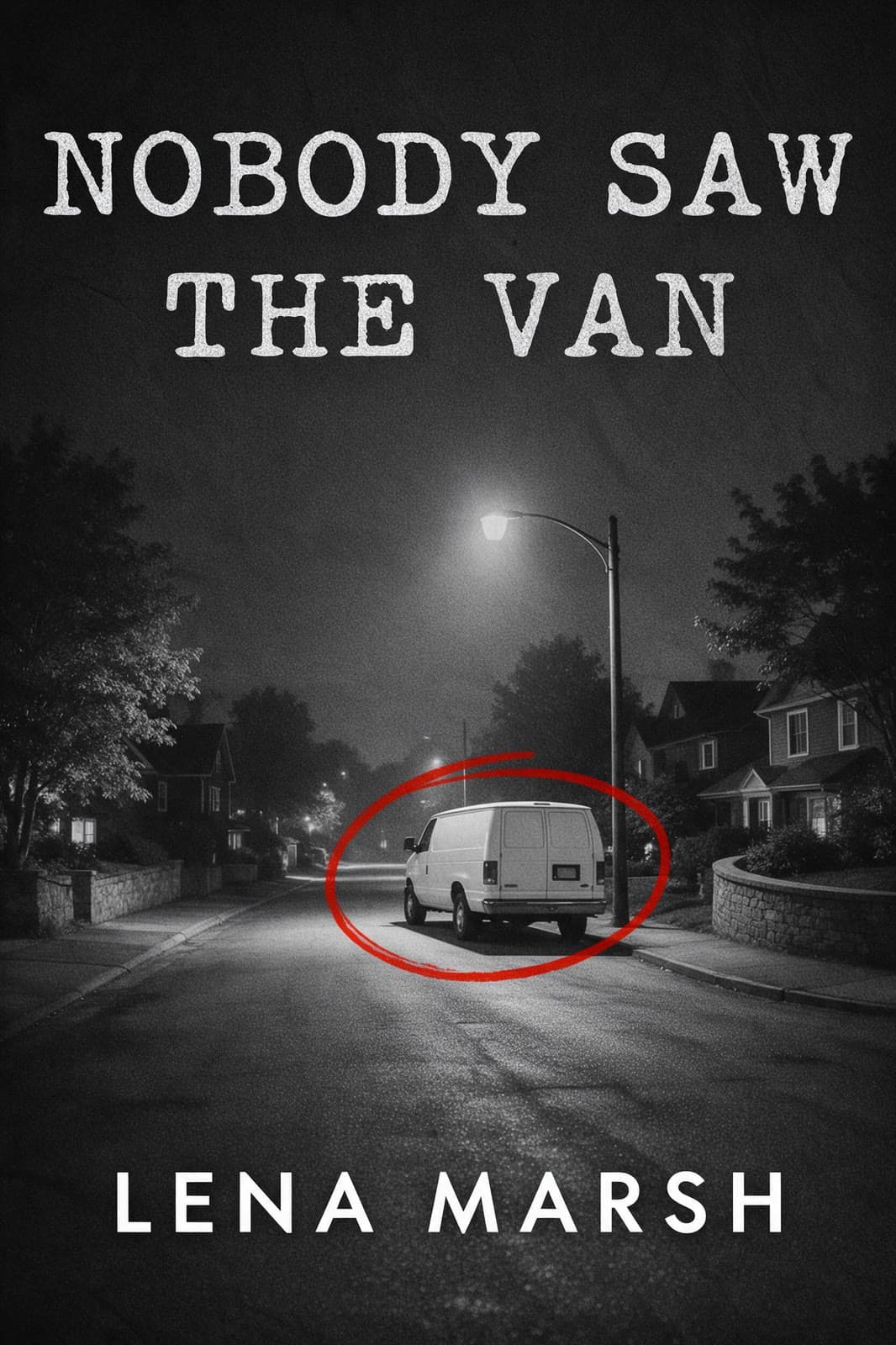
Seedream 5.0 Pro
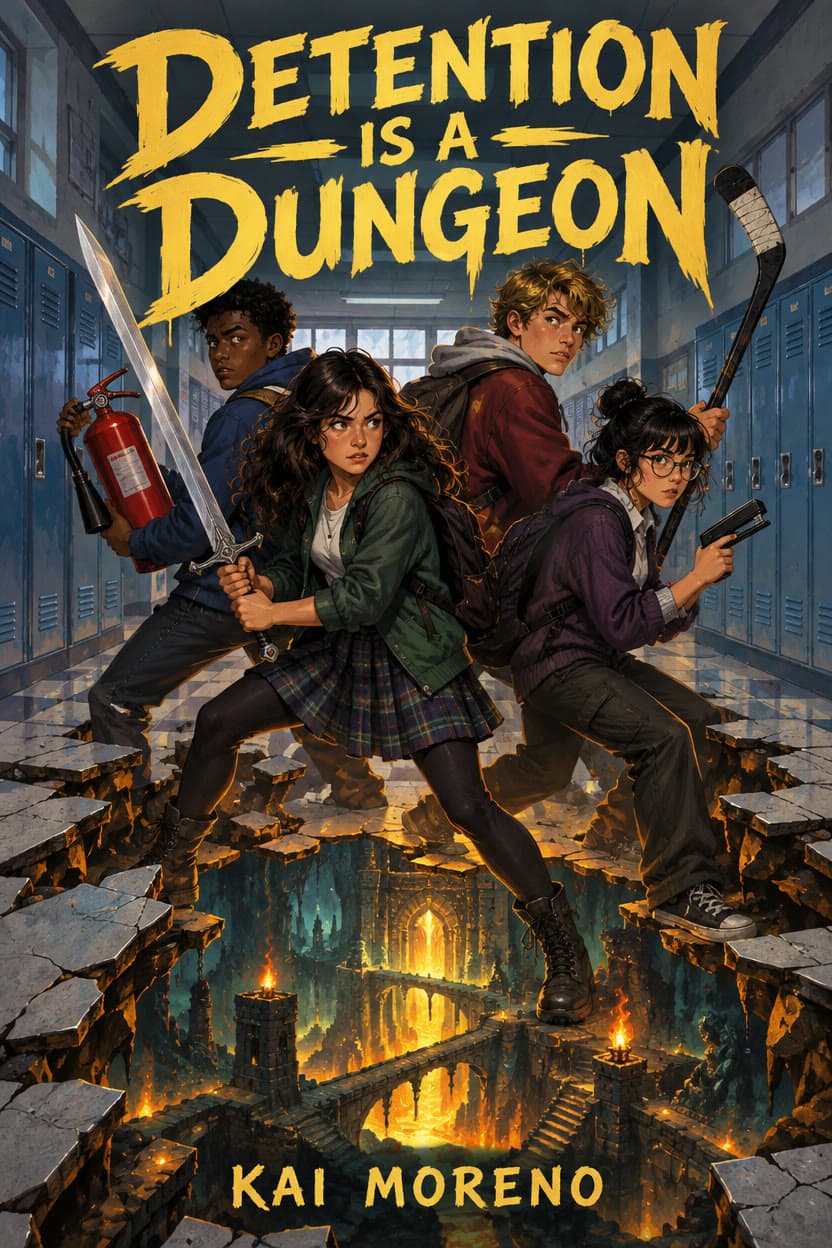
GPT Image 2.5 Flare
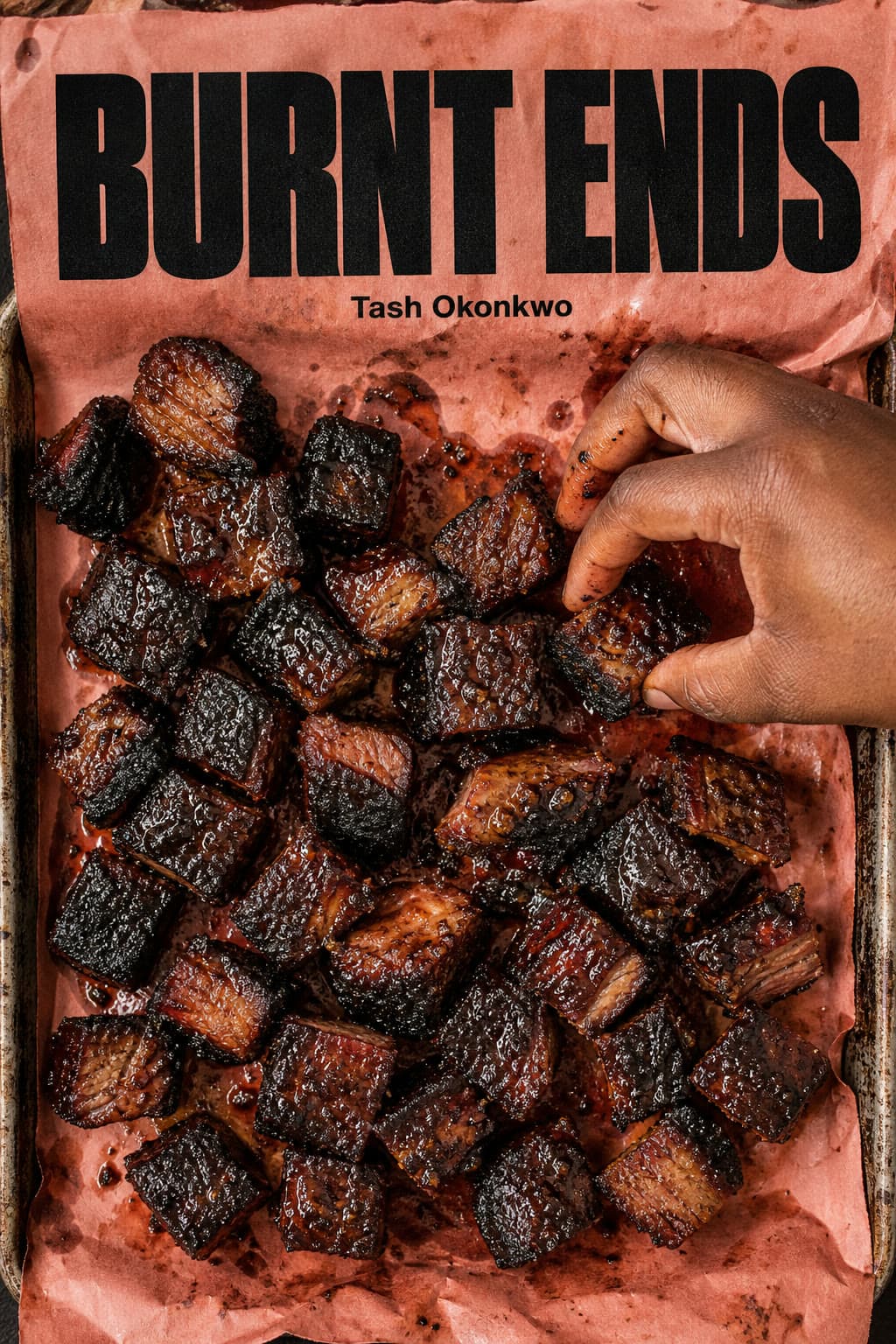
GPT Image 2
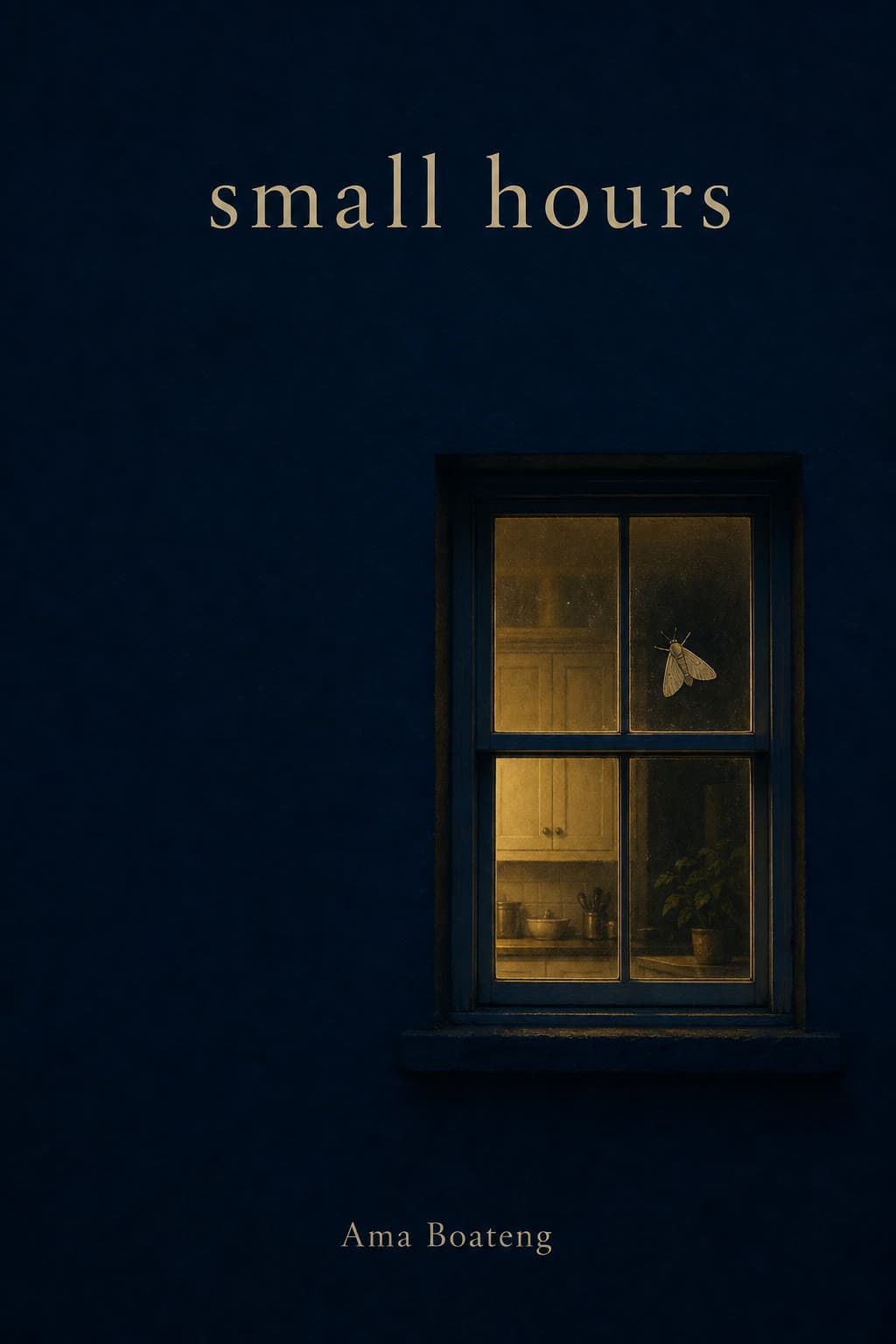
GPT Image 2
Real covers, with their prompts
Start from your genre
Each cover came back as you see it, from the prompt under it. Press Make this to open the same model with the prompt in the box, then put in your title, your name and your story.
Thriller, romance, fantasy, horror and science fiction
Each prompt describes the picture first, as a genre reader would expect it: a hotel corridor with one door ajar, a hand-drawn bakery meet-cute, a painted cliff of salt crystals. Then it gives each line of type in quotes, where it sits and how it looks (tall condensed capitals, a bouncy script, gold serif capitals), and ends with “No other text” so nothing else gets printed.
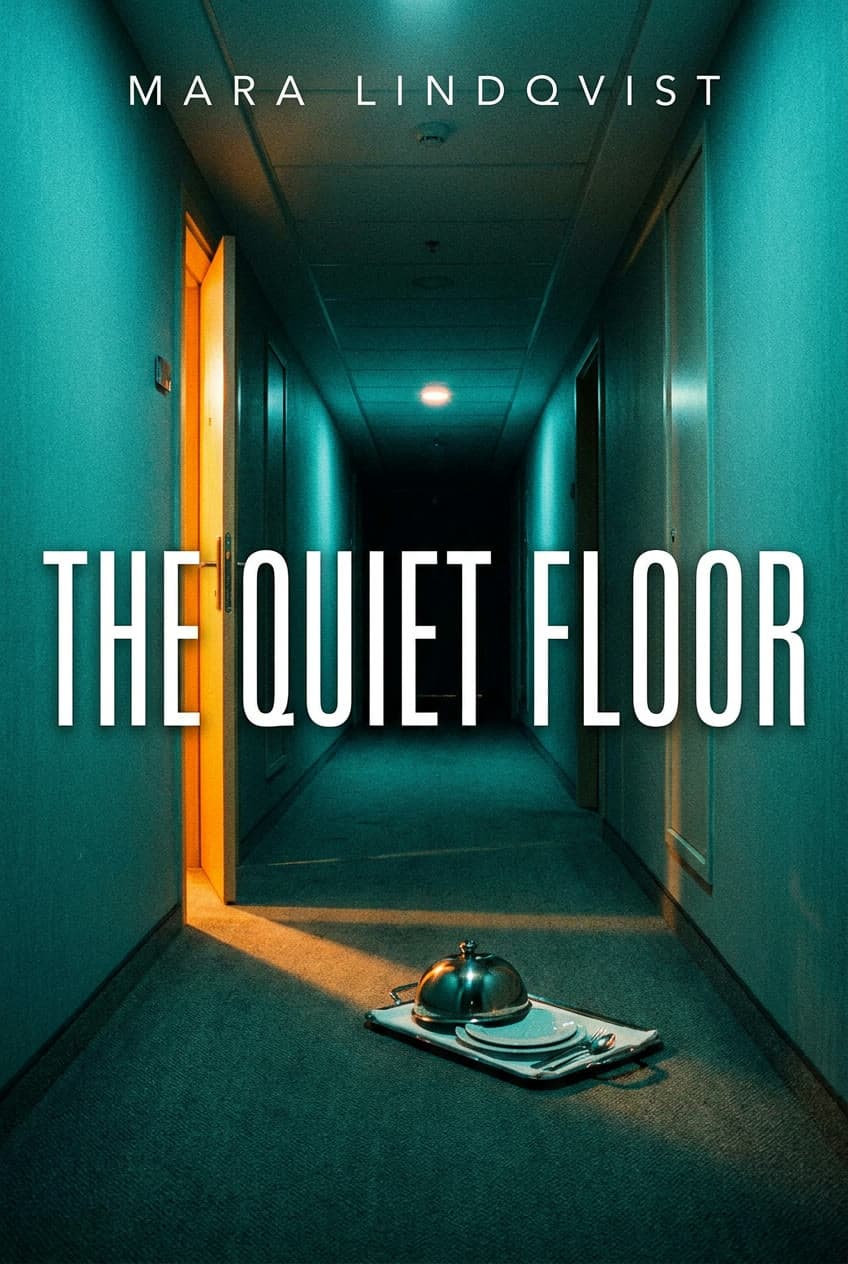
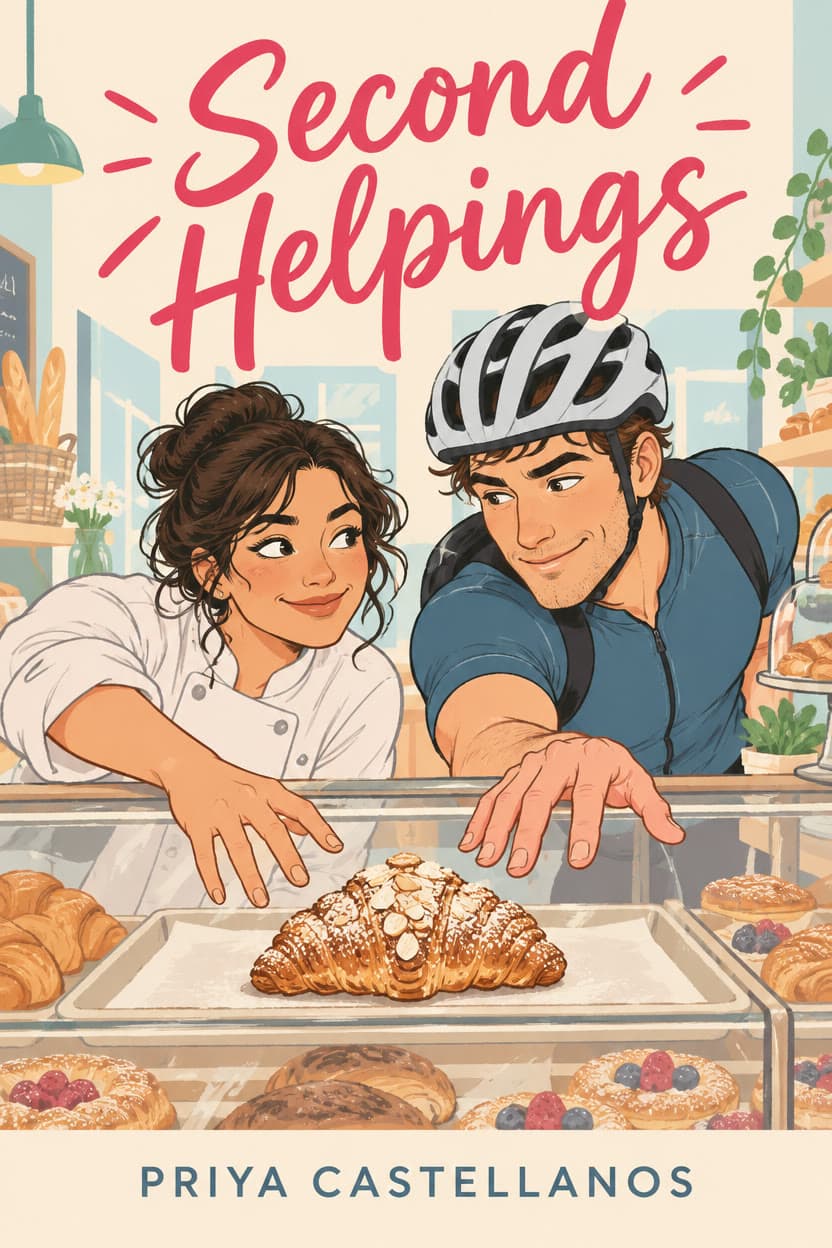
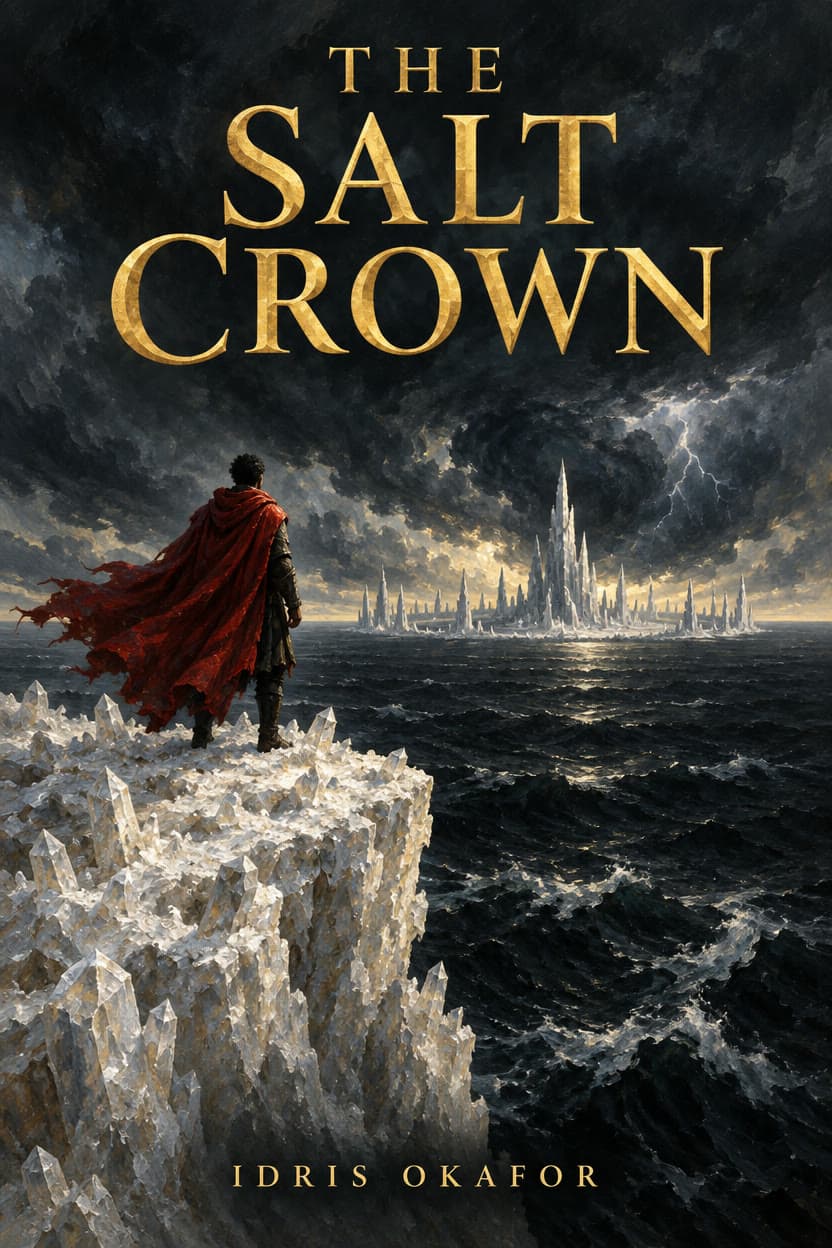
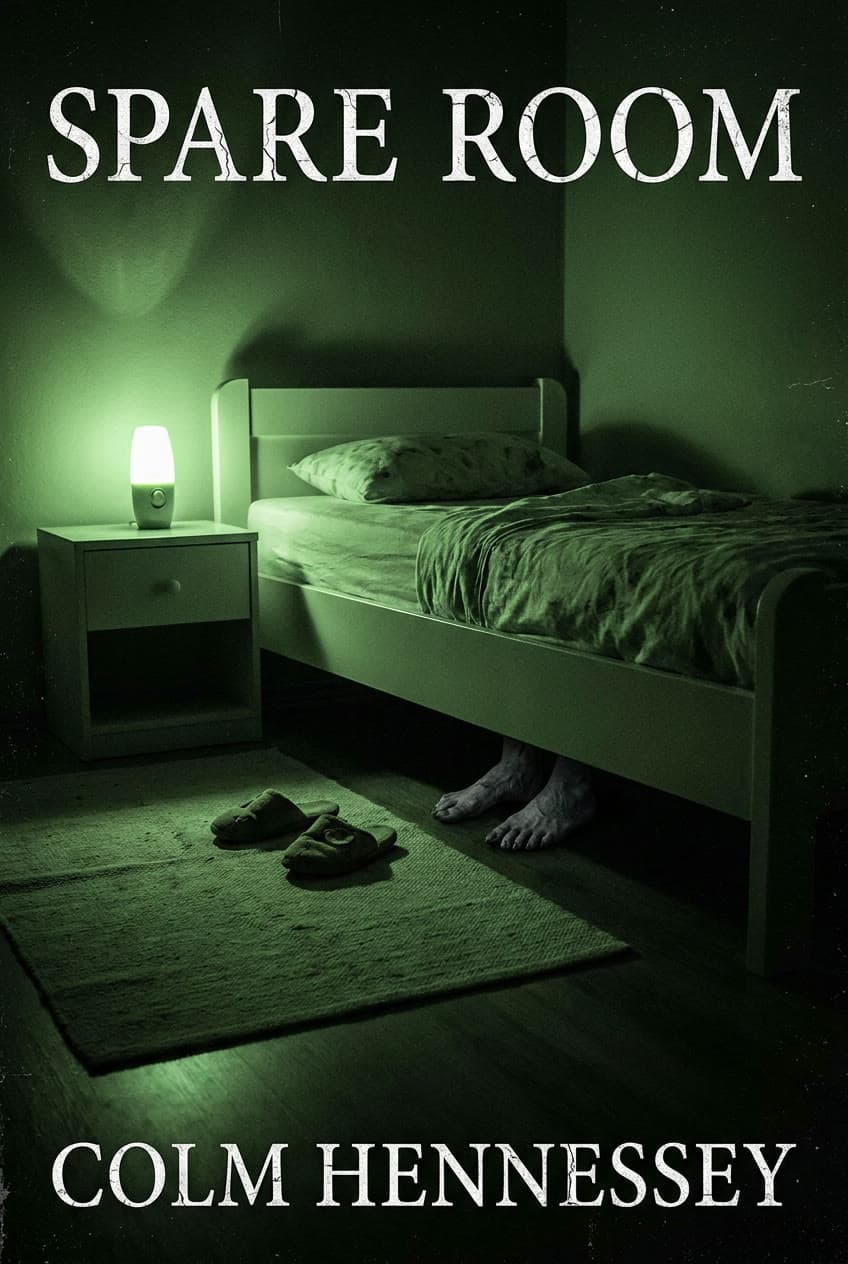
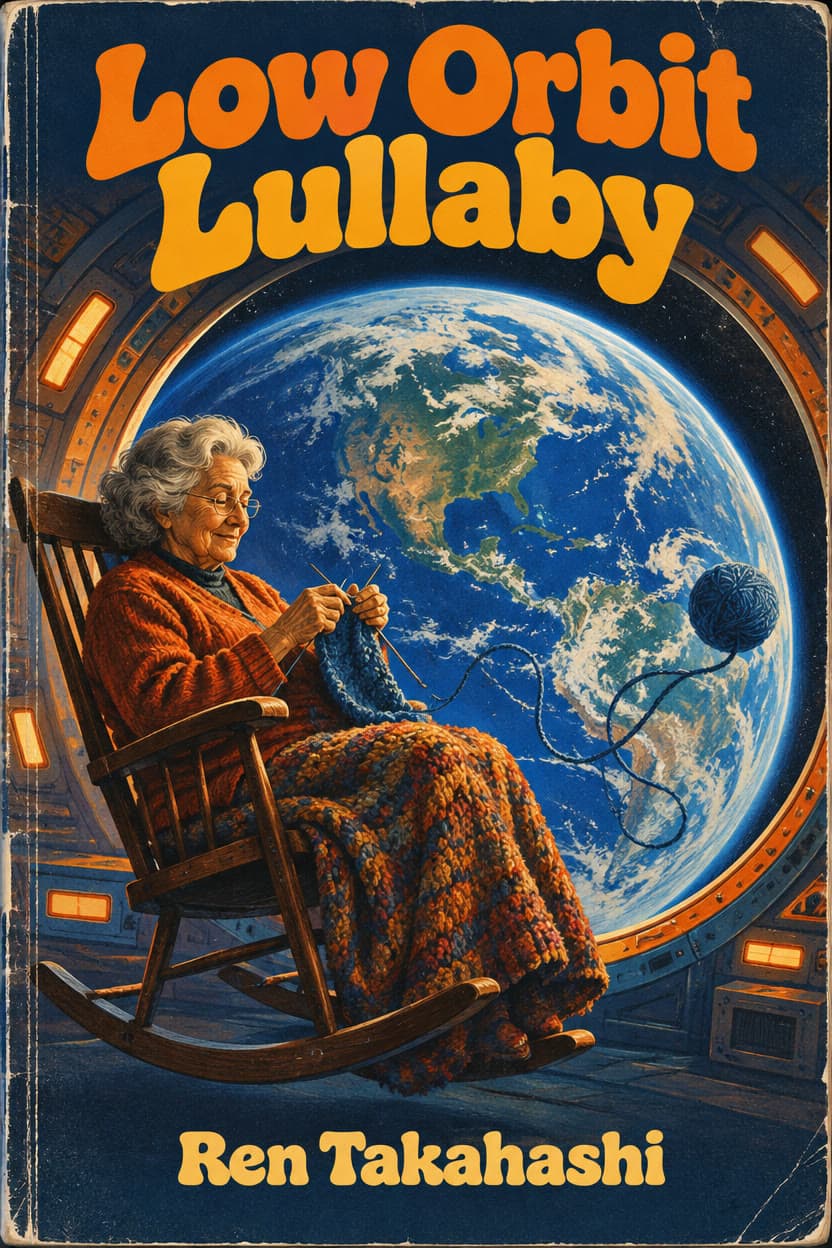
Science fiction: Low Orbit Lullaby
GPT Image 2.5 Flare$0.0858 for an image on GPT Image 2.5 Flare
Nonfiction, memoir and picture books
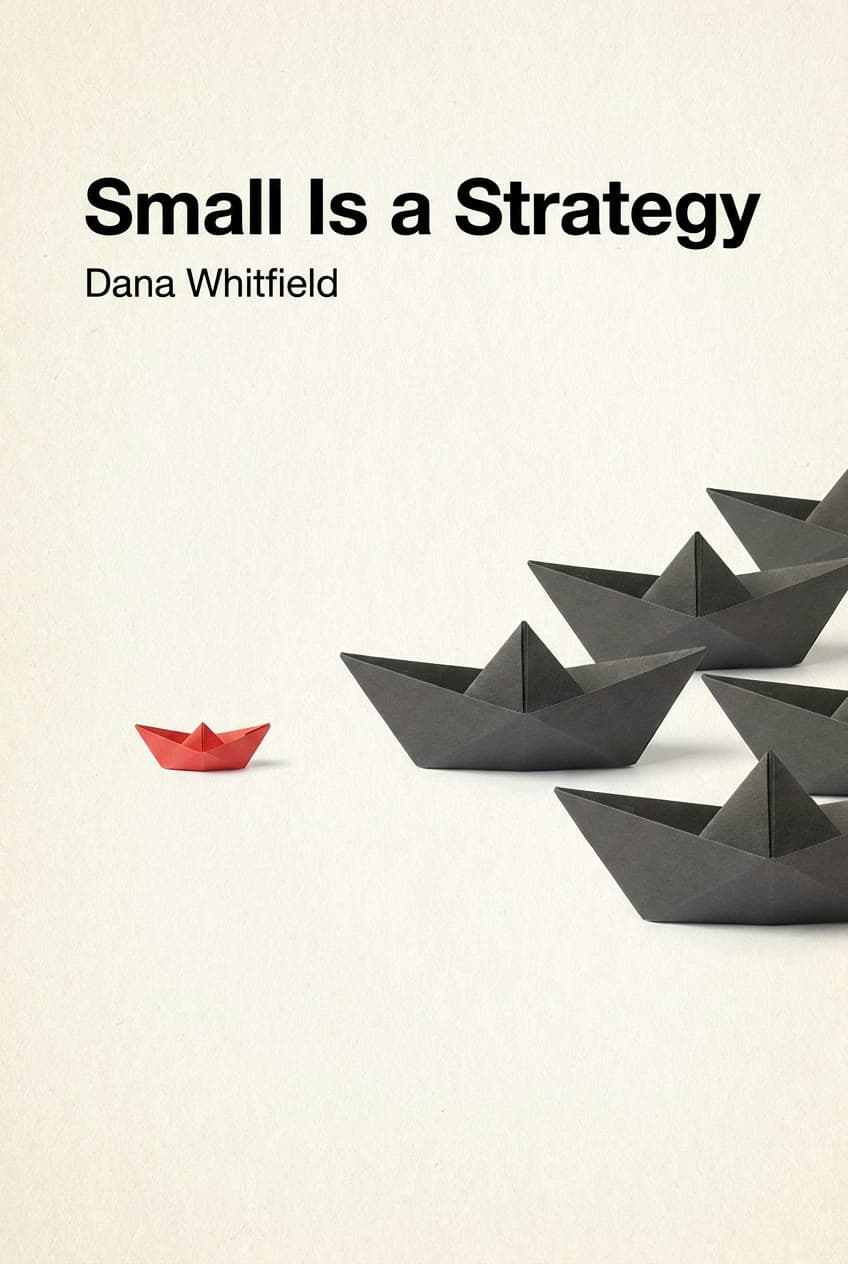
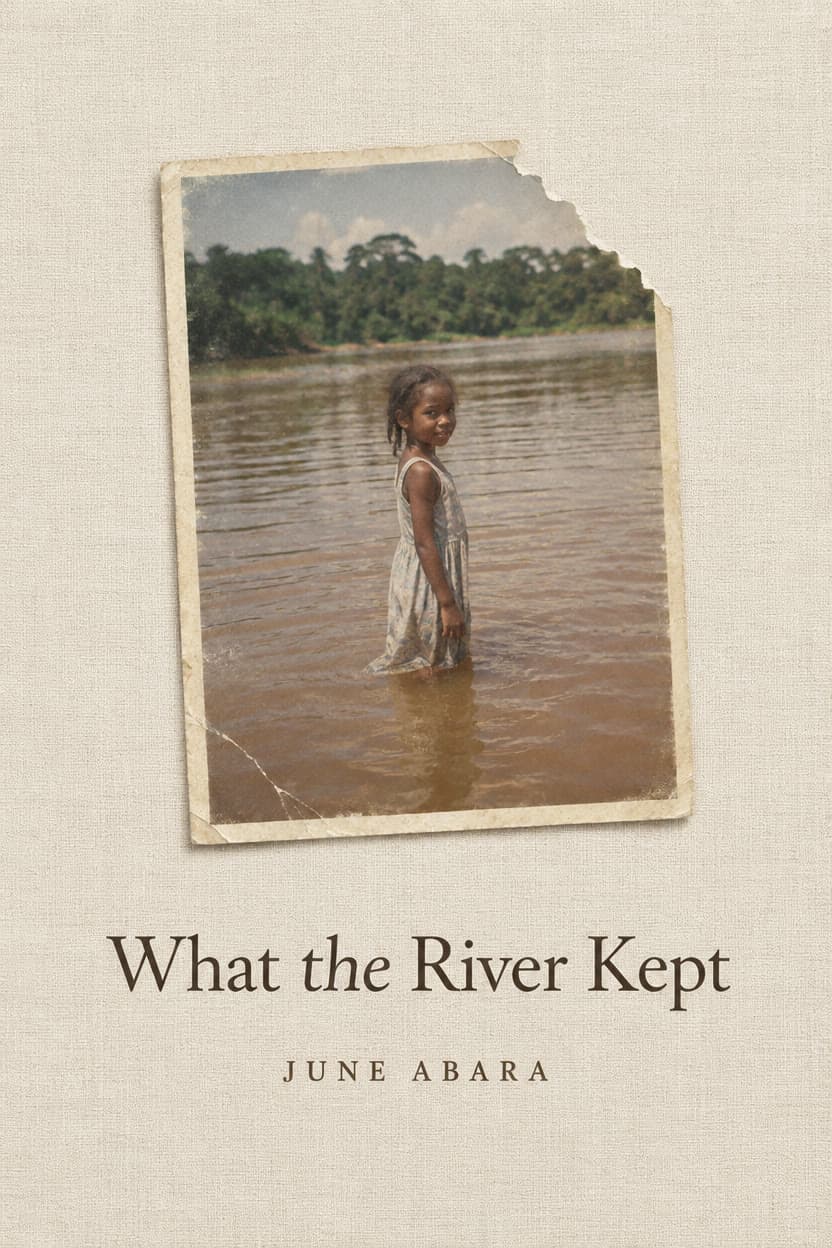
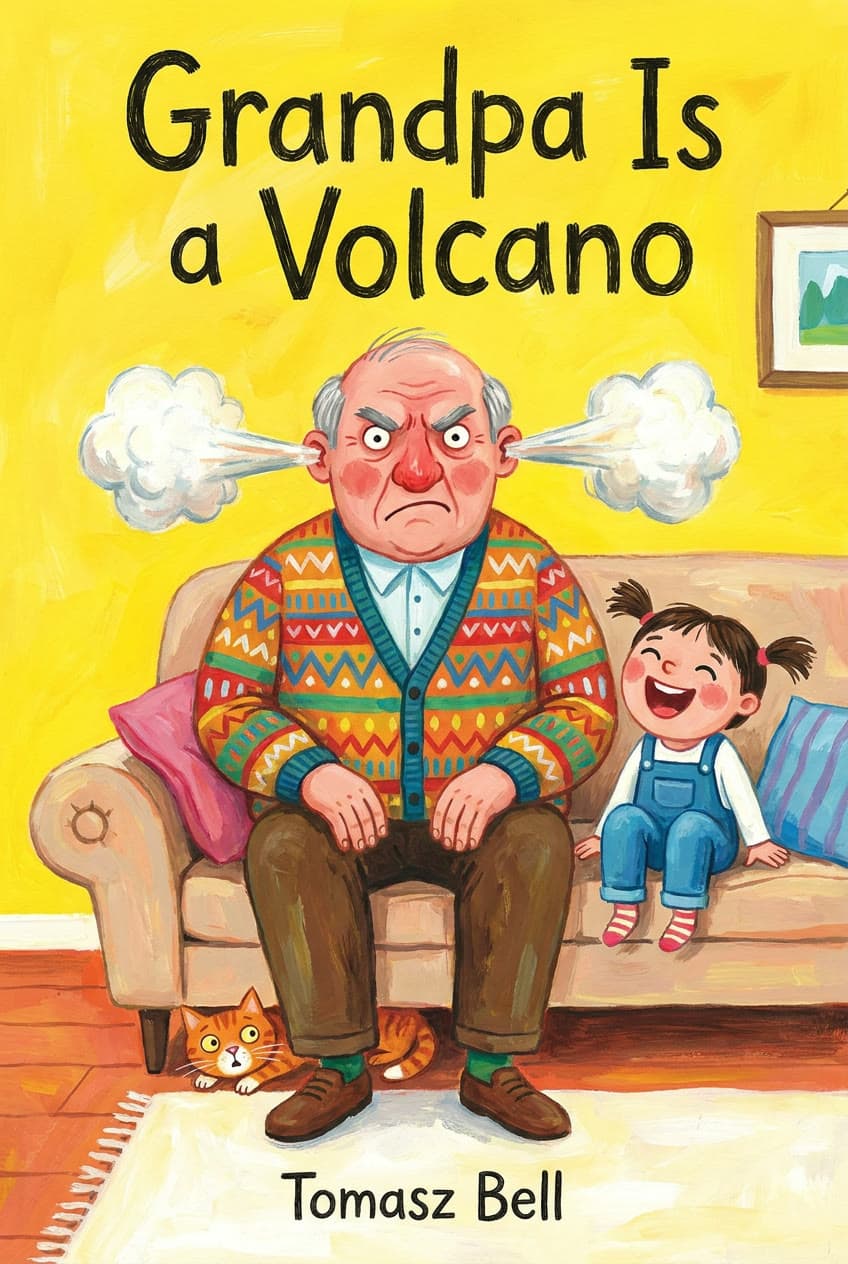
A nonfiction cover can be one idea on a plain background, such as a red paper boat beside a grey fleet. A memoir can rest on a single old photograph. A picture book wants bright paint and big hand-drawn letters. Each title and author is in quotes, spelled exactly.
Pick the model for your cover
Each of these spelled every title and name on this page right. One account runs them all, so you can try your cover on two and keep the one you like.
- GPT Image 2.5 Flarefrom $0.07
The quicker GPT Image 2.5: quality up to max, 4K, and up to 8 references.
From words, or up to 8 of your photos. By OpenAI.
Make one with GPT Image 2.5 Flare - Nano Banana Profrom $0.19
Gemini 3 Pro Image: Google's best for legible text, infographics and edits of up to 6 references.
From words, or up to 6 of your photos. By Google.
Make one with Nano Banana Pro - GPT Image 2from $0.056
OpenAI's image model: precise prompt following and text, at medium quality.
From words. By OpenAI.
Make one with GPT Image 2 - Seedream 5.0 Profrom $0.039
ByteDance's newest: detailed 2K images and edits of up to 4 reference images.
From words, or up to 4 of your photos. By ByteDance.
Make one with Seedream 5.0 Pro
Questions
Questions authors ask
- Is it free?
- You can start free: a new account comes with $2 of credit, and no card is needed. That is about 51 covers with Seedream 5.0 Pro or 10 with Nano Banana Pro. After that you add credit when you want more and pay per cover. There is no subscription, and the welcome credit is one per person.
- Will it spell my title and name right?
- Put the title and your name in quotes, say where each goes, and end the prompt with “No other text”. Every cover on this page came back spelled right that way. Still read each one letter by letter before you publish, and run it again if a letter slipped.
- How do I make a cover for my own book?
- Press Make this under the cover closest to your genre. The studio opens with its prompt in the box: change the title, the name and the picture, keep the parts about type and color, and press Generate.
- What size is it, and is it ready for Amazon KDP?
- The covers here are 2:3, most about 1,250 pixels tall. In the studio, GPT Image 2.5 Flare and Nano Banana Pro can make them at 2K or 4K for a sharper file. Amazon KDP asks for an ebook cover of 1.6:1, ideally 2560 pixels tall, so crop a little off the sides. A print cover is a full wrap with a back and a spine; Leap makes the front, and KDP's Cover Creator or a designer builds the wrap around it.
- Can I sell books with a cover made here?
- Leap's Terms say that, as between you and Leap, you own the results the studio makes for you, to the extent the law allows, and they set no personal-use-only limit. In some countries AI-made images may not be protected by copyright, so nobody can promise a cover is unique, and people or brands shown in one may still have rights in it.
- Do you train AI on my prompts or covers?
- No. Leap does not use your prompts, uploads or results to train AI models, and does not use them in its marketing without asking you first.
- What happens if a cover fails?
- It costs nothing. Only a run that succeeds is charged, and you see the price on the Generate button before you press it.
Your book, with a cover.
Start free, no card needed. Every cover is priced before you press Generate.
Make a cover