AI Video Generator
Describe the scene and pick the model to film it: Veo 3.1, Kling 3.0, Seedance or Grok Imagine. Every clip on this page came out of Leap.
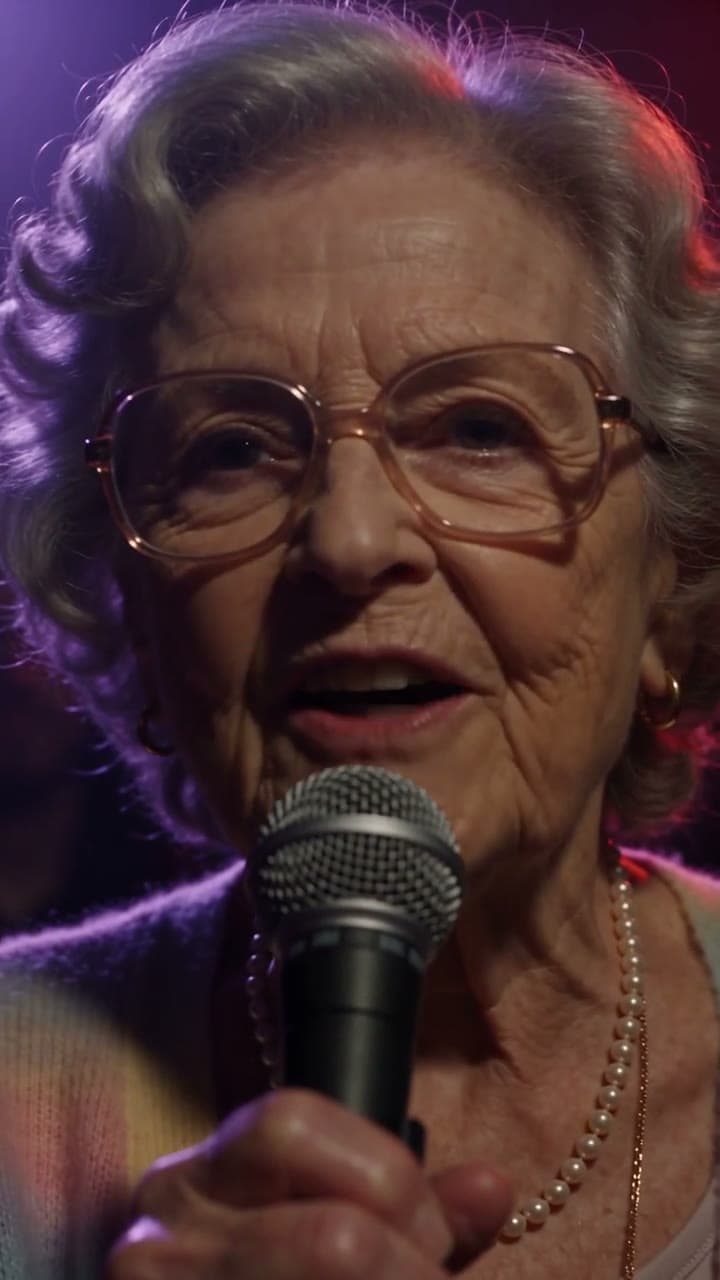
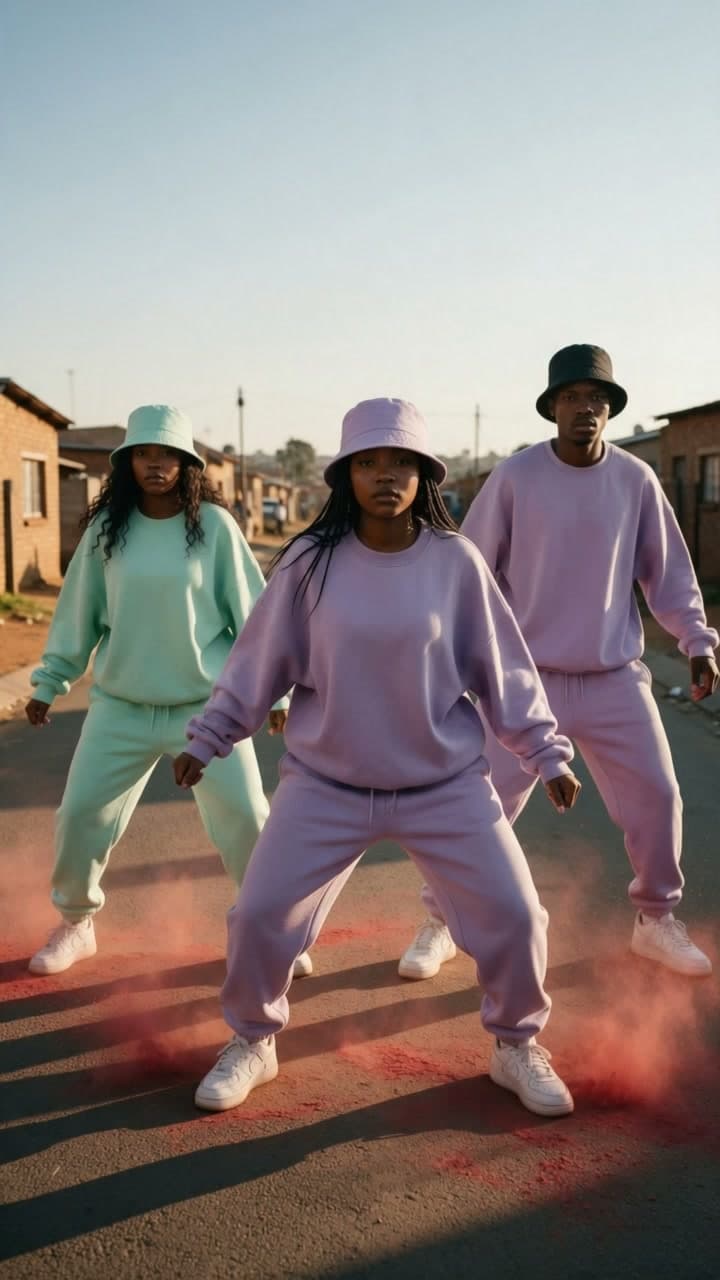


Made on Leap, one prompt each
Real runs, as they came back, each with the model that made it: comedy, ads, film, sport and food.
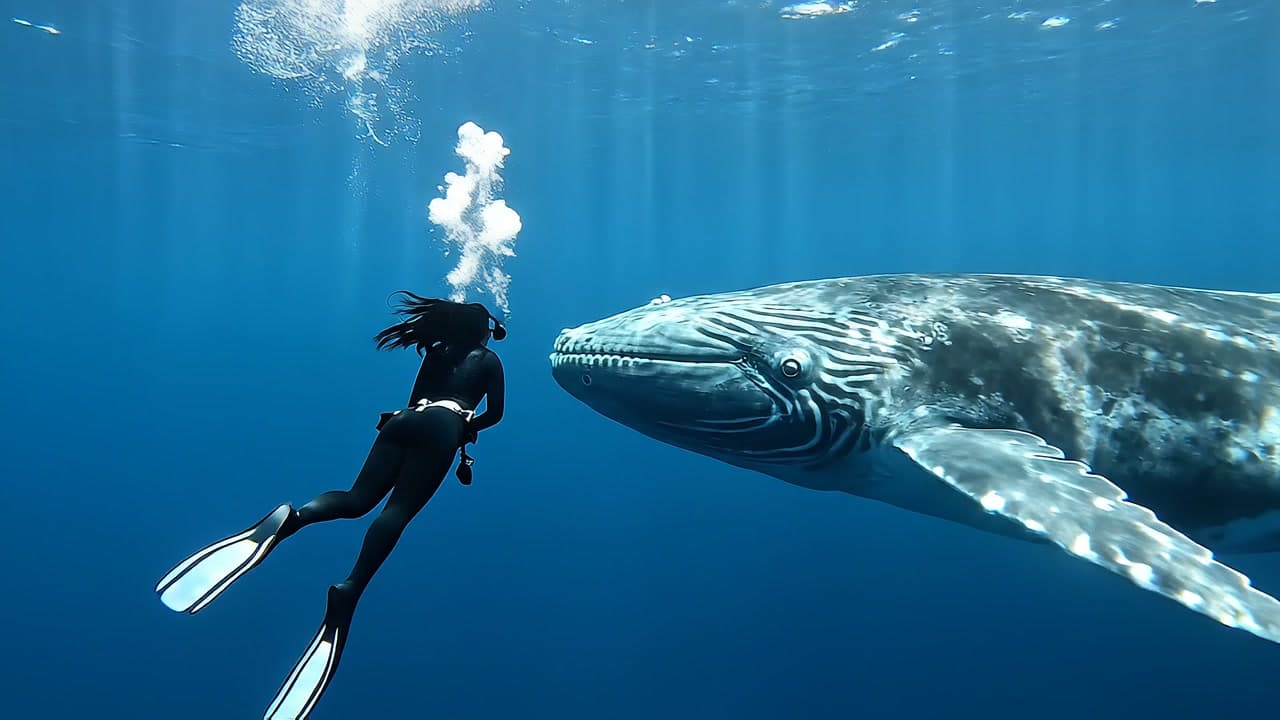
Eye contactVeo 3.1 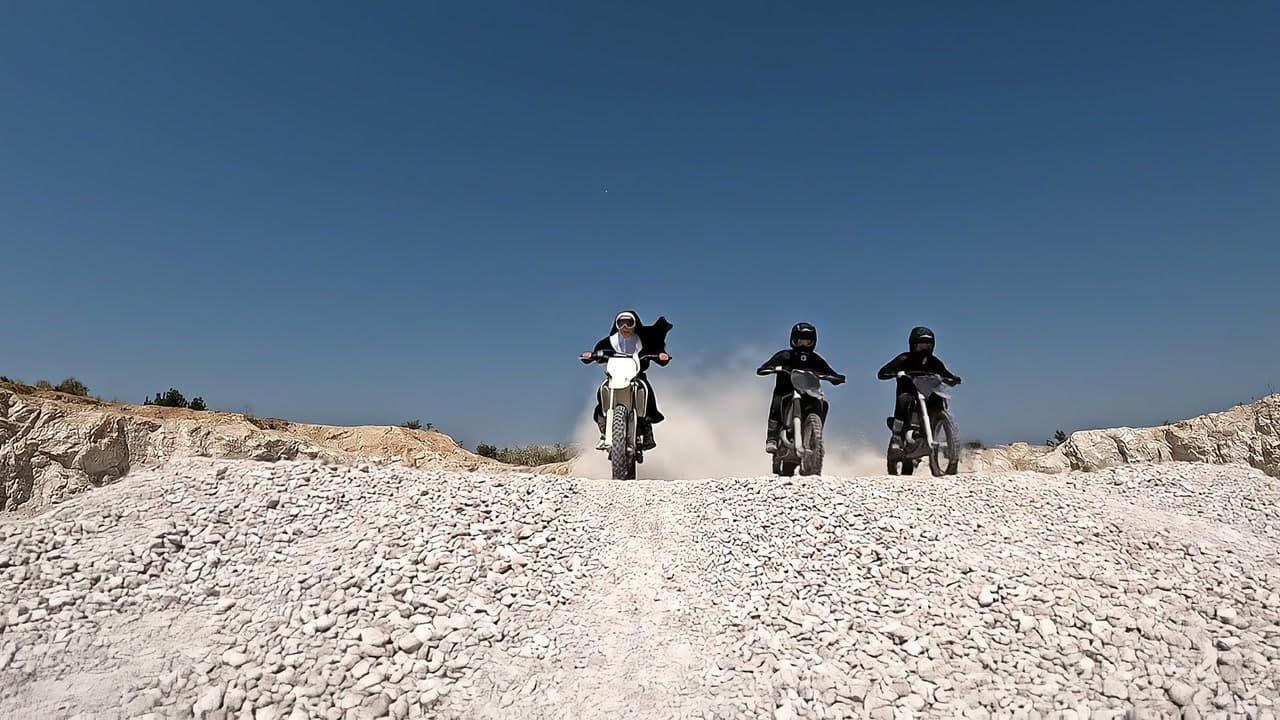
Sister, pull overVeo 3.1 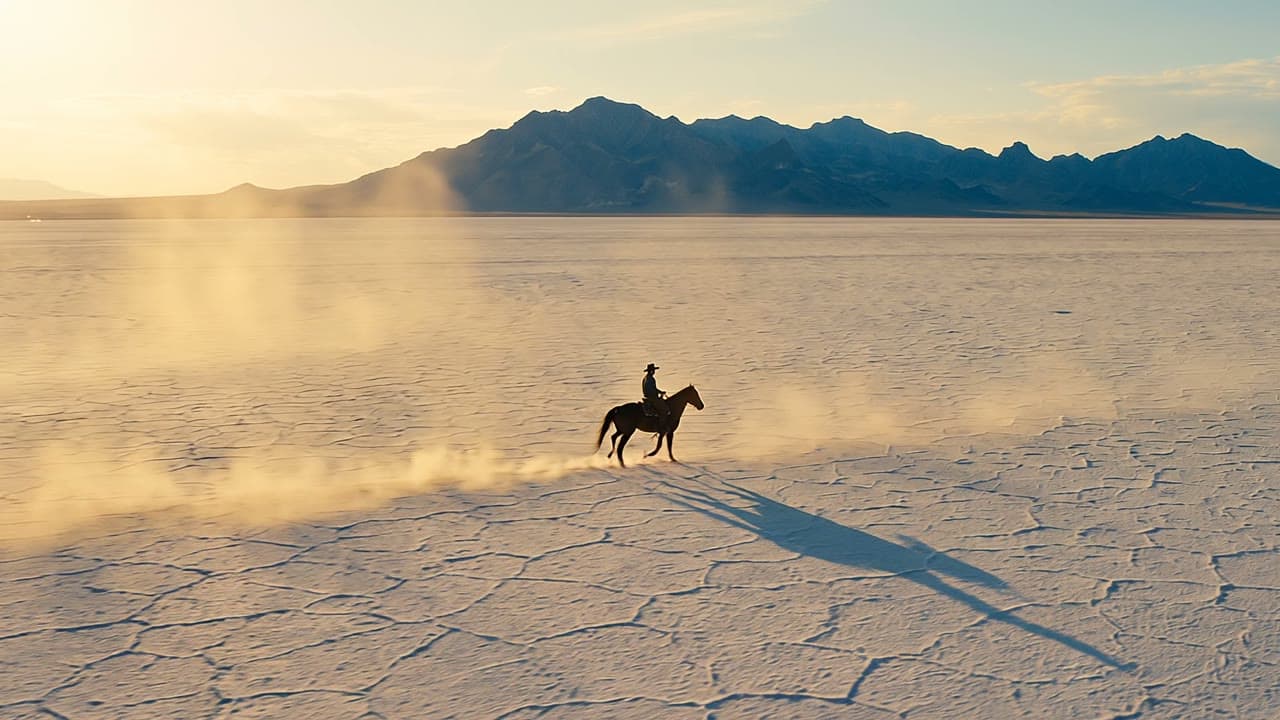
Salt flat riderVeo 3.1 Fast 
Samurai catsSeedance 2.5 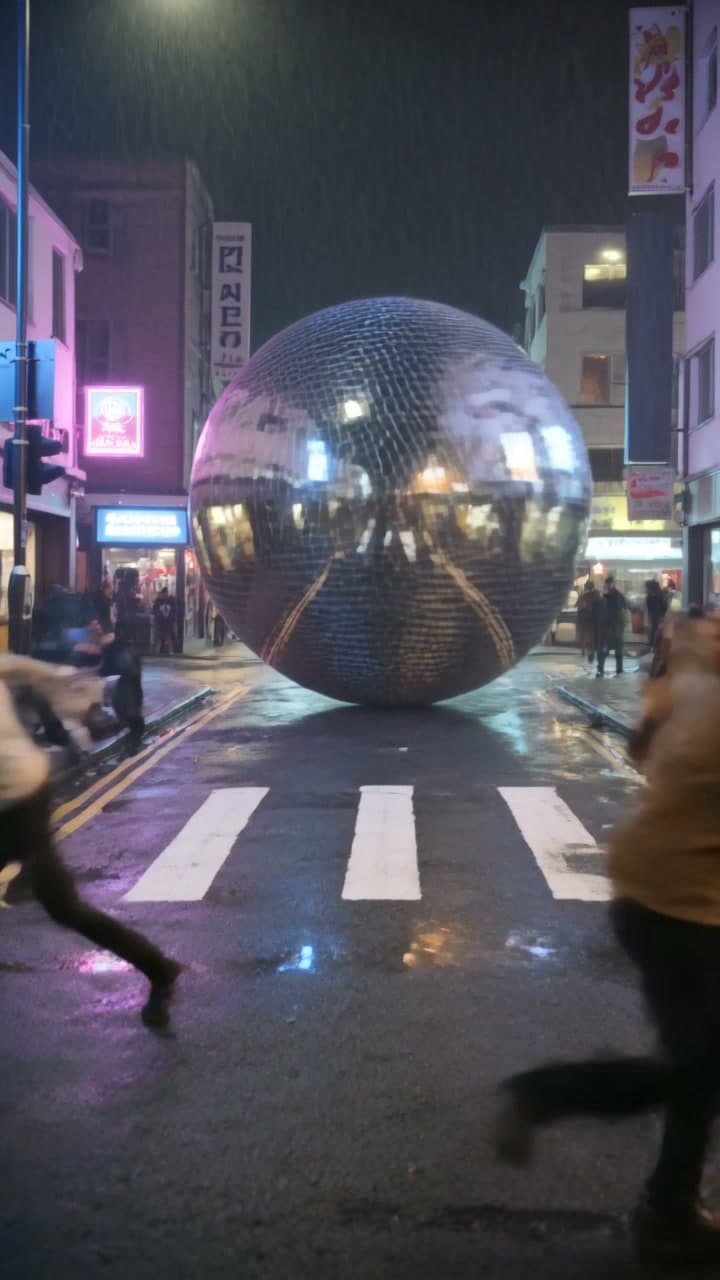
Disco ball on the looseKling 3.0 
AishSeedance 1.5 Pro 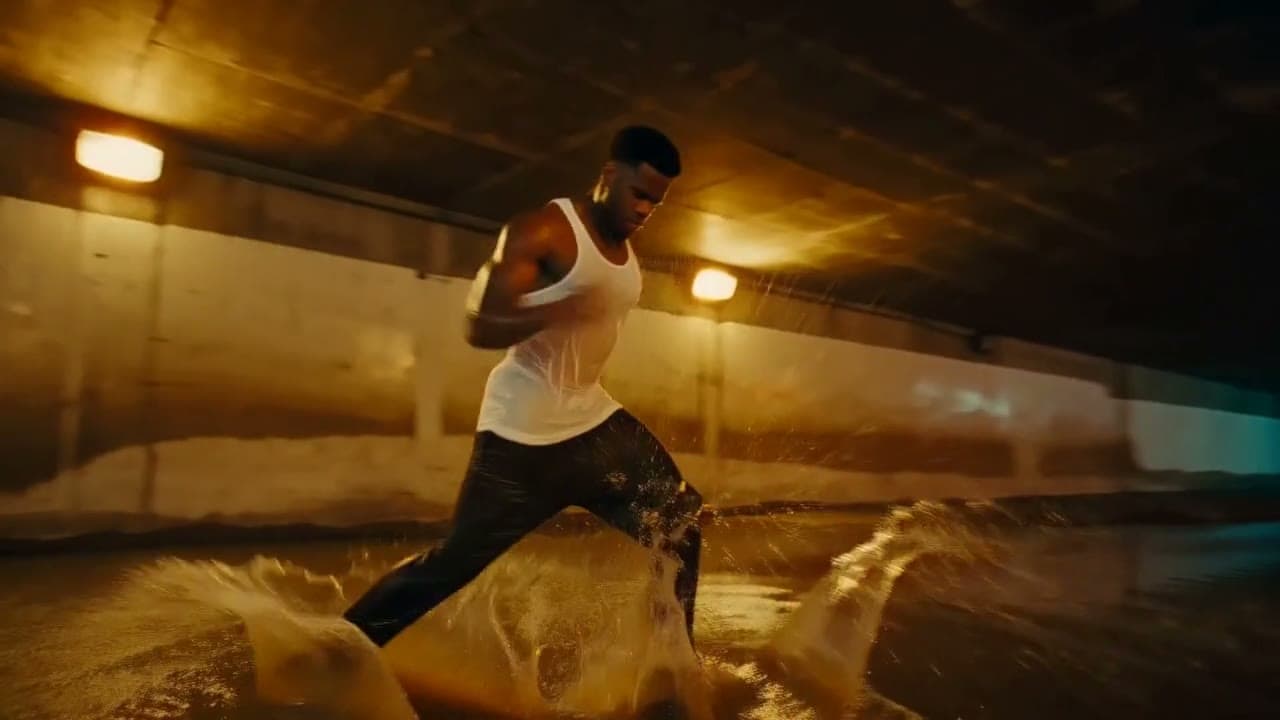
UnderpassH3 Max 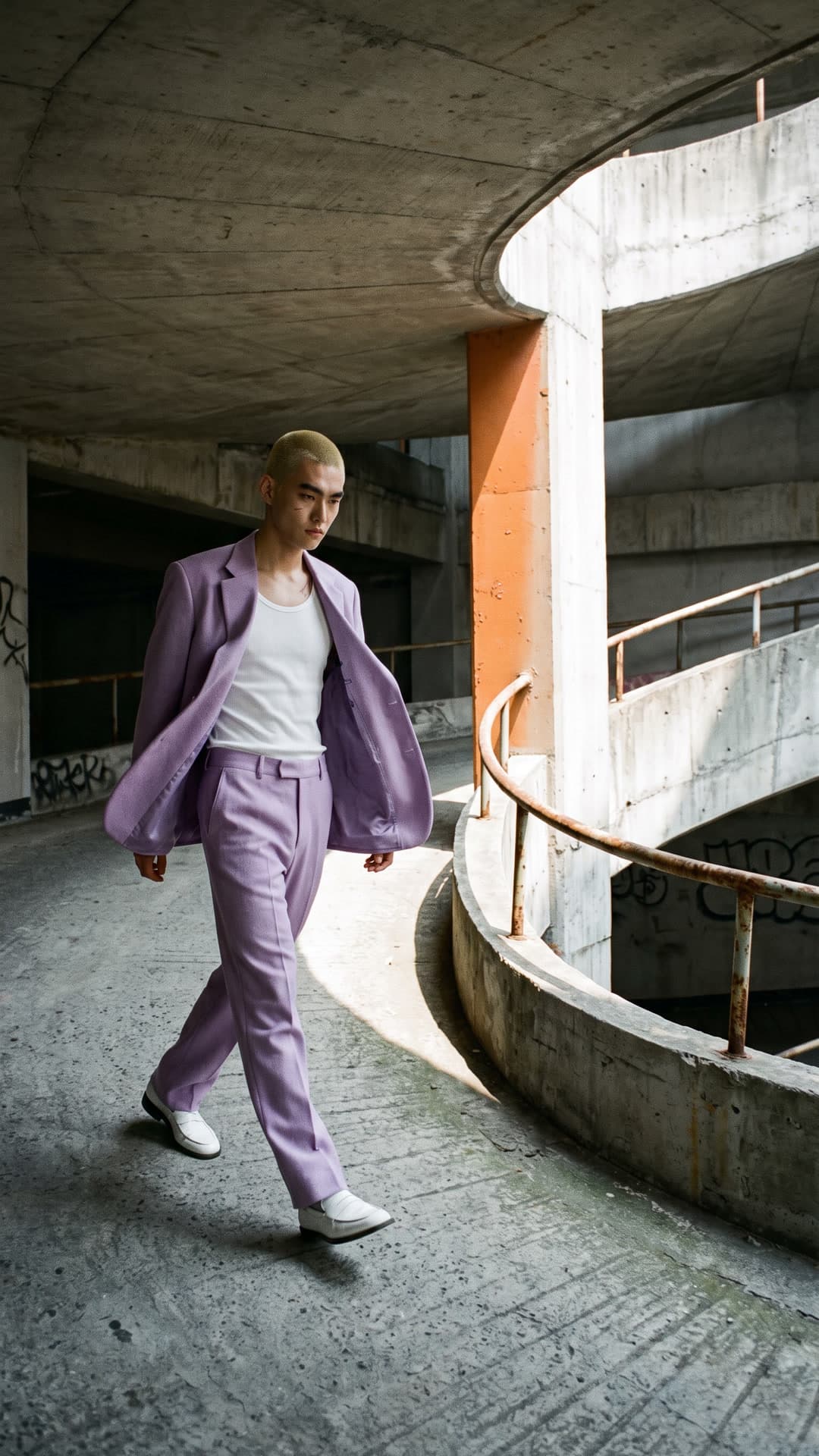
LilacFLUX.3 Video 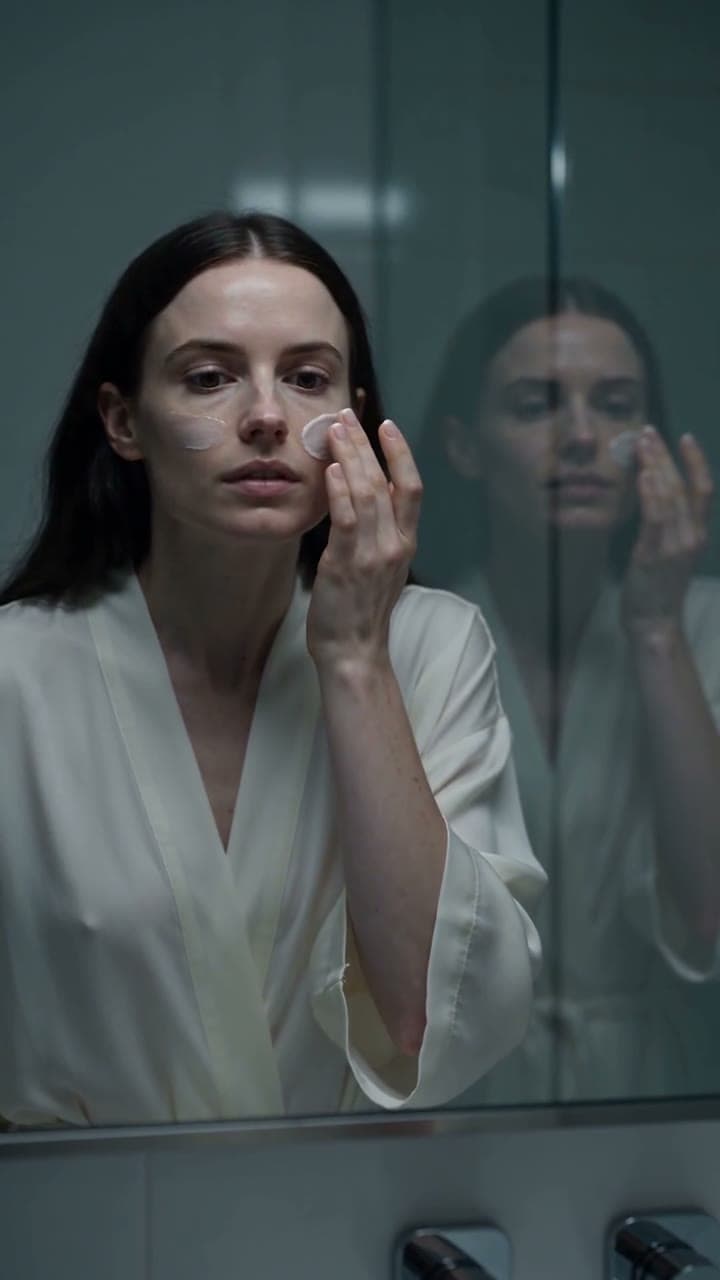
Skincare, the horror cutSeedance 2.5 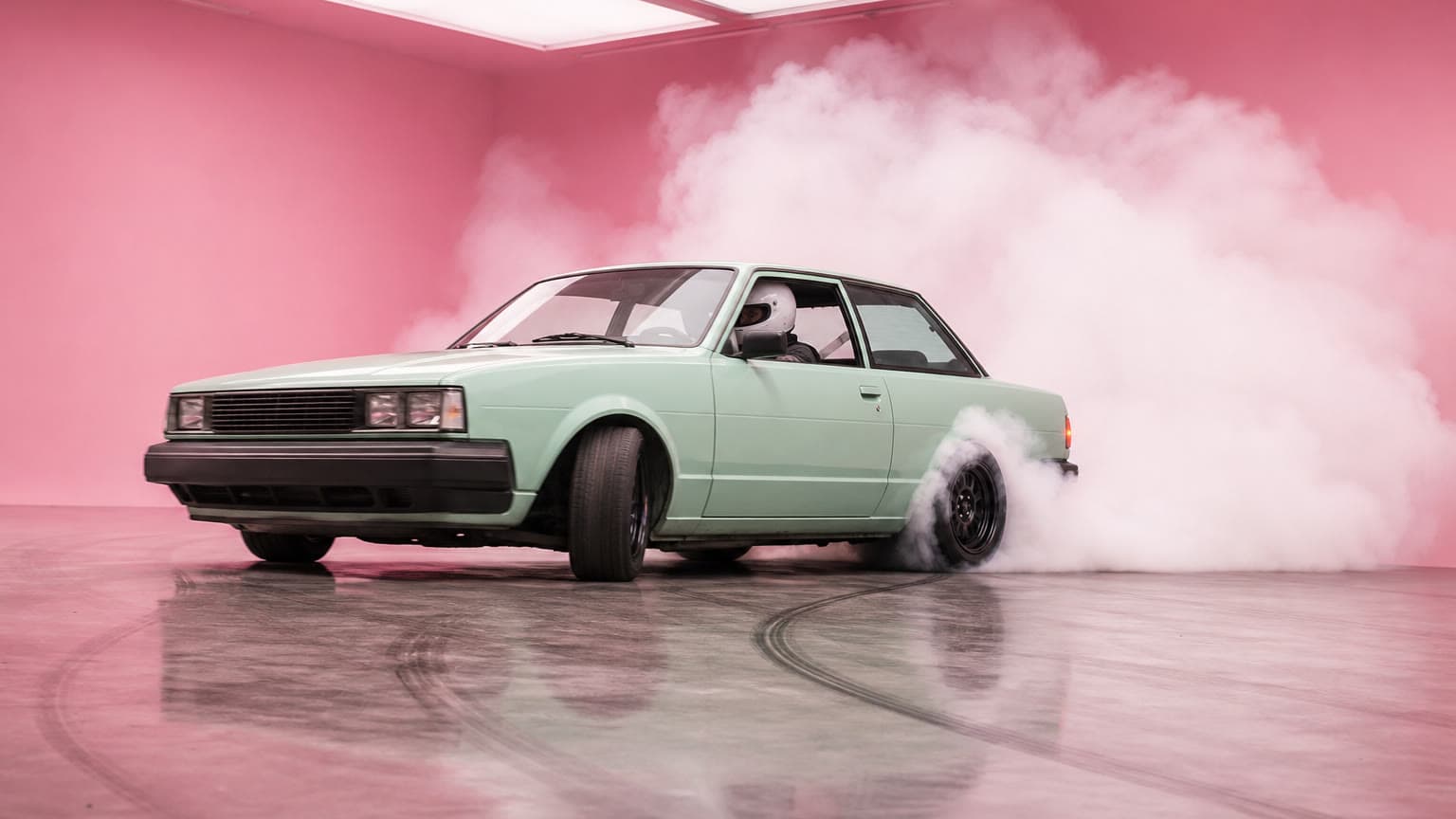
Pastel driftMiniMax H3 
Cyborg in the stairwellKling 3.0 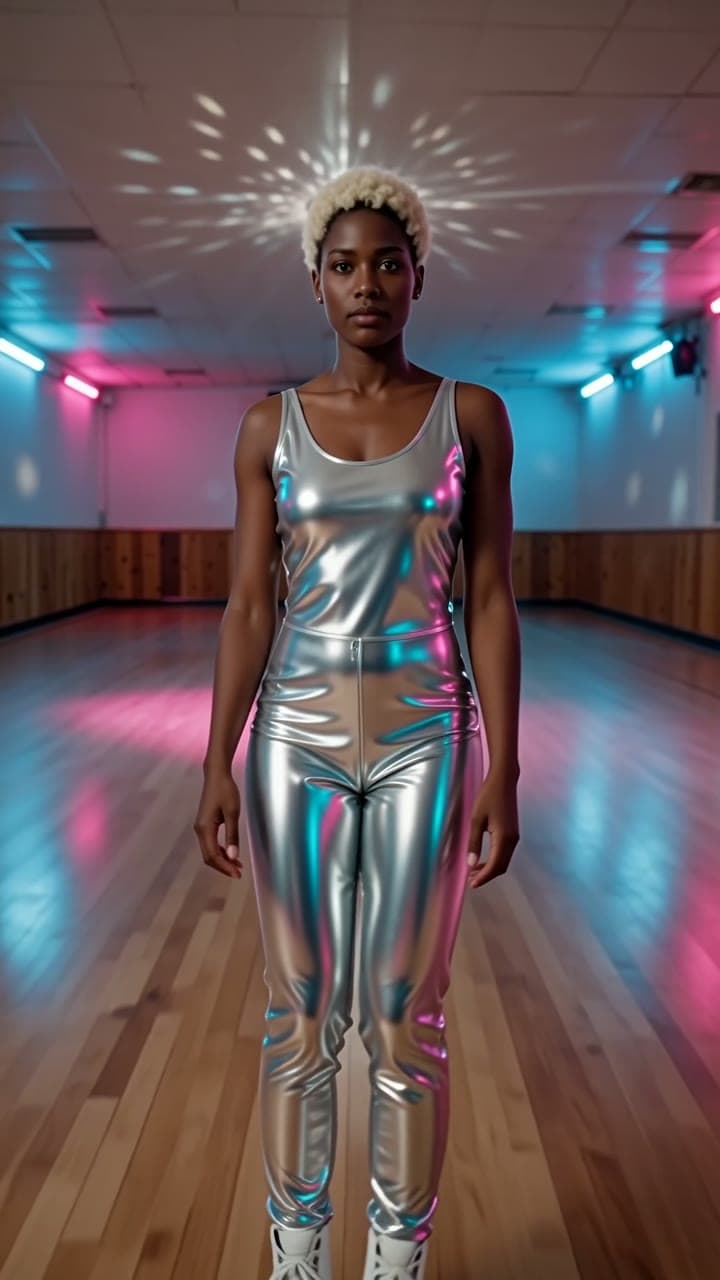
Mirror ballWan 2.6 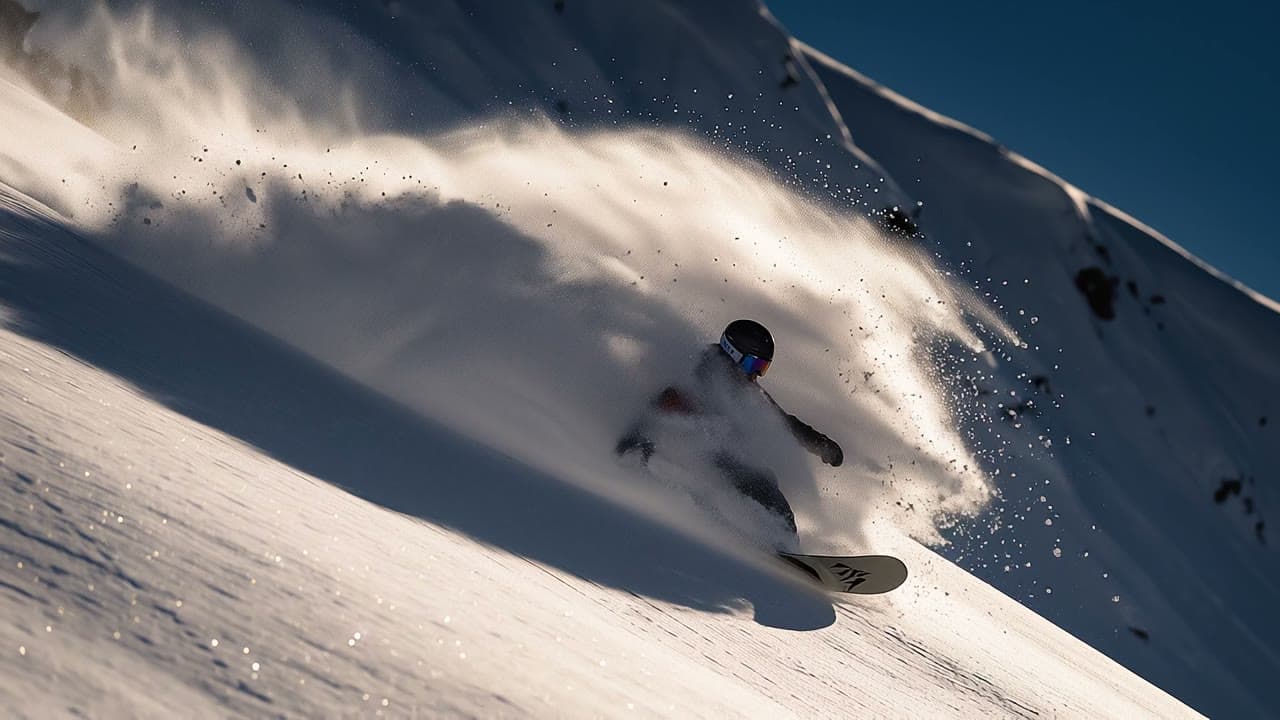
Powder turnVeo 3.1 Fast 
Wax printH3 Max 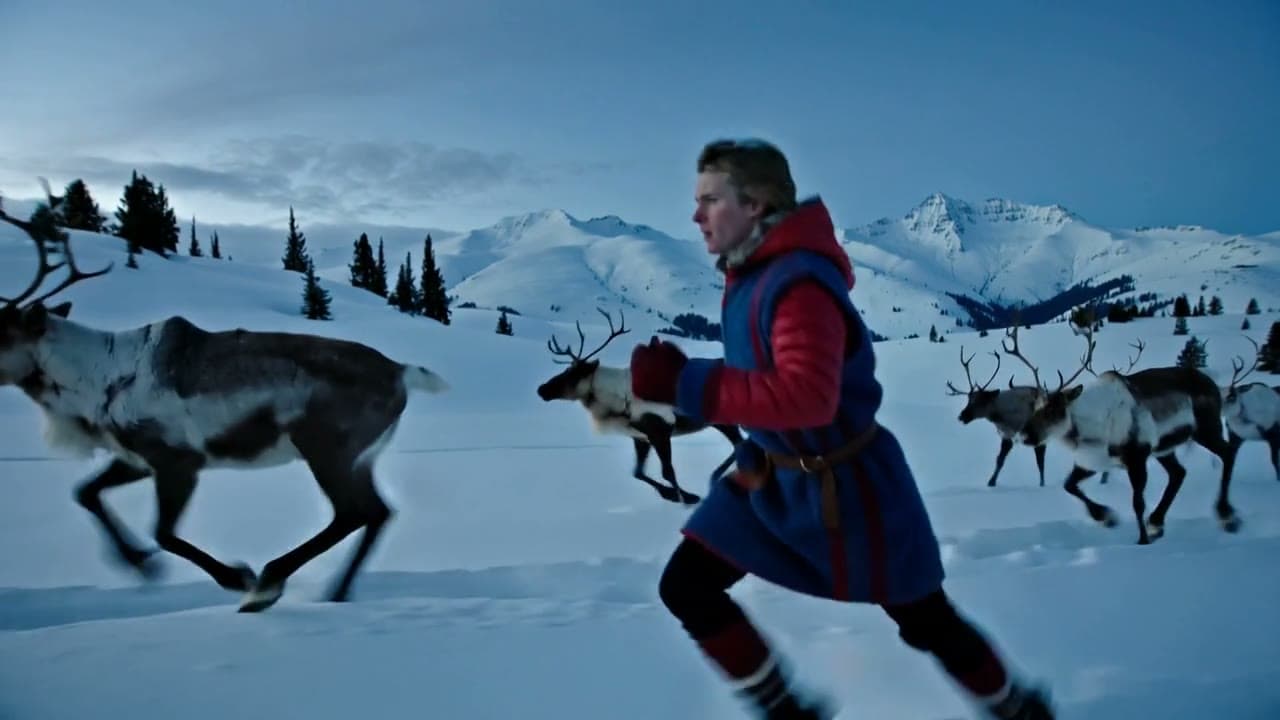
Running with the herdKling 2.5 Turbo Pro 
MeringueKling 3.0 Turbo Pro 
Paper lanternsH3 Max Turbo
Pick the model for the shot
Each model moves differently, and some make sound with the picture. One account runs them all, so you can try a prompt on two and keep the better take.
- Veo 3.1from $0.88
Google's highest-quality video model, with sound.
From words, or from a picture as the first frame. By Google.
Make one with Veo 3.1 - Kling 3.0from $0.92
Cinematic motion and strong physics, from text or a first frame.
From words, or from a picture as the first frame. By Kuaishou.
Make one with Kling 3.0 - Seedance 2.5from $0.60
Lifelike motion with sound made in the same take, from text or a first frame with no real person in it.
From words, or up to 4 of your photos. By ByteDance.
Make one with Seedance 2.5 - Veo 3.1 Fastfrom $0.44
Google's fast video model, with dialogue, effects and music in sync.
From words, or from a picture as the first frame. By Google.
Make one with Veo 3.1 Fast - Seedance 1.5 Profrom $0.067
Sharp, steady video at a very low price, with optional sound.
From words, or from a picture as the first frame. By ByteDance.
Make one with Seedance 1.5 Pro - Grok Imagine Videofrom $0.28
Fast video with sound, from text or a first frame.
From words, or from a picture as the first frame. By xAI.
Make one with Grok Imagine Video
Questions
Questions people ask
- Is it free?
- You can start free: a new account comes with $2 of credit, and no card is needed. That is about 30 clips of 5 s with Seedance 1.5 Pro, or 2 with Kling 3.0, which costs from $0.92 a clip. After that you add credit when you want more and pay per clip. There is no subscription, and the welcome credit is one per person.
- Which model should I use?
- Start with what the clip needs. Veo 3.1 makes the picture and its sound together. Kling 3.0 is strong on motion and physics. Seedance 1.5 Pro costs a few cents a second, so it suits drafts and trying ideas. The price of each model sits next to its name in the box, and you can run the same prompt on several to compare.
- How long can a clip be?
- From 4 to 15 seconds, depending on the model: Seedance 2.5 goes up to 15. A longer clip costs more, and the price on the Generate button changes with it.
- Do the clips have sound?
- Veo 3.1, Seedance 2.5, Veo 3.1 Fast and Seedance 1.5 Pro can make sound in the same take as the picture: voices, effects and ambience. The studio can also add sound to a silent clip afterwards.
- Can I use the clips commercially?
- Leap's Terms say that, as between you and Leap, you own the results the studio makes for you, to the extent the law allows, and they set no personal-use-only limit. In some countries AI-made video may not be protected by copyright, and people or brands shown in a clip may still have rights in it.
- What happens if a clip fails?
- It costs nothing. Only a run that succeeds is charged, and you see the price on the Generate button before you press it.
- Can I start from my own photo?
- Yes. Veo 3.1, Kling 3.0, Seedance 2.5, Veo 3.1 Fast, Seedance 1.5 Pro and Grok Imagine Video can start a clip from a picture you give them, as its first frame. Add it after you sign in, or see the image-to-video page for more.
Your first clip, from one line.
Start free, no card needed. Every clip is priced before you press Generate.
Make a video