Image to 3D
Add a photo of an object and pick the model to build it: Hunyuan3D 2, Meshy 6, Rodin or TRELLIS. You get a 3D model to download, textured or as a plain mesh. Every model on this page is a real run on Leap.
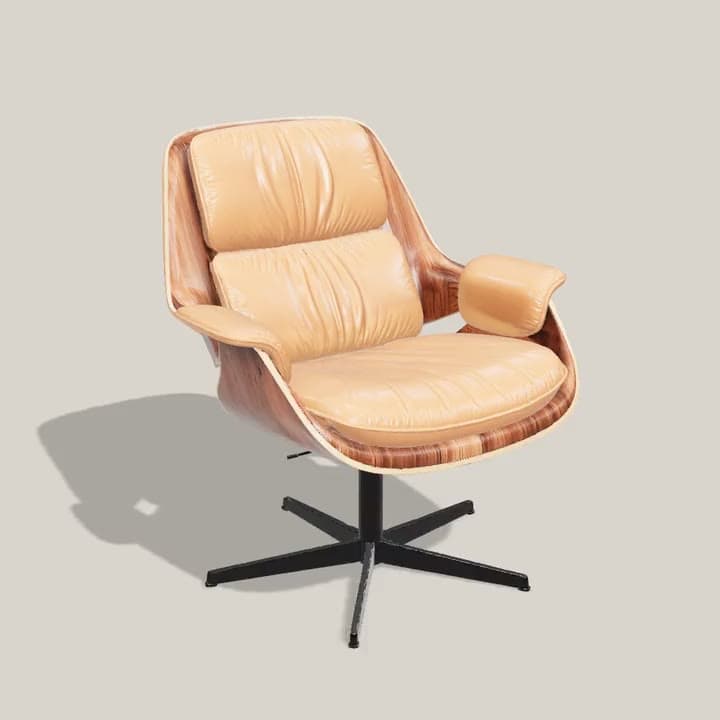
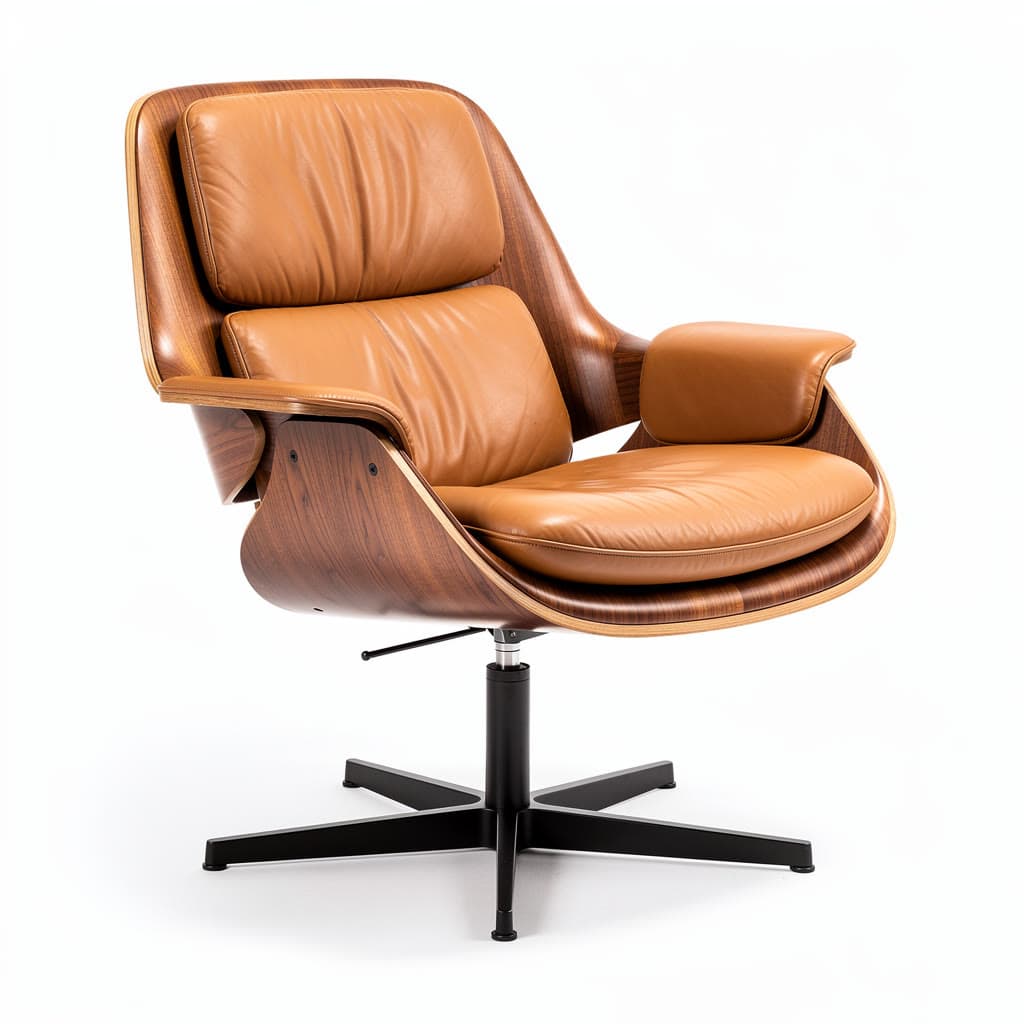
From a photo to a model you can turn
Each started from the photo in its corner, except the gramophone, which Meshy 6 Text to 3D made from one sentence. The turntables show each model's own file as it came back; the caption names the model.
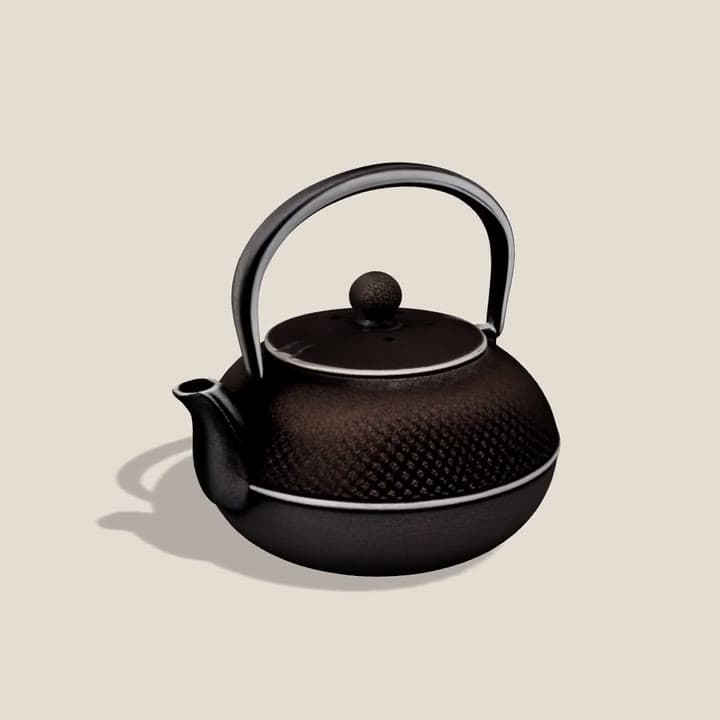

A cast-iron teapot, hobnails and allHunyuan3D 2 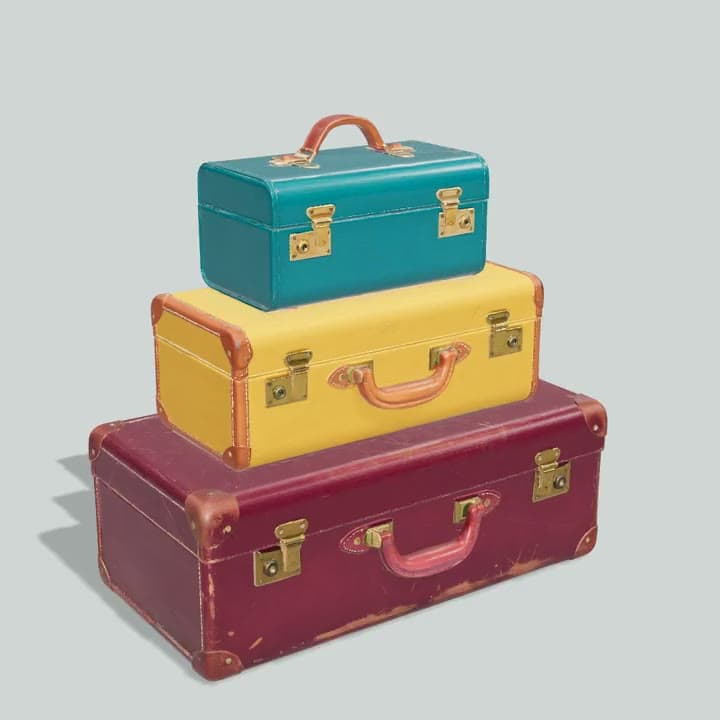
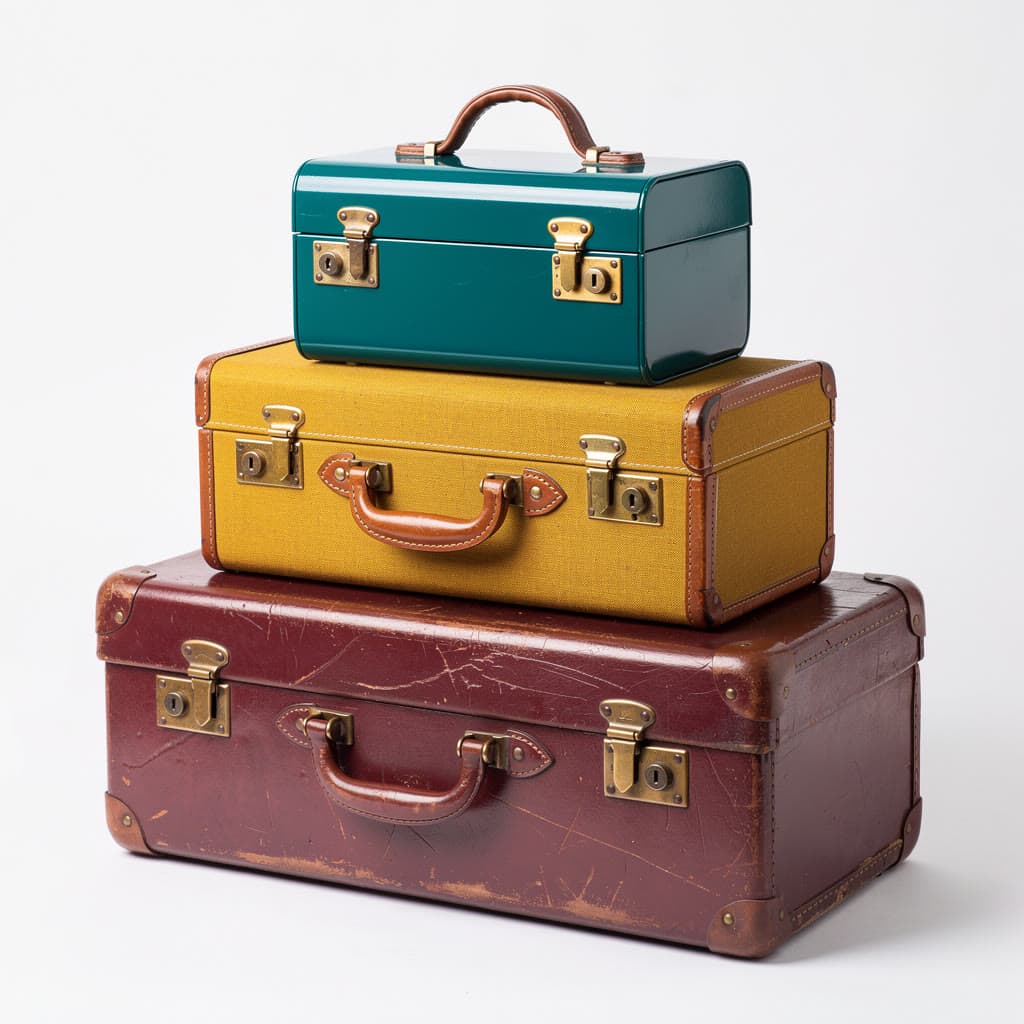
Three vintage suitcases, stackedMeshy 6 
A brass gramophone, from one sentenceMeshy 6 Text to 3D 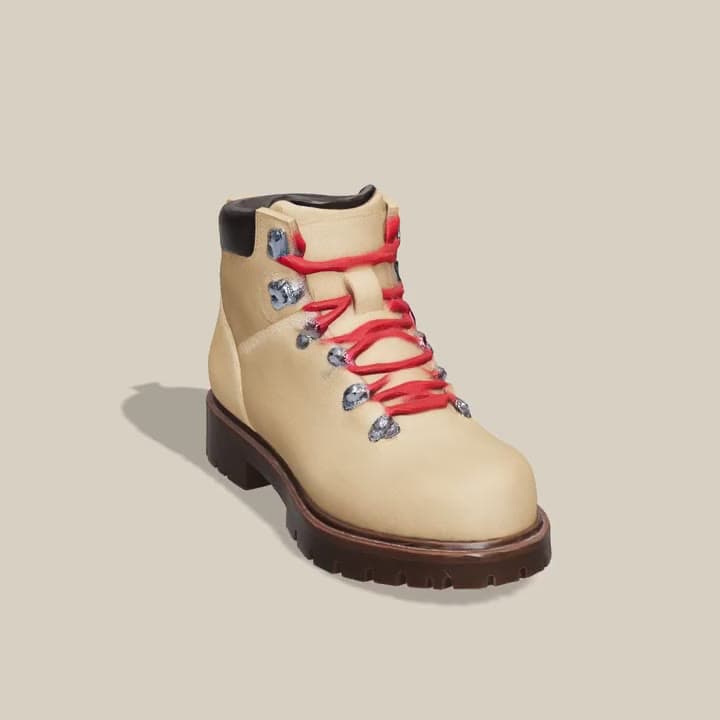
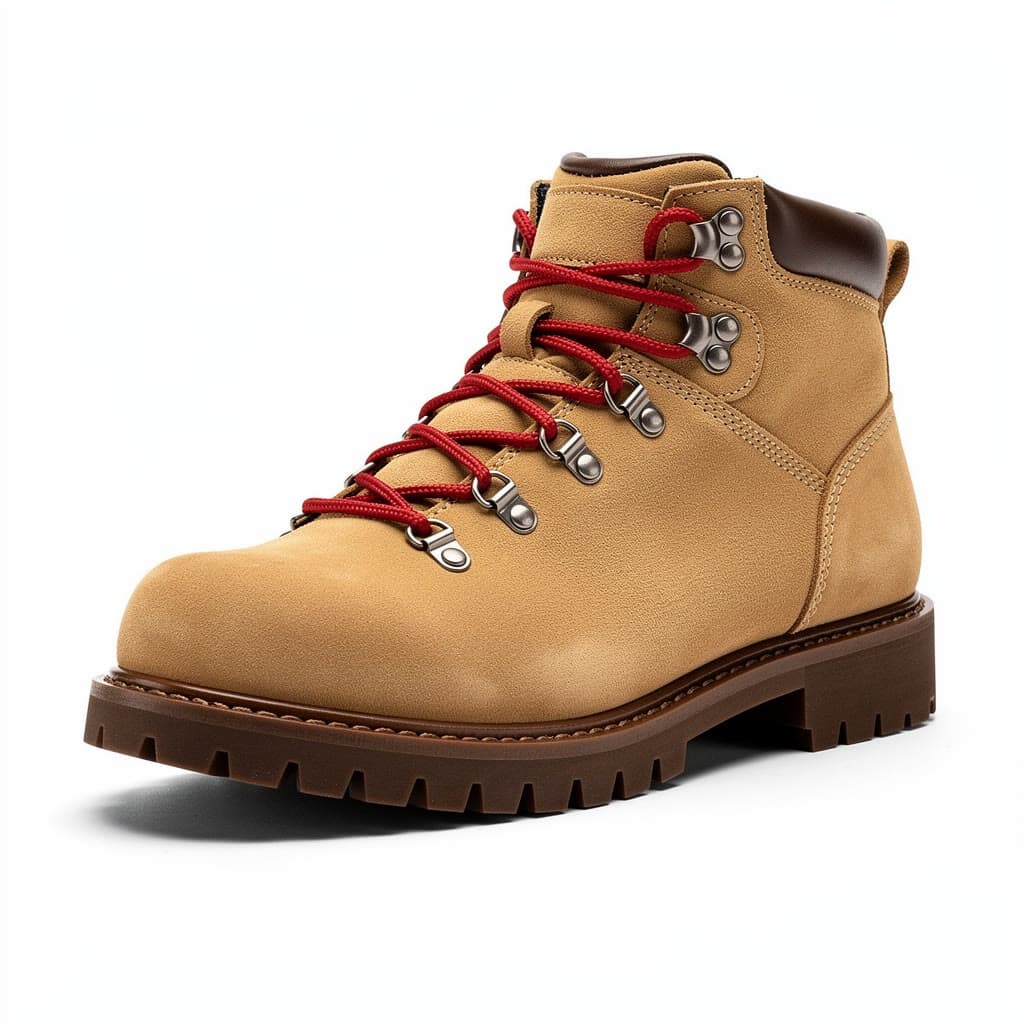
A hiking boot, red laces and allRodin 2.5 Fast 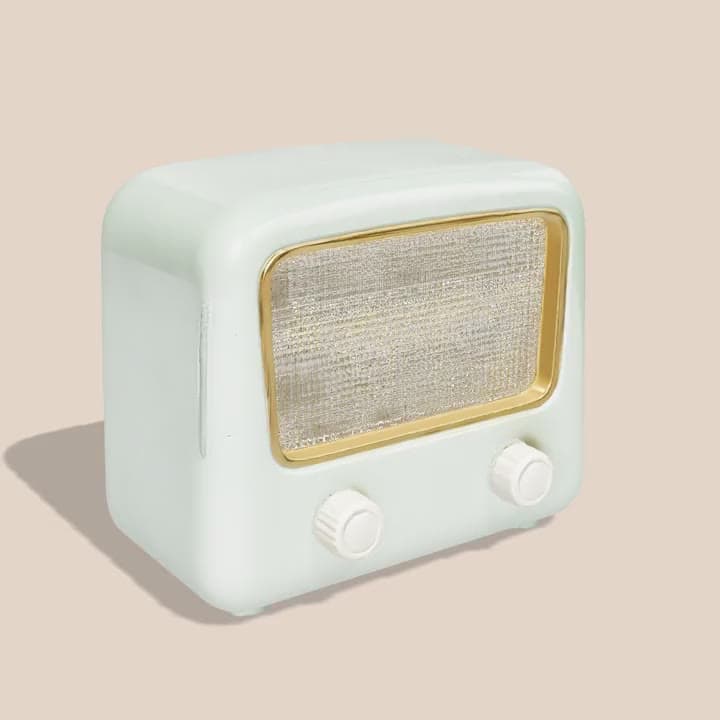
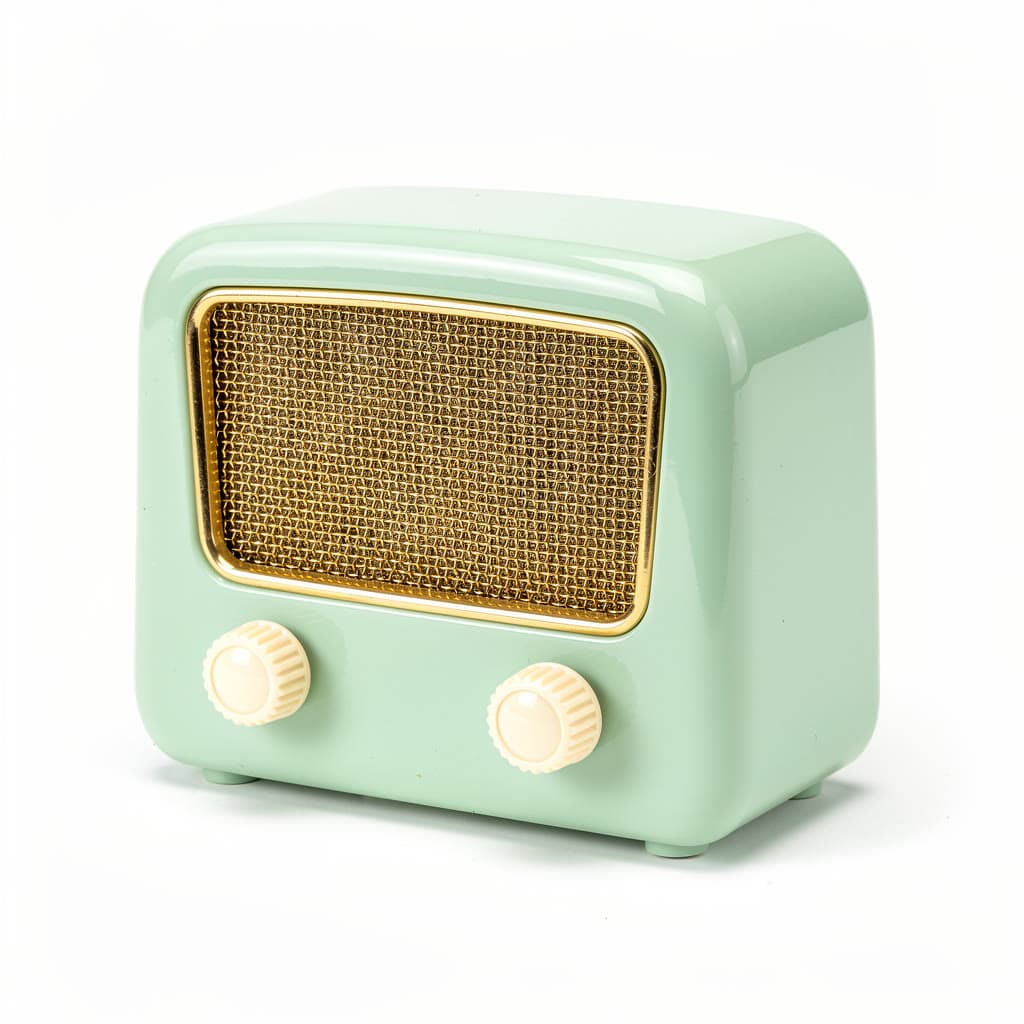
A 1950s bakelite radio, ready for a sceneRodin 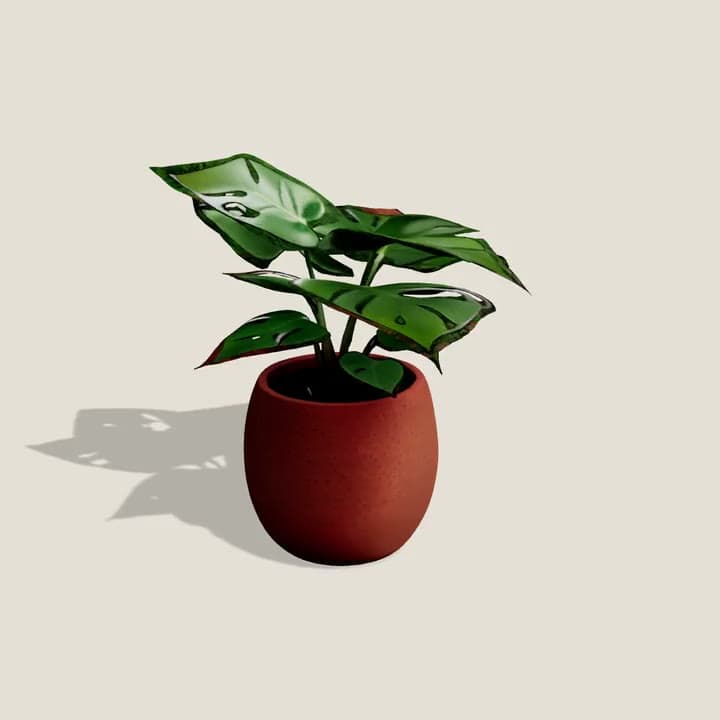
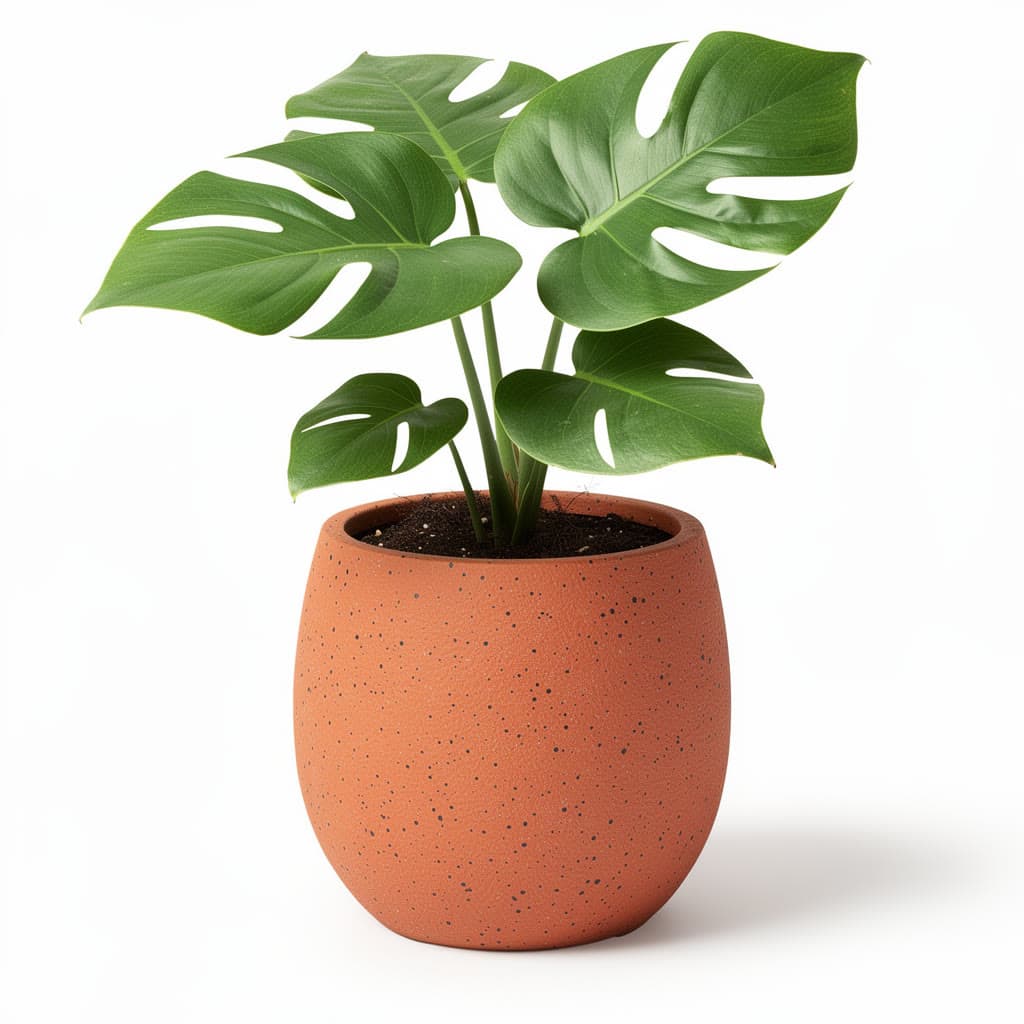
A potted monstera, texturedTRELLIS 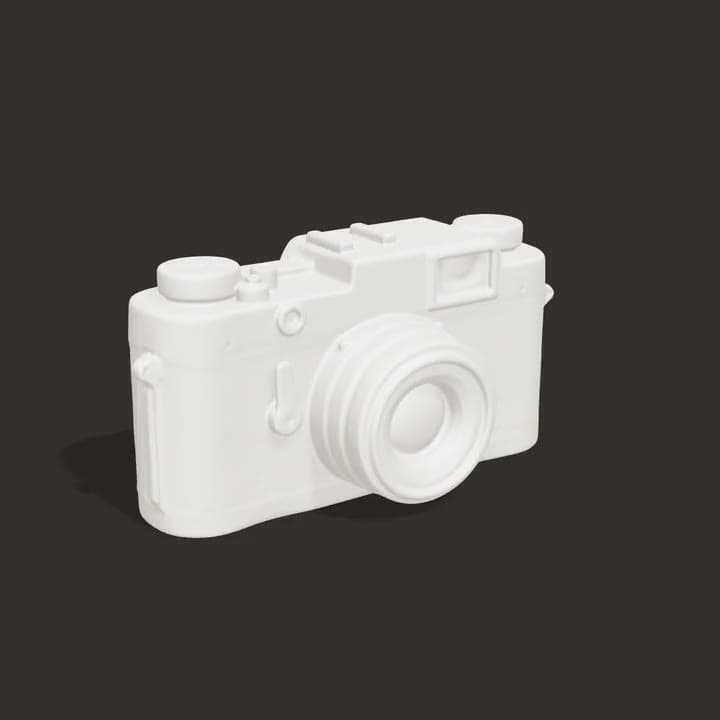
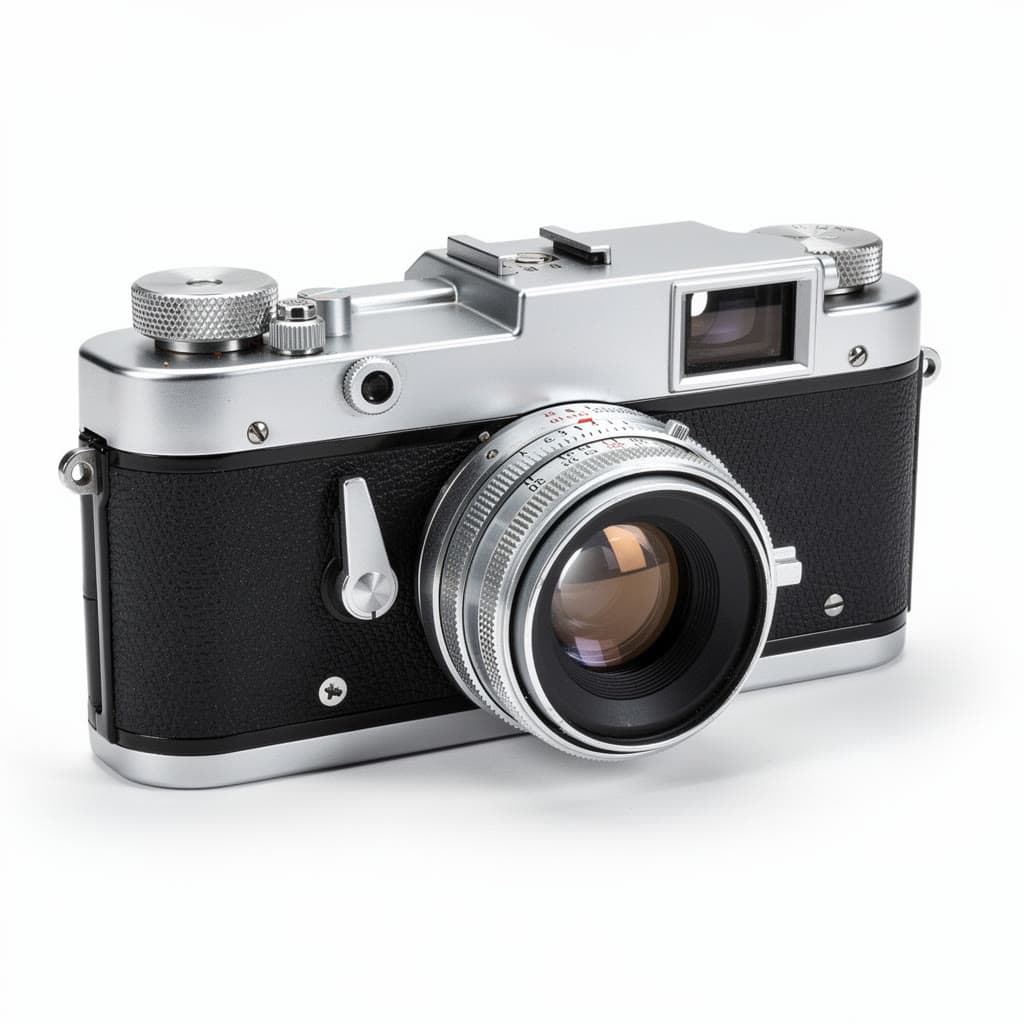
A rangefinder camera, as a plain meshHunyuan3D 2 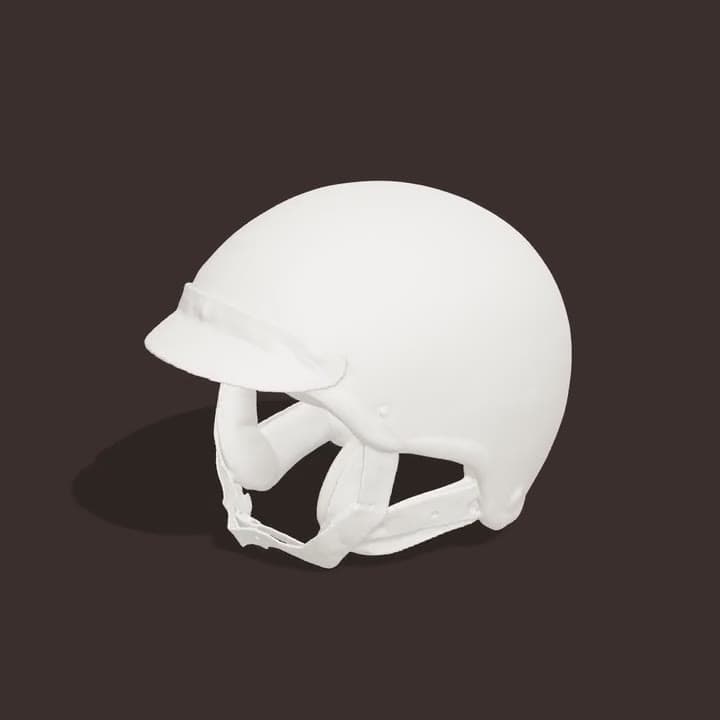
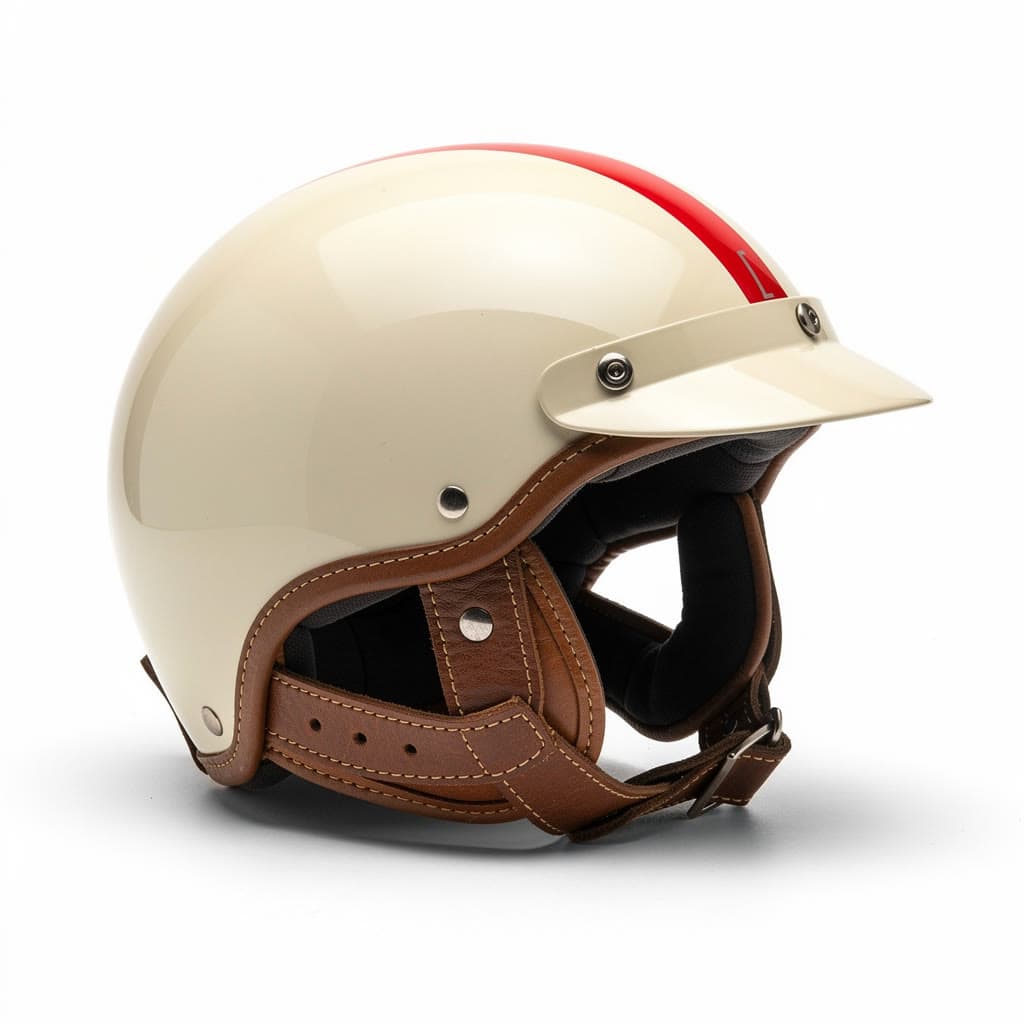
An open-face helmet, as a quick draftHunyuan3D 2 Turbo 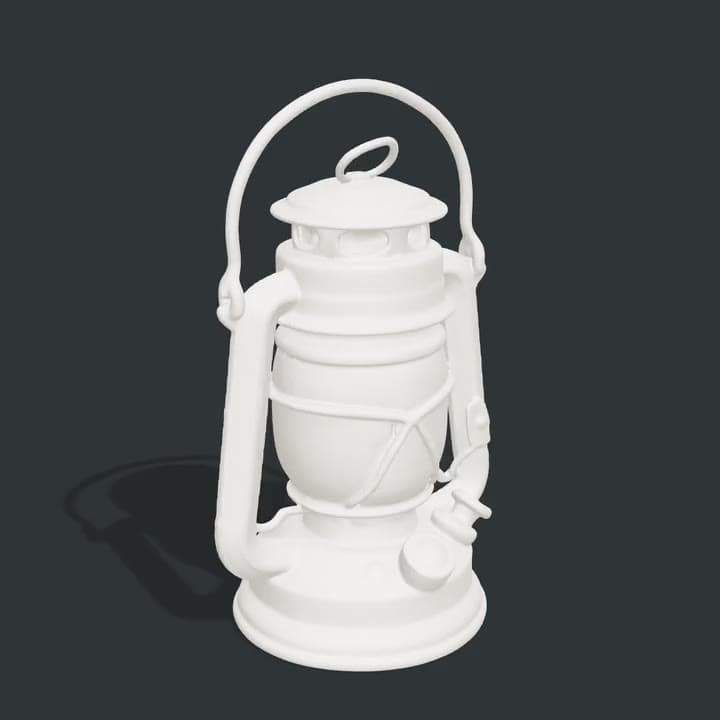
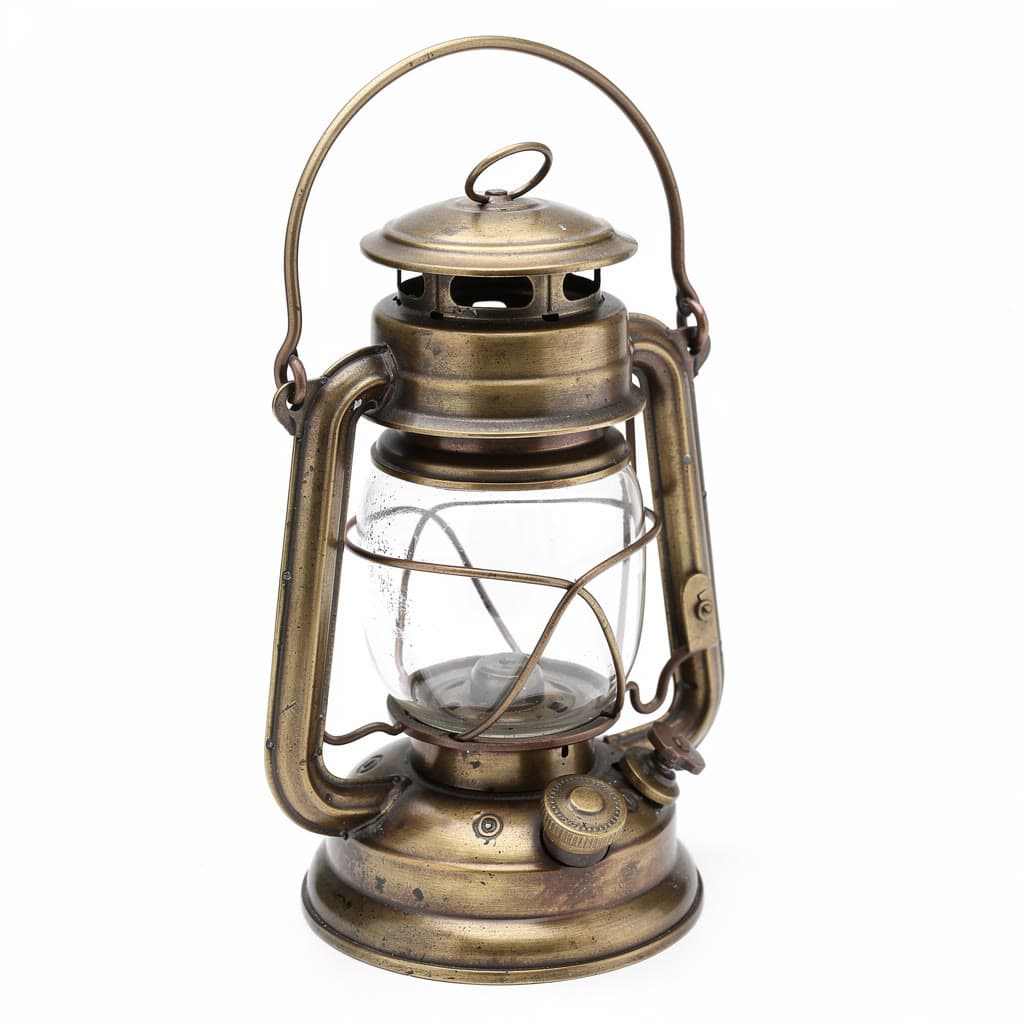
A ship's lantern, as a plain meshHunyuan3D 2 Mini
Pick the model for the object
Each model reads a photo its own way: how much detail it keeps, whether it paints the surface, how many photos it takes. One account runs them all, so you can try the same photo on two and keep the better model.
- Hunyuan3D 2from $0.18
A textured 3D model from one image, as a GLB. Without texture, a plain white mesh costs a third as much.
From one of your photos. By Tencent.
Make a 3D model with Hunyuan3D 2 - Meshy 6from $0.88
Detailed, textured 3D models from an image.
From one of your photos. By Meshy.
Make a 3D model with Meshy 6 - TRELLISfrom $0.022
Open-weight image to 3D, at two cents a model.
From one of your photos. By Microsoft.
Make a 3D model with TRELLIS - Rodin 2.5 Fastfrom $0.11
Rodin 2.5 in seconds, at ten cents a model.
From up to 5 of your photos. By Deemos.
Make a 3D model with Rodin 2.5 Fast - Hunyuan3D 2 Turbofrom $0.15
Hunyuan3D 2 in fewer steps, for drafts, textured. Without texture, a plain white mesh costs a third as much.
From one of your photos. By Tencent.
Make a 3D model with Hunyuan3D 2 Turbo - Hunyuan3D 2 Minifrom $0.11
The small Hunyuan3D 2: a plain white mesh, or a textured one at three times the price.
From one of your photos. By Tencent.
Make a 3D model with Hunyuan3D 2 Mini
Questions
Questions people ask
- Is it free to turn a photo into 3D?
- You can start free: a new account comes with $2 of credit, and no card is needed. That is about 90 models with TRELLIS or 2 with Meshy 6. After that you add credit when you want more and pay per model. There is no subscription, and the welcome credit is one per person.
- What file do I get?
- A GLB file, the standard 3D format that Blender, three.js and most 3D tools open. A textured model carries its colors and materials inside the file; a plain mesh is the shape alone, in white. Each run stays in the studio, so you can download it again later.
- Can I 3D print it?
- Yes, after one step: open the GLB in Blender and export it as an STL or OBJ for your slicer. A plain mesh is enough for a print. Check the model in the slicer before you print, since a mesh made from one photo can have thin parts or small holes to repair.
- Which photo works best?
- One object, whole and in focus, on a plain background, in soft, even light. The model has to guess the sides it cannot see, so a three-quarter view that shows the front and a side helps. Leap's free background remover can cut the object out of a busy photo first.
- Why do I add my photo after signing in?
- This page doesn't take uploads, so nothing of yours is kept before you have an account. Pick a model, sign in, and add the photo on the model's page in the studio.
- Can it make a 3D model from text?
- Yes. Meshy 6 Text to 3D and Rodin start from a description, such as “a brass gramophone with a large flared horn on a square walnut base”, which is how the gramophone on this page was made.
- How were the turntables on this page made?
- Each is the GLB file the model returned, spun on a stand in a three.js render. The mesh and its textures are the model's own, and the plain ones are plain meshes. In the studio you get the file itself, to download.
- Can I use the 3D models commercially?
- Leap's Terms say you keep whatever rights you have in the photos you upload, and that, as between you and Leap, you own the results the studio makes for you, to the extent the law allows. They set no personal-use-only limit. Upload only photos you have the right to use: a product or a design in a photo can still belong to someone else.
- What happens if a run fails?
- It costs nothing. Only a run that succeeds is charged, and you see the price on the Generate button before you press it.
Your object, in 3D.
Start free, no card needed. Every model is priced before you press Generate.
Make a 3D model