AI Lip Sync
Put a new recording on a clip of someone talking, or make a photo speak, sing or rap it: sync-3 Lipsync, OmniHuman 1.5 and Kling AI Avatar 2 Pro. Every clip on this page is a real run on Leap; turn the sound on.

Heard on Leap
Each began as the photo in its corner and a line, recorded or typed. The caption names the model, or the recipe that ran it.

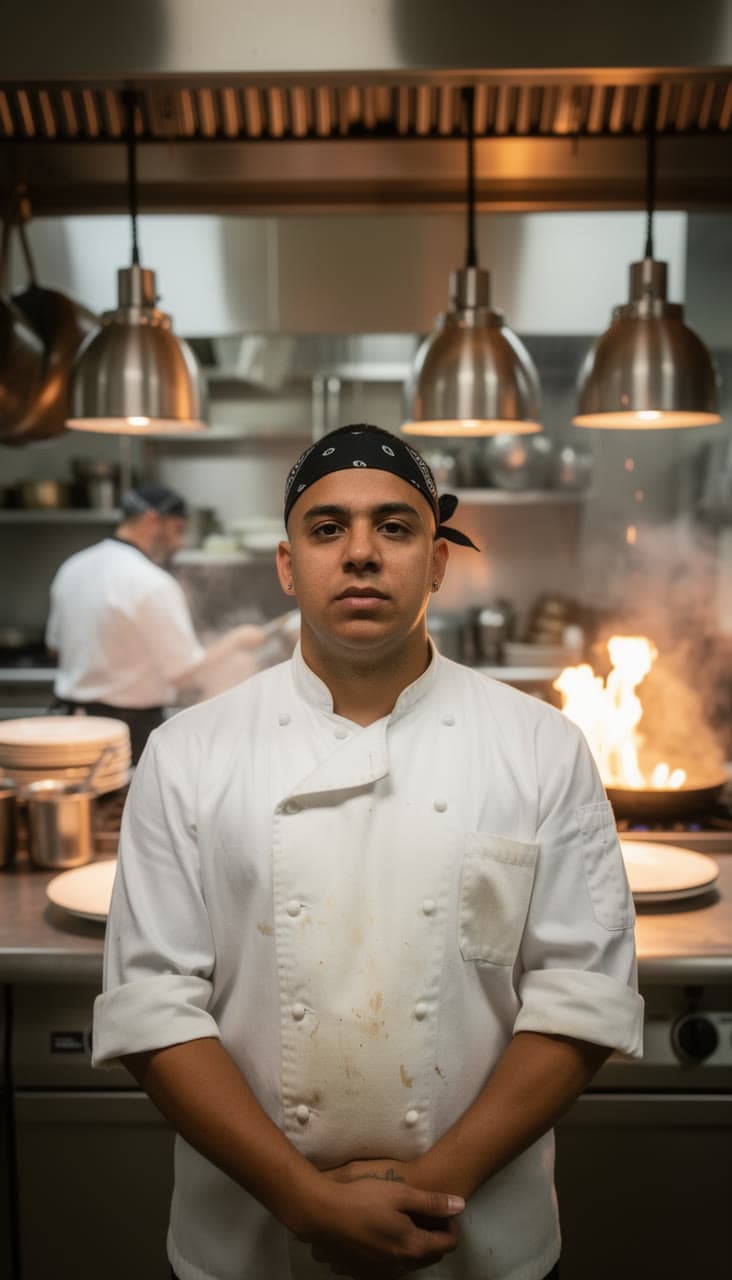
A line cook who needs all of the limesOmniHuman 1.5 

Forty deliveries and one dogKling AI Avatar 2 Pro 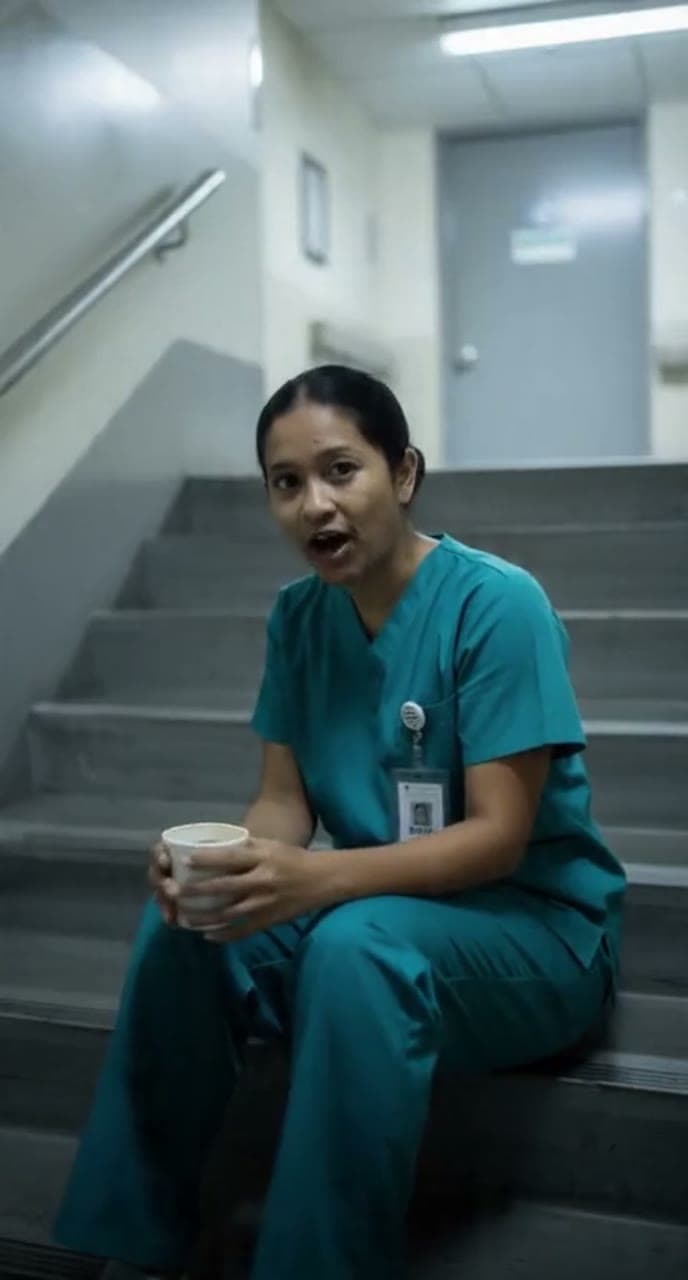

A nurse's night shift, in one lineInfiniteTalk 

Hot honey for the sad desk lunchTalking photo
Pick the model for the sync
Prices are per second: of your clip on sync-3 Lipsync, of your recording on the others. One account runs them all, so you can try the same recording on two and keep the better take.
- sync-3 Lipsyncfrom $0.15
Lip-syncs a video of a person to new speech, keeping the face and the shot as filmed. Billed by the length of the video.
From your clip and a recording. By Sync Labs.
Lip-sync with sync-3 Lipsync - OmniHuman 1.5from $0.18
The person in a photo speaks, sings or raps your recording, with the face, hands and body moving to it. Billed by the length of the recording.
From a photo of the person and a recording. By ByteDance.
Lip-sync with OmniHuman 1.5 - Kling AI Avatar 2 Profrom $0.13
The person in a photo says or sings your recording, lip-synced, with natural head and face motion. Billed by the length of the recording.
From a photo of the person and a recording. By Kuaishou.
Lip-sync with Kling AI Avatar 2 Pro
Questions
Questions people ask
- Is AI lip sync free?
- You can start free: a new account comes with $2 of credit, and no card is needed. That syncs about 15 seconds with Kling AI Avatar 2 Pro, or 11 with OmniHuman 1.5. After that you add credit when you want more and pay by the second. There is no subscription, and the welcome credit is one per person.
- What do I need?
- A recording of the speech or song, and either a clip of the person talking (for sync-3 Lipsync) or a photo of them (for OmniHuman 1.5 and Kling AI Avatar 2 Pro). To type the words instead of recording them, use InfiniteTalk or the Talking photo recipe.
- How long can it be?
- Up to 60 seconds of clip and recording with sync-3 Lipsync, and up to 20 seconds of recording with OmniHuman 1.5 and Kling AI Avatar 2 Pro. You pay for the seconds the model bills: the clip on sync-3, the recording on the others.
- Can it dub a video into another language?
- Make the line in the other language, with your own voice or a voice model, and sync-3 Lipsync puts it on the clip, as with the French line on this page. ElevenLabs Dubbing, also on Leap, translates the speech of a whole video, without redrawing the mouth.
- Whose face can I use?
- Your own, or the face of another adult who has clearly agreed to it. Leap's Acceptable Use Policy forbids showing a real person who hasn't agreed, celebrities and public figures included, and anything made to make people believe someone said or did something they didn't.
- Why do I add my files after signing in?
- This page doesn't take uploads, so nothing of yours is kept before you have an account. Pick a model, sign in, and add the clip or photo and the recording on the model's page in the studio.
- Can I use the clips commercially?
- Leap's Terms say you keep whatever rights you have in what you upload, and that, as between you and Leap, you own the results the studio makes for you, to the extent the law allows. They set no personal-use-only limit. Upload only clips, photos and recordings you have the right to use.
- What happens if a run fails?
- It costs nothing. Only a run that succeeds is charged, and you see the price on the Generate button before you press it.
Your words, in sync.
Start free, no card needed. Every run is priced before you press Generate.
Lip-sync a clip