AI Clothes Changer
Describe the outfit and pick a model, or bring a photo of the garment and try it on. Nano Banana, FLUX.1 Kontext and Seedream change clothes from words; Google Virtual Try-On and FASHN put on the exact piece.
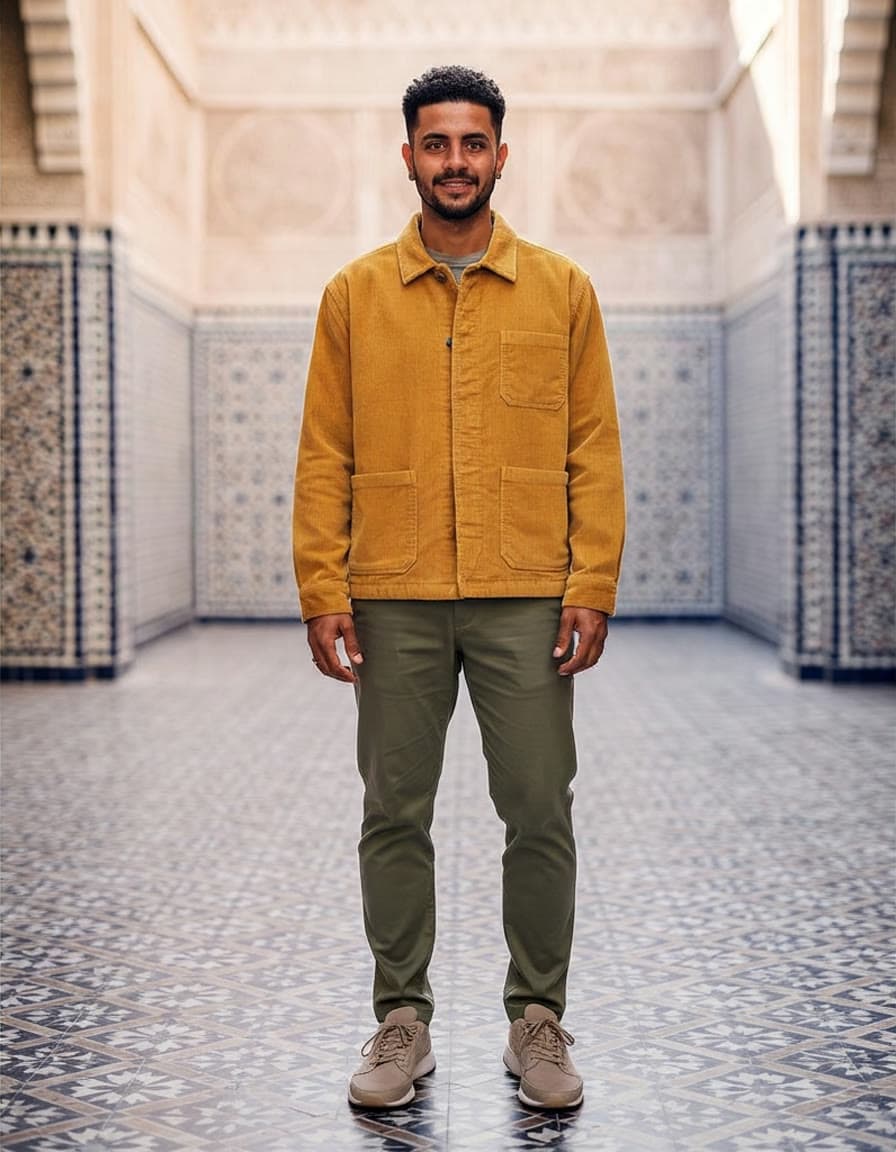
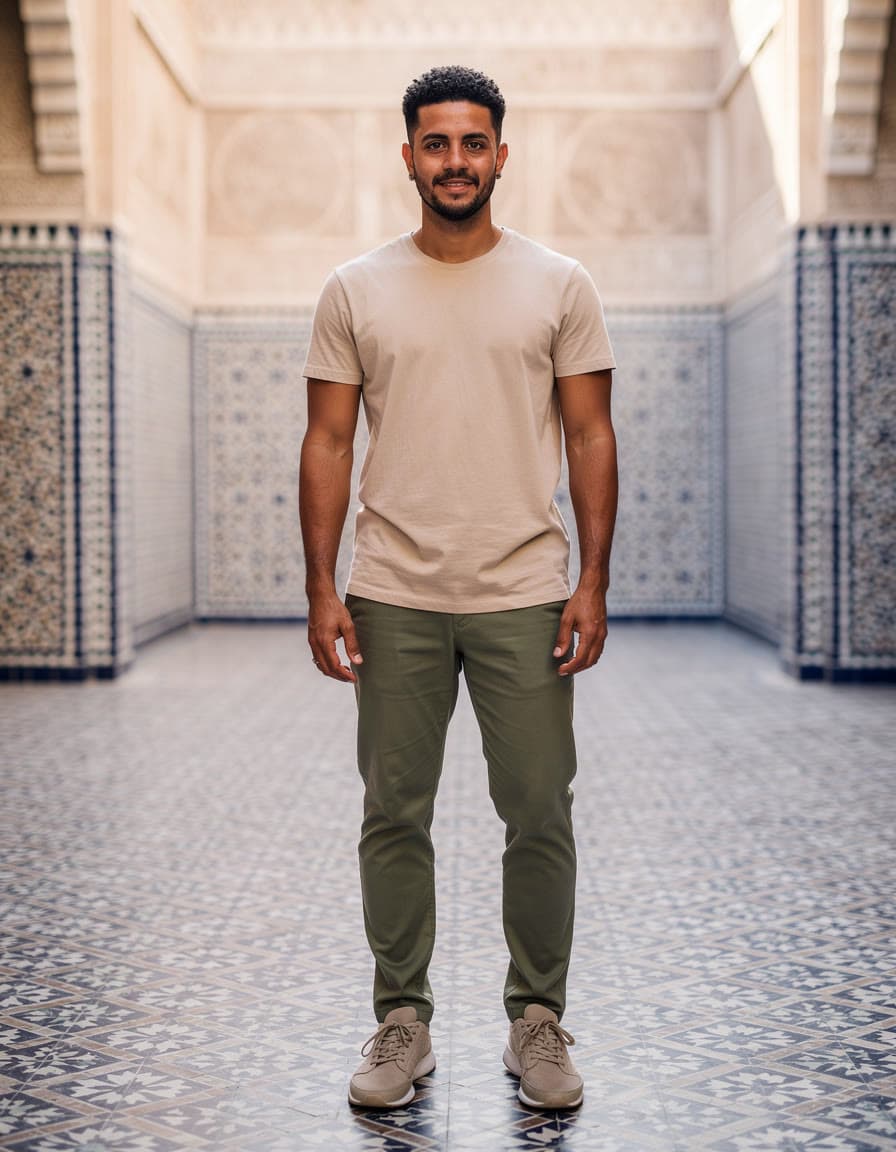
One photo, a new outfit
Three were tried on from a photo of the garment, and three costumes were described in words. Drag to compare; the caption names what made each one.
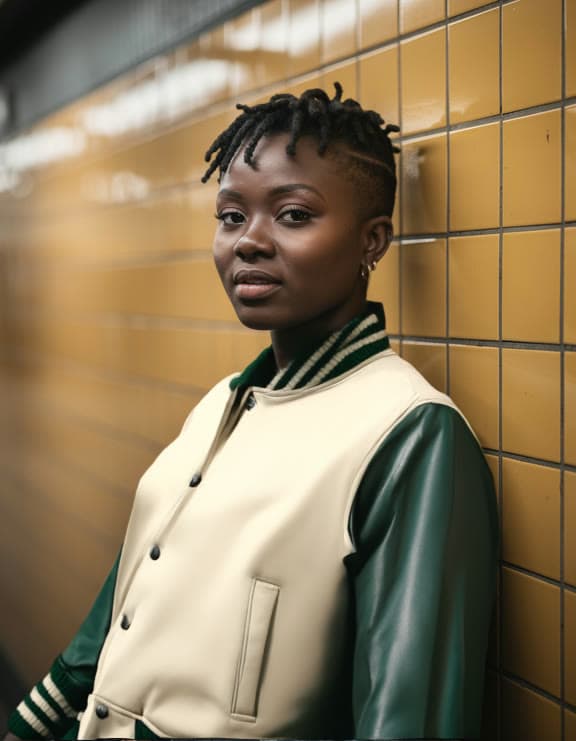 PhotoEdited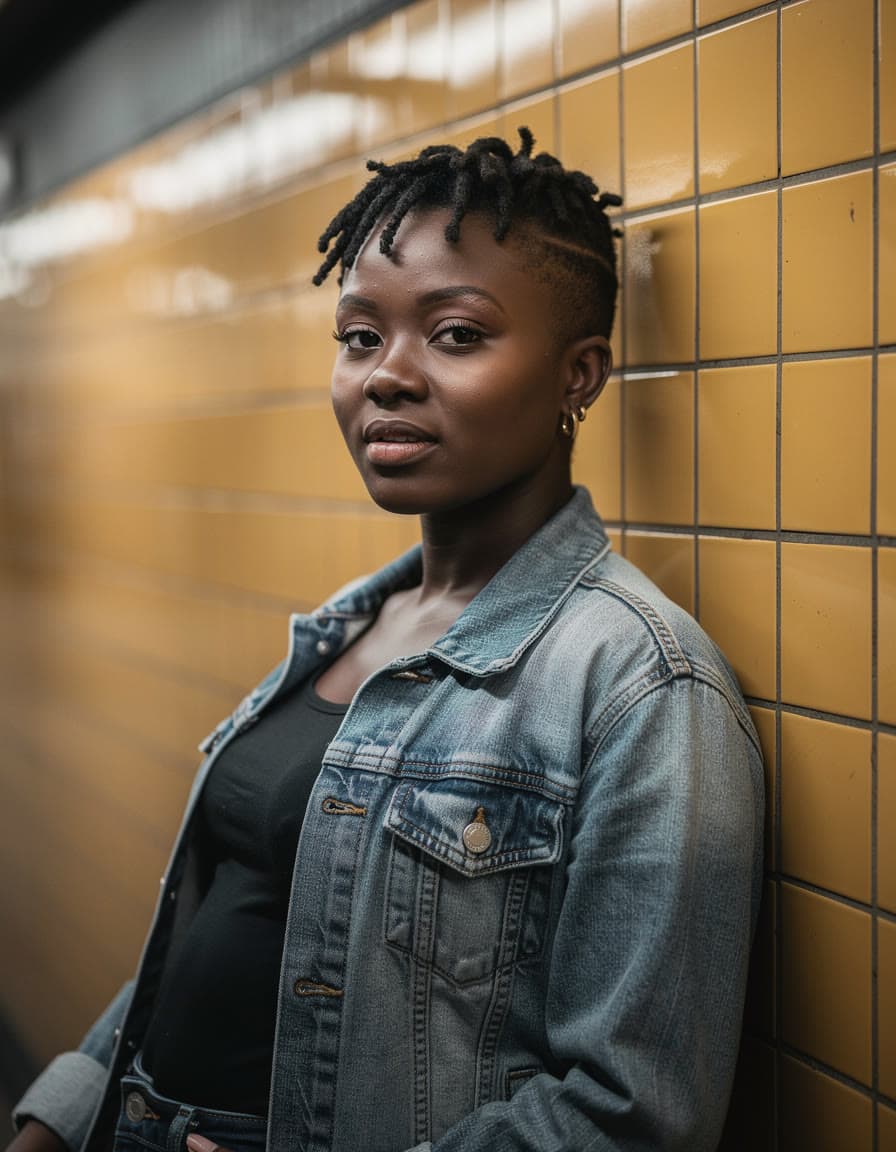
A varsity jacket over the denimFASHN Try-On 1.5 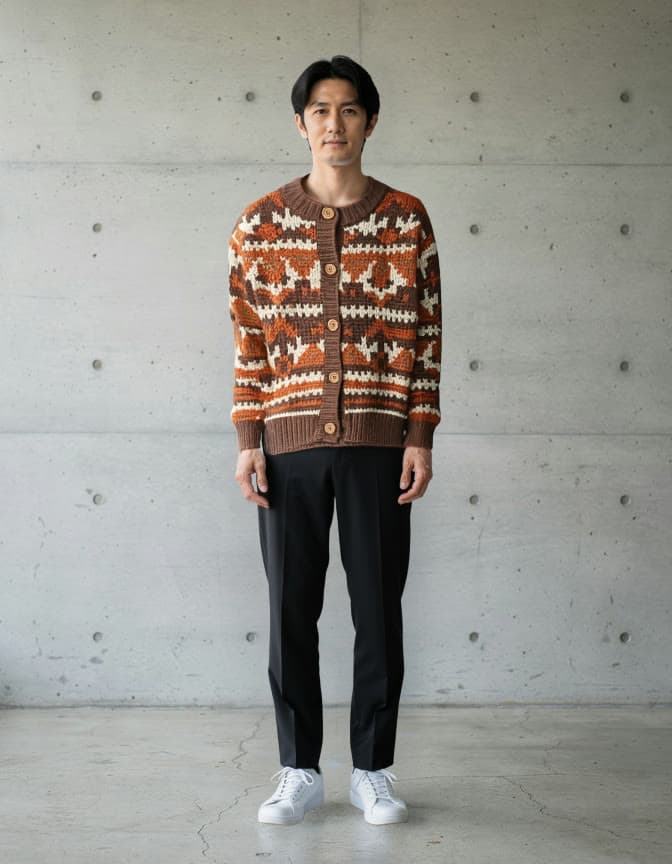 PhotoEdited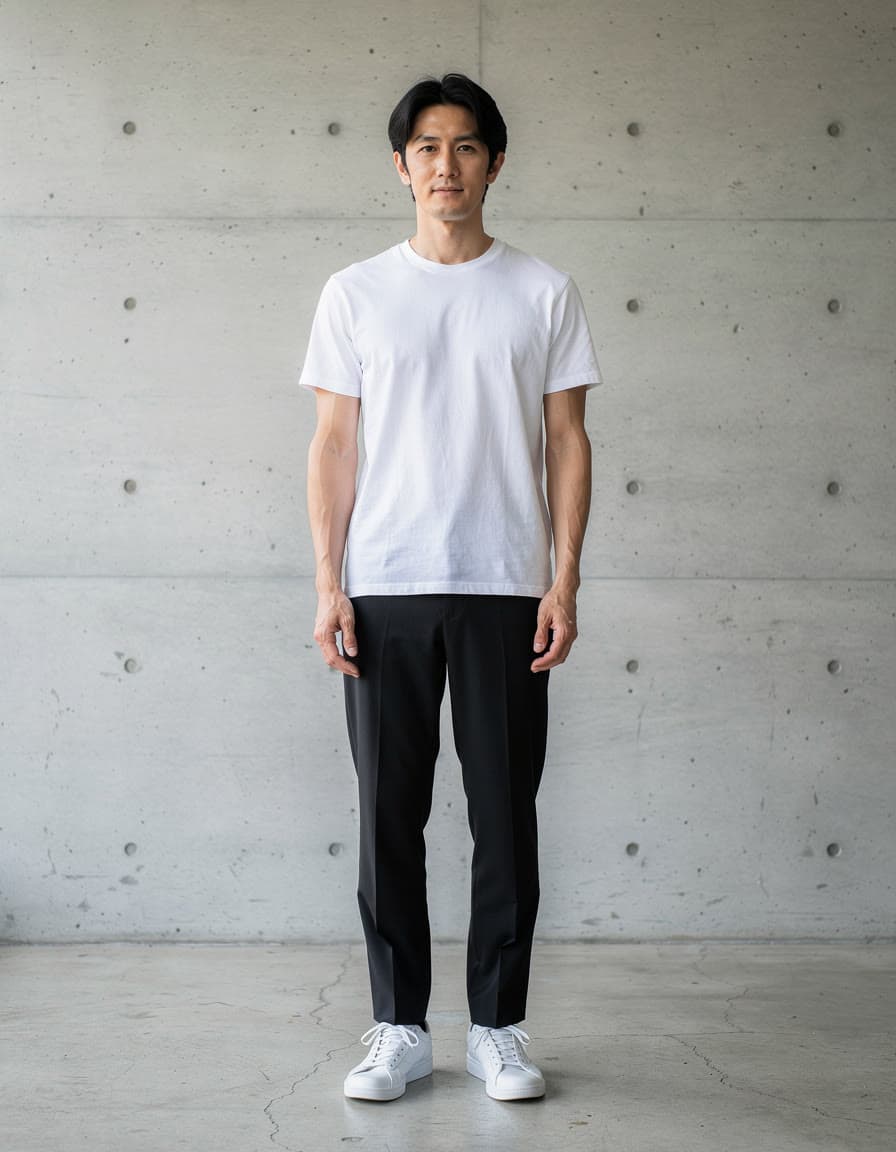
From a white tee to a patterned cardiganFASHN Try-On 1.5 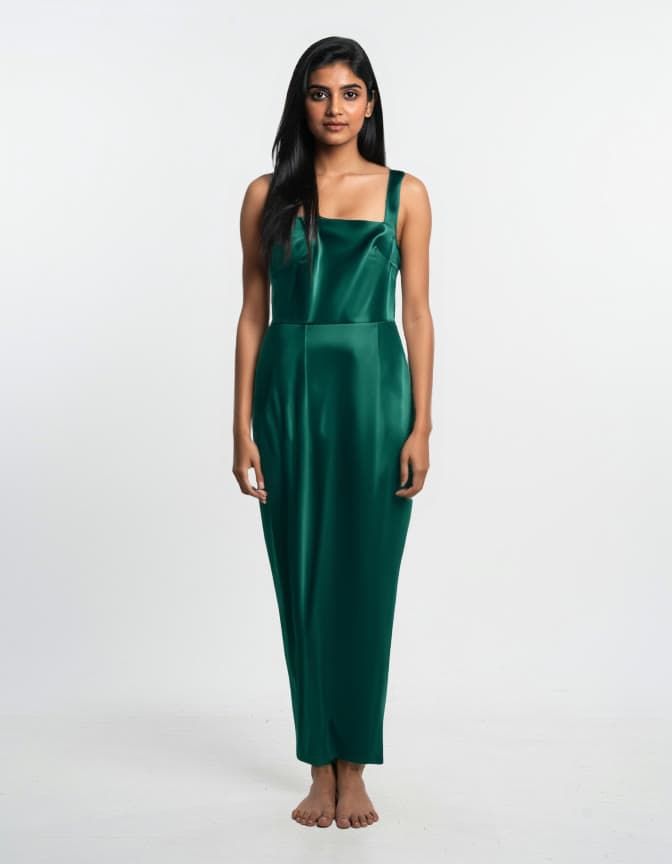 PhotoEdited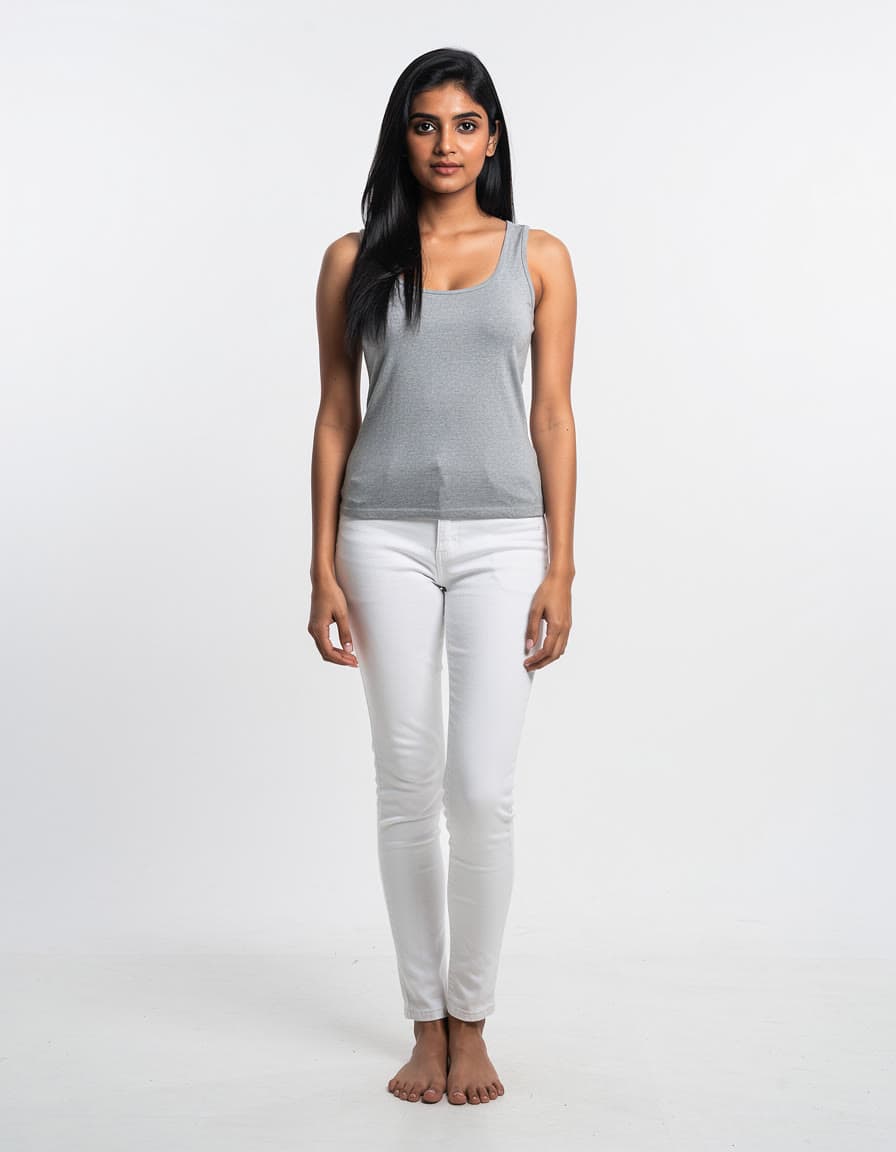
From a tank top to a satin dressFASHN Try-On 1.5  PhotoEdited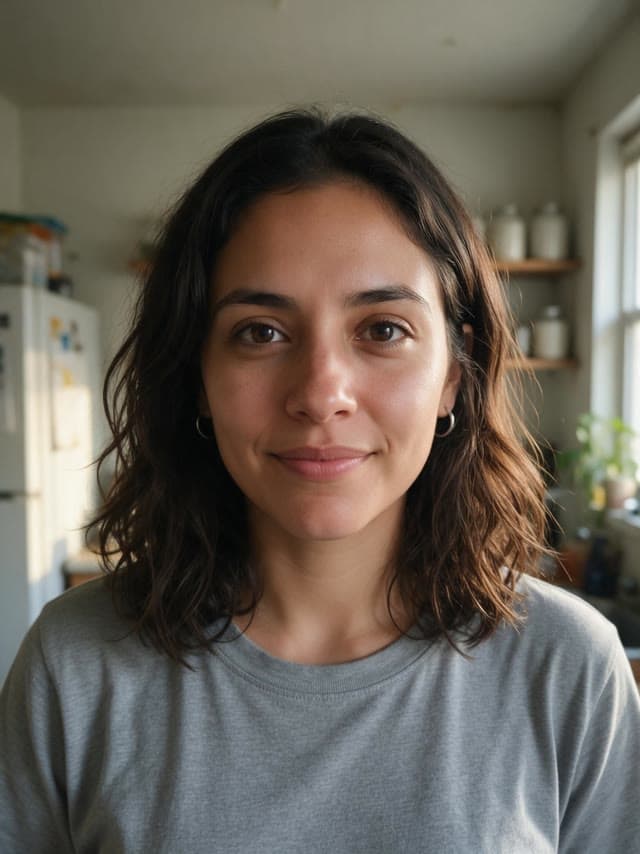
From a kitchen selfie to a witchHalloween costume recipe 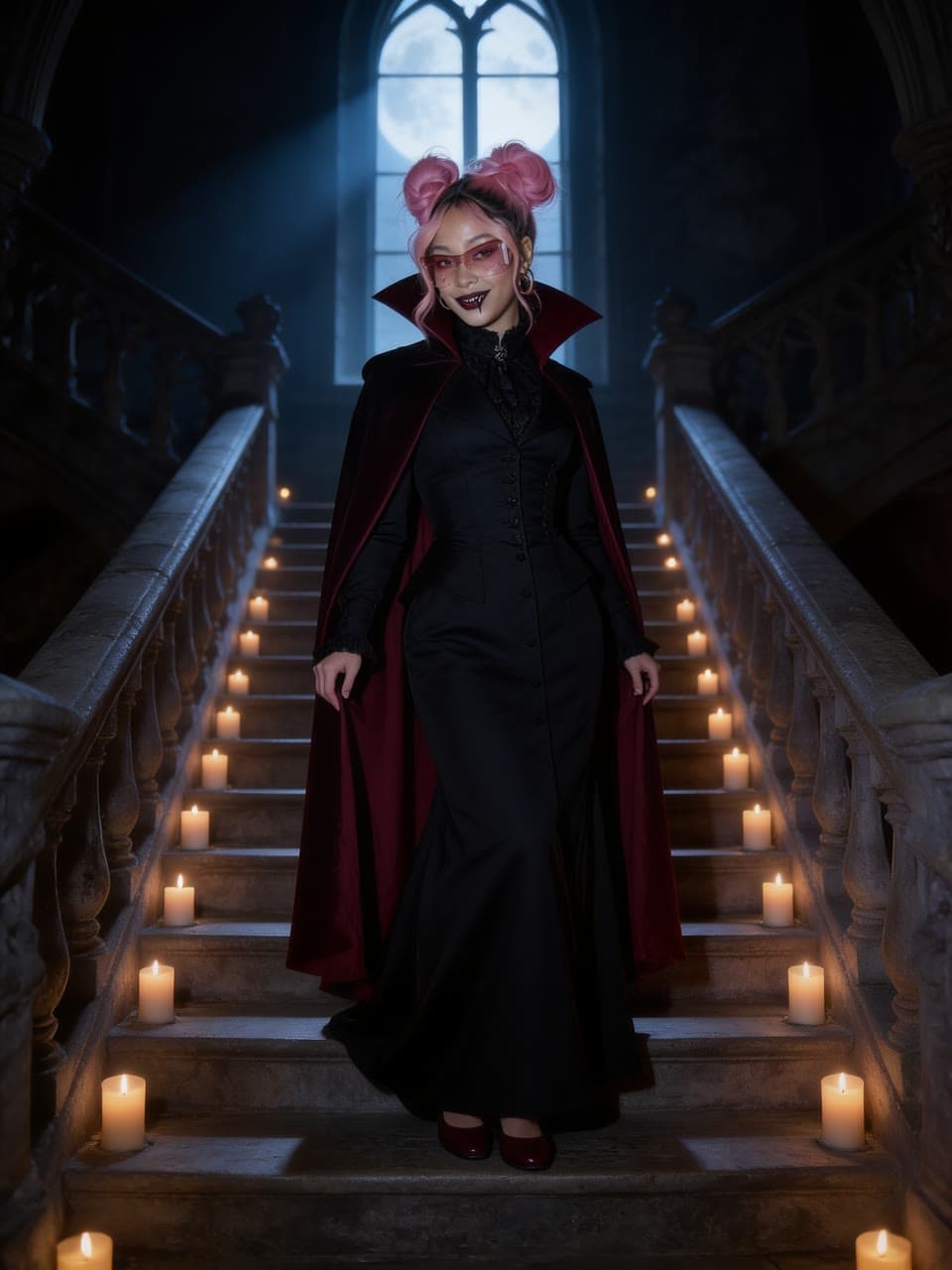 PhotoEdited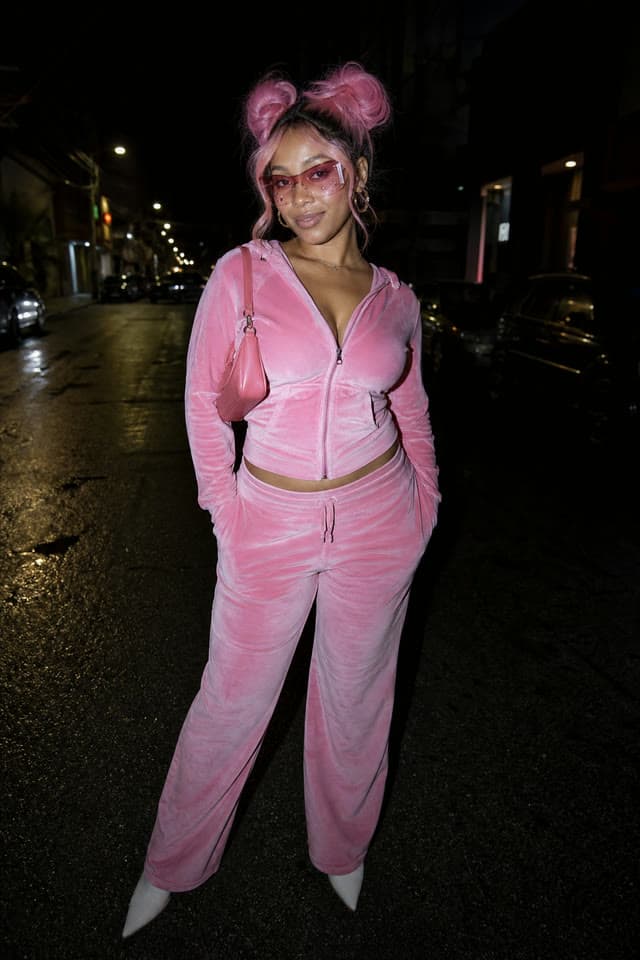
From a pink tracksuit to a vampireHalloween costume recipe  PhotoEdited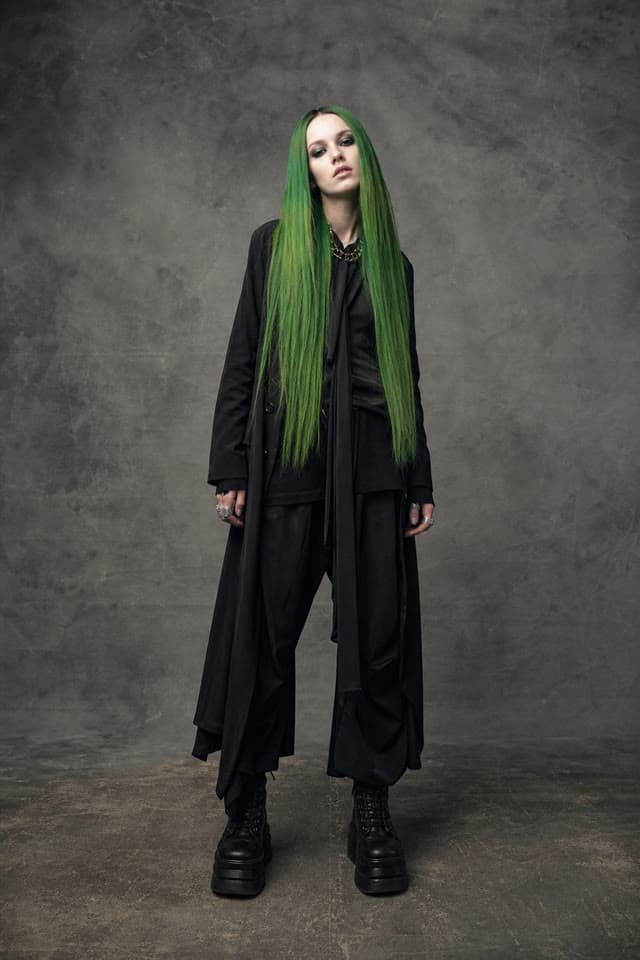
From a black coat to a pumpkinHalloween costume recipe
Pick the model for the outfit
The first five change clothes from what you write, and most take more than one photo, so you can add the pieces too. The two try-on models take a photo of the person and one of the garment, and need no words.
- Nano Banana Profrom $0.19
Gemini 3 Pro Image: Google's best for legible text, infographics and edits of up to 6 references.
From words, or up to 6 of your photos. By Google.
Change clothes with Nano Banana Pro - FLUX.1 Kontext [pro]from $0.044
Edits an image from plain instructions, from a small fix to a new scene.
From one of your photos. By Black Forest Labs.
Change clothes with FLUX.1 Kontext [pro] - Seedream 5.0 Profrom $0.039
ByteDance's newest: detailed 2K images and edits of up to 4 reference images.
From words, or up to 4 of your photos. By ByteDance.
Change clothes with Seedream 5.0 Pro - Nano Banana 2from $0.057
Gemini 3.1 Flash Image: fast, from 512 px to 4K, with edits of up to 6 references.
From words, or up to 6 of your photos. By Google.
Change clothes with Nano Banana 2 - Kling Image O3from $0.031
Kling's omni image model at 1K, 2K or 4K: new images, or edits that combine up to four of yours.
From words, or up to 4 of your photos. By Kuaishou.
Change clothes with Kling Image O3 - Google Virtual Try-Onfrom $0.083
A person in a photo, wearing the product from a second photo.
From 2 of your photos. By Google.
Change clothes with Google Virtual Try-On - FASHN Try-On 1.5from $0.083
Puts the garment from one photo on the person in another.
From 2 of your photos. By FASHN.
Change clothes with FASHN Try-On 1.5
Questions
Questions people ask
- Is the AI clothes changer free?
- You can start free: a new account comes with $2 of credit, and no card is needed. That is about 64 images with Kling Image O3 or 10 with Nano Banana Pro. After that you add credit when you want more and pay per image. There is no subscription, and the welcome credit is one per person.
- Can I try on clothes from a store photo?
- Yes. Google Virtual Try-On and FASHN Try-On 1.5 take two photos, one of the person and one of the garment, and put that garment on the person. They need no words. The Virtual try-on recipe works the same way.
- Why do I add my photo after signing in?
- This page doesn't take uploads, so nothing of yours is kept before you have an account. Type the outfit, sign in, and add the photo on the model's page in the studio. The words you typed are already in its prompt box.
- Which model should I use?
- To describe an outfit in words, start with any model in the box. Kling Image O3 costs the least per image. Nano Banana Pro, Seedream 5.0 Pro, Nano Banana 2 and Kling Image O3 take several photos at once, so you can give them the person and each piece. When you have a photo of the exact garment, use a try-on model instead.
- Will it keep my face and body the same?
- Say what must stay the same, and start from a sharp, well-lit photo where the clothes are easy to see. AI can still change other details of a photo, so check every result before you use it.
- Can I change the clothes in someone else's photo?
- Only with their agreement. Leap's rules say not to upload photos of people who have not agreed, never to make sexual content of a real person or anyone under 18, and not to make deceptive fakes of real people.
- Can I use the results for my shop or ads?
- Leap's Terms say you keep whatever rights you have in the photos you upload, and that, as between you and Leap, you own the results the studio makes for you, to the extent the law allows. They set no personal-use-only limit. The people and brands shown in a result may still have rights in it.
- What happens if a run fails?
- It costs nothing. Only a run that succeeds is charged, and you see the price on the Generate button before you press it.
A new outfit, without the fitting room.
Start free, no card needed. Every image is priced before you run it.
Change an outfit