For creators, cosplayers and the group chat
Face swapAI face swap
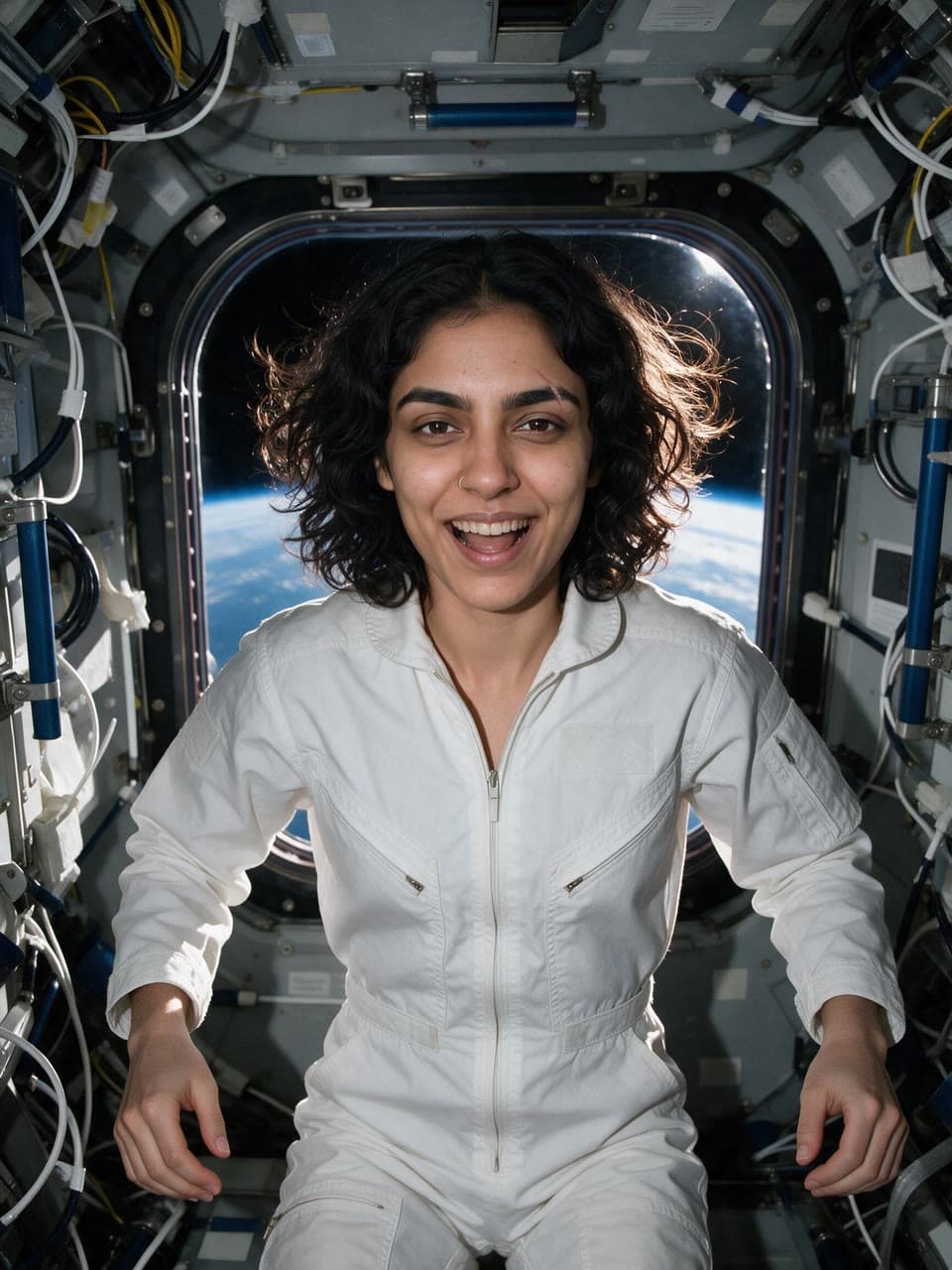
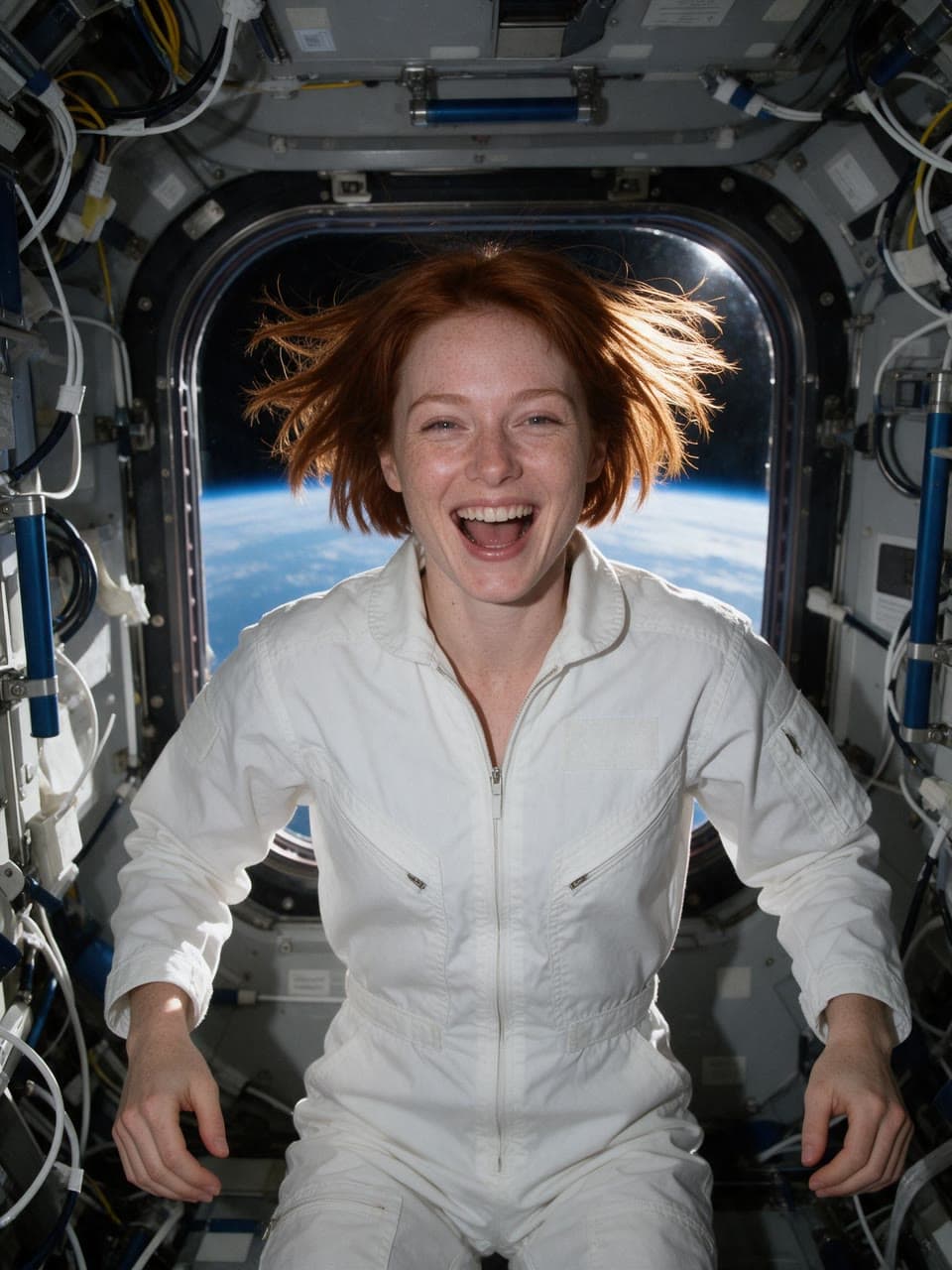
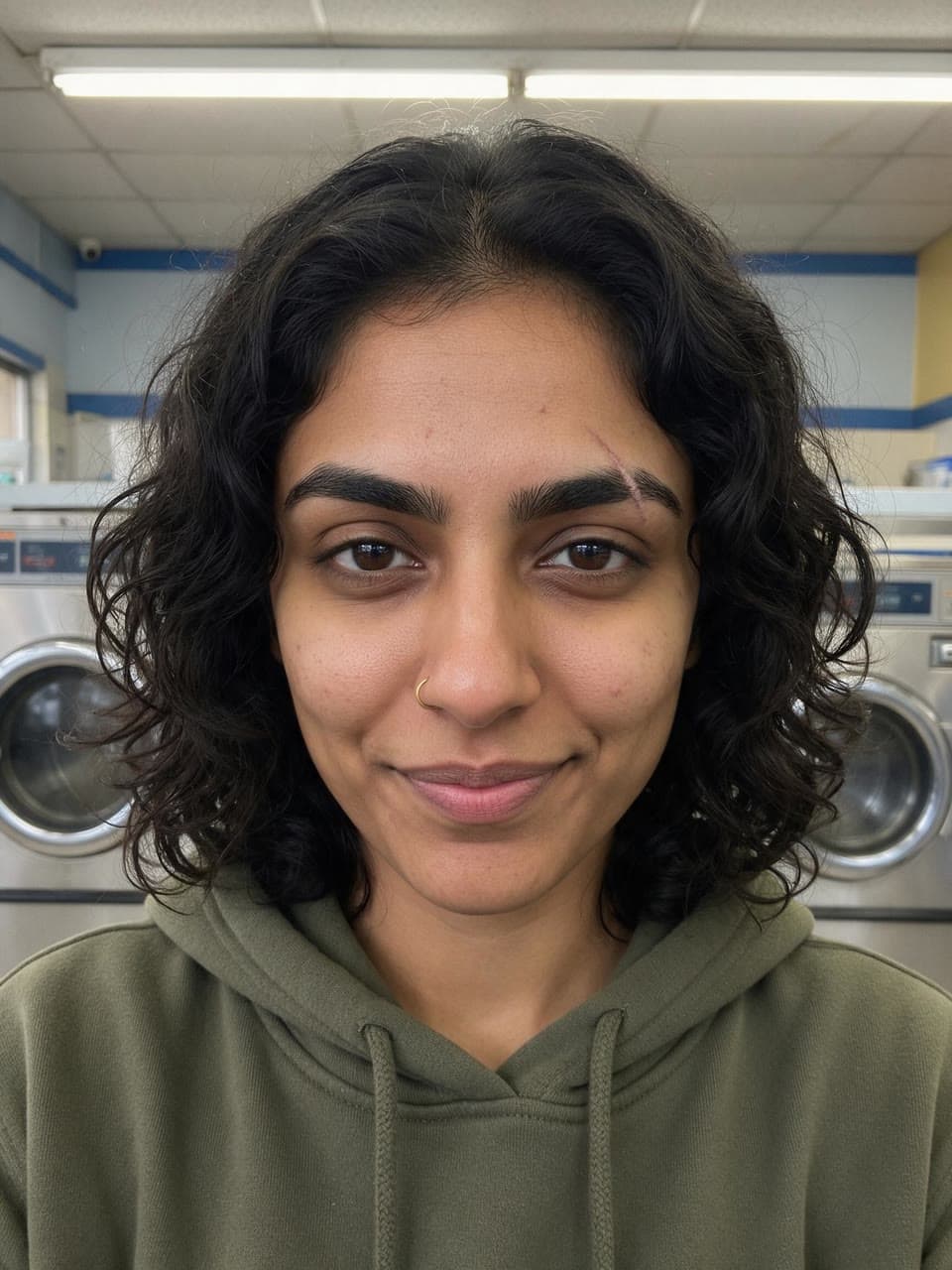
Add the photo to keep and a photo of the face. You get the same photo with that face in it: same scene, outfit, pose and light, and the face's own skin tone, features and age, turned to the photo's angle and expression.
from $0.25 an imageYour first $2 is on us, enough for about 8 photos. No card needed.
Use your own face, or the face of an adult who has agreed to it. Acceptable Use Policy
- 01Add the photo to keep: the scene, the outfit and the pose.
- 02Add a clear photo of the face and choose whose hair to keep.
- 03Get the swap in about a minute, the rest of the photo untouched.
Real runs
What it has made
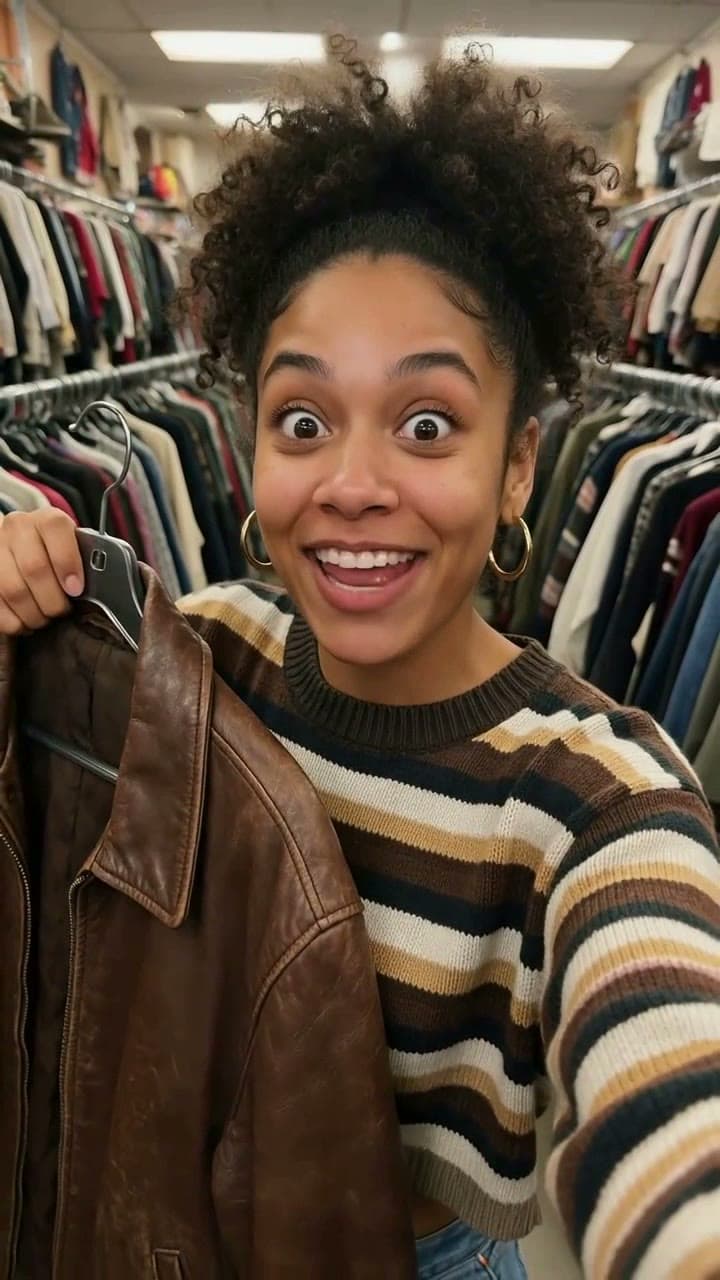
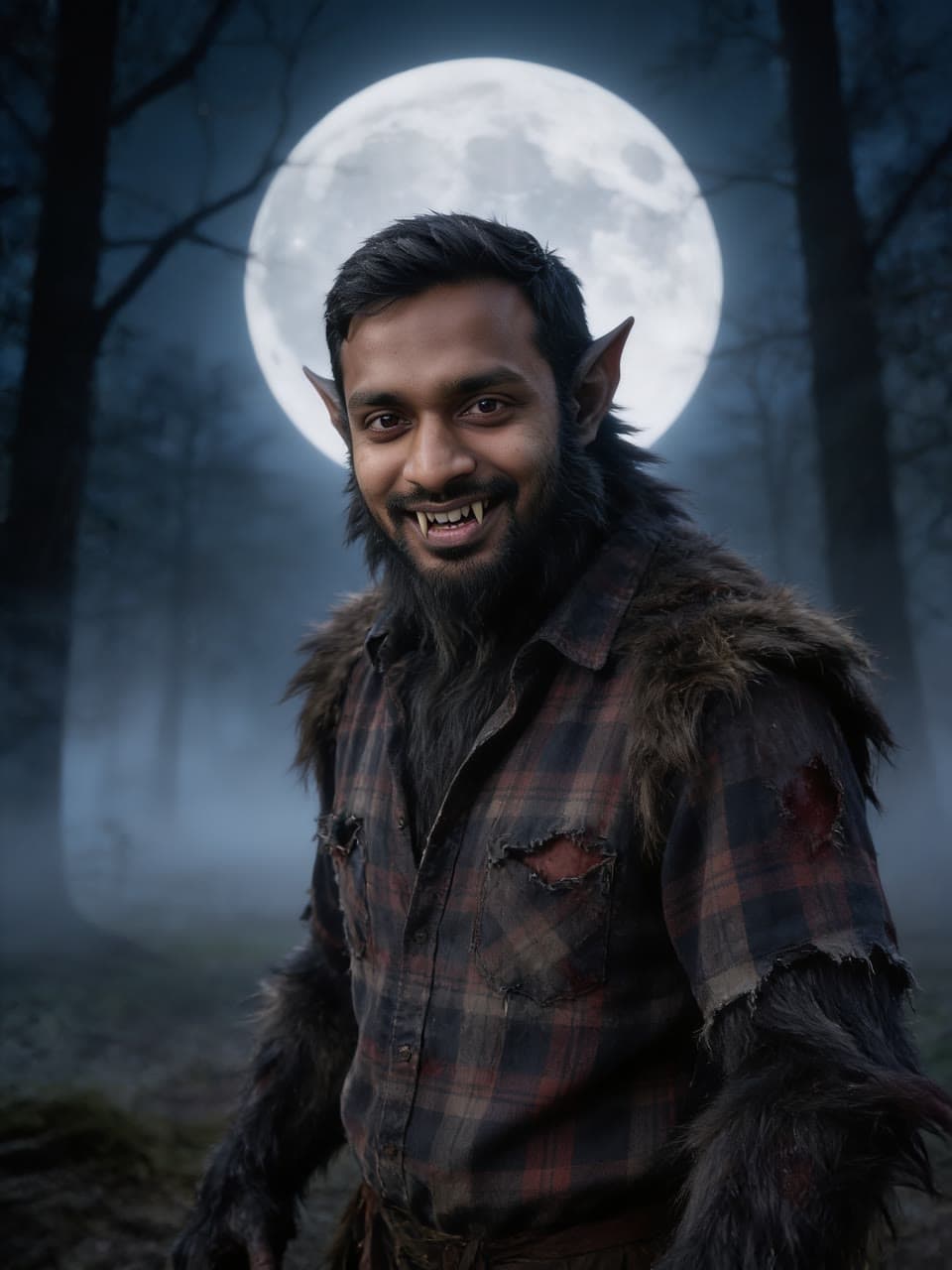
Each one came back as you see it, from the two photos in its corner: the photo kept, then the face put in. Every face and every photo here is generated: no real person is on this page.
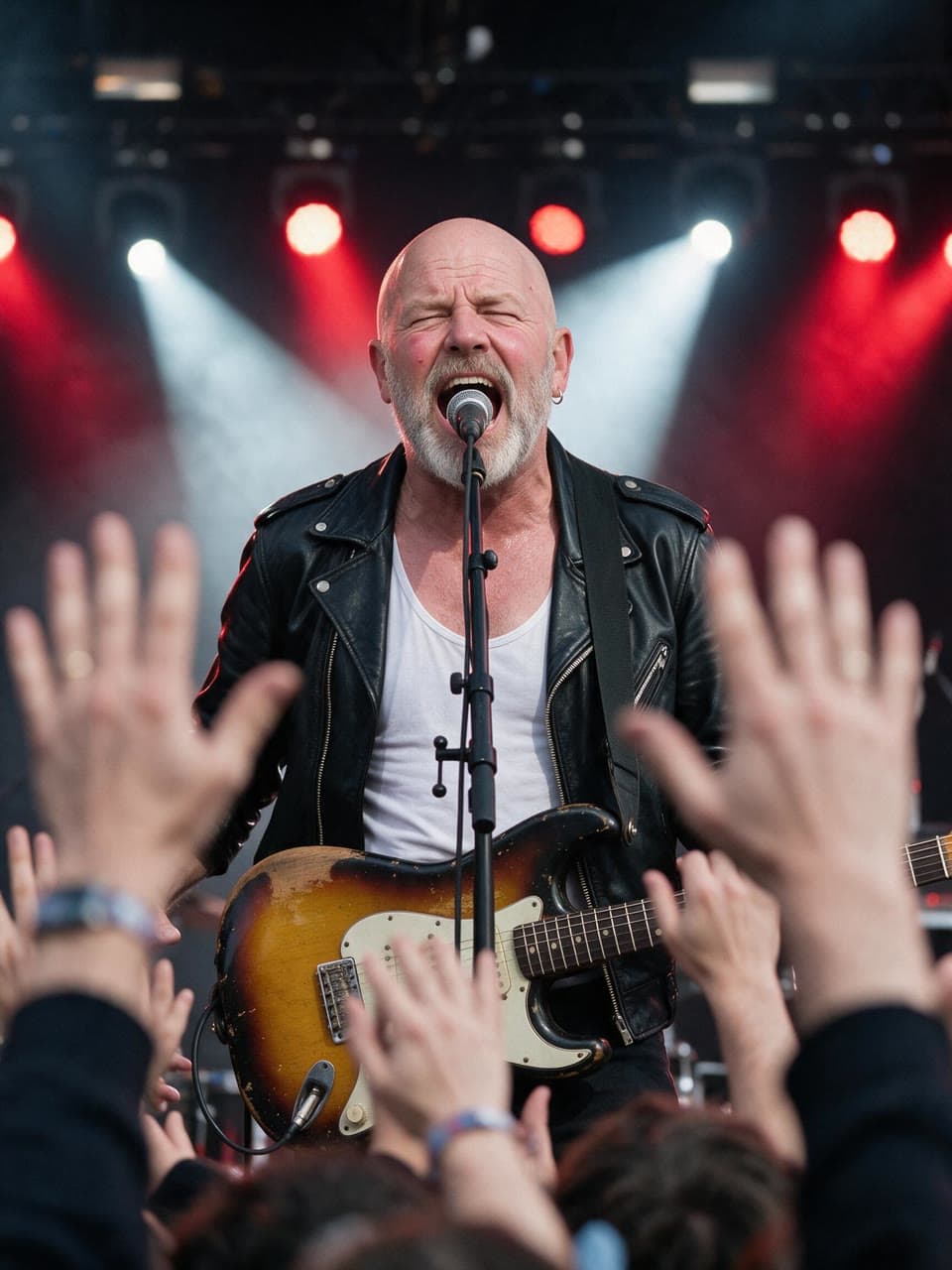
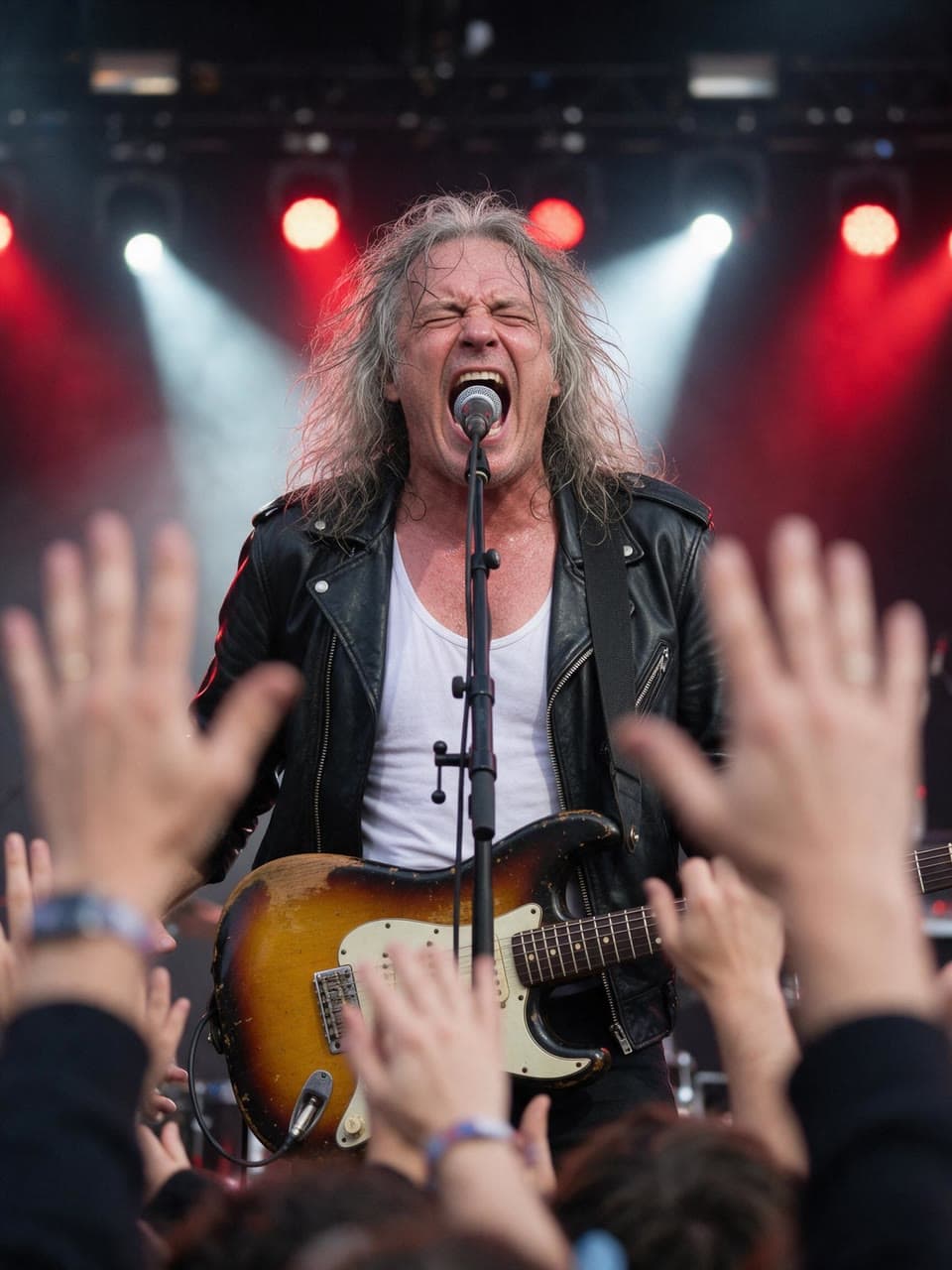
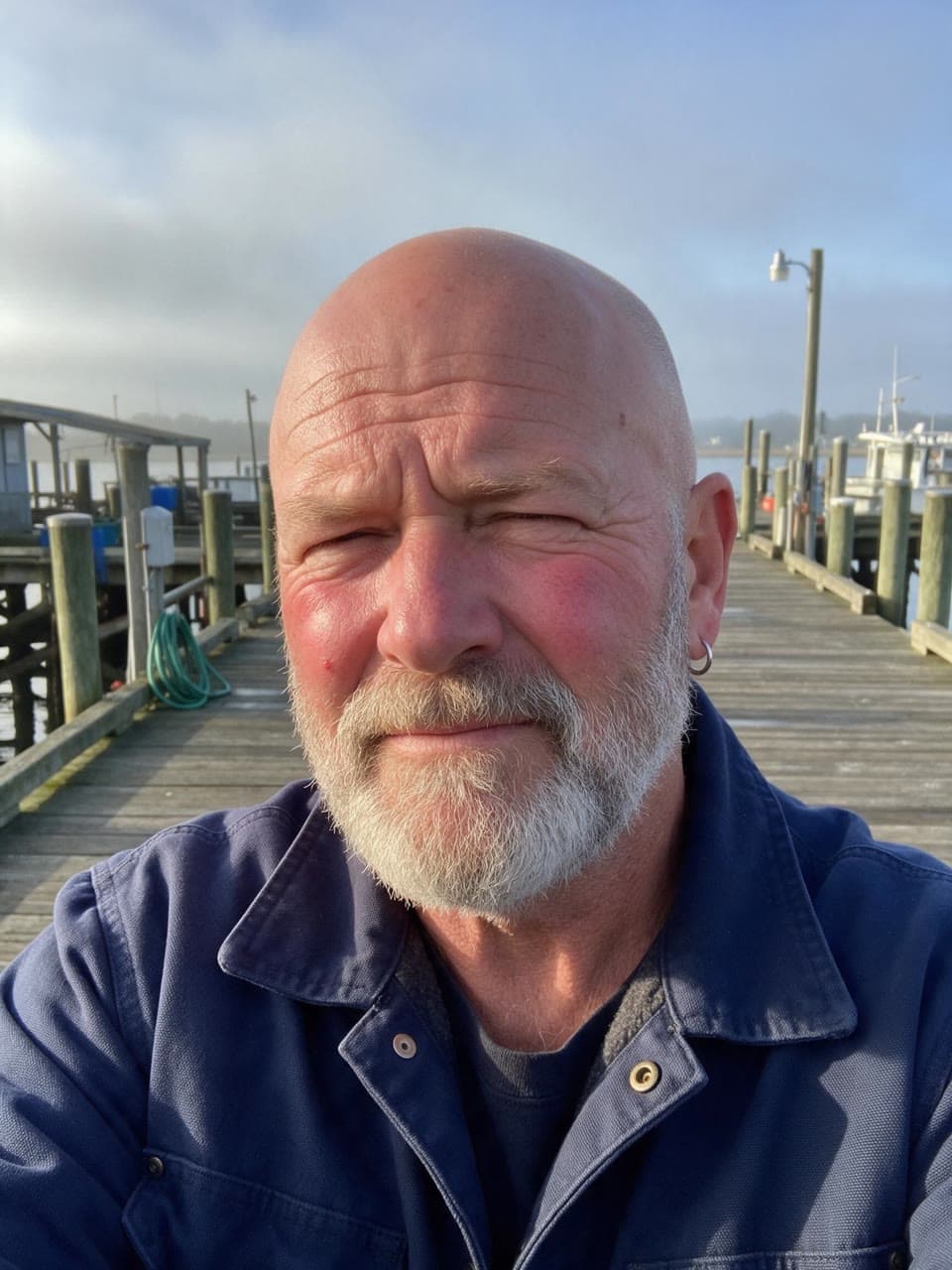
A bald, bearded rocker mid-scream
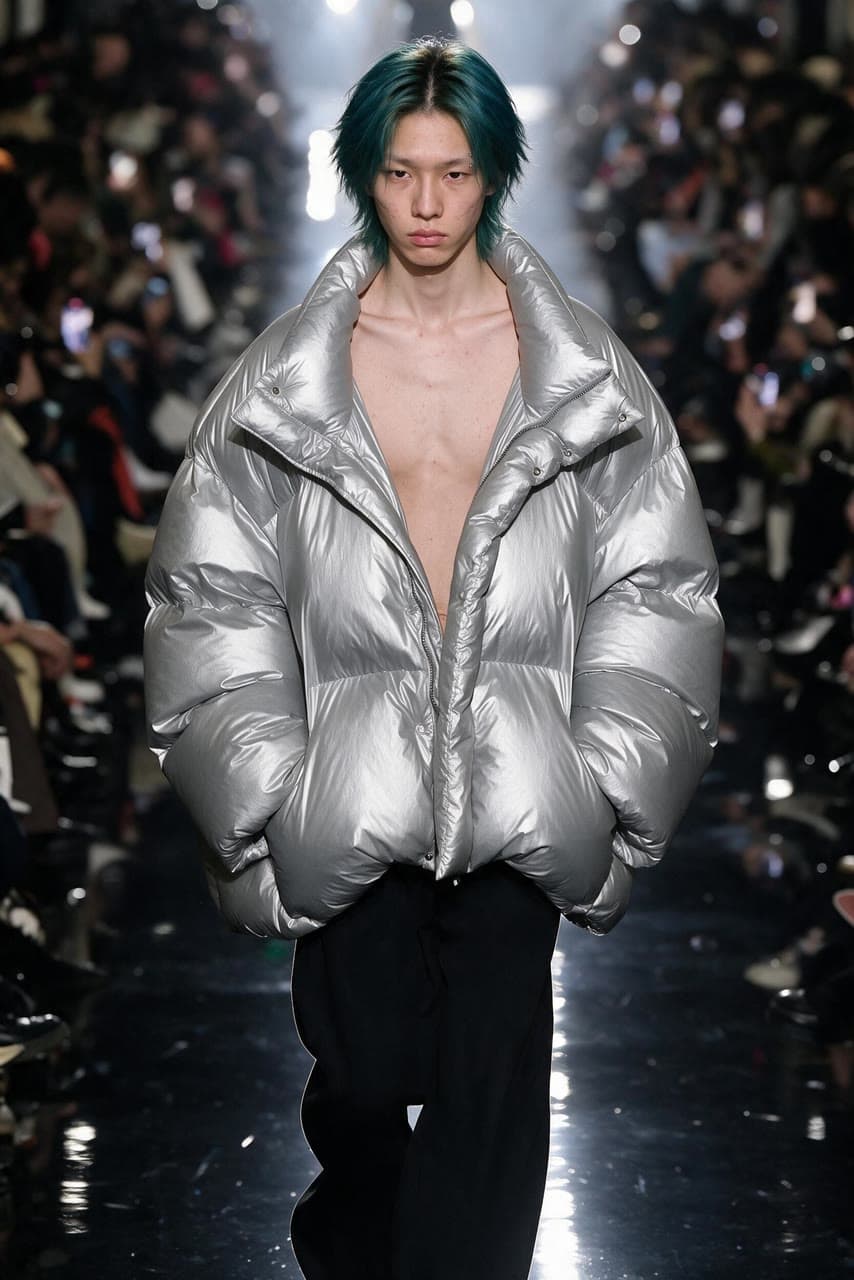
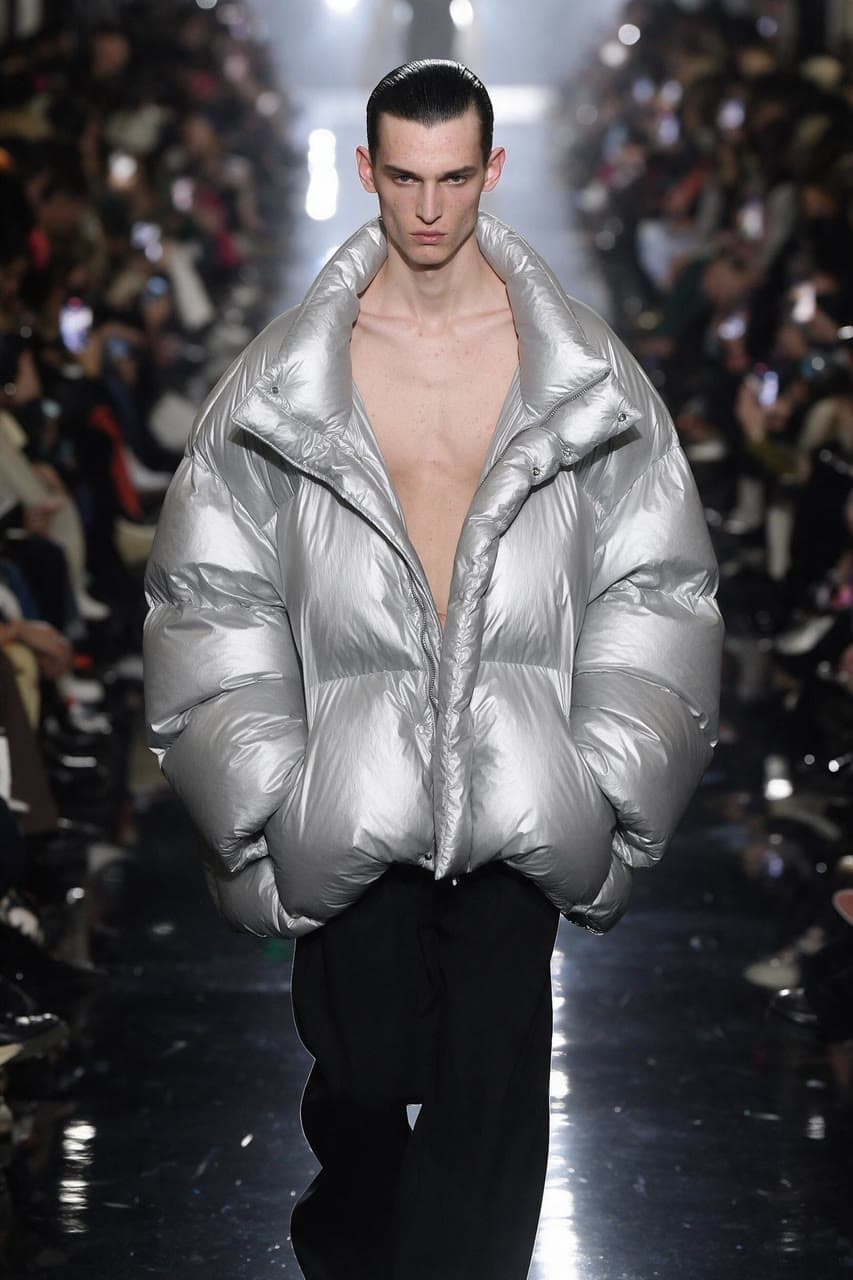
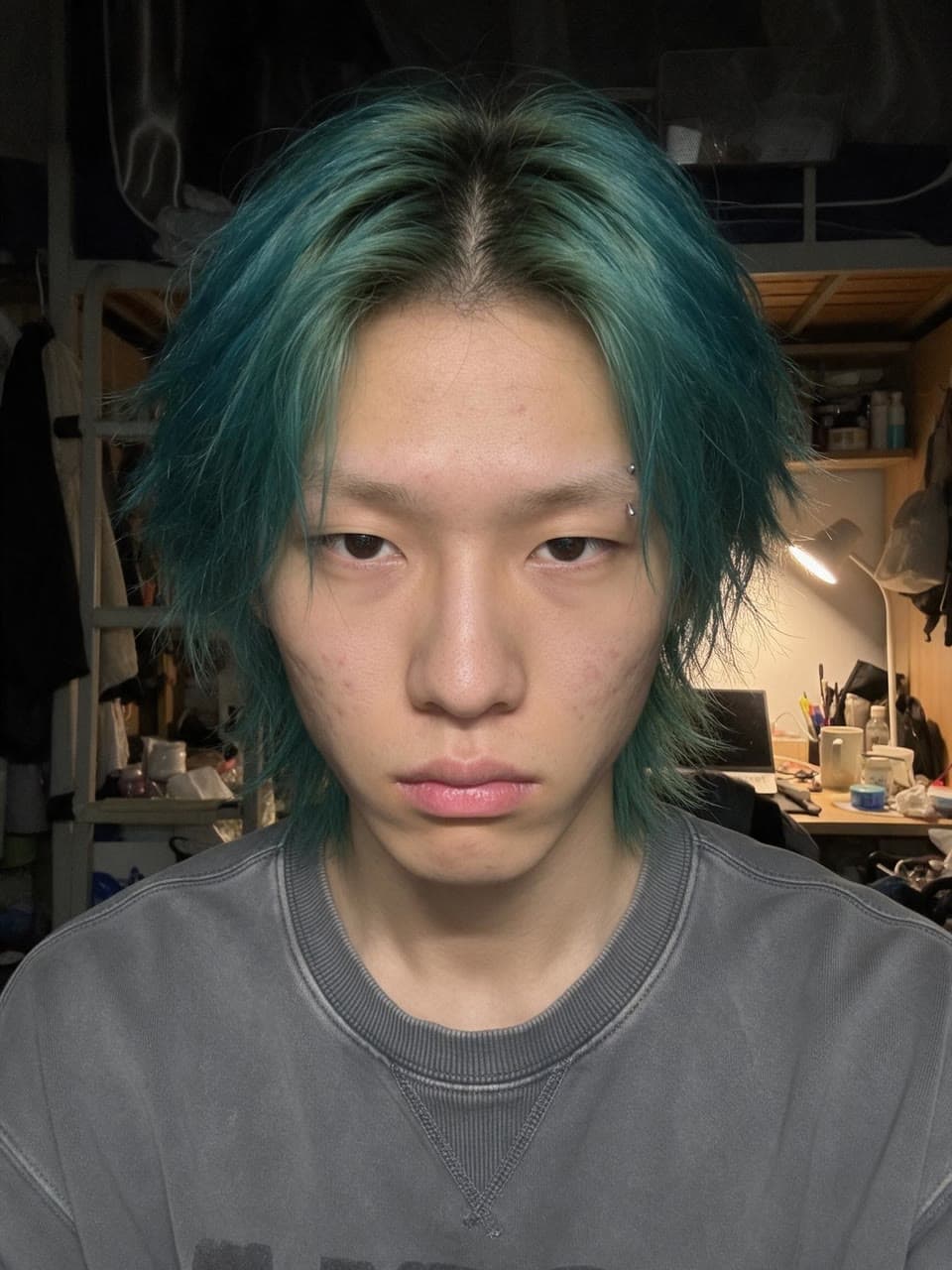
Teal hair on a fashion week runway
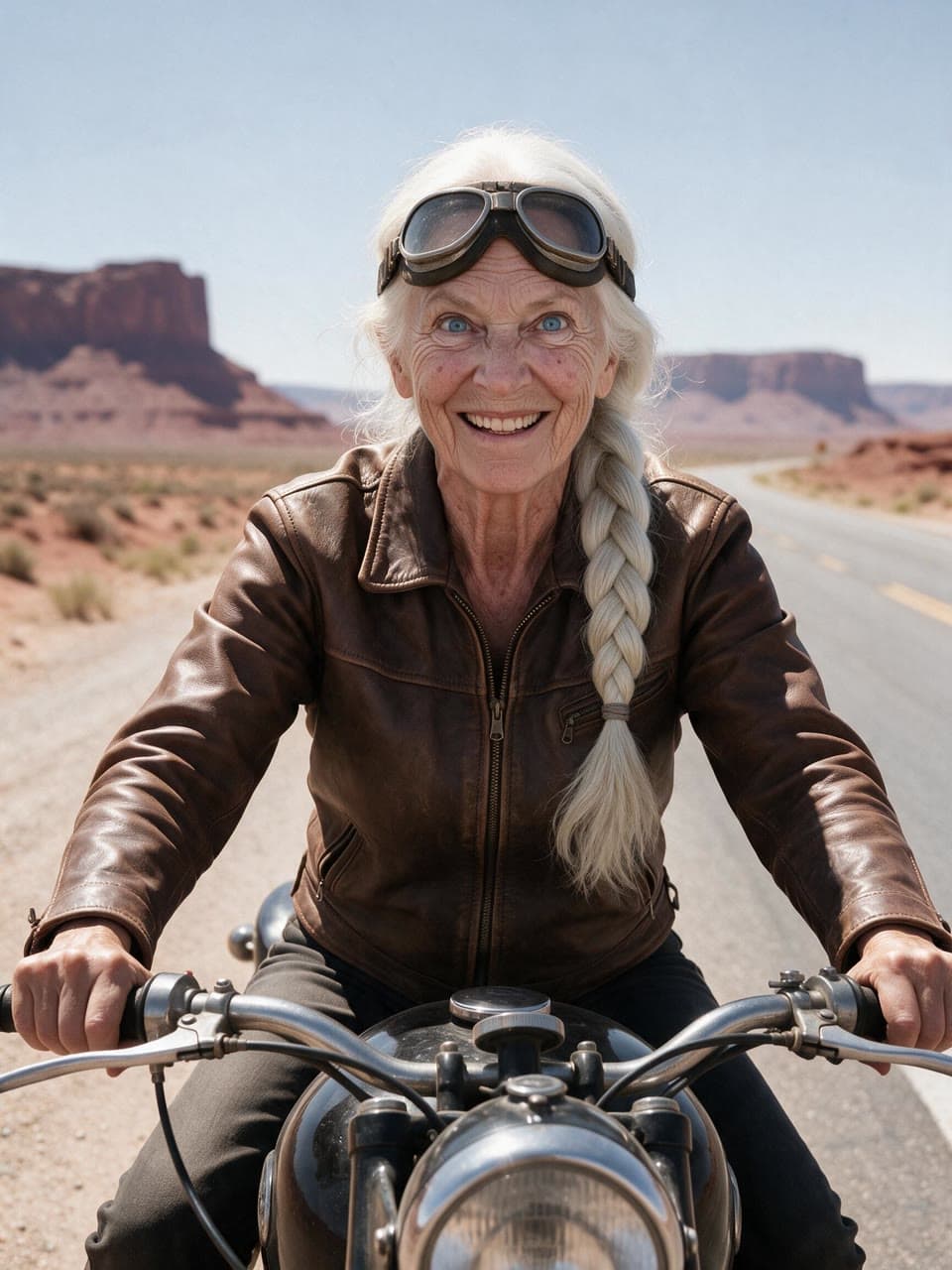
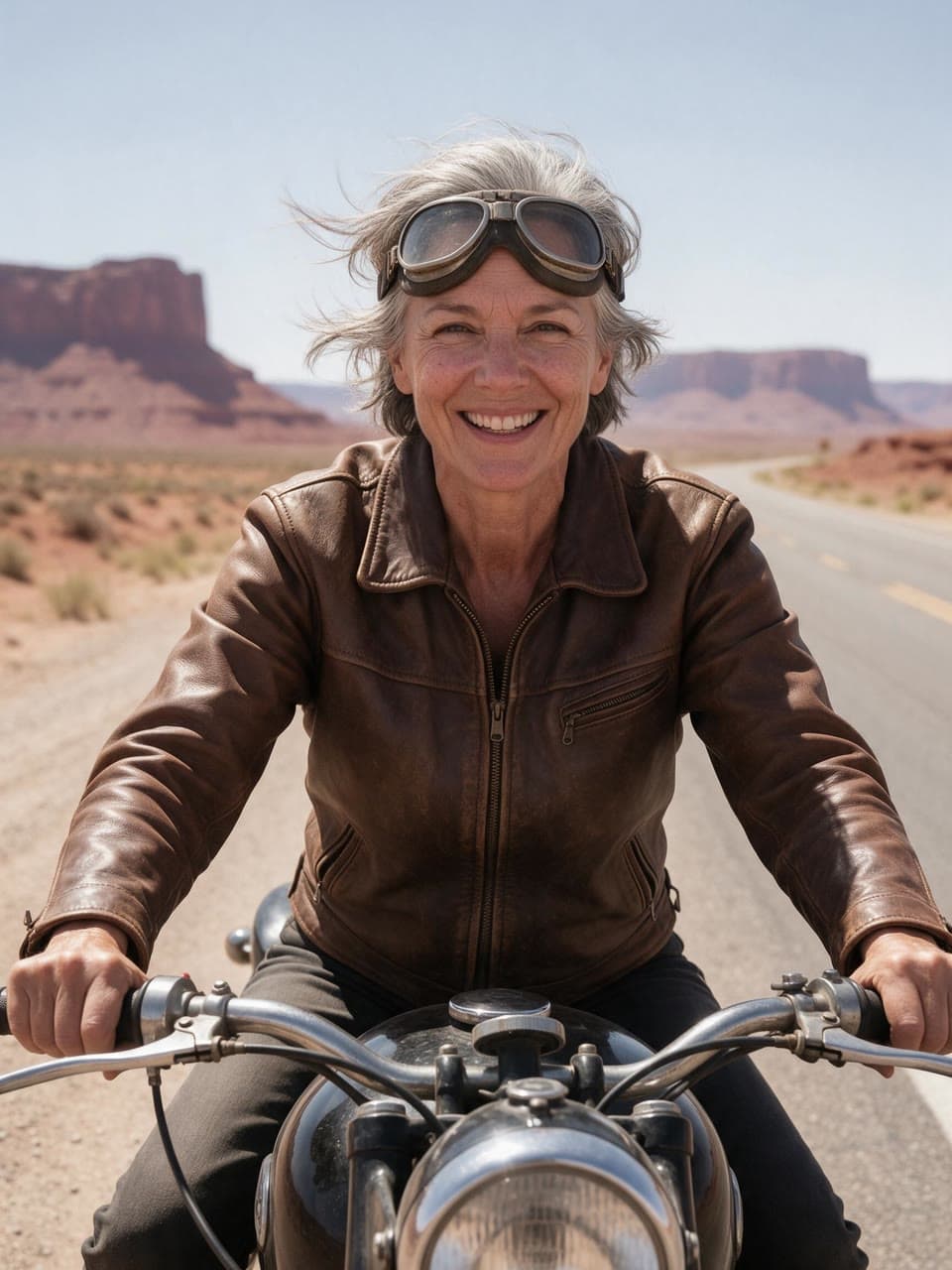
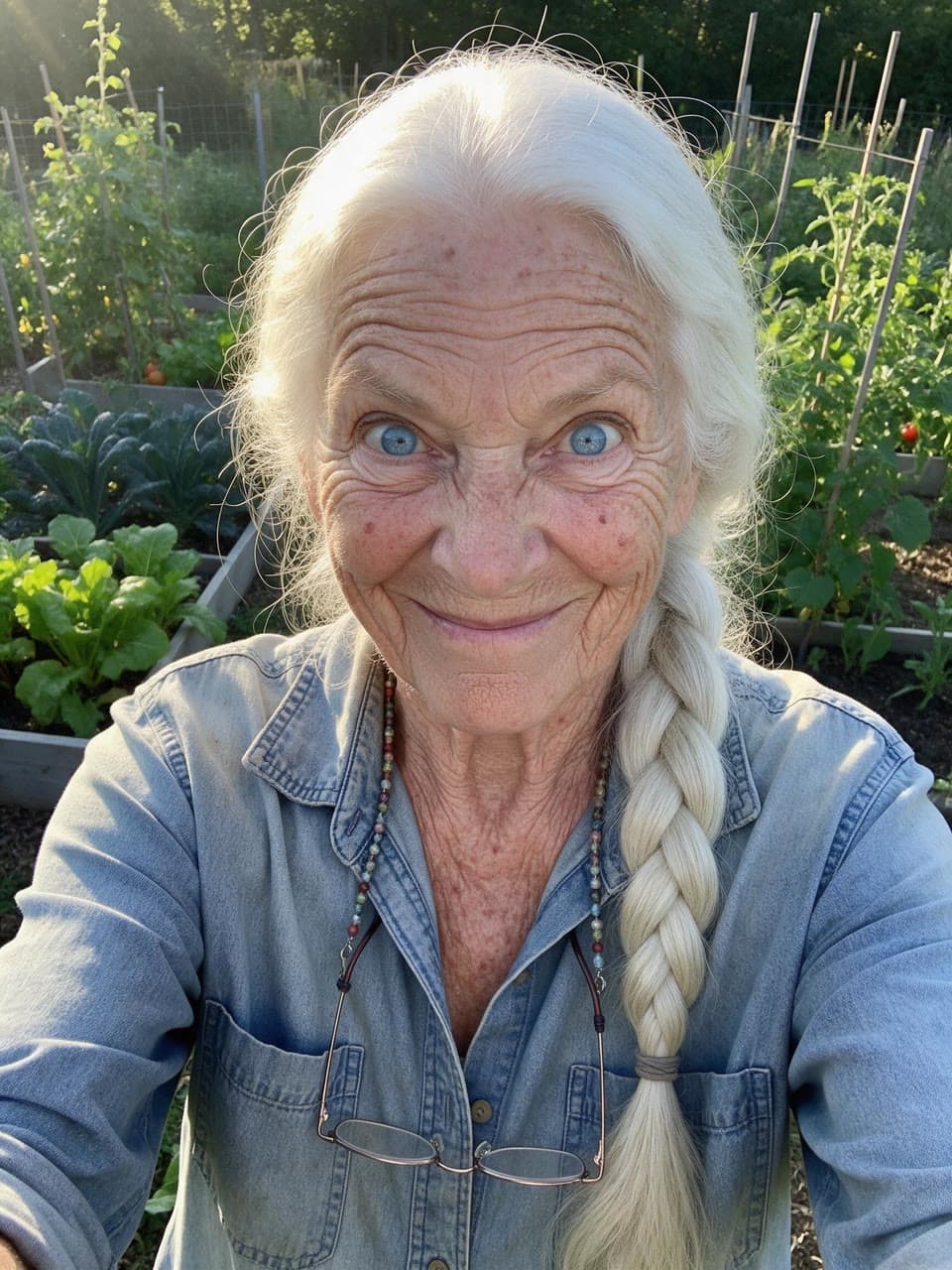
A white braid on a desert highway
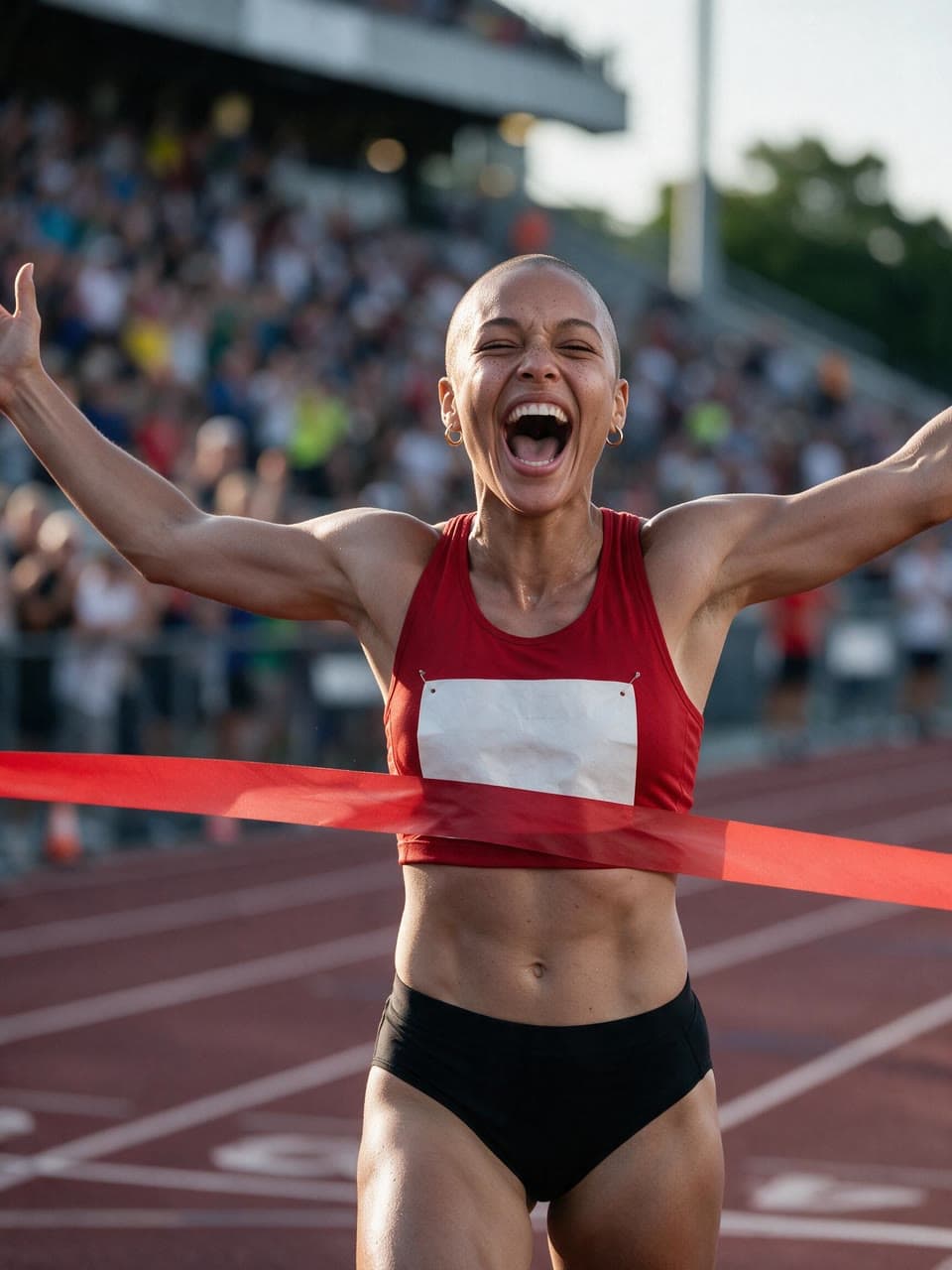

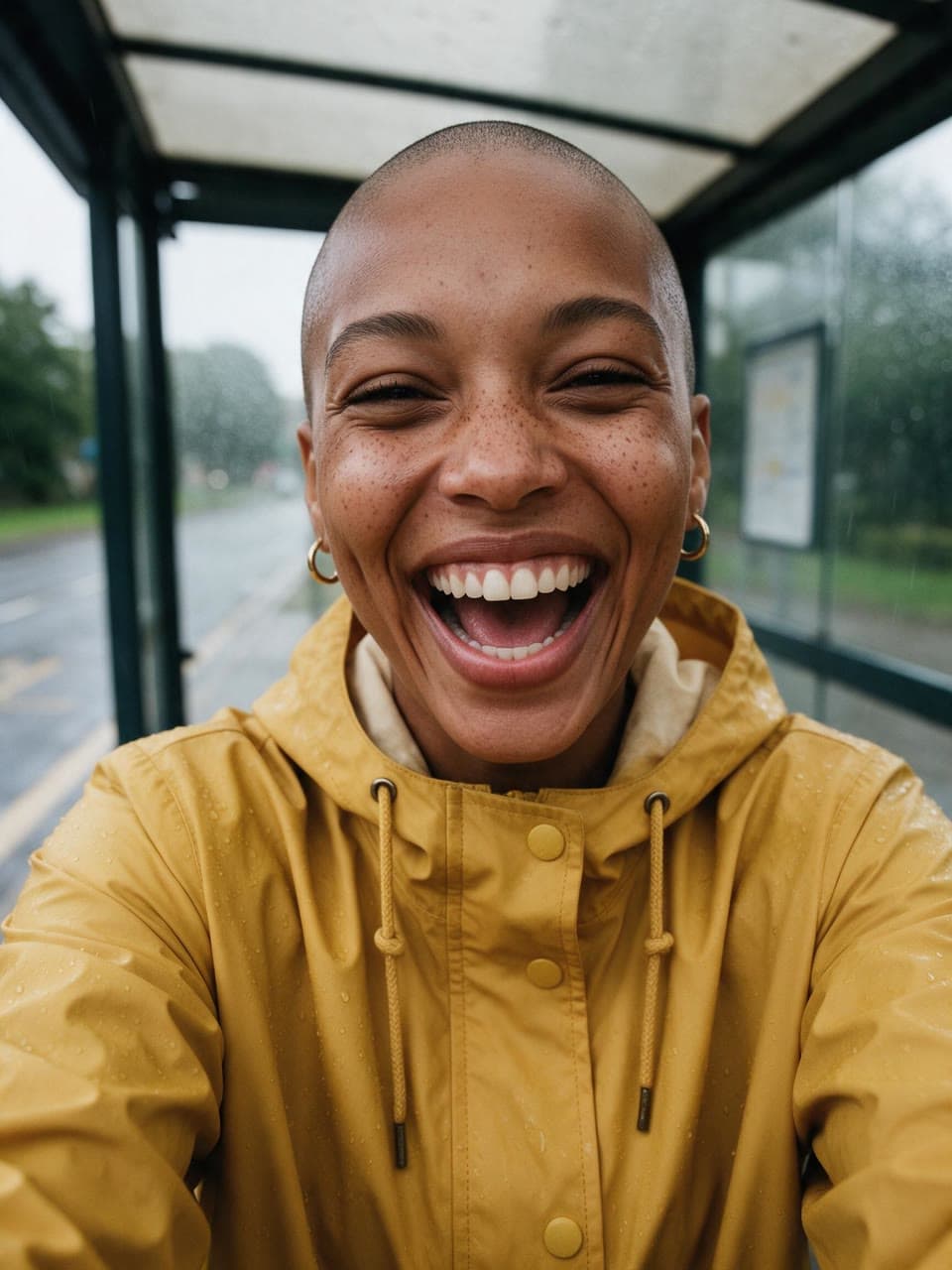
A shaved head at the finish line
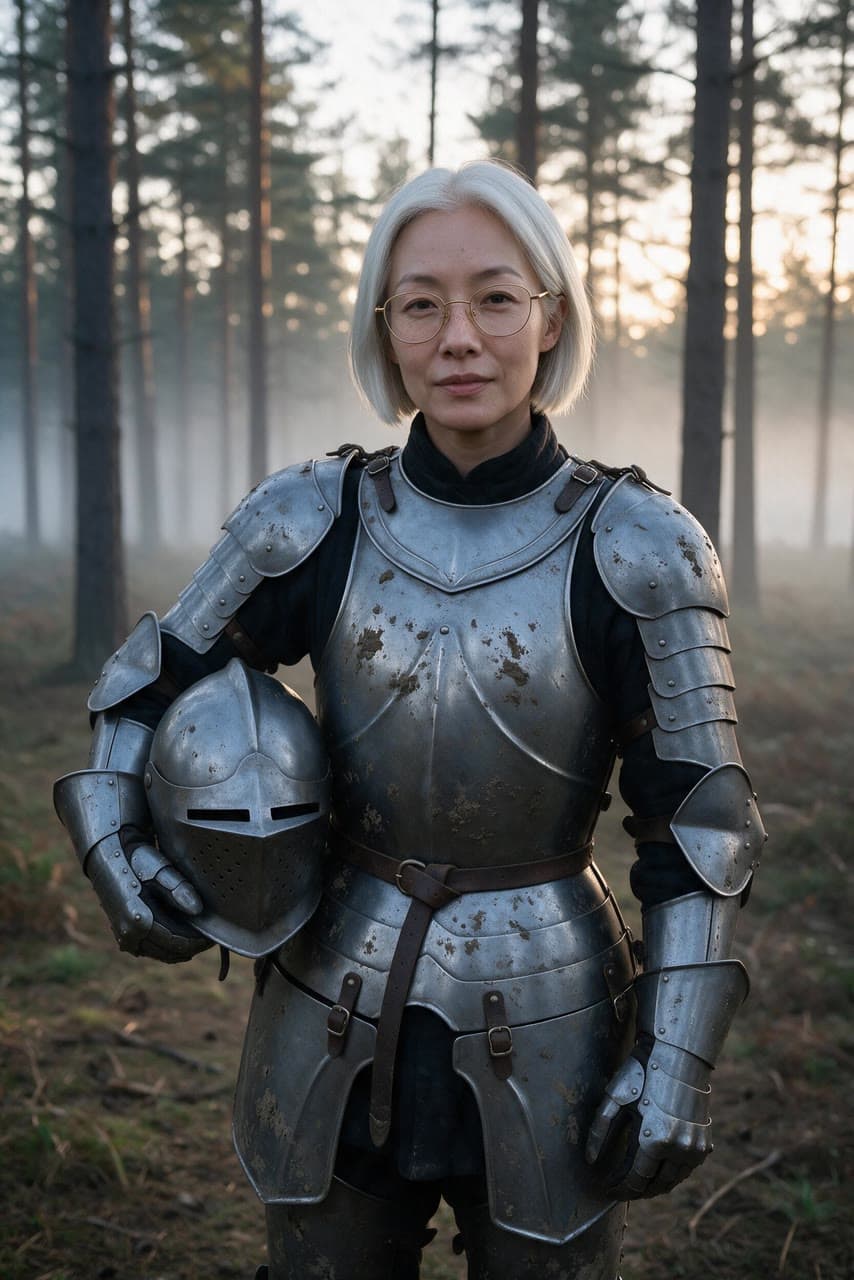


A silver bob in plate armour
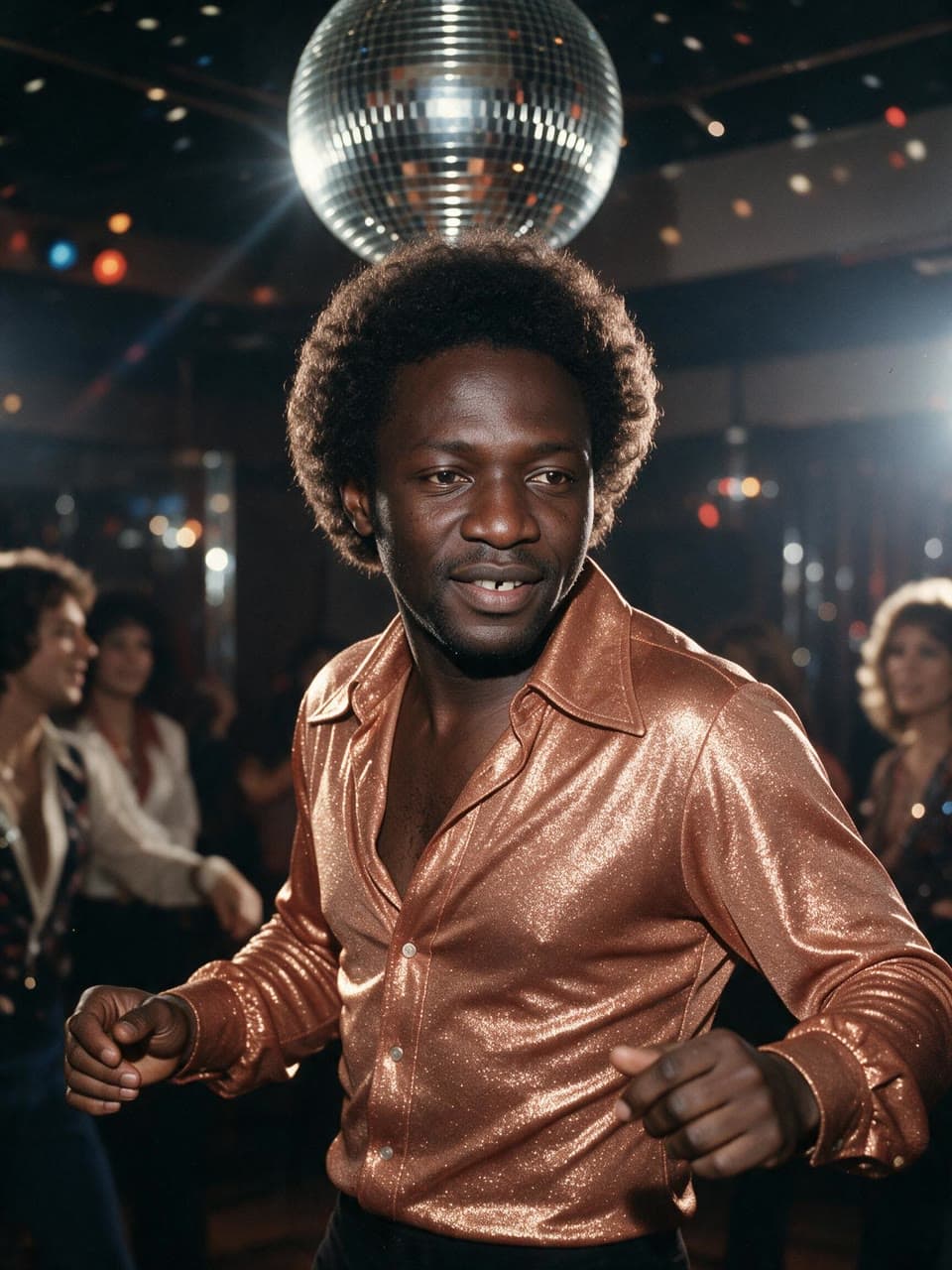
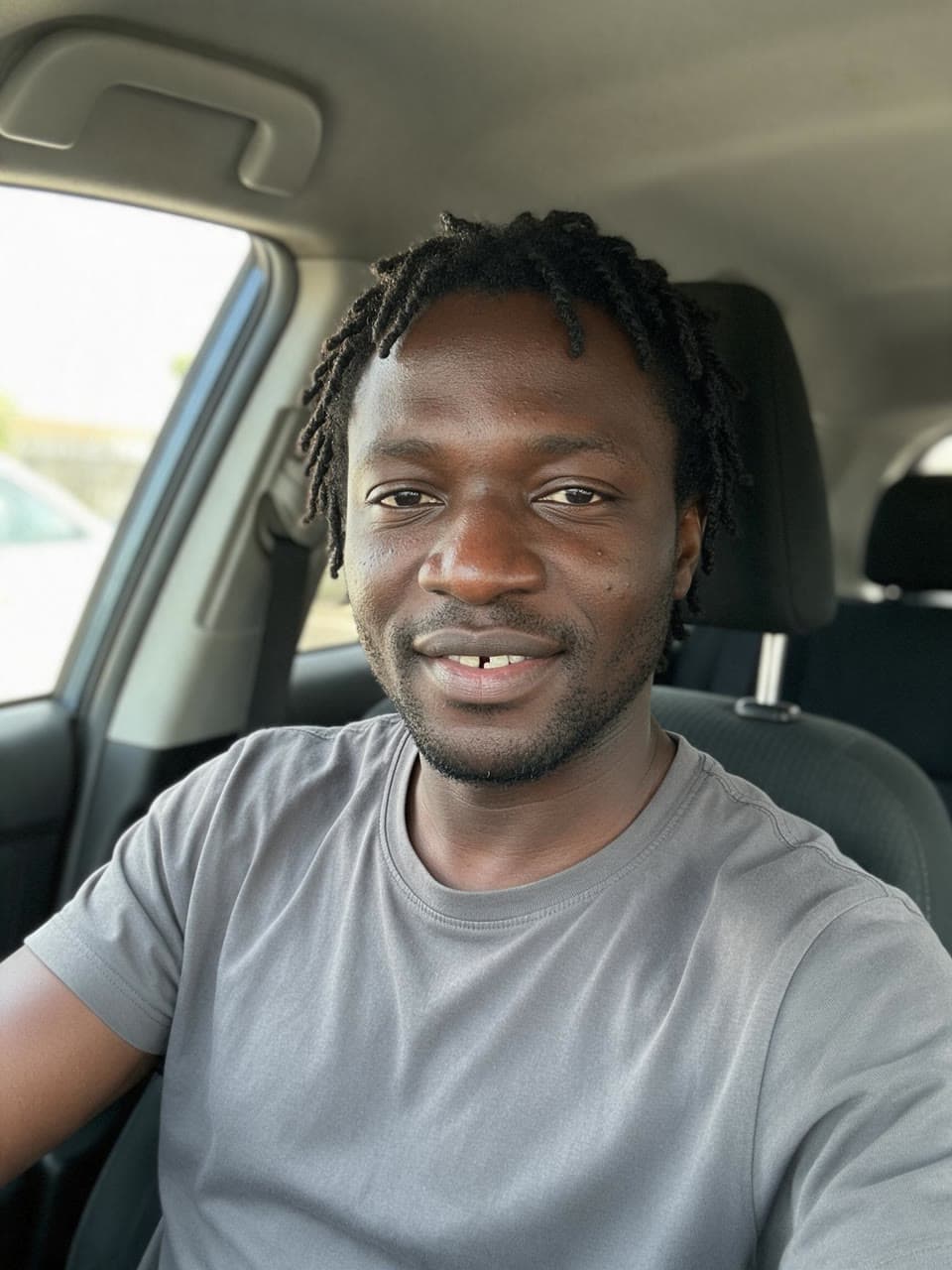
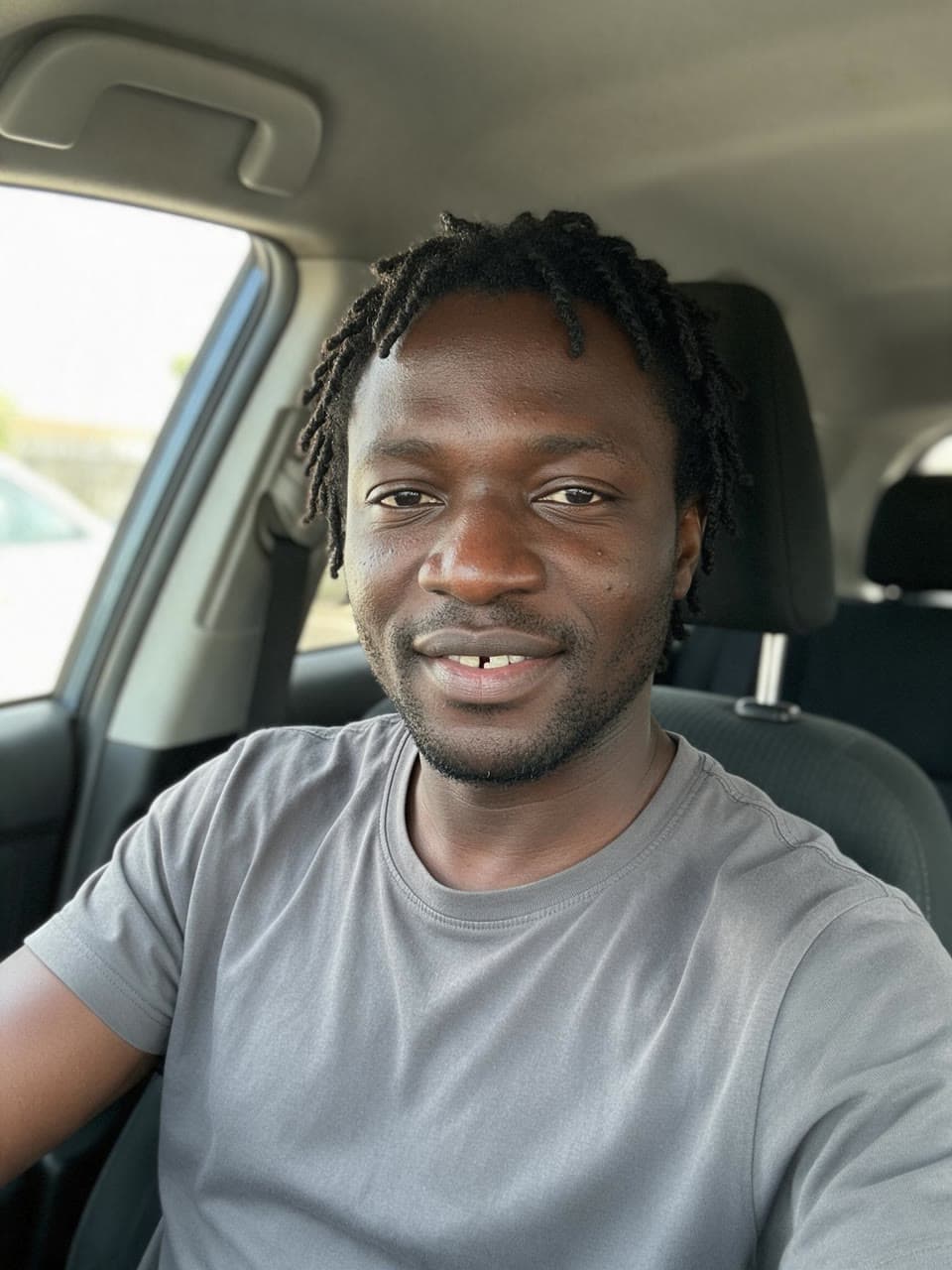
A selfie face at a 1970s disco
Next
Take it further

Questions
Face swap, answered
- Whose face can I use?
- Your own, or the face of another adult who has clearly agreed to it. Leap's Acceptable Use Policy forbids showing a real person who hasn't agreed, celebrities and public figures included, and anything made to make people believe someone said or did something they didn't. Both photos must show adults.
- Does it work on group photos?
- It swaps the main person in the photo. Pick a photo with one person, or one who is clearly in front, with the face in view and not too small.
- Will it still look like me?
- It's built to: the face keeps its bone structure, skin tone, marks and age, and only takes the photo's angle, expression and light. Models still slip now and then, so look at each result and run it again if something moved.
- What does Face swap make?
- Put a face into any photo and keep the rest of it as it is: the scene, the body, the clothes, the pose and the light.
- What photo works best?
- Photo to keep: The picture the face goes into: one person, or one main person, with the face in view and not too small. Pick the shape below that matches it. Face: A sharp, evenly lit photo of one adult's face, looking toward the camera, with nothing covering it. Use your own face or one you have permission to use.
- How does it work?
- Add the photo to keep: the scene, the outfit and the pose. Add a clear photo of the face and choose whose hair to keep. Get the swap in about a minute, the rest of the photo untouched.
- What can I choose?
- Hair: Keep the photo's hair or Bring the face's hair.
- How much does it cost?
- From $0.25 an image, and you see the exact price before you press go. A run that fails costs nothing, there is no subscription, and you can start free without a card.
- Can I use the result commercially?
- Yes. You own what you make on Leap, so you can use it commercially, and we never train AI on it. The people and brands shown in a result can still have rights in it; the Terms say more.
- Can I run it from code?
- Yes. Developers run it as leap/face-swap through the Leap API, at the same price, with the same choices.
It runs on Seedream 5.0 Pro, with the prompting done for you. Rather write your own? Open a model's page and start from there.
Building an app? Run face swap from the API
Your face, in the photo you wish you'd taken.
Start with $2 of credit, no card. Every run shows its price before it starts.