Free Background Remover
Remove the background from an image for free, with no signup and no watermark. Add a photo of a person, a pet or a product and download a transparent PNG, or put it on white or a color you pick. The model runs in your browser, so your photo is never uploaded.Drop an image here, or paste oneJPG, PNG or WebP. Nothing is uploaded. The first photo downloads the 98 MB model, once.
No photo handy? Try one of these:
How it works
The first time you add a photo, your browser downloads BiRefNet, an open-source model for finding the subject of a picture. It's 98 MB, and your browser keeps it, so later photos and later visits start right away. The model looks at a 512 × 512 copy of your photo and marks which pixels belong to the subject. The tool then cuts the subject out of the full-size photo, up to 4096 pixels on the long side.All of it happens on your device. In a browser with WebGPU, which recent Chrome, Edge and Safari have, the model runs on your graphics card and a photo takes a few seconds. Elsewhere it runs on the processor, which is slower, most of all on older phones.Your photo isn't sent to Leap or to anyone else. That's also why there's no daily limit and nothing to delete afterward.What it handles well, and where it struggles
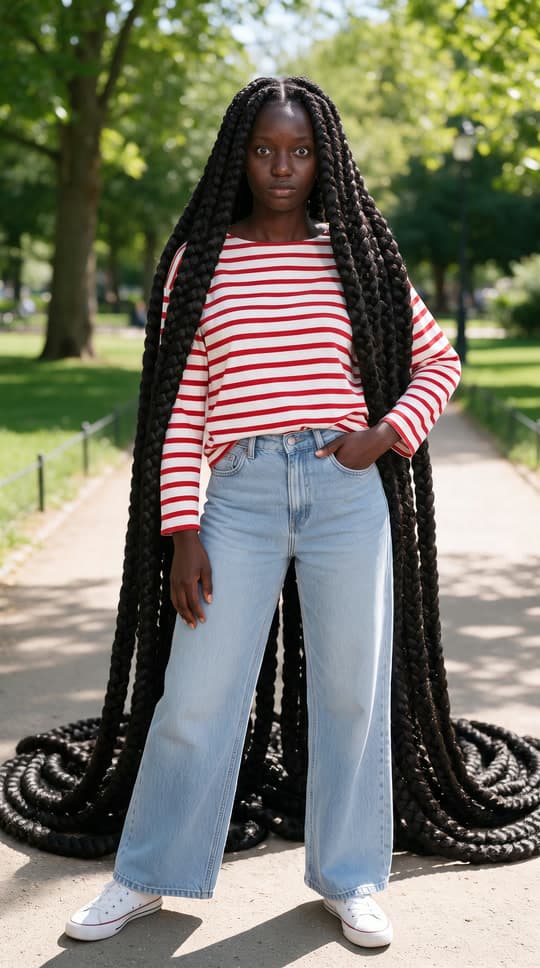
- People in selfies and portraits, hair included
- Pets
- Products on a plain or a busy background
- Clothes laid flat for a listing
Transparent, white or a color
A transparent PNG keeps only the subject, ready to place in a design, a slide or another photo. Amazon asks for a pure white background (RGB 255, 255, 255) on a product's main image, and the White option gives you exactly that. A color works well for profile pictures and ID-style photos. Every option downloads as a PNG at your photo's own size.From a cutout to a product photo
If you'd rather show the product in a setting than on white, Leap's product photo recipe starts from the same photo and places the product on a pedestal, a beach, a kitchen counter or a dark studio set, with light and shadows that match. That runs in the Leap studio and is paid per picture. The background remover stays free.Frequently asked questions
Yes. There's no account, no watermark and no limit on how many photos you do. The work happens on your own device, so a photo costs Leap nothing.
No. Your browser reads the photo and cuts it out inside the tab. The only download is the model itself, from Hugging Face, the first time you use the tool.
Your browser downloads the 98 MB model first. It keeps the model, so the next photo starts right away, unless you clear your browser's data.
Yes, in a recent Safari or Chrome. A phone without WebGPU runs the model on its processor, which takes longer. The 98 MB download is best done on Wi-Fi.
The same size as your photo, up to 4096 pixels on the long side. A larger photo is scaled down to fit, because phone browsers refuse bigger images.
Leap claims no rights in your images. The model, BiRefNet, is open source under the MIT license, which allows commercial use.