For shops, and for trying it on before you buy
Virtual try-onTry on clothes from any photo with AI
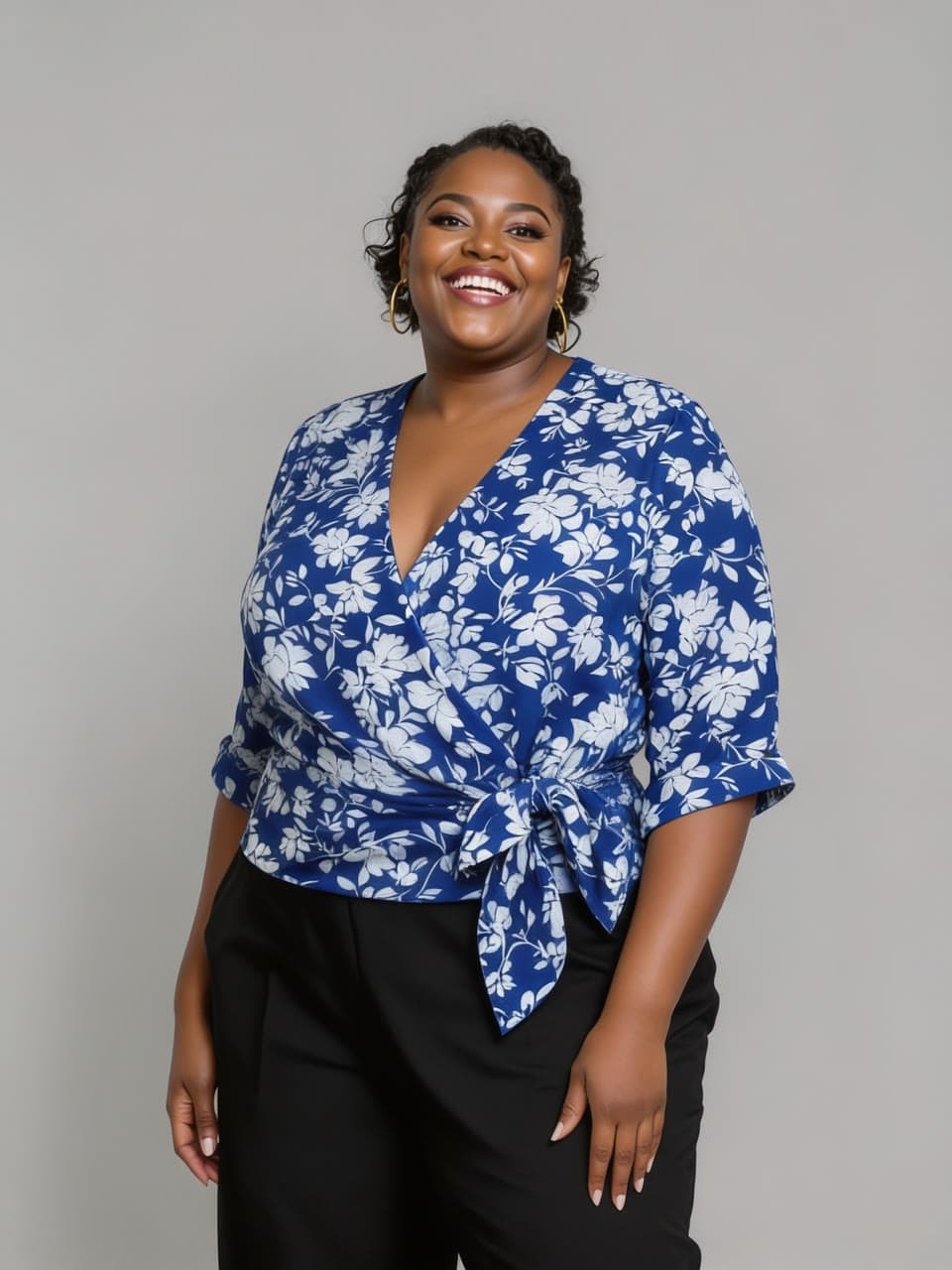
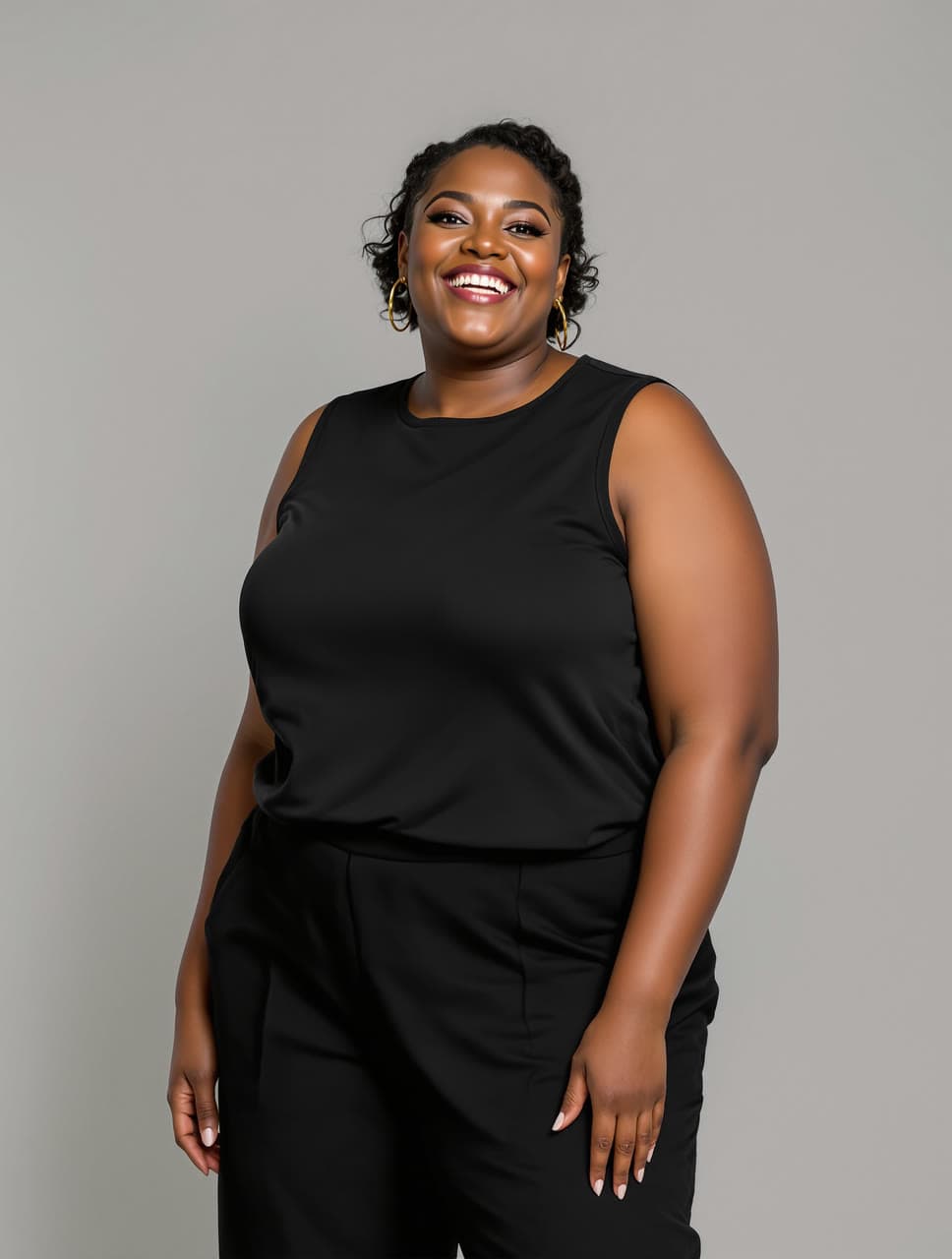
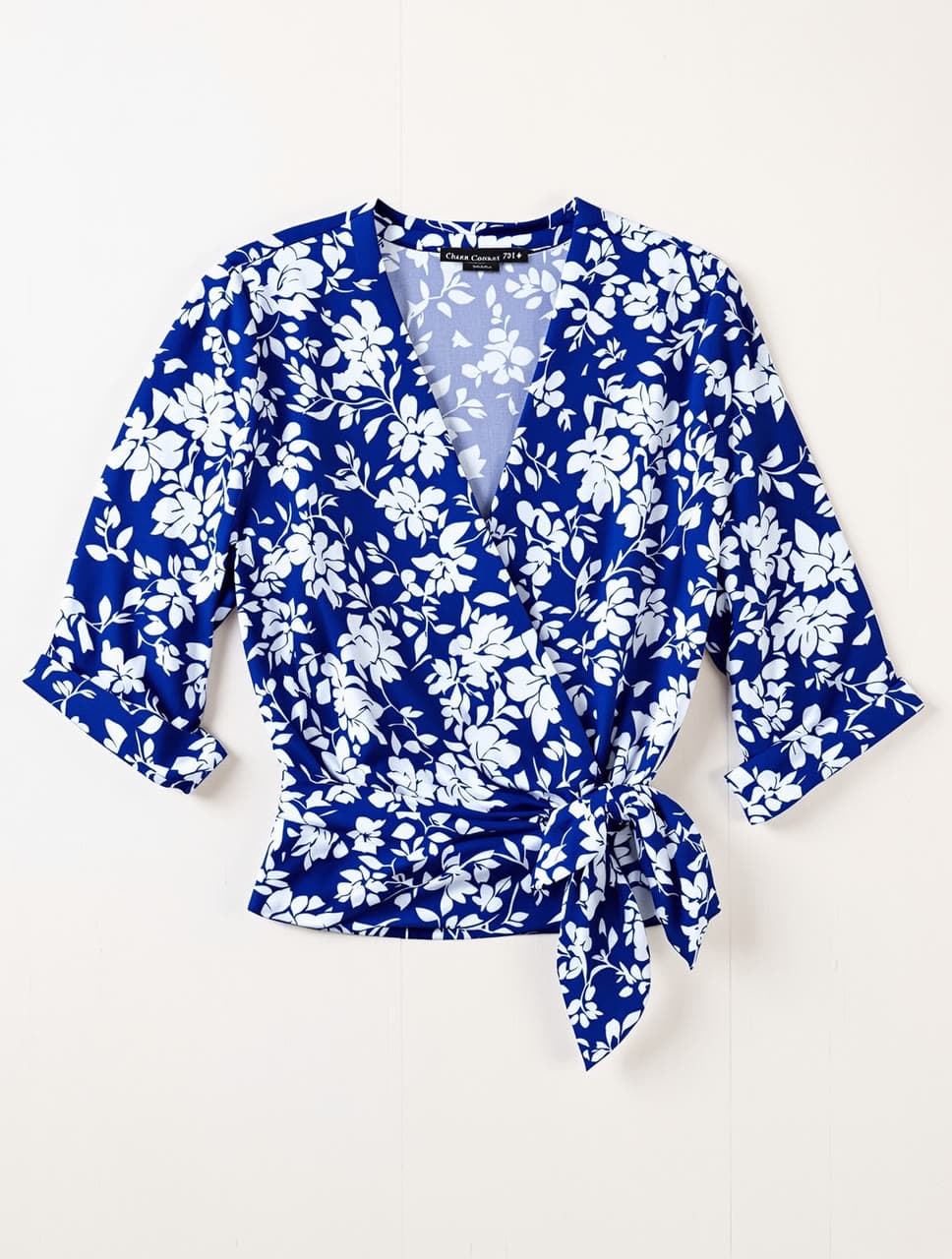
Add a photo of a person and a photo of one piece of clothing: a store screenshot, a flat lay or a shirt on a hanger. You get the same person, in the same pose and place, wearing that exact piece with its color, pattern and cut. See an outfit on you before you order it, or put your shop's product on a model.
from $0.40 an imageA $5 top-up is enough for about 12 photos.
Use your own photo, or one of an adult who has agreed to it, and everyday clothes. Acceptable Use Policy
Add a photo of the person first, from the knees up or whole body. It waits while you sign in.
Your first image is free.
Your first image is free.
- 01Add a photo of the person, from the knees up or whole body.
- 02Add a photo of the piece on its own: from a store page, laid flat or on a hanger.
- 03Get them wearing it, with the rest of the photo as it was, in under a minute.
Real runs
What it has made
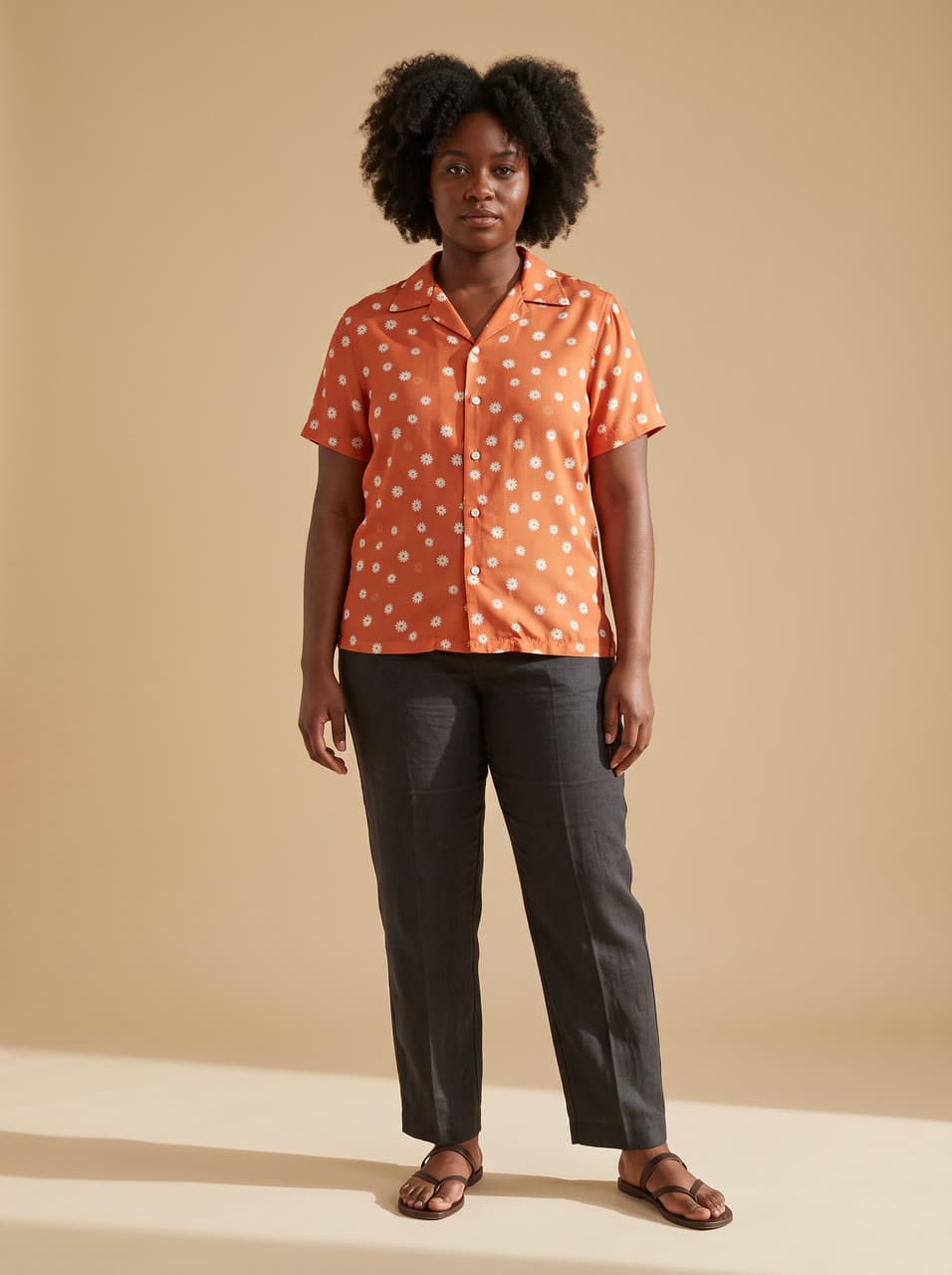
Each one came back as you see it, from the two photos in its corner: the person, then the clothes put on. Every person and garment here was generated for this page: no real person or brand is on it.
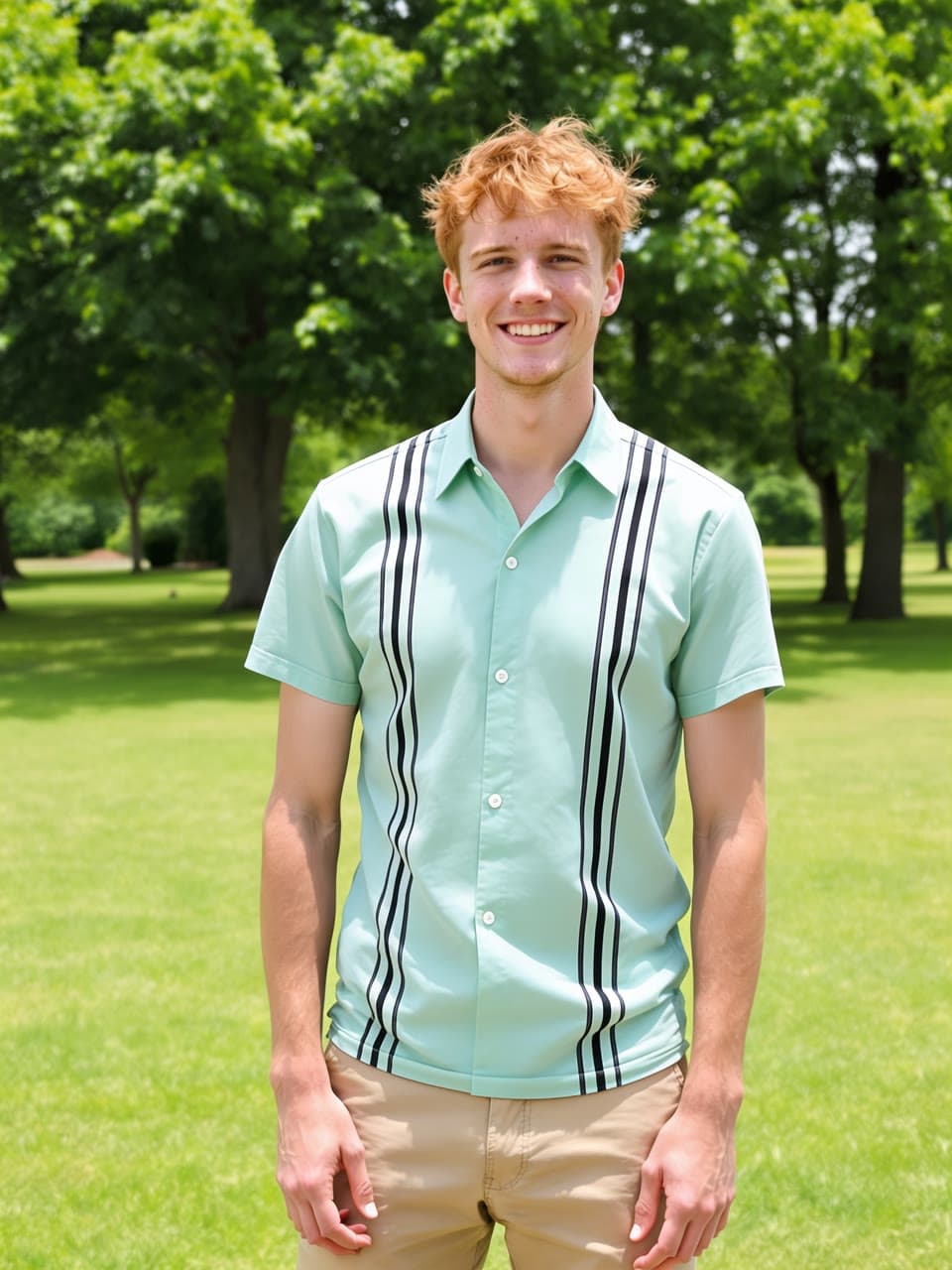
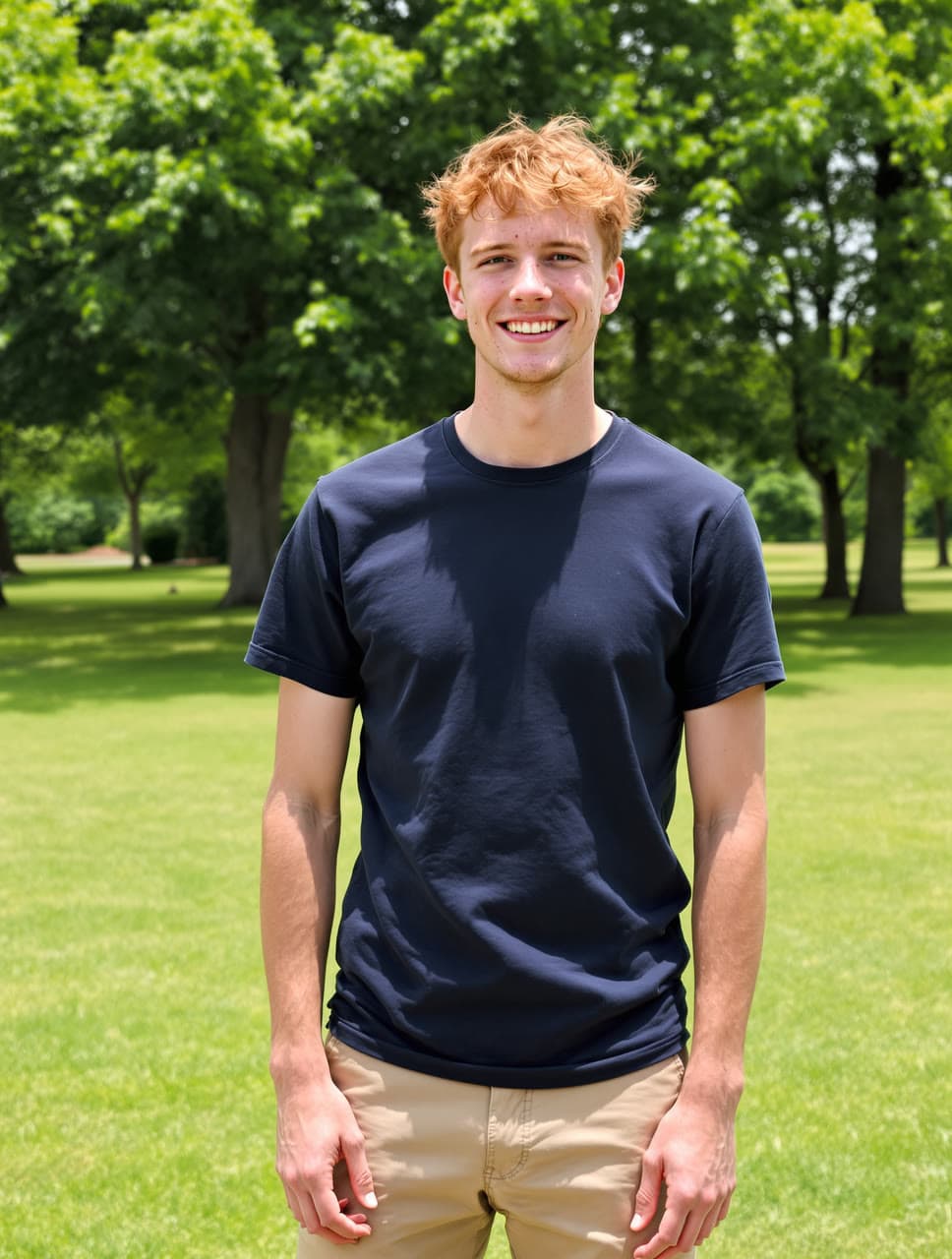
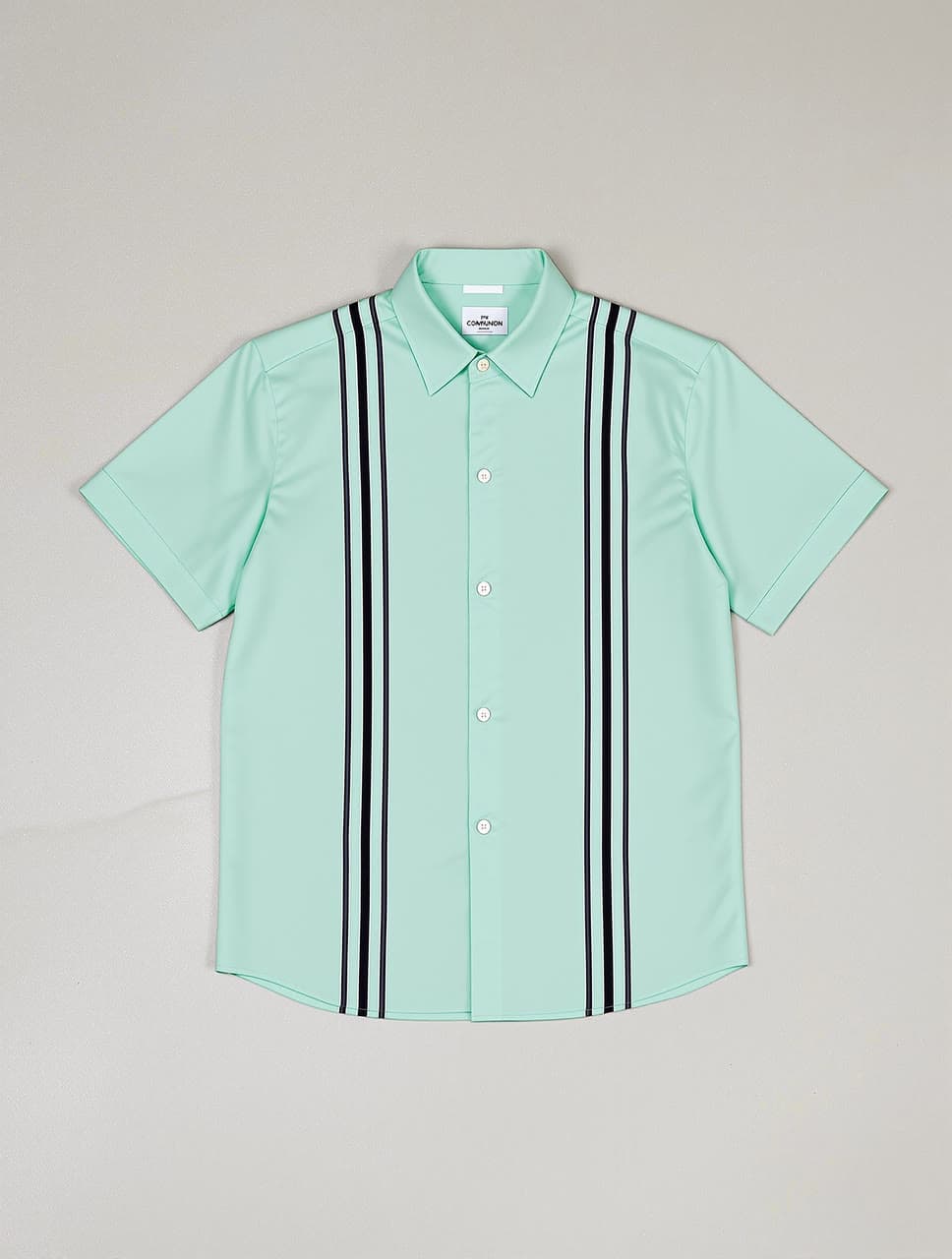
A mint bowling shirt, tried on in the park
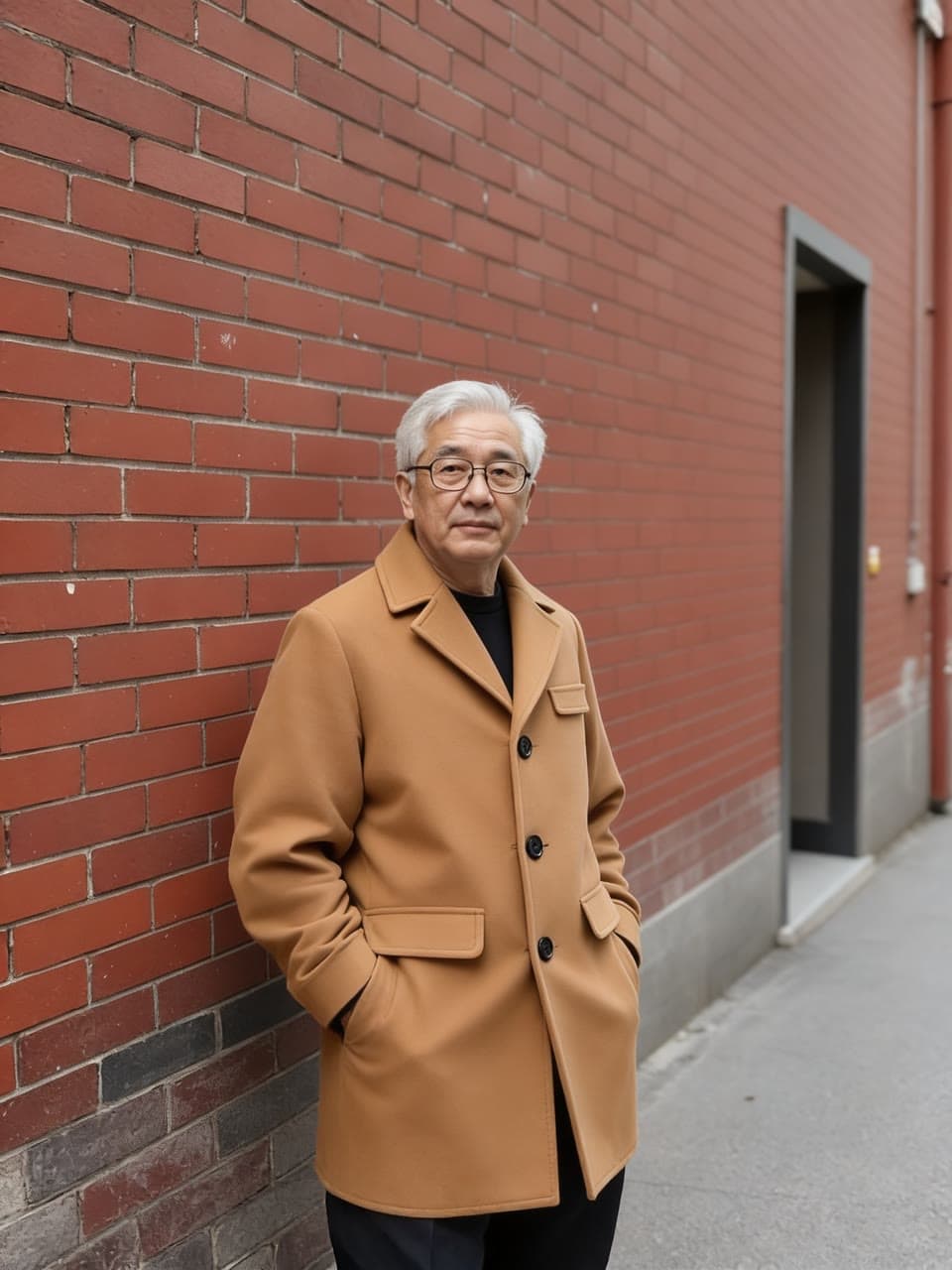
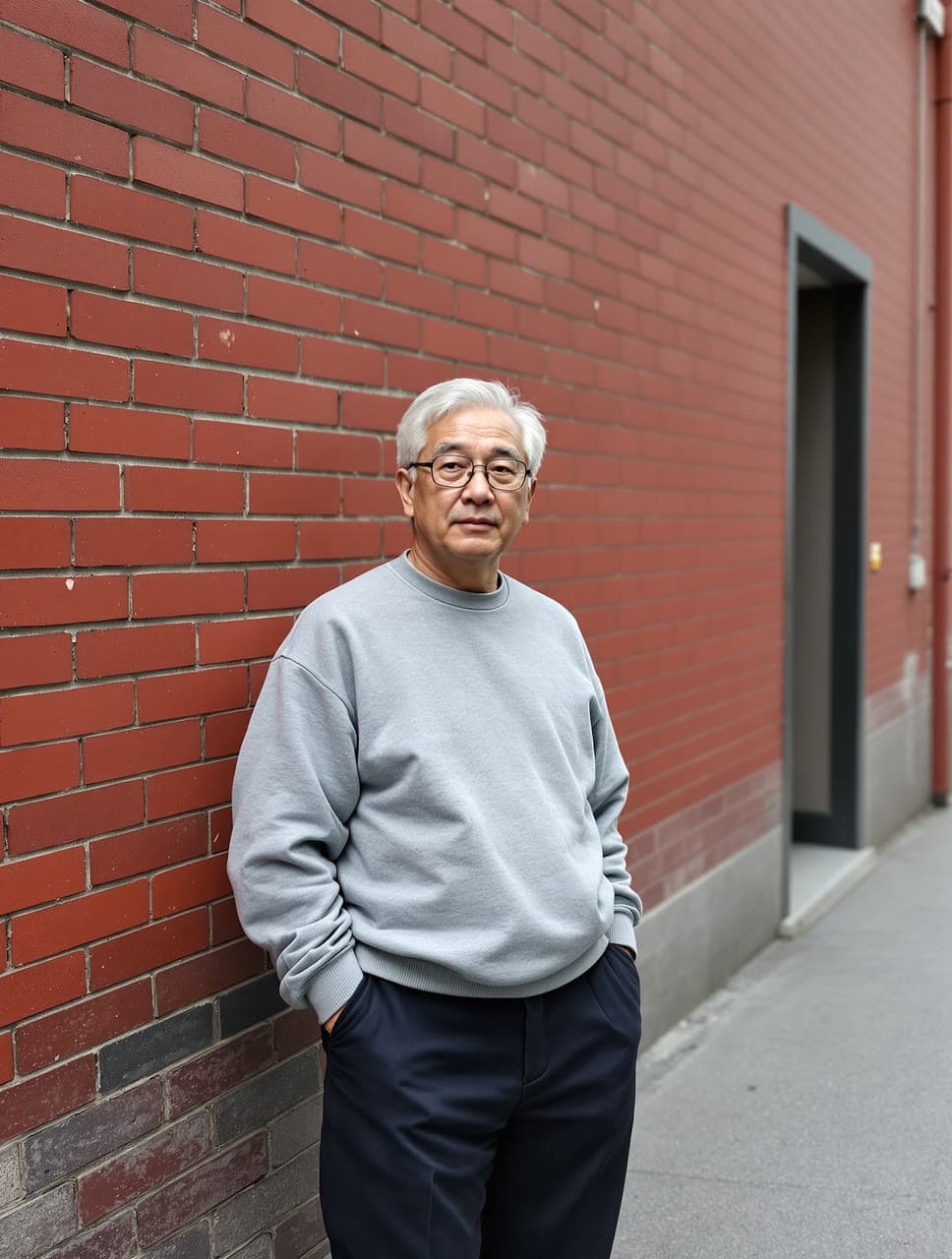
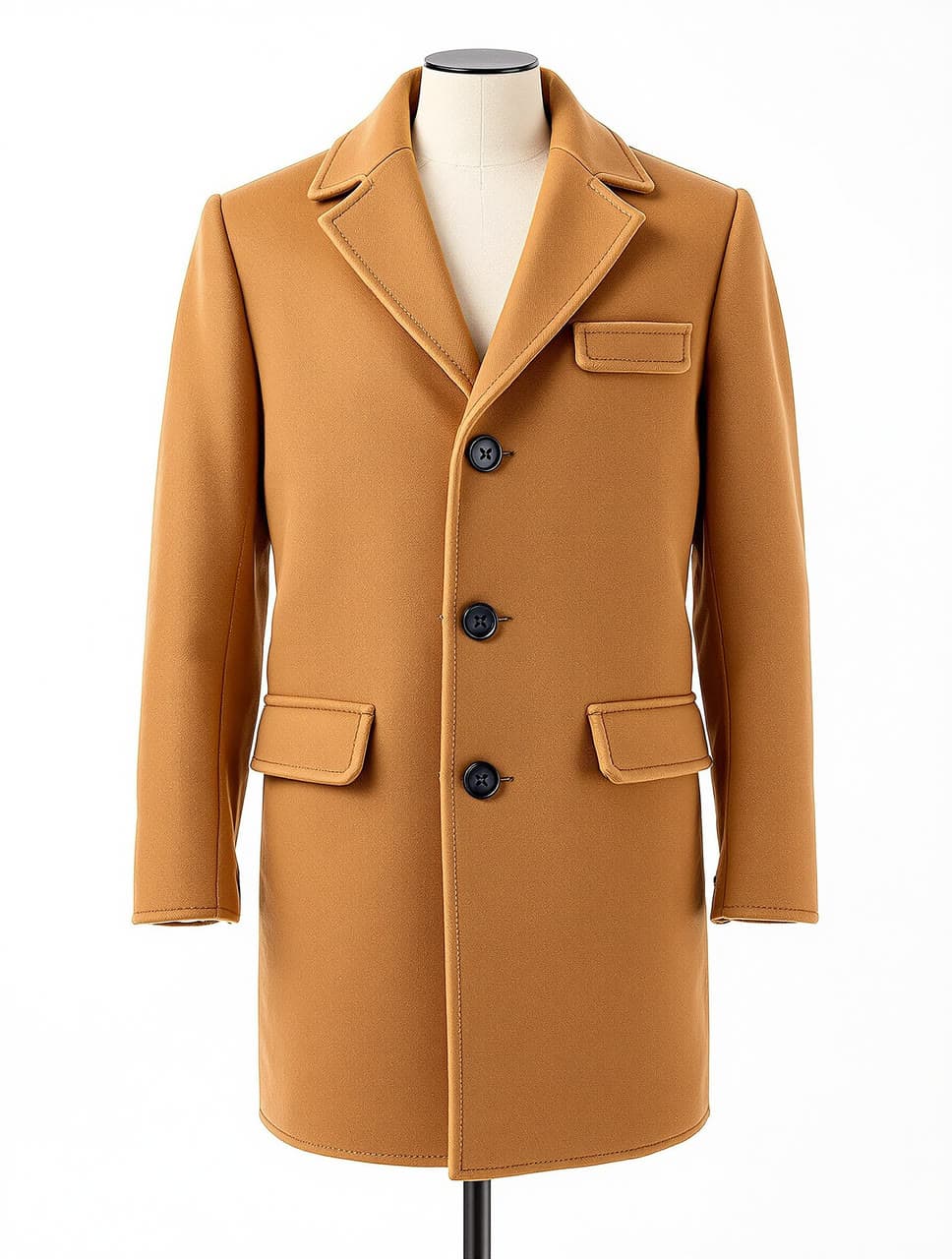
A camel overcoat from a shop photo, by a brick wall
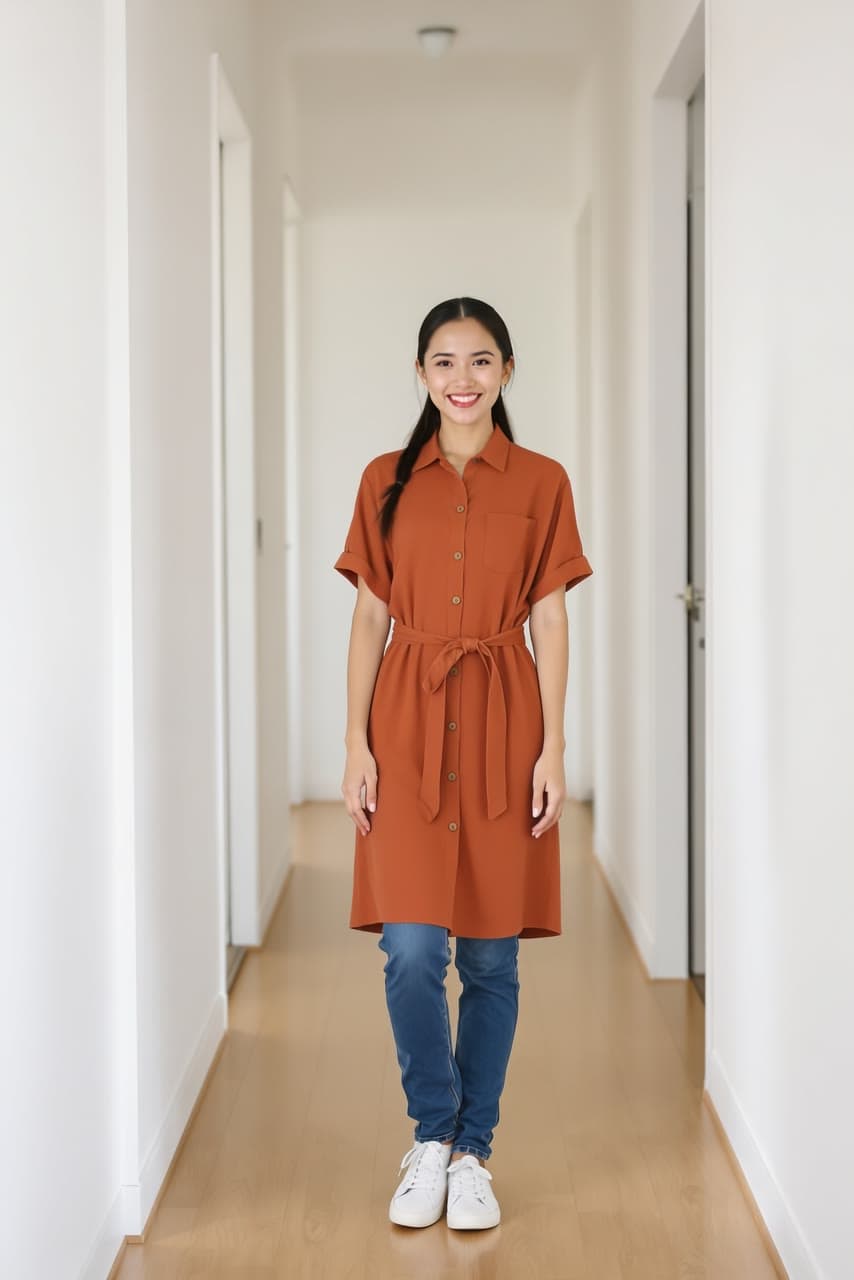
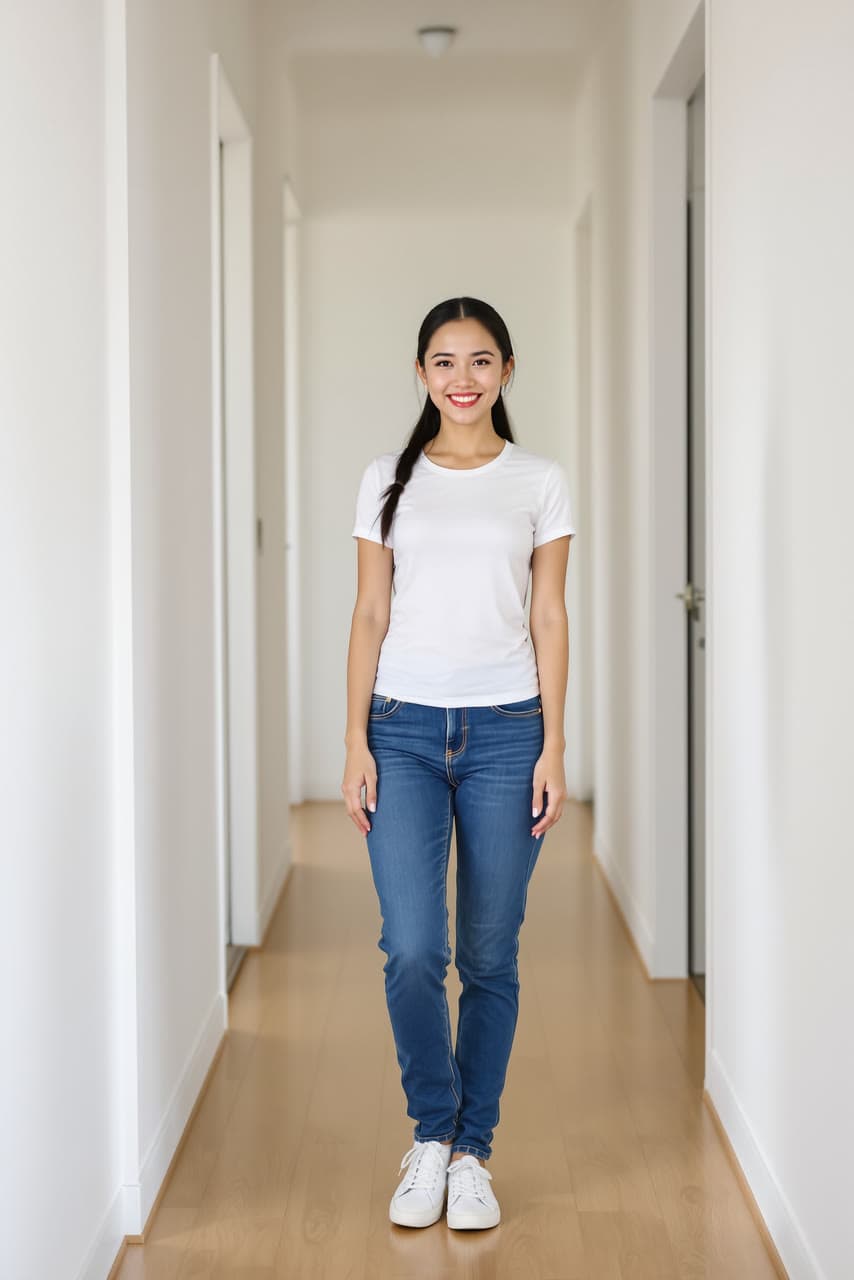
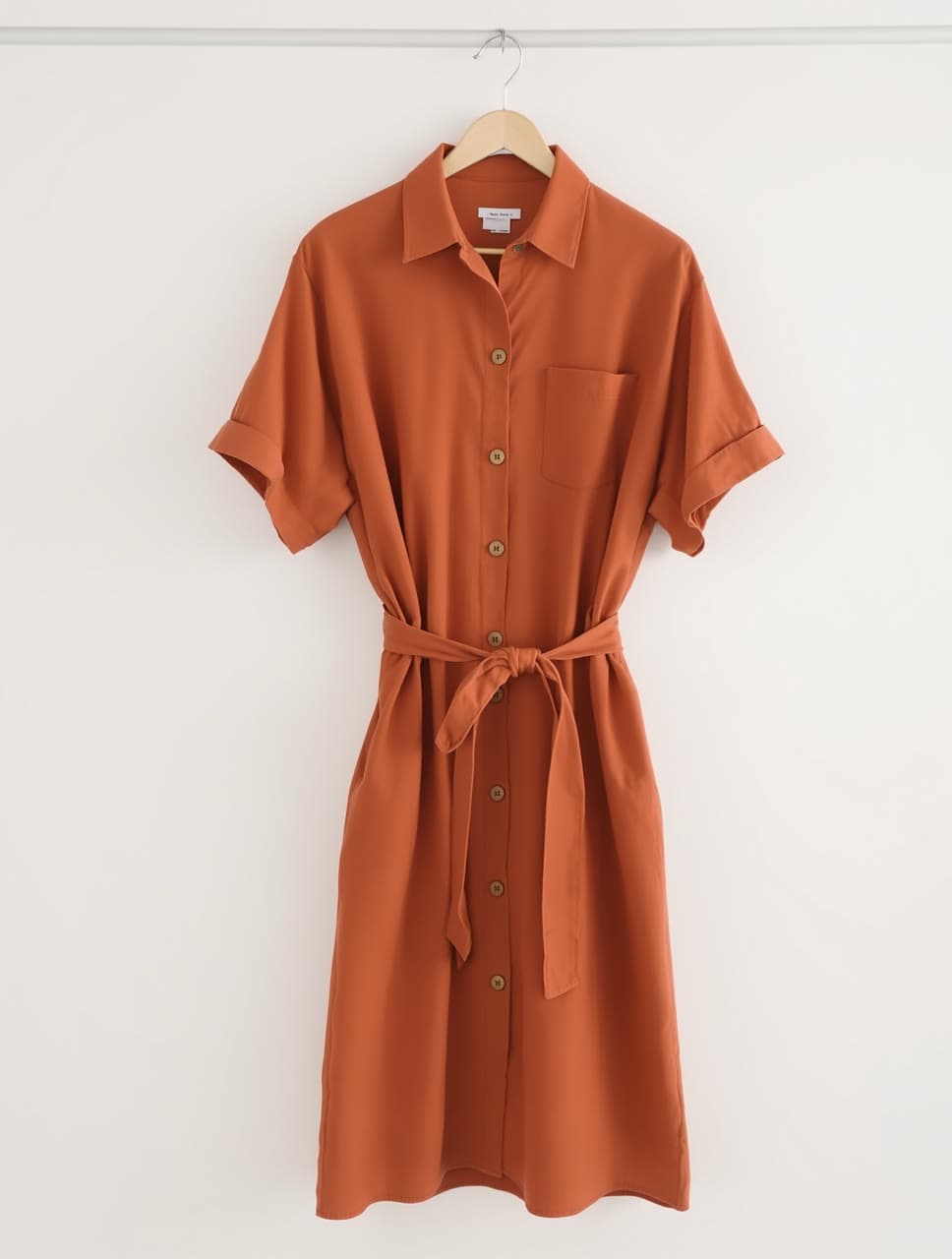
A rust shirt dress, tried on over her jeans
Next
Take it further
Questions
Virtual try-on, answered
- Can I see clothes from a store photo on me?
- Yes. Add a photo of yourself and a screenshot or photo of the piece on its own. Leap puts that exact piece on you, in your photo, and keeps everything else as it was. You don't write anything.
- Can I put my shop's products on a model?
- Yes. Add a photo of your model, from the knees up or whole body, and a clear photo of the product: laid flat, on a hanger or on a mannequin. Each run gives one photo for your listing. As with any photo of a person, you need the model's agreement.
- Whose photo can I use?
- Your own, or one of an adult who has clearly agreed to it. Leap's Acceptable Use Policy forbids showing a real person who hasn't agreed, celebrities included, and any sexual picture of a real person or of anyone under 18.
- Which photos work best?
- A sharp photo of one person facing the camera, whole body for a dress or a coat, and a photo of the piece alone with nothing covering it. The rest of the outfit is kept, so a dress tried on a photo in jeans can come back over the jeans; start from fitted, plain clothes.
- How is it different from the AI clothes changer?
- This puts one exact piece on, from its photo. The AI clothes changer page also changes clothes from words, when you have no photo of the piece.
- What does Virtual try-on make?
- See a garment on a person: one photo of them, one of the clothes.
- What do I need to bring?
- Person: A clear photo of one person, ideally from the knees up or full length. Garment: A photo of the clothing on its own: flat, on a hanger or from a store page.
- How does it work?
- Add a photo of the person, from the knees up or whole body. Add a photo of the piece on its own: from a store page, laid flat or on a hanger. Get them wearing it, with the rest of the photo as it was, in under a minute.
- How much does it cost?
- From $0.40 an image, and you see the exact price before you press go. A run that fails costs nothing, there is no subscription, and your first top-up has no card fee.
- Can I use the result commercially?
- Yes. You own what you make on Leap, so you can use it commercially, and we never train AI on it. The people and brands shown in a result can still have rights in it; the Terms say more.
- Can I run it from code?
- Yes. Developers run it as leap/virtual-try-on through the Leap API, at the same price, with the same choices.
It runs on Seedream 4.5, with the prompting done for you. Rather write your own? Open a model's page and start from there.
Building an app? Run virtual try-on from the API
See it worn before it ships.
Your first image is free. After that, a $5 top-up is enough for about 12 photos.