Recipe
Listing infographicOne-click AI photo
Amazon, Etsy and Shopify listing infographics from one phone photo, with only the words you type.
from $0.40 an imageOne photo in, no prompt to write. Pay per result, no subscription.
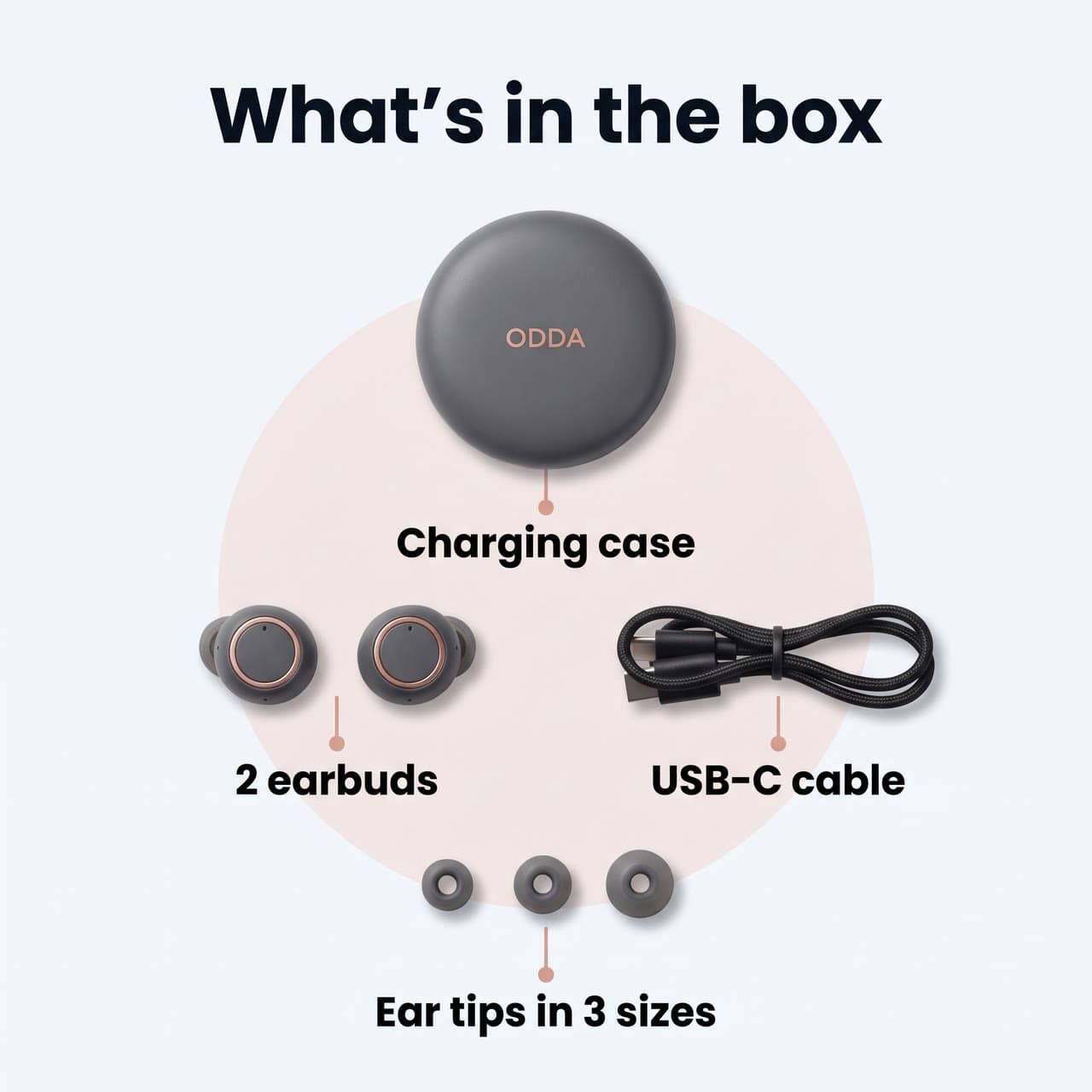
- What's in the box: earbuds
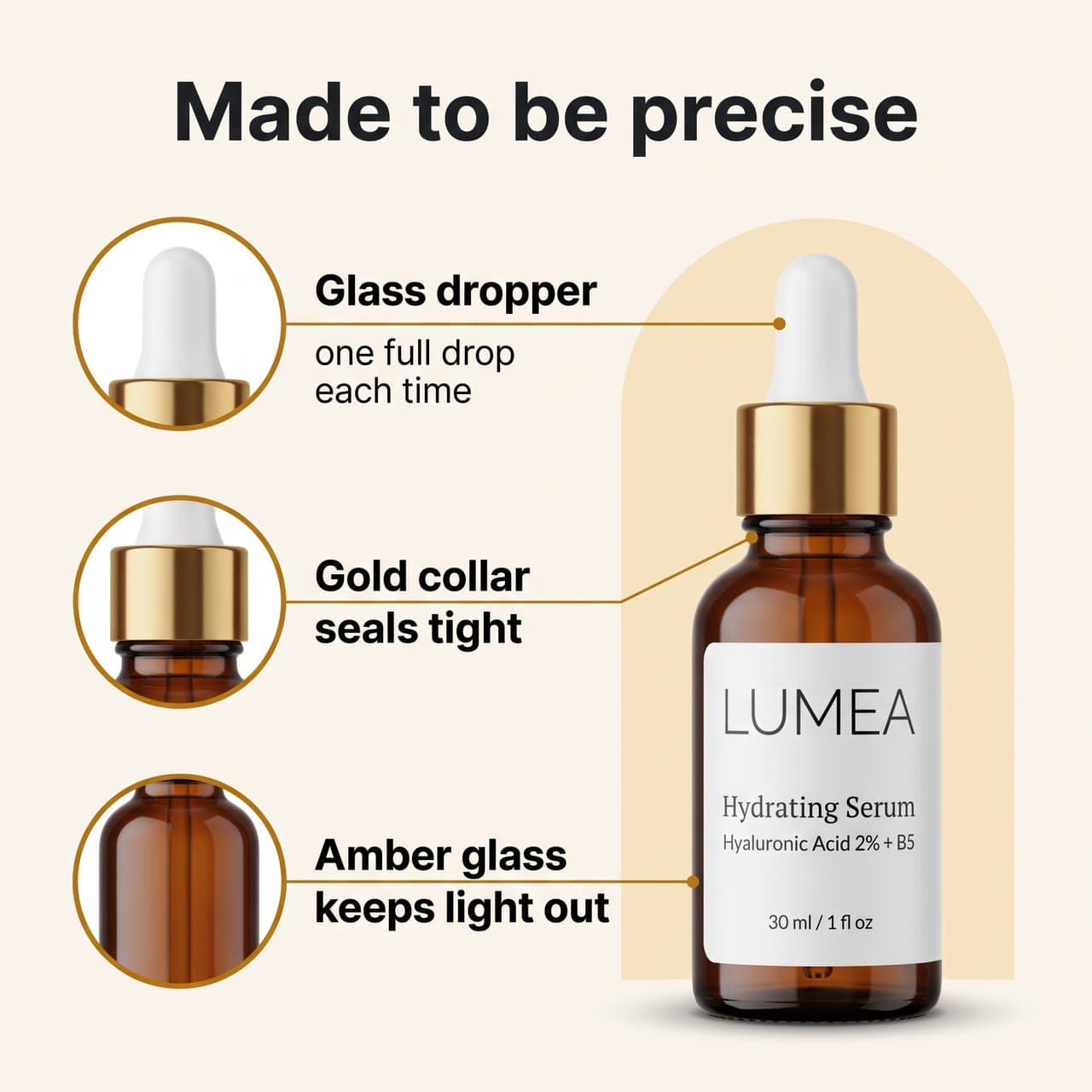
- Made to be precise: a serum's details
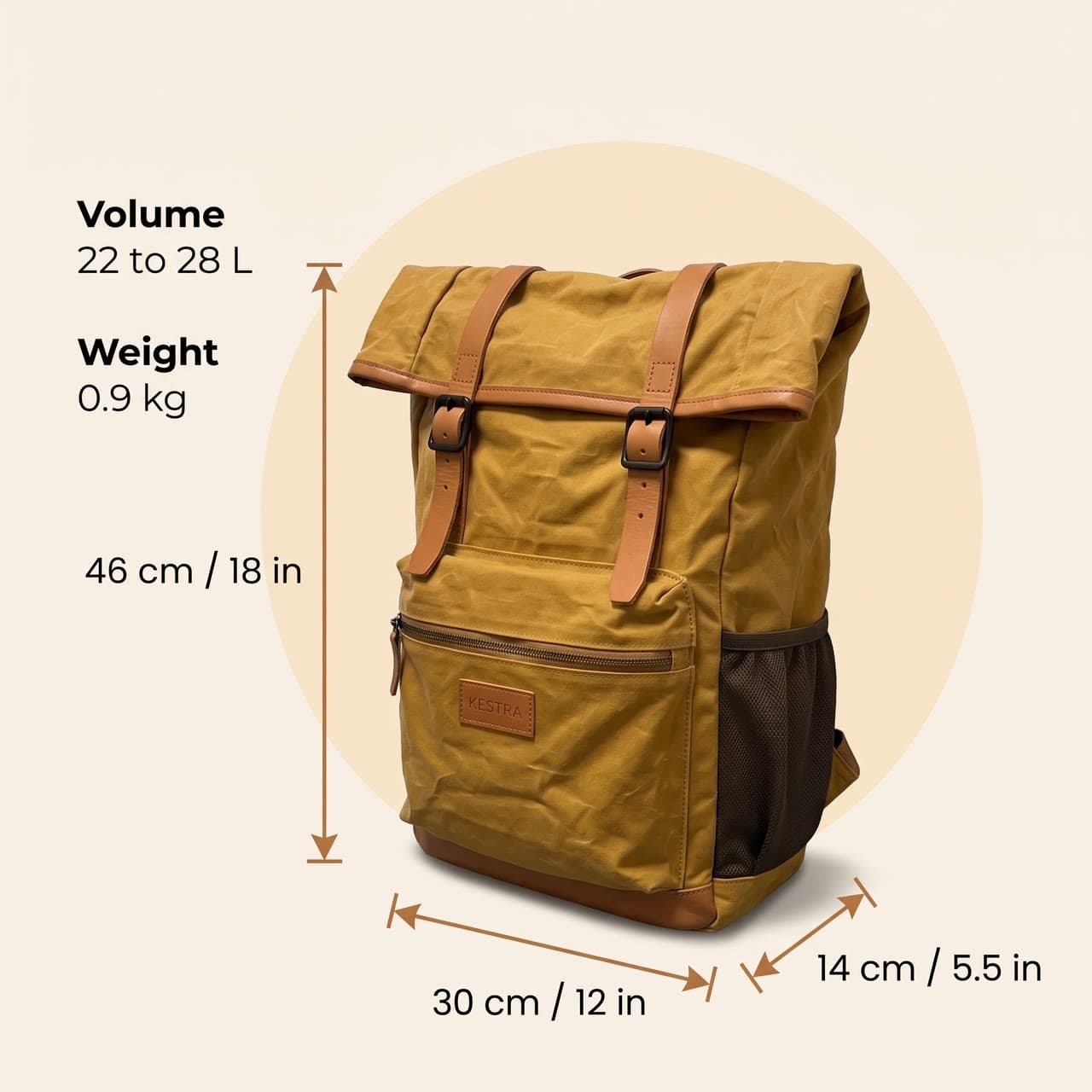
- A roll-top backpack's dimensions
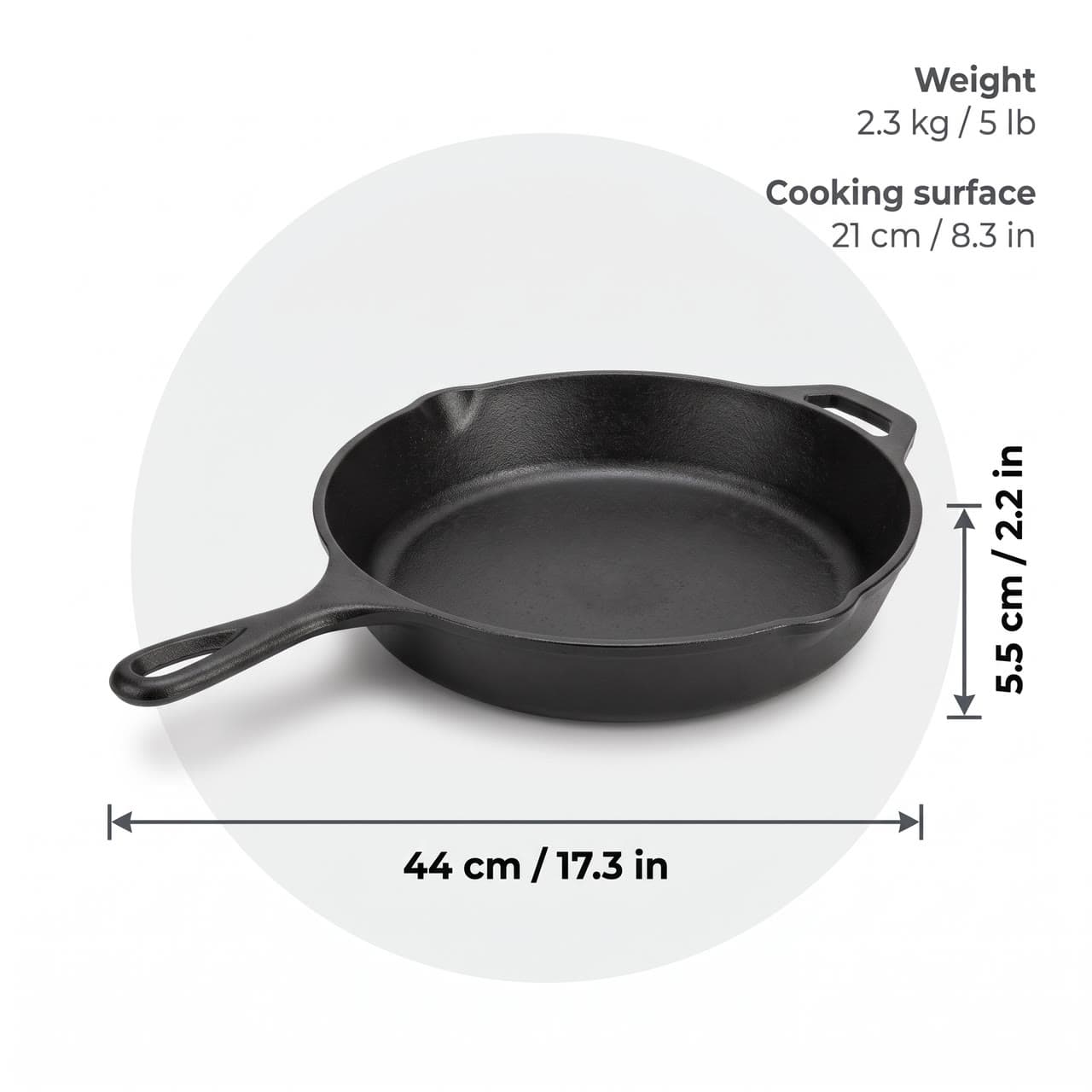
- A cast-iron skillet's dimensions
- Earbuds, Surprise me
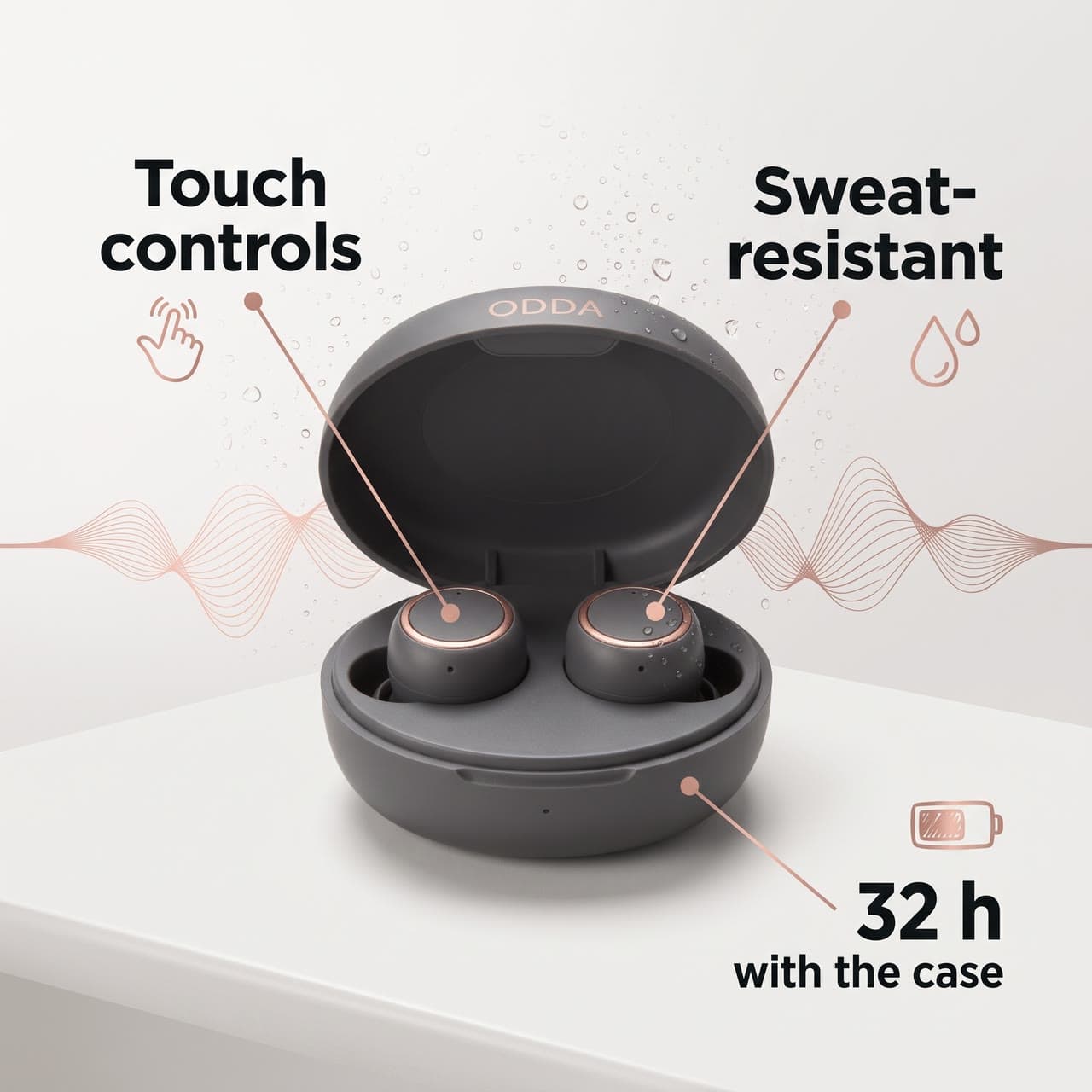
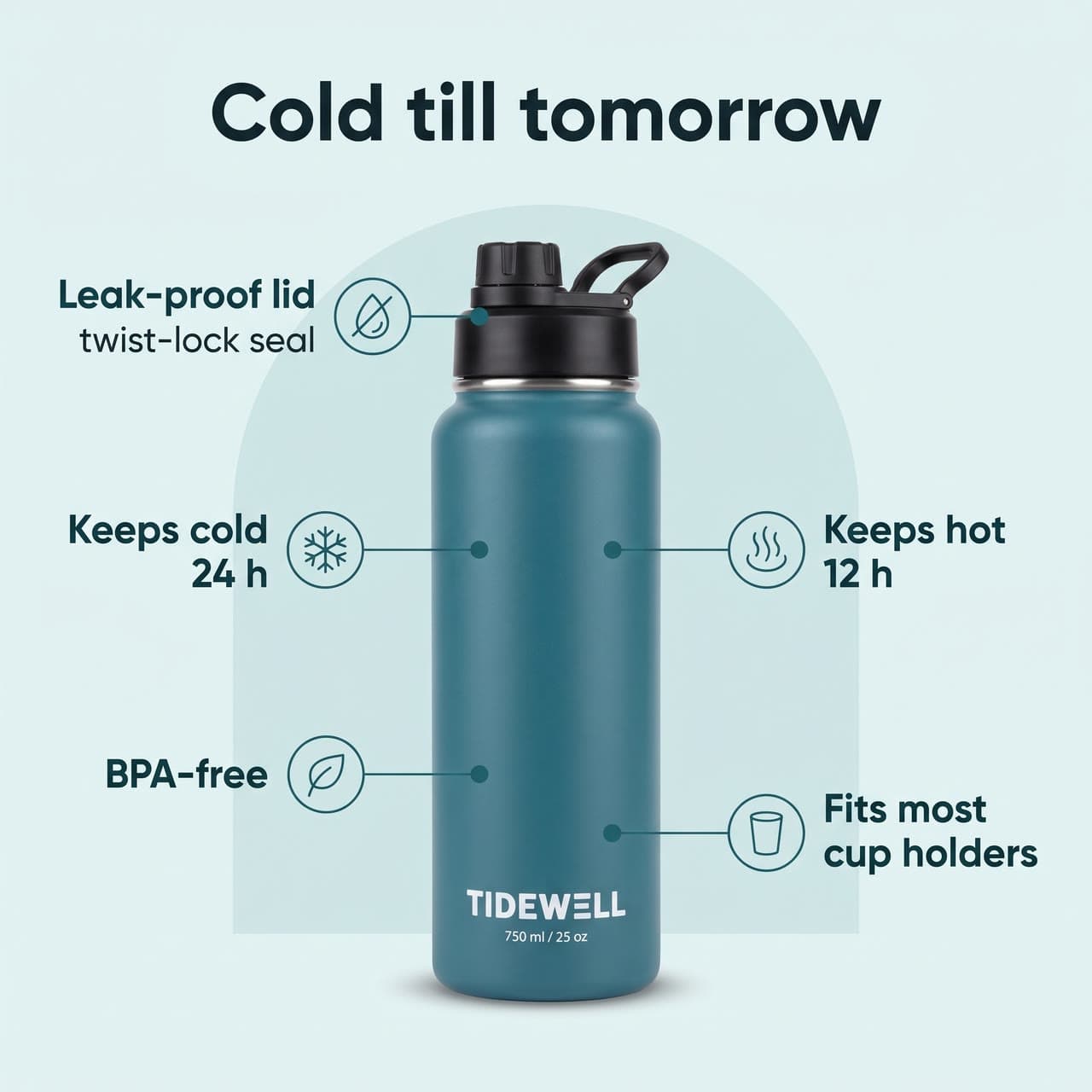
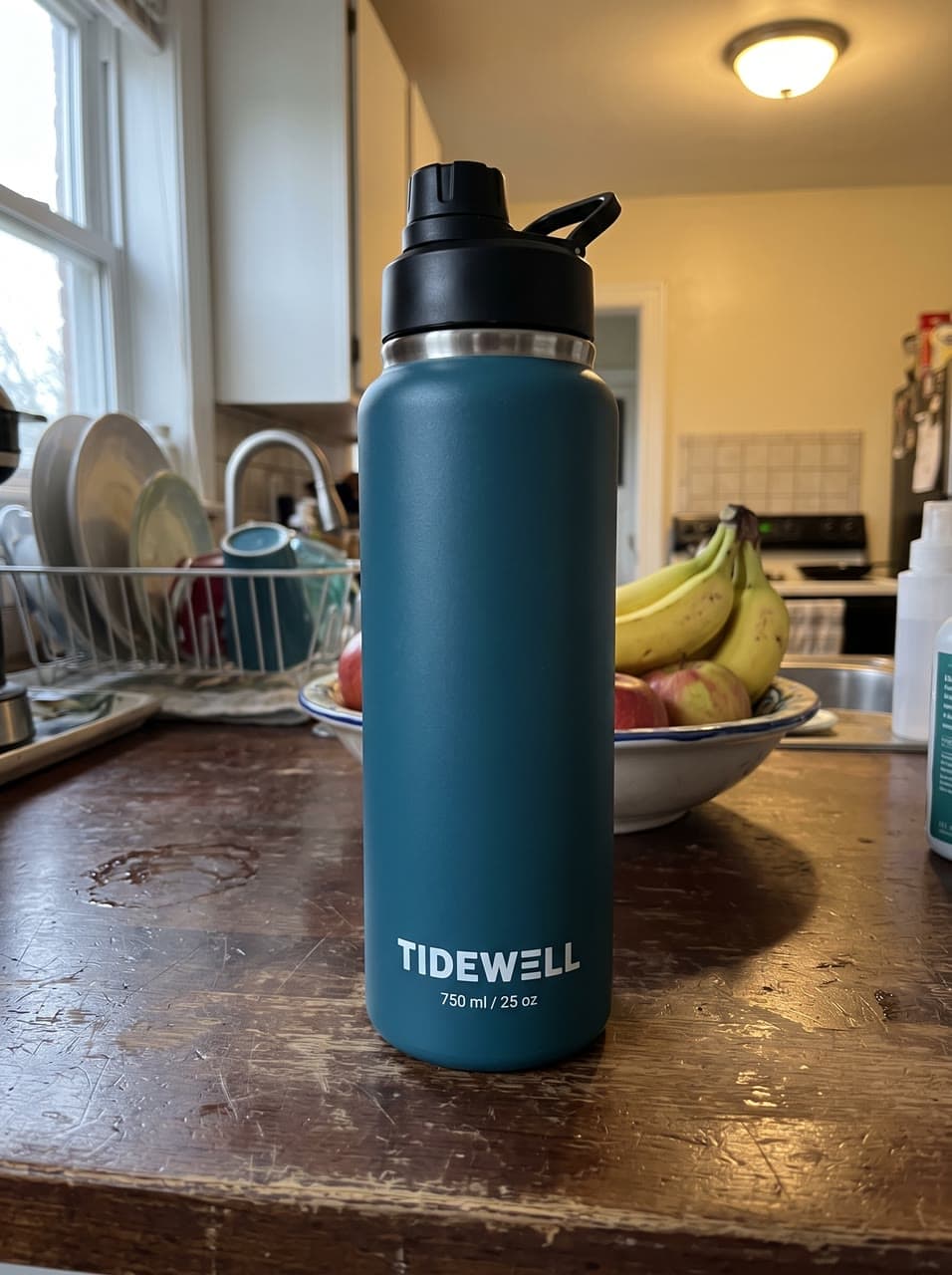
You bring
- Your productA clear photo of the product, its label readable. A phone shot on a table is fine.
- 01Upload a photo of your product. For What's in the box, add a photo of each item or one of the whole set.
- 02Pick a layout and type your callouts, like Leak-proof lid or Keeps cold 24 h, and for Dimensions the sizes.
- 03Get a 2K image, sharp enough for Amazon's zoom. Run each layout on the same photo for a matching set.
Real runs
Made with Listing infographic
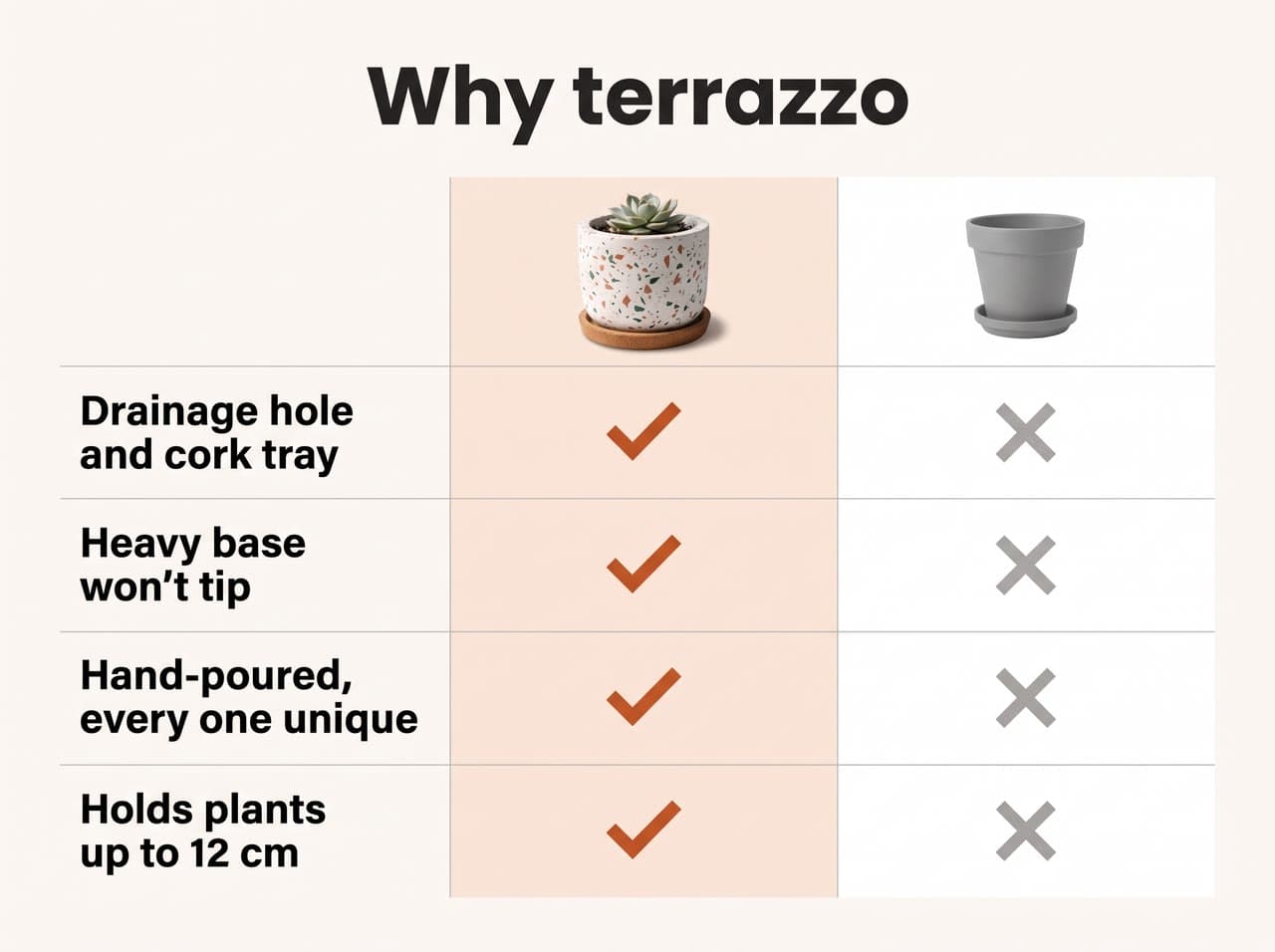
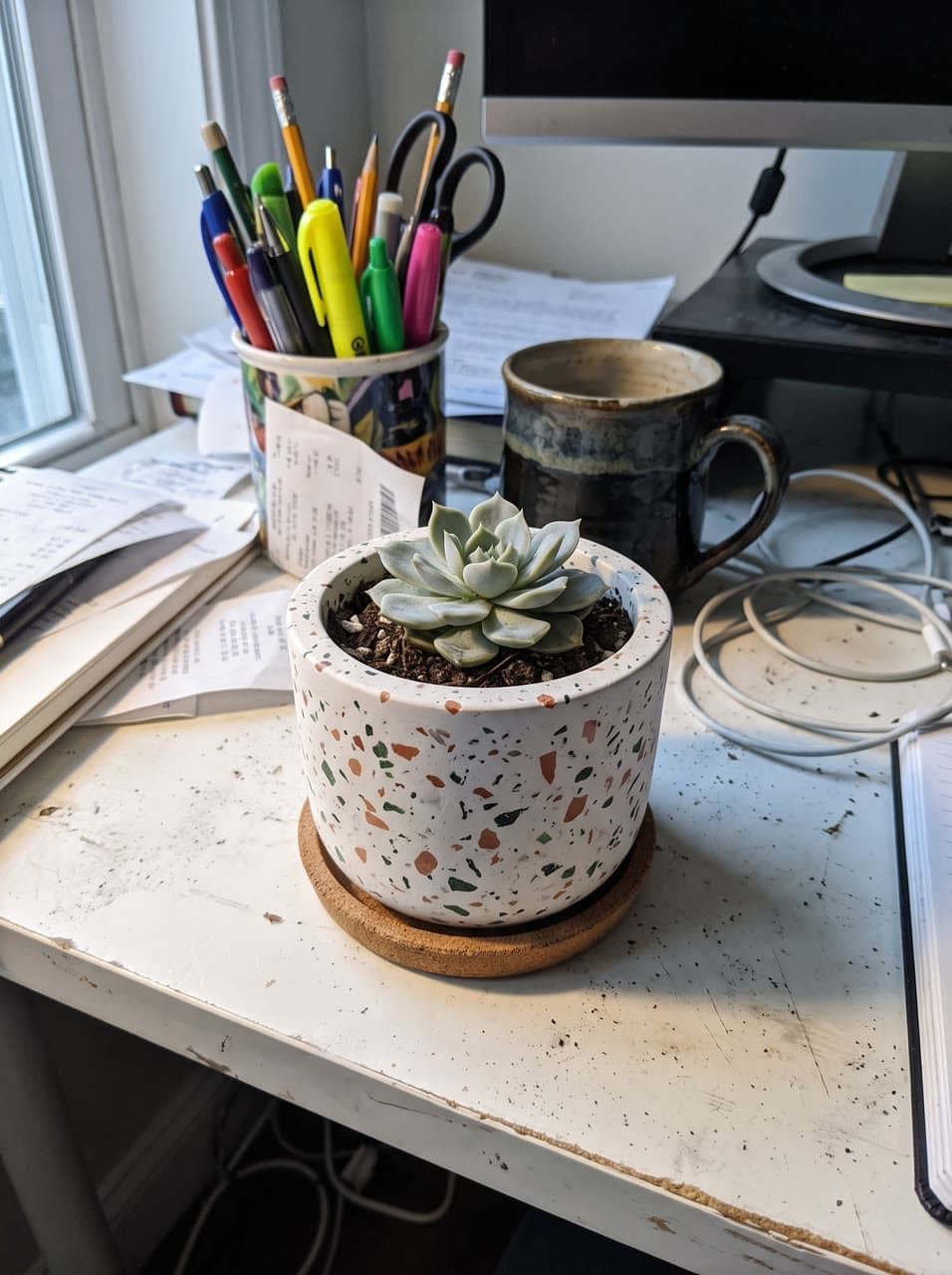
Why terrazzo: a planter comparison
Next
Take it further
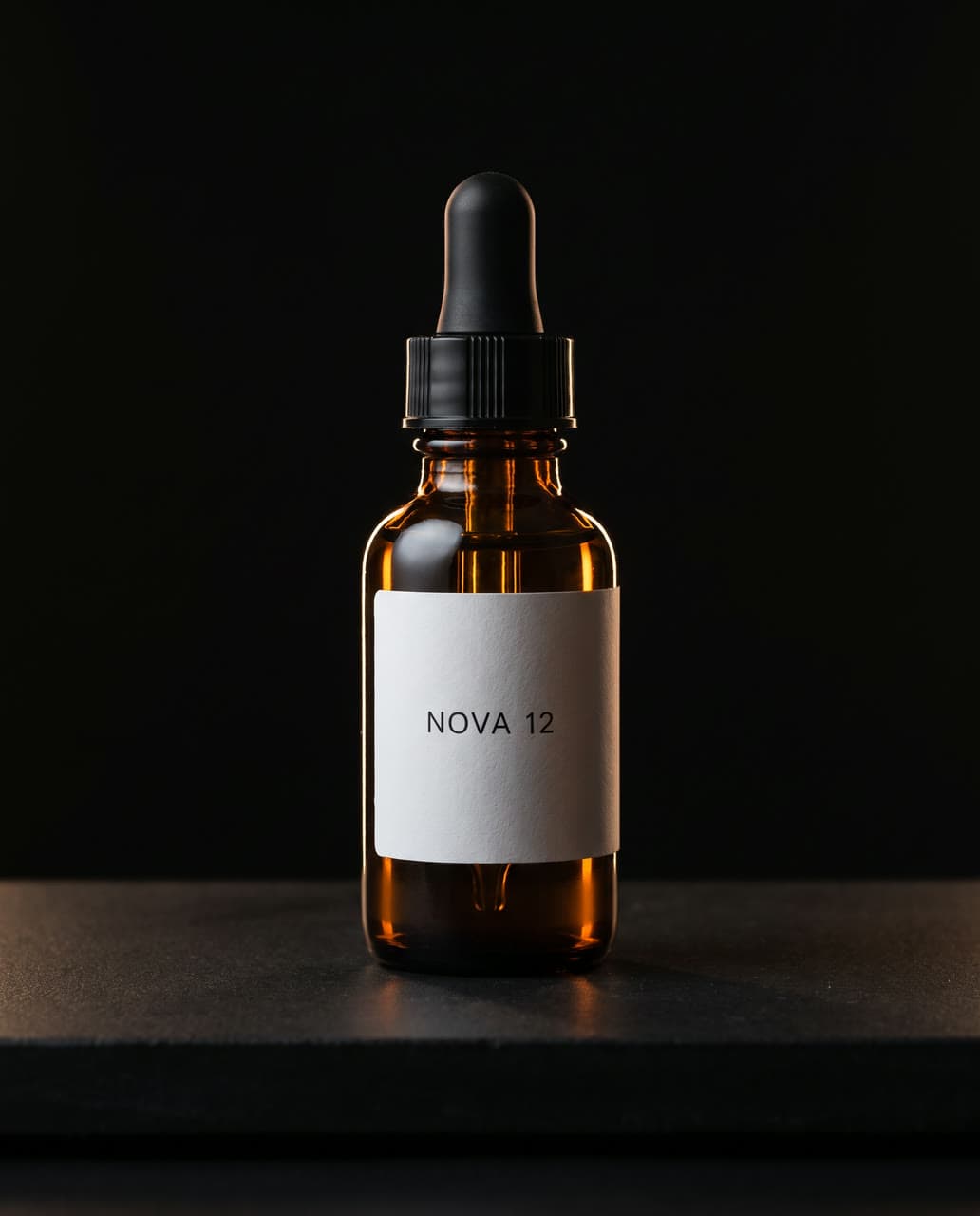
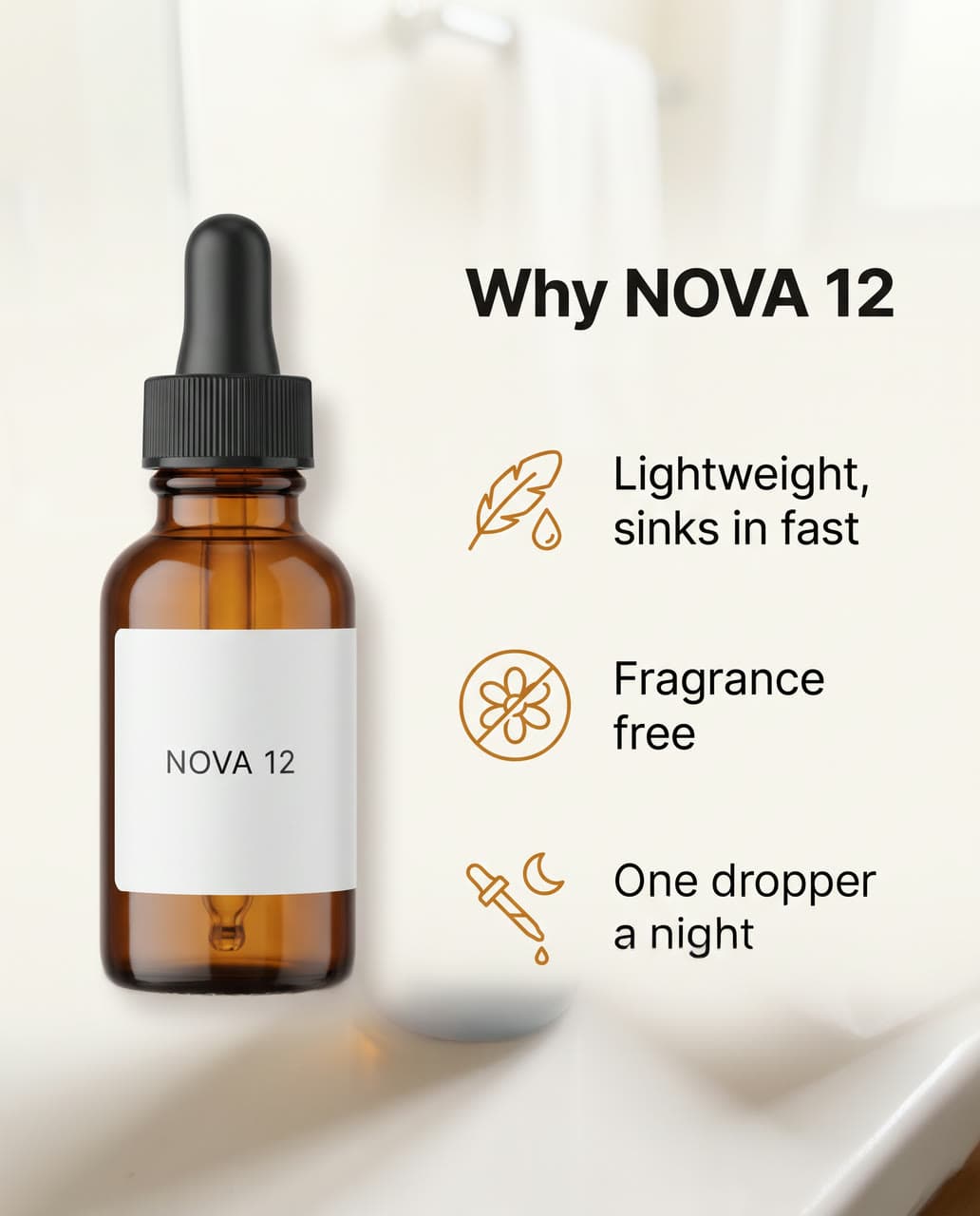
Try another
Every recipe- Character Studio: bring it to lifefrom $0.25 a secondVideo + sound

- Halloween costumefrom $0.25 an image

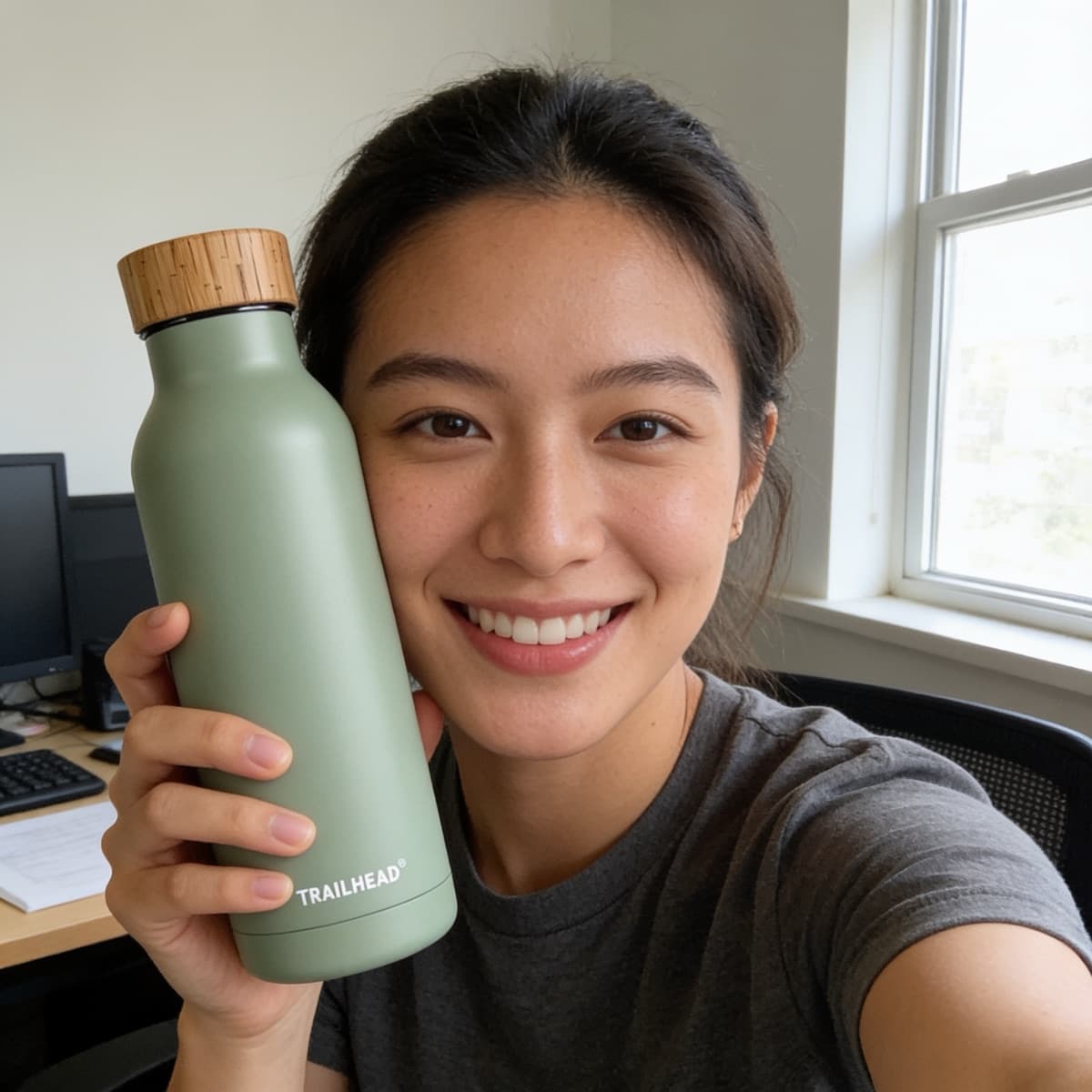
- Person with your productfrom $0.35 an image
- Logofrom $0.20 an image

- Character Studiofrom $0.30 an image
- Trend characterfrom $0.40 a secondVideo + sound
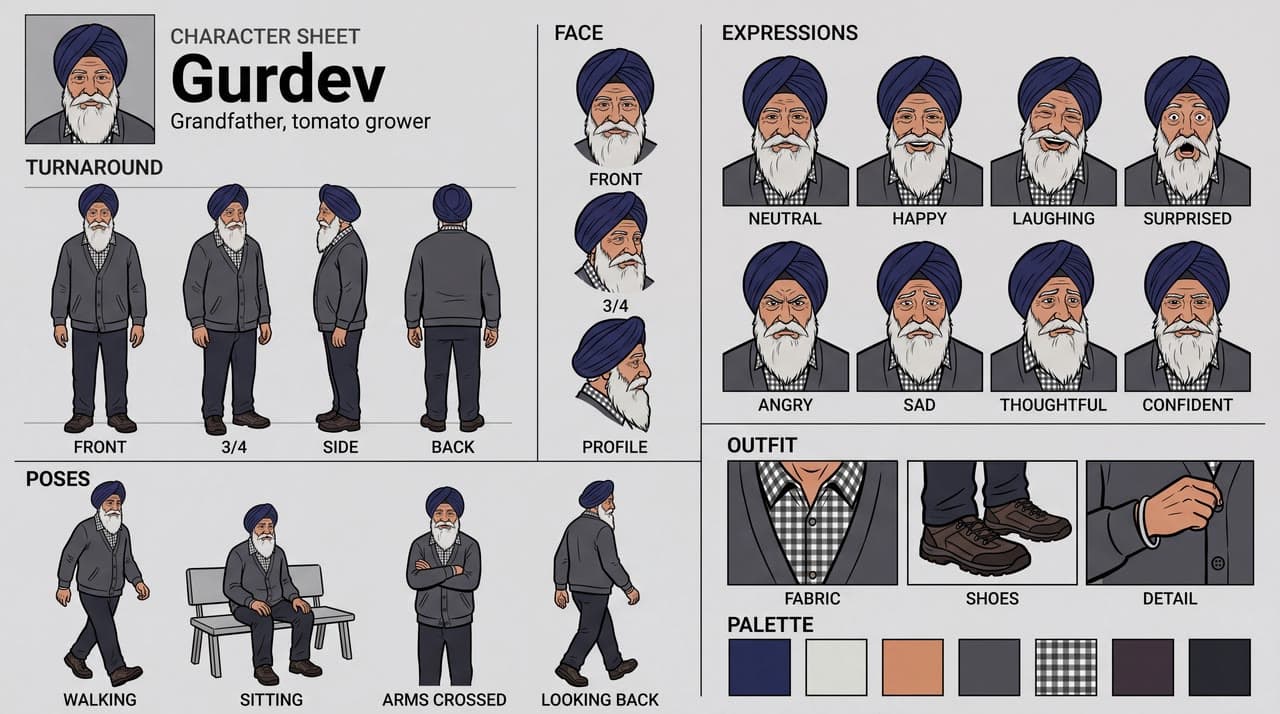
- Character sheetfrom $0.40 an image
- Product photofrom $0.25 an image
- Event posterfrom $0.15 an image

- Artbook pagefrom $0.25 an image
Questions
Listing infographic, answered
- What does Listing infographic make?
- The infographics a product listing needs, from your phone photo: callouts pointing at its parts, dimensions, what's in the box, close-ups or a comparison, with only the words you type and your label kept letter for letter.
- What do I need to bring?
- A clear photo of the product, its label readable. A phone shot on a table is fine.
- How does it work?
- Upload a photo of your product. For What's in the box, add a photo of each item or one of the whole set. Pick a layout and type your callouts, like Leak-proof lid or Keeps cold 24 h, and for Dimensions the sizes. Get a 2K image, sharp enough for Amazon's zoom. Run each layout on the same photo for a matching set.
- What can I choose?
- Layout: Feature callouts, Dimensions, What's in the box, Close-up details, Comparison chart, In use or Surprise me. Leave any of them to Surprise me.
- How much does it cost?
- From $0.40 an image, and you see the exact price before you press go. A run that fails costs nothing, there is no subscription, and you can start free without a card.
- Can I use the result commercially?
- Yes. You own what you make on Leap, so you can use it commercially, and we never train AI on it. The people and brands shown in a result can still have rights in it; the Terms say more.
- Can I run it from code?
- Yes. Developers run it as leap/listing-infographic through the Leap API, at the same price, with the same choices.
Rather write the prompt yourself? Try GPT Image 2, Nano Banana 2 or FLUX1.1 [pro].
Building an app? Use it from the API