Video recipe
Before and after reelOne-click AI video
Your before and after photos as the reel that wins you the next job.
from $0.60 a secondFill in a few words. Pay per result, no subscription.
- Grimy driveway pressure washed clean, stripe by stripe
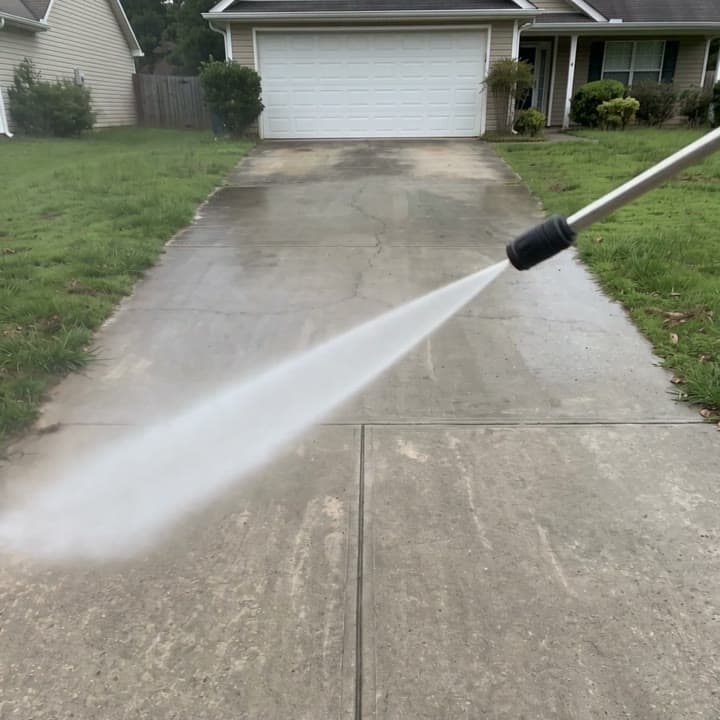
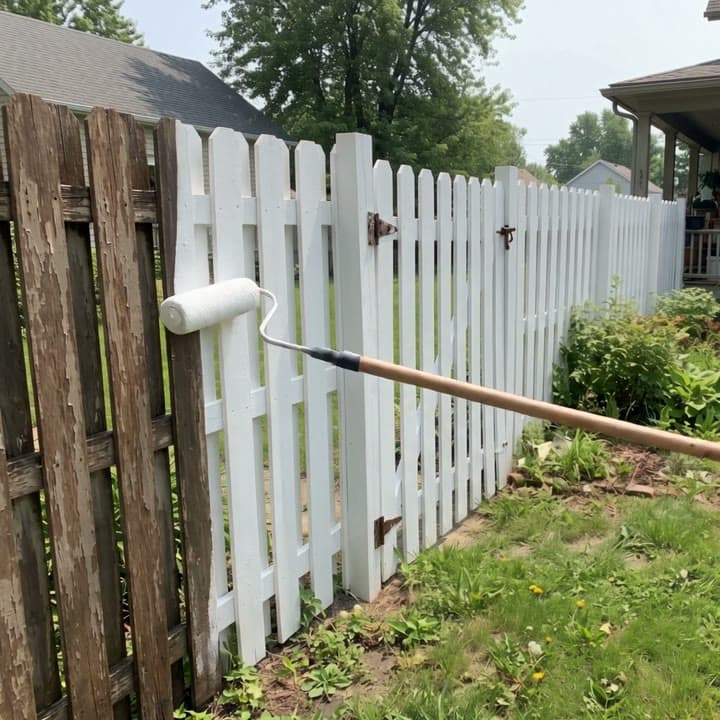
- Weathered fence washed and rolled white
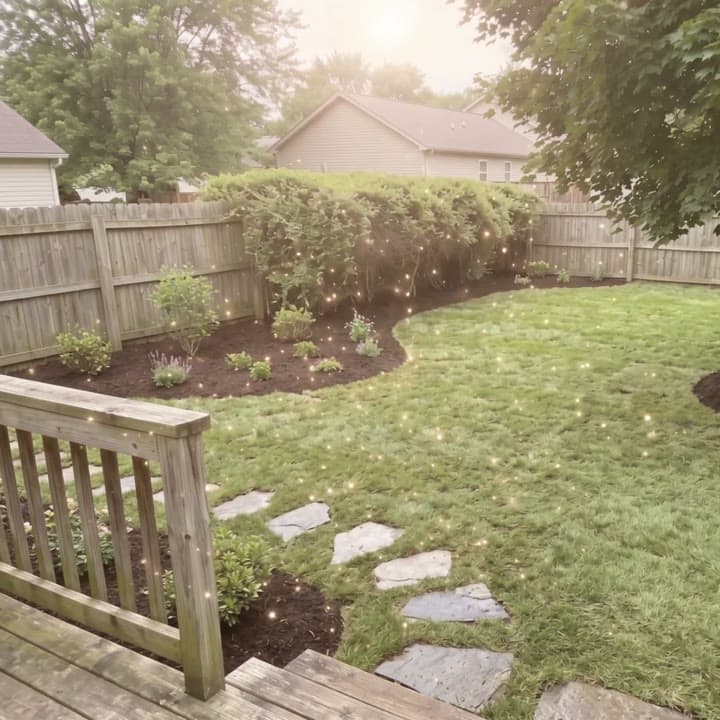
- Overgrown backyard to new sod, as a magic flash
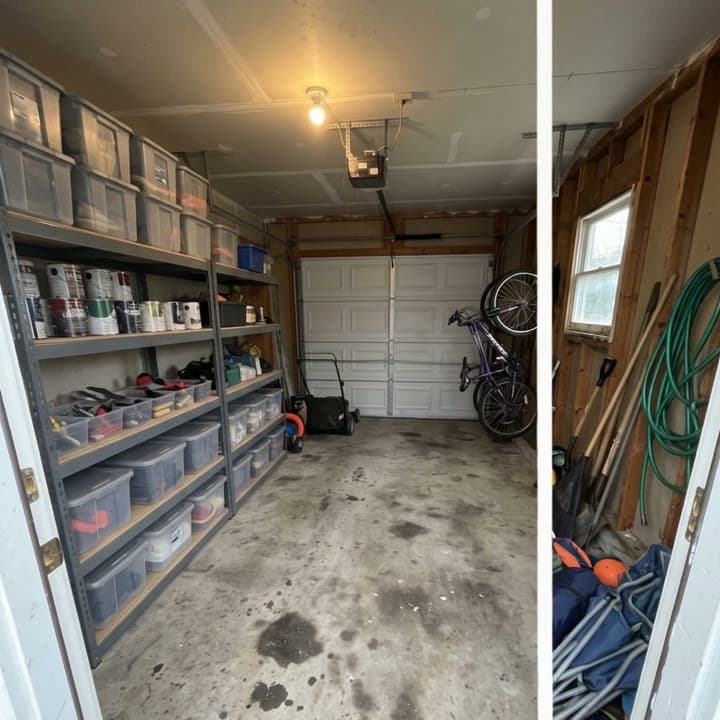
- Cluttered garage to shelves of bins, as a wipe reveal
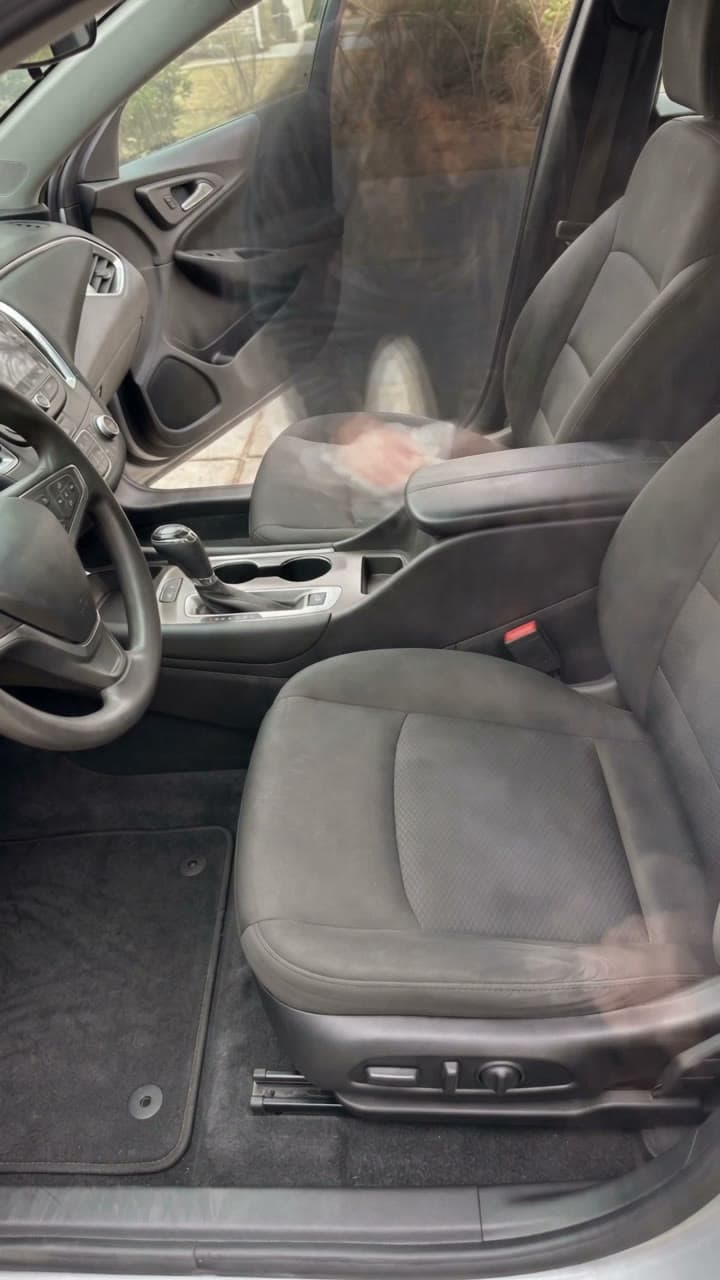
- Car interior detailed, as a silent time-lapse
You bring
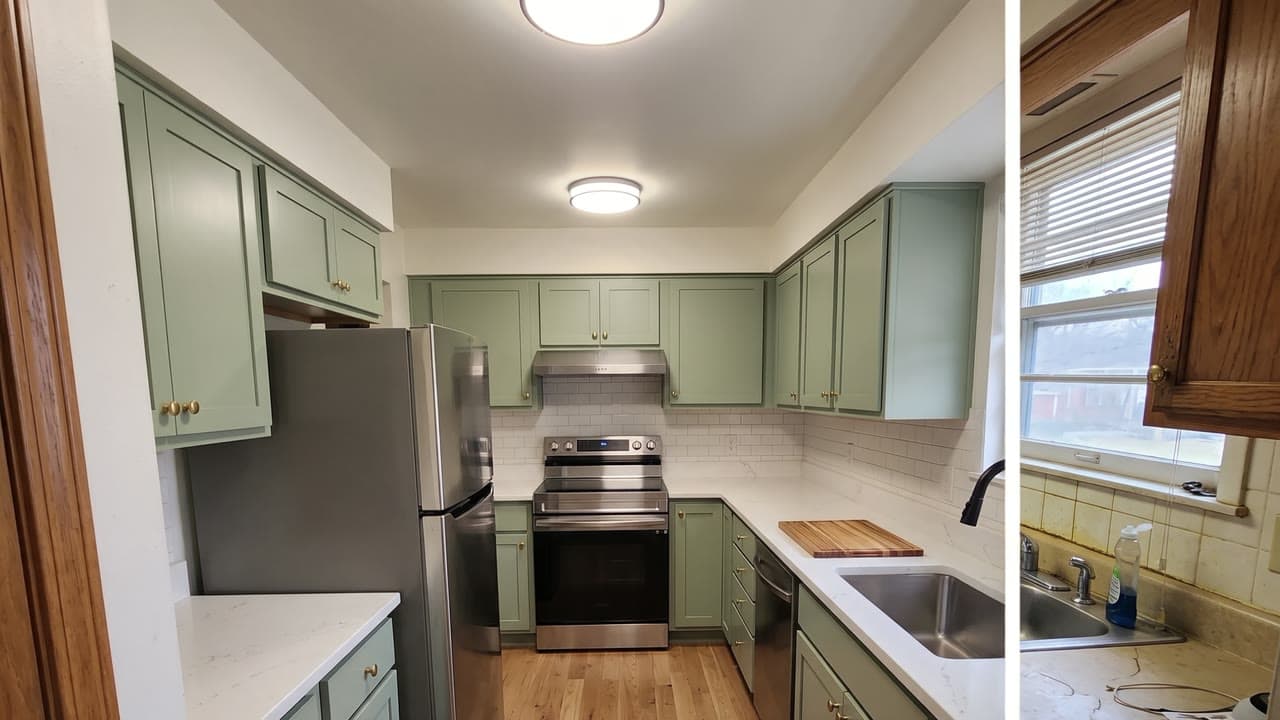
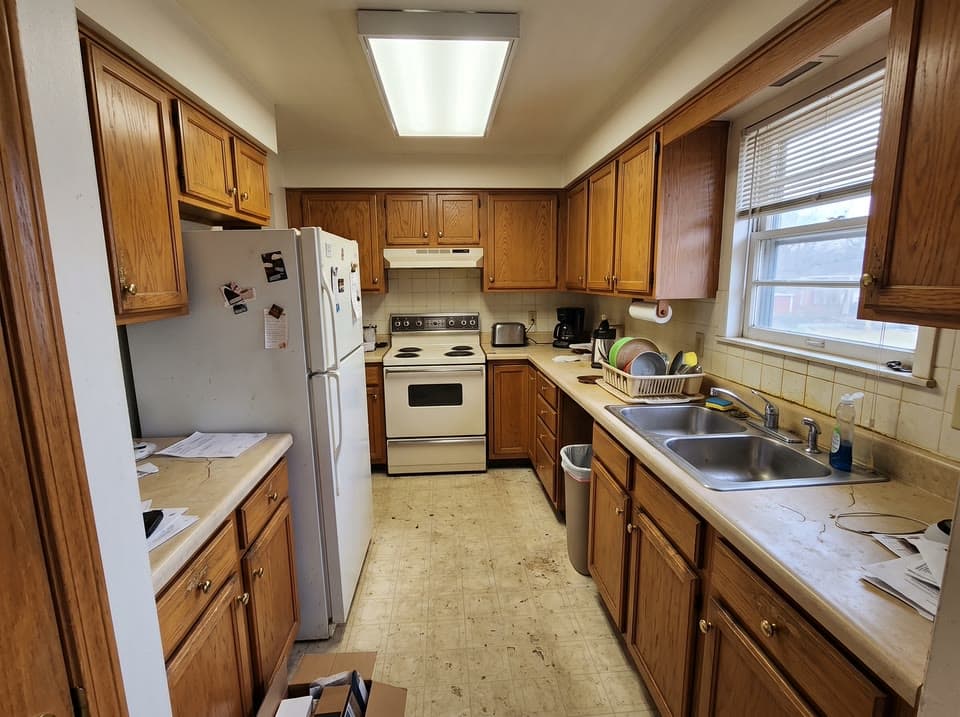
- BeforeThe place or thing before the job: a room, a yard, a car, a driveway. No people in it.
- AfterThe same spot after the job, taken from where you stood for the before. The clip ends on it.
- 01Upload the before and the after, taken from about the same spot. Photos of the place, with no people in them.
- 02Pick how it changes (a time-lapse of the work, a wipe, a snap of light, or Surprise me) and the sound.
- 03Get a 5 or 8 second clip that starts on your before and ends on your after, ready for Reels, TikTok or your Google profile.
Next
Take it further

Try another
Every recipe- Character Studiofrom $0.30 an image

- Halloween costumefrom $0.25 an image

- Person with your productfrom $0.35 an image

- Logofrom $0.20 an image

- Character Studio: bring it to lifefrom $0.25 a secondVideo + sound

- Consistent characterfrom $0.25 an image

- Character sheetfrom $0.40 an image
- Product photofrom $0.25 an image
- Event posterfrom $0.15 an image

- Trend characterfrom $0.40 a secondVideo + sound

Questions
Before and after reel, answered
- What does Before and after reel make?
- Your before and after photos of a job as a short reel that starts on the before and lands on the after: a time-lapse of the work, a slider wipe, a snap of light, or the job done in one satisfying pass.
- What do I need to bring?
- Before: The place or thing before the job: a room, a yard, a car, a driveway. No people in it. After: The same spot after the job, taken from where you stood for the before. The clip ends on it.
- How does it work?
- Upload the before and the after, taken from about the same spot. Photos of the place, with no people in them. Pick how it changes (a time-lapse of the work, a wipe, a snap of light, or Surprise me) and the sound. Get a 5 or 8 second clip that starts on your before and ends on your after, ready for Reels, TikTok or your Google profile.
- What can I choose?
- Transition: Time-lapse, Wipe reveal, Magic or Surprise me. Sound: Work sounds, Music bed or Silent. Leave any of them to Surprise me.
- How much does it cost?
- From $0.60 a second, and you see the exact price before you press go. A run that fails costs nothing, there is no subscription, and your first top-up has no card fee.
- Can I use the result commercially?
- Yes. You own what you make on Leap, so you can use it commercially, and we never train AI on it. The people and brands shown in a result can still have rights in it; the Terms say more.
- Can I run it from code?
- Yes. Developers run it as leap/before-after through the Leap API, at the same price, with the same choices.
Rather write the prompt yourself? Try FLUX.3 Video, Gemini Omni Flash 1.1 or Seedance 2.5.
Building an app? Use it from the API